



What is Exchange Points?
Exchange Points is a feature that allows you to exchange Points that you collect in VCGamers into various interesting items that are available.
How do I exchange points?
Here are the steps:
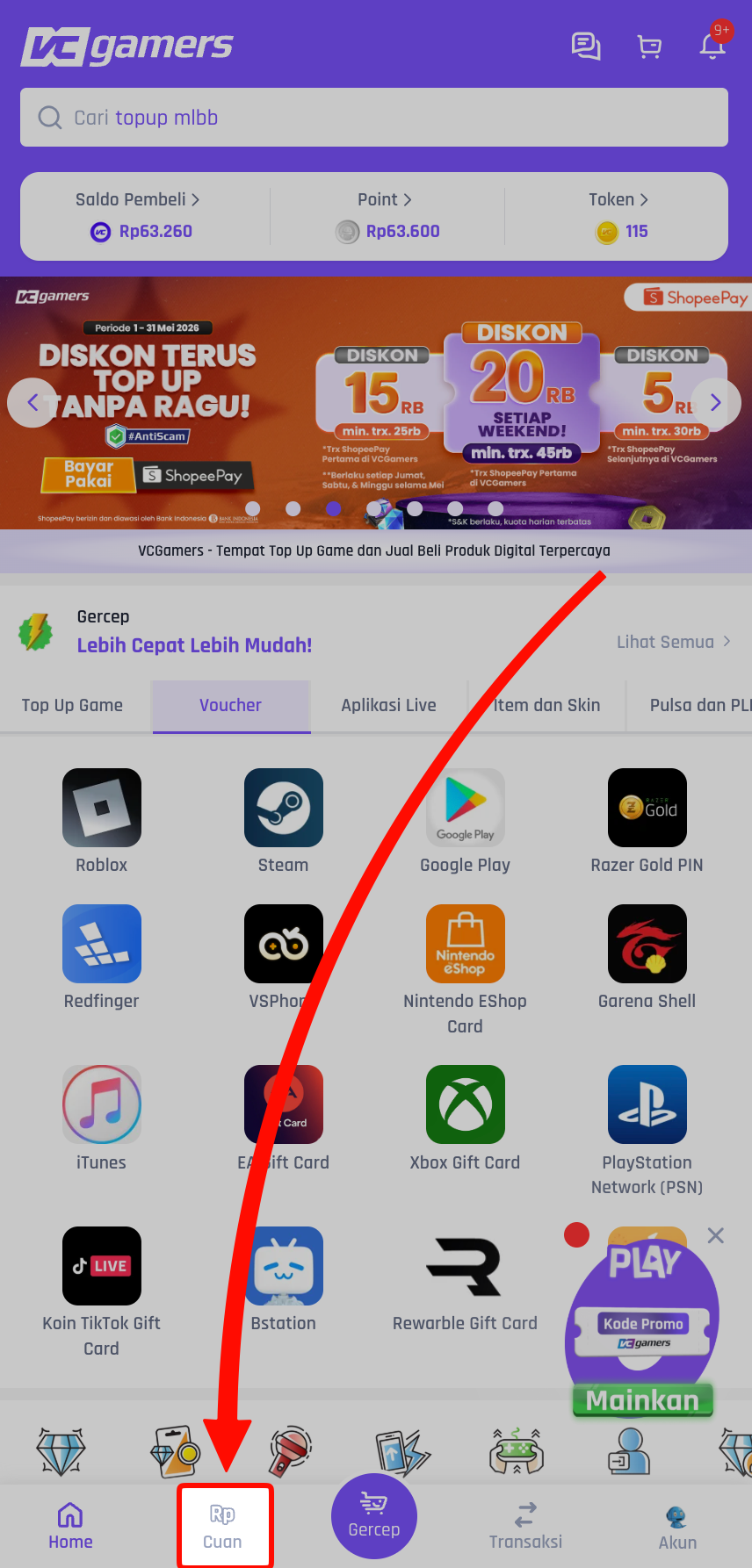
- Login and open the page Profit
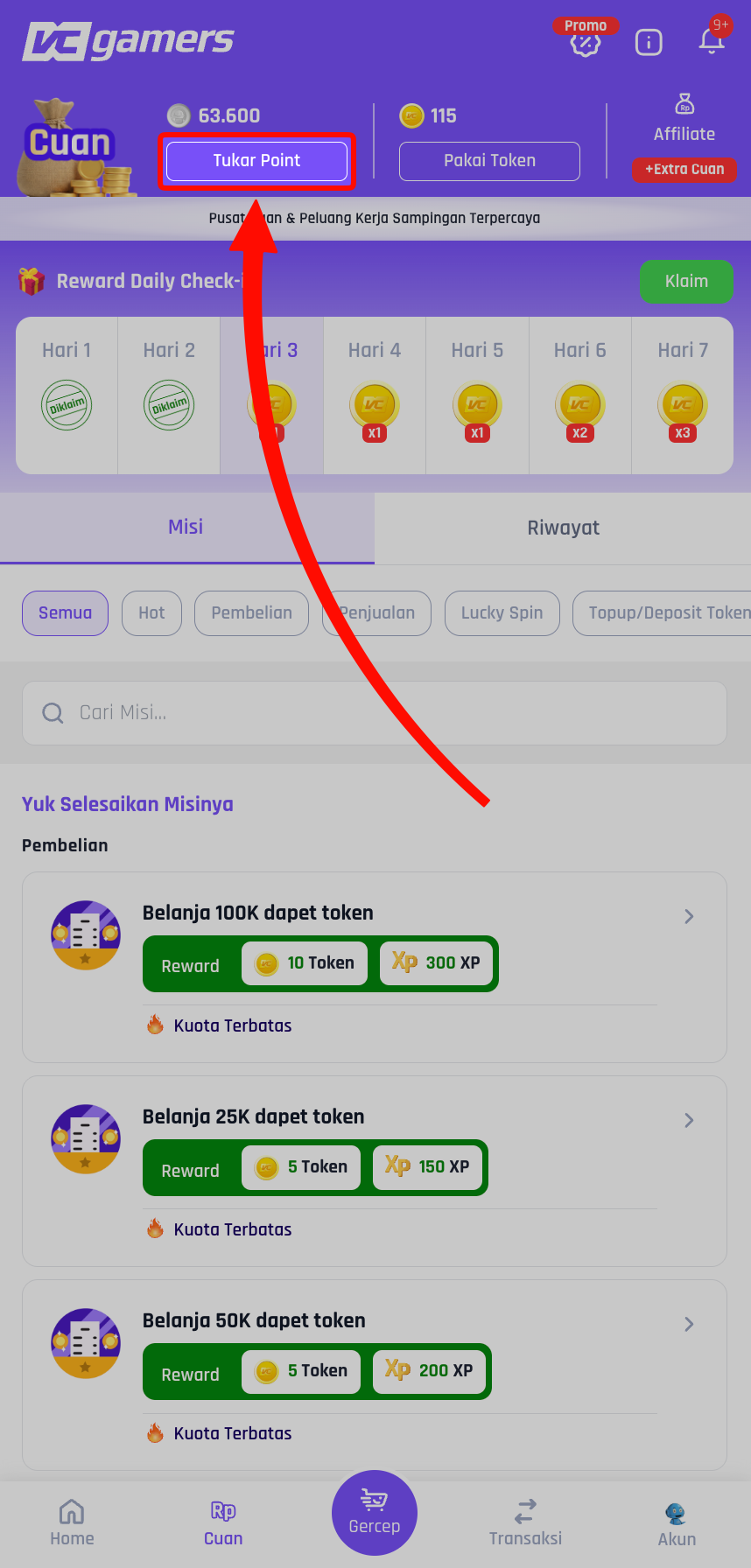
- Press the button Exchange Points
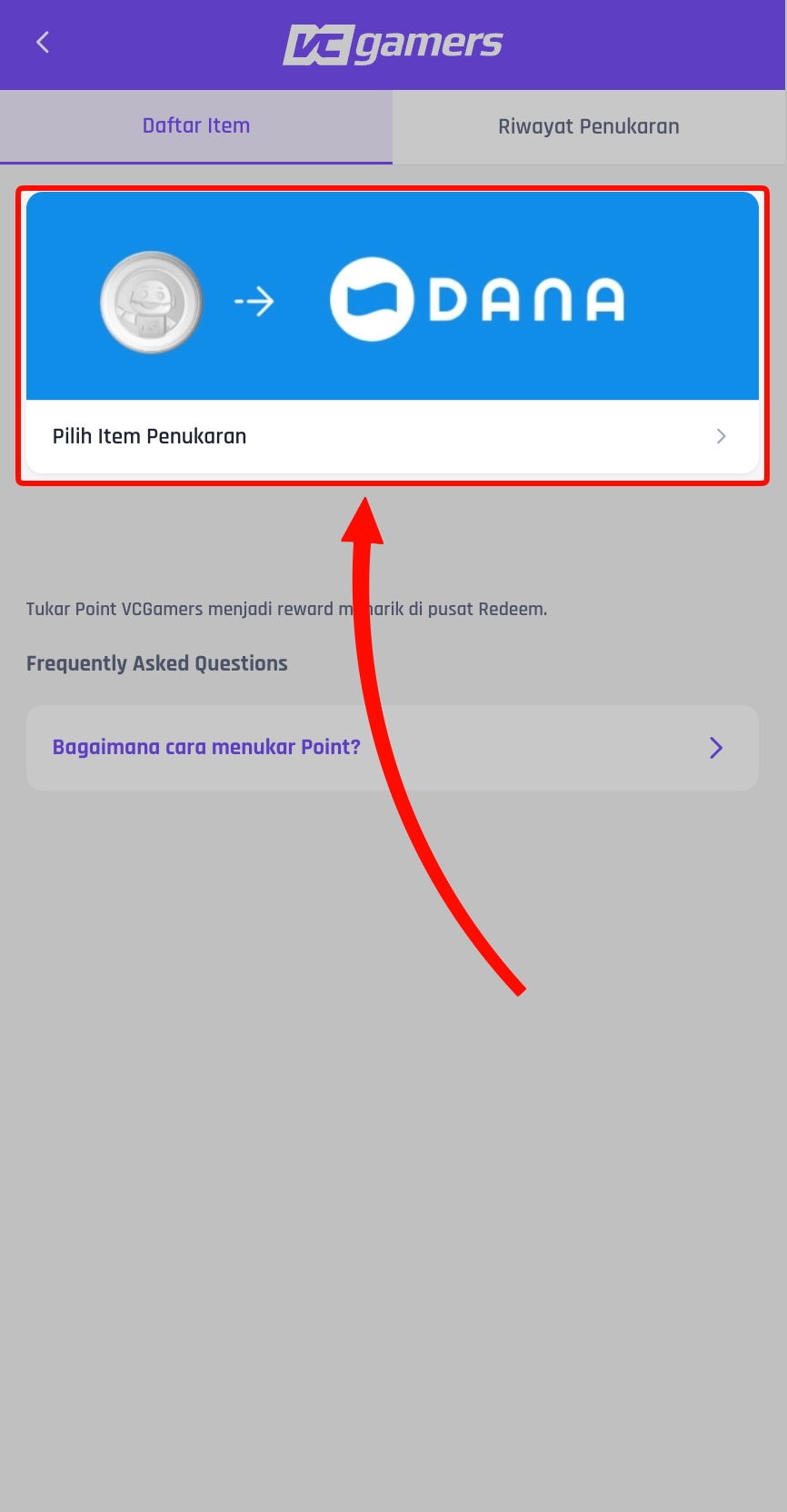
- Choose exchange items
- Choose nominal or variation what you want
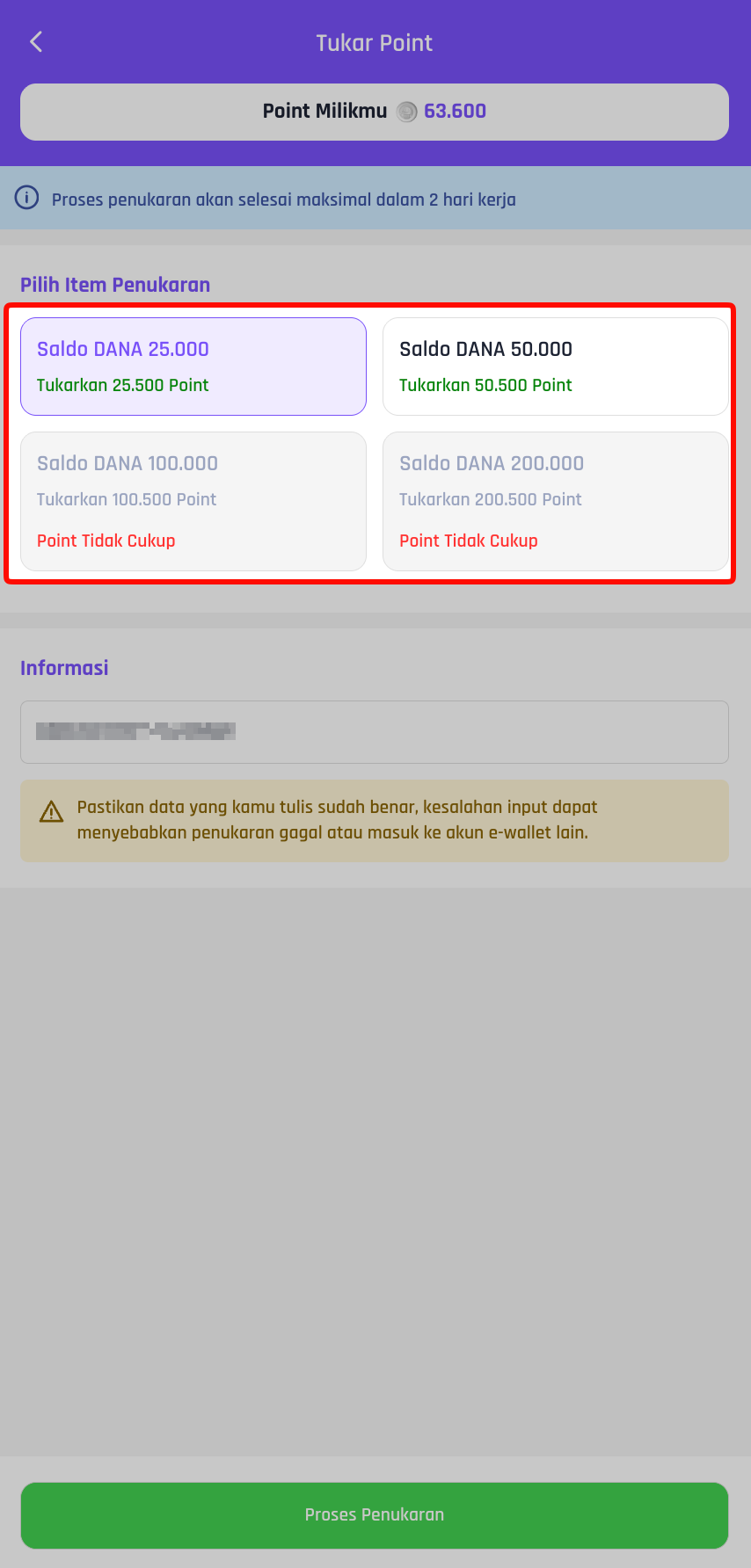
- Fill in additional notes (if necessary, e.g. destination number)
- Confirm with PIN If you don't have a PIN, you must create one first.
- Your points will be automatically deducted and the exchange process will begin.
What Exchange statuses will I see?
There are 3 exchange statuses that you can monitor:
- Processed — Exchange is being processed
- Succeed — the item has been successfully transferred to the destination account
- Fail — the exchange process failed, and your points will be automatically refunded back to your account.
What if my Points Exchange fails? Will my Points be forfeited?
Relax, your point not burnt. If the exchange status is Failed, the system will automatically perform Refund Point to your account.
How long does the exchange process take?
Estimated processing time will be displayed via snack bar when you redeem. The duration may vary depending on the type of item you redeem.
What if I write the required information incorrectly?
Each point exchange requires additional necessary notes such as (cell phone number, user ID, address and/or email) for the exchange process.
Almost all the exchange process is done automatically by the system, so if there is a typo, the exchange will still be considered valid and beyond VCGamers' responsibility.
Therefore, please double-check the information written when exchanging Points!
How do I contact the admin regarding my exchange problem?
On the redeem history page, there is a button ‘'‘Contact Admin'’ and buttons ‘'‘Copy Redeem ID‘'‘. Redeem ID has the format RED-XXXXXXX which you can include when contacting the admin for faster handling.