



Currently, orders with confirmed payment cannot be cancelled. However, if the seller doesn't process your order by the specified deadline, it will be automatically cancelled. If you encounter any issues, please contact our Customer Support team at [email protected].
Special orders with product labels Proses Kilat, later button Cancel will appear in the order details if the seller does not send the order within 10 minutes, which you can find by:
- Make sure you have logged in to your account at VCGamers
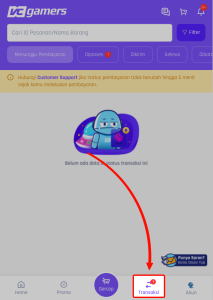
- Click menu Transaction at the bottom of the VCGamers page
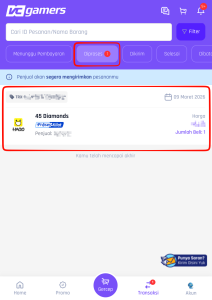
- Click menu Processed and click on the order number you want to cancel
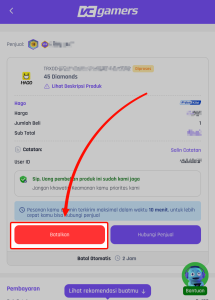
- Click the button Cancel
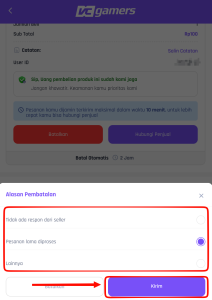
- Select the reason why you want to cancel the order and press the button Send
Note: Any order cancellation by either the seller, buyer or system (the order is not sent by the seller beyond the specified time limit) after successful payment, the balance will be returned to the account automatically as Buyer's Balance worth the price of the product and the cost of the canceled service.