



Currently, Sellers are required to do Selling Verification if you make a product that the Seller has never made before. Following are the steps to create a product that you want to sell
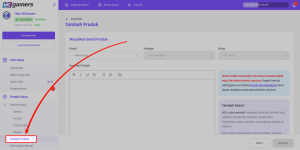
- Open Seller Dashboard
- Click menu Add Product in the My Products section
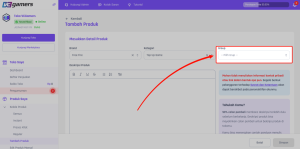
- Choose Brand
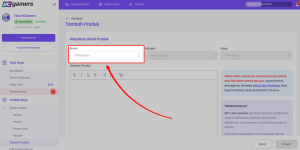
- Choose Category (especially for sellers who have just created a product in the selected brand and category, it is mandatory to do this Selling Verification)
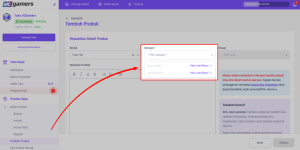
- Click Verification Now
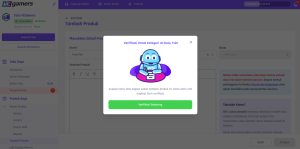
- If Selling Verification Once approved, continue by selecting Group
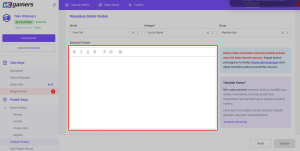
- Fill in the product description correctly, according to the product being sold.
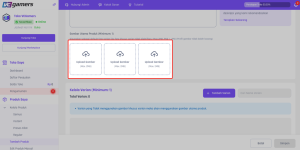
- Add Product Photos
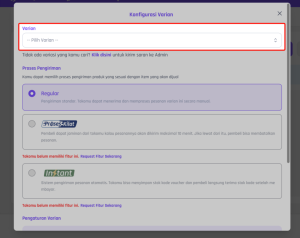
- Click the button Add Variant
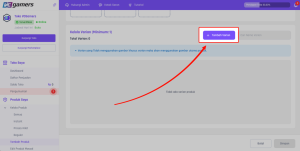
- Select the variant you want to sell
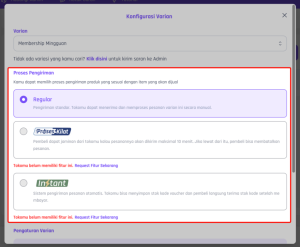
- Select Shipping Features
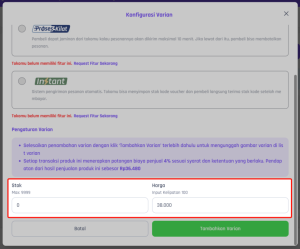
- Input Stock And Product Price
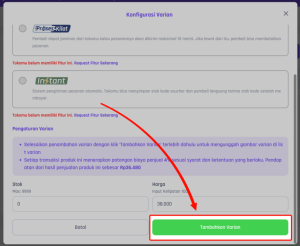
- Click the button Add Variant
- When you have finished adding all the variants you want to sell, click the button Save
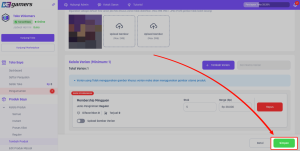
- Congratulations, your product has been successfully created.
Notes :
- Write product descriptions clearly and appropriately
- Infringing products Terms and Conditions which applies such as including personal contacts on shop banners, slogans, product descriptions & photos, creating duplicate products and so on. Can result in the product being permanently deleted without prior notice
- VCGamers reserves the right to make necessary adjustments without prior notice