
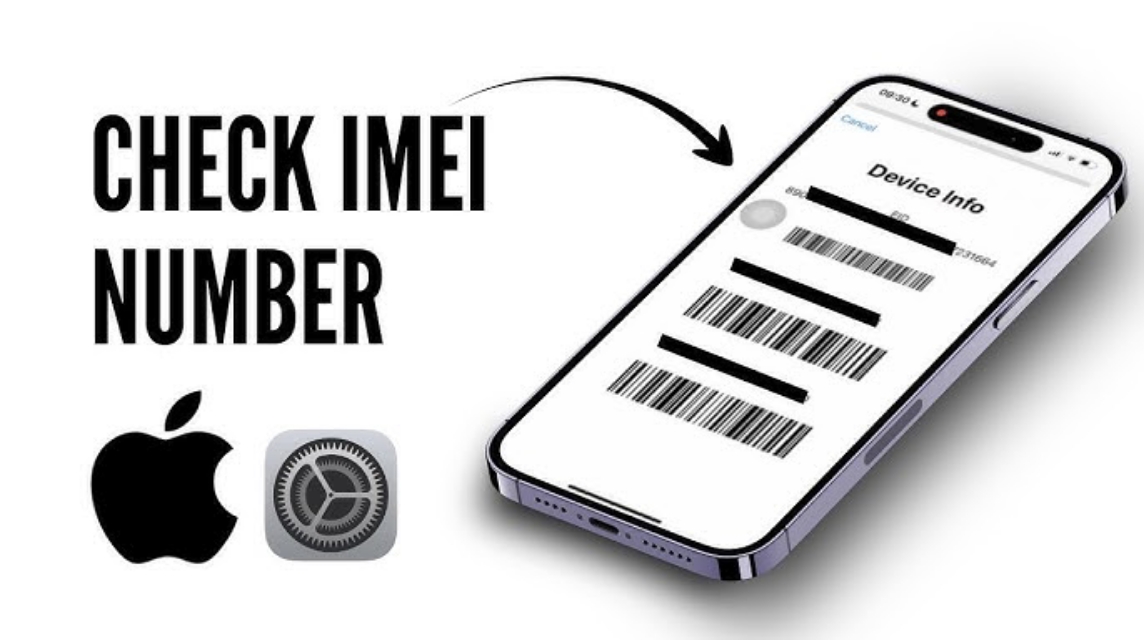
- Check IMEI via Settings, code *#06#, or the official Apple website for validation of authenticity and warranty status.
- Match IMEI on Settings, physical iPhone, box, and purchase receipt to ensure consistency.
- Check Model Number (eg. PA/A for iBox) to differentiate iPhone iBox or inter.
- Use Check Apple Coverage and check operator support and market prices to confirm distribution and authenticity.
Check iPhone IMEI: How to Validate Authenticity & Differentiate Between iBox and Inter
Planning to buy iPhones New or used? Before deciding, there's one important step you shouldn't skip: check IMEI iPhone.
This IMEI number helps you ensure the authenticity of the device, check the official warranty, and even find out whether the iPhone is safe to use.
MLBB Product Recommendations


 BV2SHOP
 BANGJEFFBV2SHOPBV2SHOP
 TopMur
 RudyStorezBV2SHOPBV2SHOPRudyStorezTopMur
With so many iPhones from inter, distributors, and unofficial units circulating, checking the IMEI is the easiest way to avoid fraud.
The IMEI allows you to instantly determine whether your iPhone is registered with Apple, has an official warranty, or is invalid. Therefore, it's crucial to know how to correctly and accurately check your iPhone's IMEI.
Also read:
- 5 Ways to Remove Ads on Redmi Phones, Hassle-Free!
- Phone Screen Moving on Its Own? Here's Why & How to Fix It
- Which Country Is the iPhone Made in? Here's the Explanation
What is IMEI?

The IMEI (International Mobile Equipment Identity) is a unique identification number for every mobile device, including the iPhone. You could say the IMEI is like a smartphone's "ID card." Each device has only one internationally registered IMEI. Its purpose is to identify the device, block a lost phone, and even check the official warranty.
Why is IMEI important?
Because through IMEI, you can:
- Checking the authenticity of the iPhone
- Make sure the device is not blocked
- Know the warranty status
- Knowing the origin of distribution (official) iBox, inter, or non-official)
So, before you buy, especially from a marketplace or unofficial seller, make sure you understand how to check your iPhone's IMEI correctly.
Check iPhone IMEI
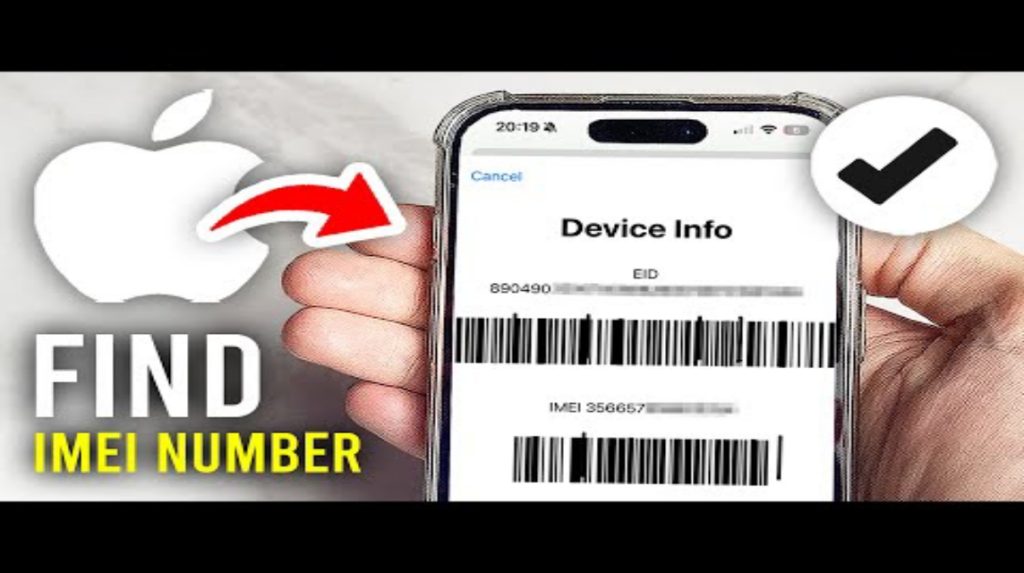
There are several easy ways to check your iPhone's IMEI. No additional apps are needed; everything can be done from the iPhone's built-in menu or through Apple's official website.
Via Settings
This is the simplest way:
- Open Settings
- Select General
- Tap About
- Scroll down, you will see the IMEI and other serial numbers.
The IMEI displayed in this menu must match the one on the box, the physical iPhone (SIM slot), and the Apple database.
Via Dial Number
You can also use the universal IMEI code:
- Open the Phone app
- Type *#06#
- IMEI will automatically appear on the screen
Fast, easy, and accurate.
Via Apple's Official Website
If you want to be more certain, you can validate the IMEI via the Apple warranty page:
- Go to Apple's Check Coverage site
- Enter IMEI
- Apple will display the warranty status, purchase date, and other important information.
If the IMEI is not found (invalid), it means the iPhone is suspected of being an unofficial item.
Match IMEI with Box & Proof of Purchase
Original and official iPhones must have the same IMEI at:
- HP Settings
- Physical HP (SIM tray / back of device)
- box
- Purchase orders
If any of them are different, be careful. This is a sign that the device has been tampered with or is not an official unit.
How to Check iPhone iBox or Inter?

Once you know the IMEI is valid, the next step is to verify that the iPhone is an iBox (official Indonesian model) or an inter (international set). This is important because the warranty and service center availability depend on the country of distribution.
Here's how to check:
Check Model Number
Entered into:
Settings → General → About → Model Number
Pay attention to the first letter:
- PA/A → Official Indonesia (iBox / Digimap / Switch / Erajaya)
- LL/A → USA
- ZP/A → Singapore / Hong Kong
- J/A → Japan
- MY/A → Malaysia
If the model number is not PA/A, it means it is not an official iBox unit.
Check Apple Coverage
On Apple's Check Coverage website, you can find the country of origin based on the IMEI. If it shows "valid purchase" and the country is different from Indonesia, it's an inter-island unit.

Check Operator Support
The iPhone iBox is usually immediately compatible with all Indonesian carriers. However, some international units—especially those in Japan—have features that cannot be disabled, such as a camera shutter that cannot be muted.
Check Market Price
Inter-brand iPhones are usually cheaper than iBoxes. If the price is significantly lower than the official iBox price, it's likely an inter-brand or distributor unit.
Checking your iPhone's IMEI is a must for anyone buying an iPhone, whether new or used. The IMEI allows you to determine the device's authenticity, warranty status, and even its distribution. Once the IMEI is valid, you can determine whether the iPhone is an official iBox or inter-brand by looking at the model number and warranty status on Apple's website.
Also read:
- Learn How to Change Airdrop Name on iPhone, Macbook, and iPad
- How to Login to Discord on Web and Mobile Easily
- Download the Latest Viral WA Ringtones, Use Them Immediately
With these simple steps, you can avoid counterfeit devices, fake refurbishments, or unauthorized warranties. Always be careful before purchasing!




 News
News




