
- Winspector Livery from PO QQ Trans: futuristic white, black, and turquoise design, inspired by the series Metal Hero, the prima donna in BUSSID.
- Variants available HD, SHD, JB3, and XHD JB3 ready to download to beautify your virtual fleet.
- Shortcut installation: use file .png, open the menu Garage → Livery → Select from File, select the file and then install.
Livery Winspector HD, SHD, JB3 and XHD JB3
Among the many Indonesian Bus Simulator liveries (BUSSID), Winspector Livery from PO QQ Trans always manages to attract attention.
This futuristic and elegant combination of white, black and turquoise never ceases to attract BUSSID lovers.
Also read:
Winspector Livery
Bored with the same appearance of your bus on BUSSID? Don't worry, you can change its appearance to be cooler and according to your taste with the bus livery, you know!
The bus livery will be like a new outfit for your bus in BUSSID. There are tons of cool bus livery designs from various well-known bus companies in Indonesia. One of the hottest ones right now is the Winspector bus.
Winspector Livery is a bussid livery that comes from PO Bus QQ Trans. Inspired by the 1990 Metal Hero film series, this livery has a futuristic and elegant design with an attractive combination of white, black and turquoise.
This livery is a favorite among Bus Simulator Indonesia fans due to its unique and meaningful design, as well as the popularity of the bus itself. Unfortunately, the number of liveries available for download is still limited.
Download Livery Winspector HD, SHD, JB3, and XHD JB3
Good news for Winspector fans! Various livery variants are now available for HD, SHD, and JB3 buses, ready to beautify your virtual fleet.
Livery Bussid HD
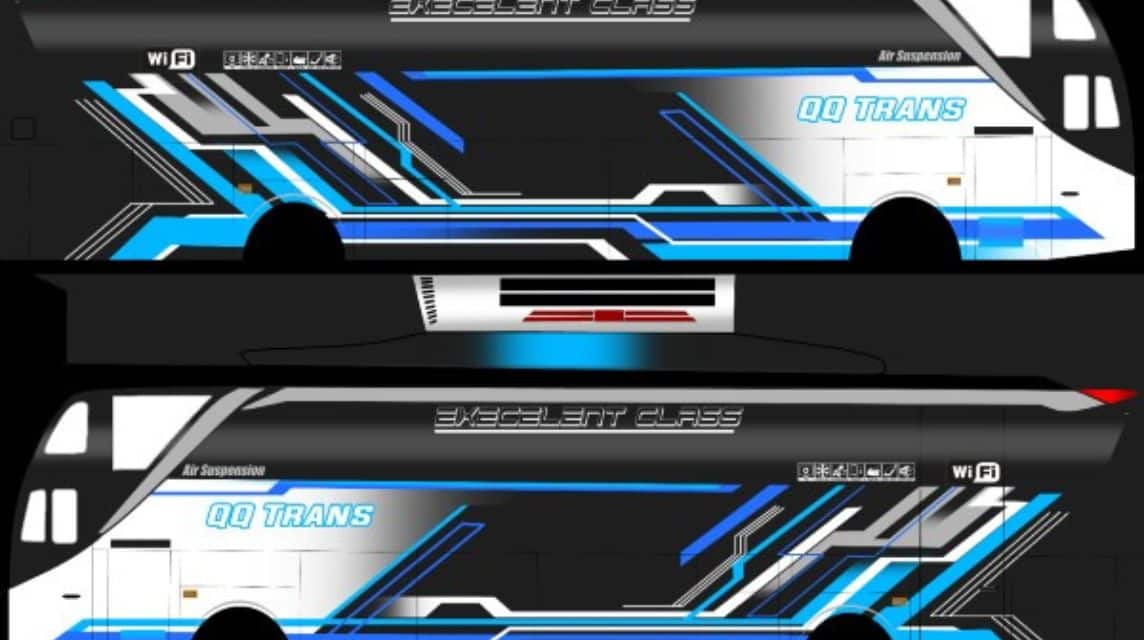
Download Livery Bussid Winspector HD here!
Bussid SHD Livery
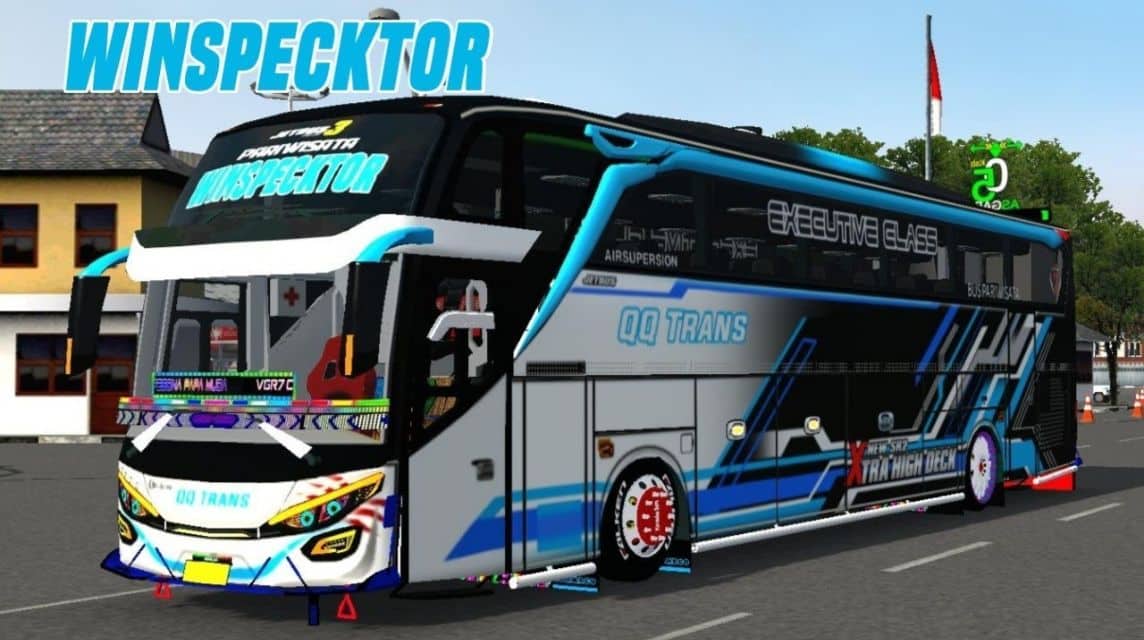
Download the Bussid Winspector SHD Livery here!
JB3 Livery
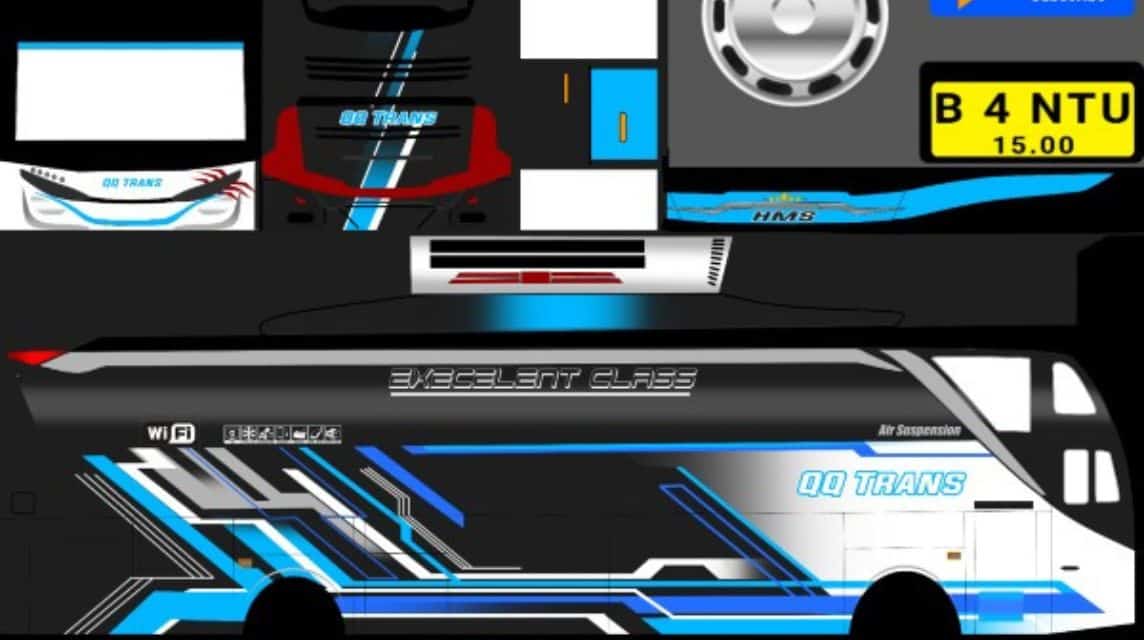
Download the Bussid Winspector JB3 Livery here!
XHD JB3 Livery
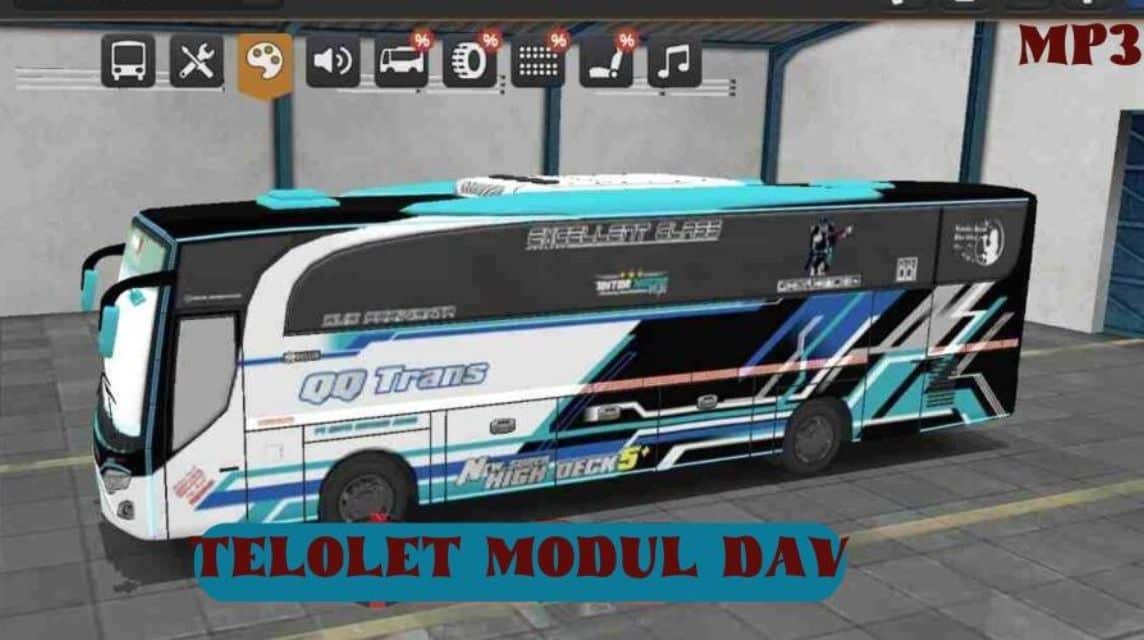
Download the Bussid Winspector XHD JB3 Livery here!
How to Install Winspector BUSSID Livery
Here's how to install this livery in the BUSSID game. Follow the steps correctly:
- Use PNG format for clear images.
- Open the BUSSID game and go to the “Garage” menu.
- Select the bus you want to install the livery on.
- Open the “Livery” menu and select “Select from File”.
- Find and select the livery file that has been downloaded.
- Wait for the installation process and save the livery.
If you experience problems, try repeating the process again downloads and installation.
Unique Winspector Livery
This bus is known for its cool and eye-catching design. Furthermore, there are several things that set this livery apart from the others, namely:
Futuristic and Elegant Colors
For Bus Simulator Indonesia (BUSSID) fans, this livery from PO QQ Trans is a timeless favorite.
The futuristic and elegant combination of white, black and turquoise always manages to steal attention on virtual streets. The combination of bright and contrasting colors makes this bus immediately attract attention from afar.
Details that are no joke
The uniqueness of this bus livery isn't just about the color, but also the unique pattern details. These details certainly make the bus look even cooler!
Cool Symbol
Another unique feature of this bus livery is the modern and cool symbols on the bus. This makes it stand out from the crowd.
With a cool and clear livery, experience the sensation of driving that is increasingly exciting and stylish in the world of BUSSID.

Also read:
Well, that was our discussion this time. Hopefully it is useful!
FAQ About Winspector Livery
Livery is a vehicle's uniform or body paint. This livery adopts a theme from a superhero series. Winspector, which is dominated by dark blue, metallic lines, and touches of robot or rescue vehicle style.
This design is most sought after and used by Bus Simulator Indonesia (BUSSID) game players to change the appearance of their standard buses to be cooler.
Livery files are usually in the format .png with high resolution (HD/SHD/XHD) so that the image does not break when installed on the 3D vehicle model in the game.
Download the livery image file from a trusted source.
Open the BUSSID game and go to the Garage menu.
Select the vehicle you want to modify.
Click the Paint/Palette icon, then select Livery File.
Select the downloaded image file in the gallery.
Click Install and pay using coins or watching ads.
MLBB Product Recommendations


 BV2SHOPBV2SHOPBV2SHOP
 DEMPET STORE
 TopMur
 RudyStorezBV2SHOPTopMurBV2SHOPBV2SHOP


 News
News




