
- CoolROM provides emulators and game collections PS3 free to play on your laptop, PC, or Mac.
- Download and install the emulator from CoolROM, then download the file ROM/ISO game, install, and run it via emulator.
- Match the emulator to your console type and check the storage capacity; try popular recommendations like GTA V, The Last of Us, God of War 3.
Want to Play PS3 Games on Your Laptop? Try Downloading Them via CoolROM
Who said play? PS3 Do you have to own the console? With CoolROM, you can play PS3 on your laptop, PC, or Mac.
It sounds impossible, but now you can play various classic games using emulators. One of gamers' favorite places to download emulators and games is CoolROM.
But wait a minute, before you just download it, let's take a look at the complete discussion in the article below!
Also read:
- 6 Recommended PS3 War Games That Are Strategic and Exciting
- 59 Complete GTA San Andreas PS2 Cheats According to Category
- GTA VI Will Reportedly Accept Cryptocurrency As Payment Method
What is CoolROM?
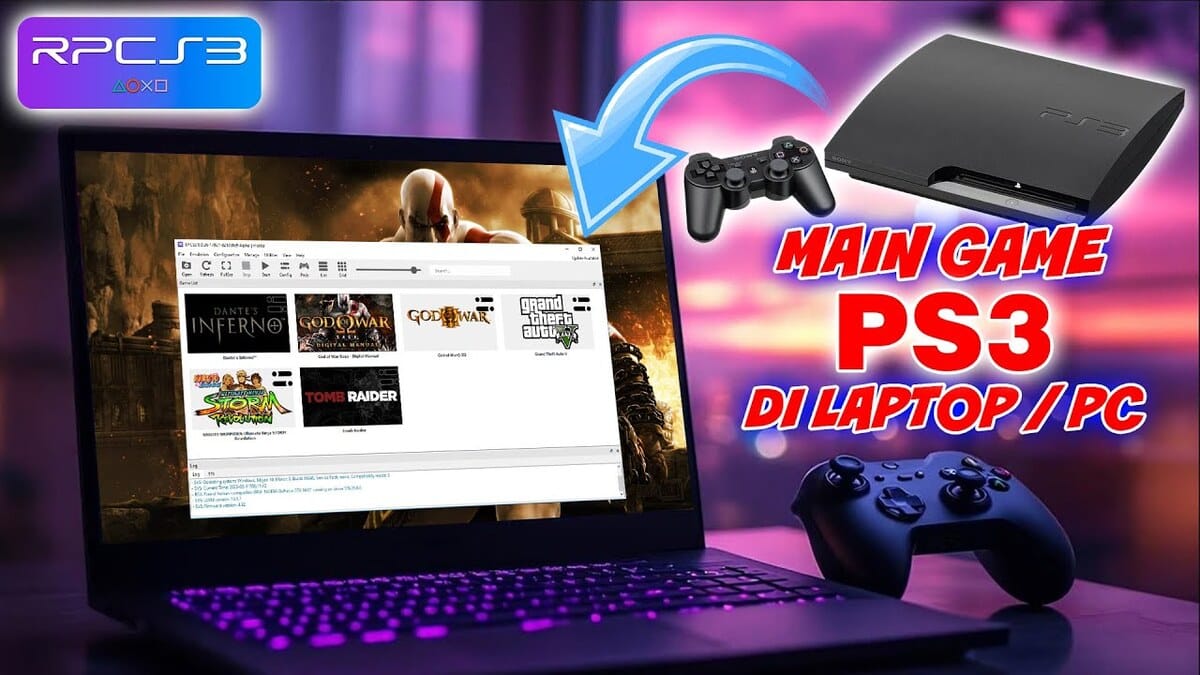
CoolROM is a site that provides a variety of emulators and a collection of games from various consoles, starting from PSP up to PS3.
Until now, this platform has provided dozens of emulator options that you can choose according to your wishes.
The good news is, you can download the emulator and game titles of your choice from CoolROM free of charge.
Before continuing the emulator installation process, it's a good idea to first understand the following important terms:
- Emulator: A program or application that allows you to run various games on a computer or smartphone.
- Emulation: The process of running games from a particular game console on another device with the help of an emulator.
- ROM/ISO: Files containing digital files of the game for players to run on an emulator.
By knowing these three terms, it will be easier for you to understand and follow the steps for installing and using the emulator.
As an additional note, always make sure the emulator you are using is compatible with the type of game you want to play.
This is because each emulator is specifically designed to mimic the systems and functionality of a specific console. Therefore, PS3 games won't run on a PS2 emulator due to system differences.
How to Install PS3 Games From CoolROM
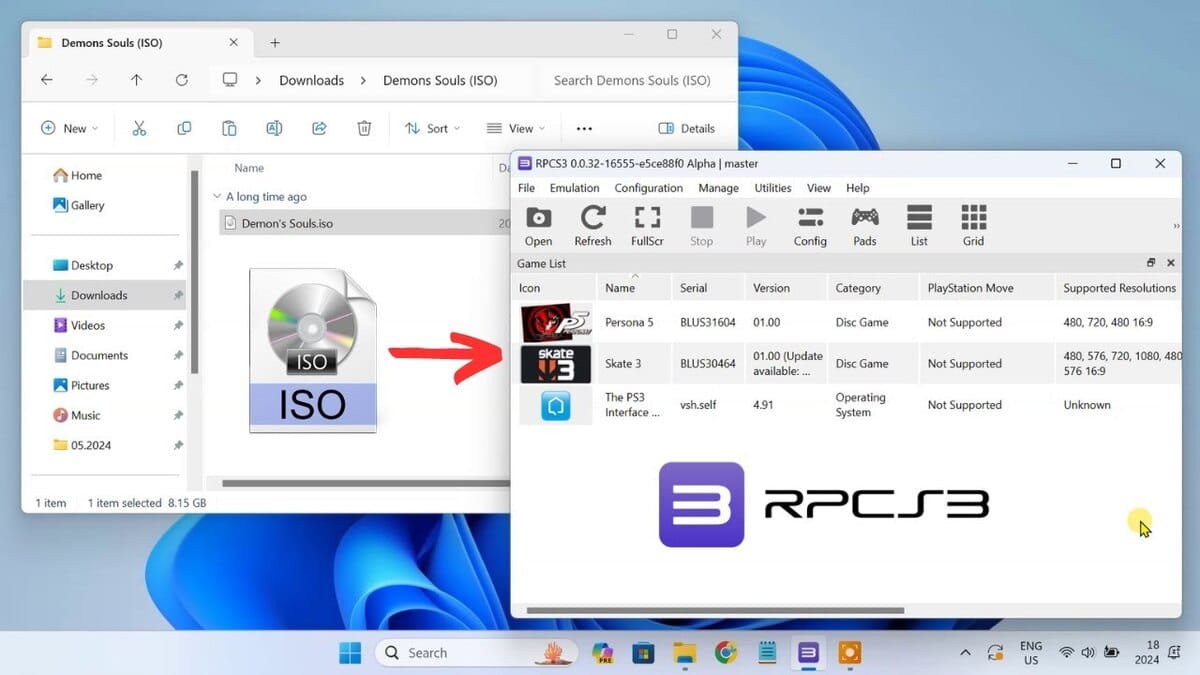
How do you run PS3 games on this platform? First, you'll need to download and install an emulator. Here's how:
- Go to their official website here
- Next, select the Emulator submenu
- You will see a list of game console names, select “Sony Playstation 3”
- Click on the emulator with the highest rating and press the “Normal Download” button.”
- Wait until the emulator application is finished downloading.
- When the emulator file has been downloaded, continue the installation process until it is complete.
Once the emulator is successfully installed on your device, the next step is to download the game file or ROM/ISO you want to play. To do this, follow these steps:
- Go to the ROM/ISO page here
- Select the “Sony Playstation 3” menu”
- Find the game you want to play and click on its title.
- Press the “Normal Download” button”
- Wait until the game is finished downloading
- Continue the installation until it is complete
Finally, you just need to run the emulator application and select the game from the download folder on your device.
If the game won't run, you can try closing the emulator first. After a few moments, try repeating the previous steps.
Recommended PS3 Games on CoolROM
CoolROM offers hundreds of PS3 games across a wide variety of genres. To ensure smooth operation, be sure to match your device's storage capacity to the games you're looking for.
If you are still confused about choosing a game to try first, here are some recommendations that you can consider.
Grand Theft Auto V (17.20 GB)
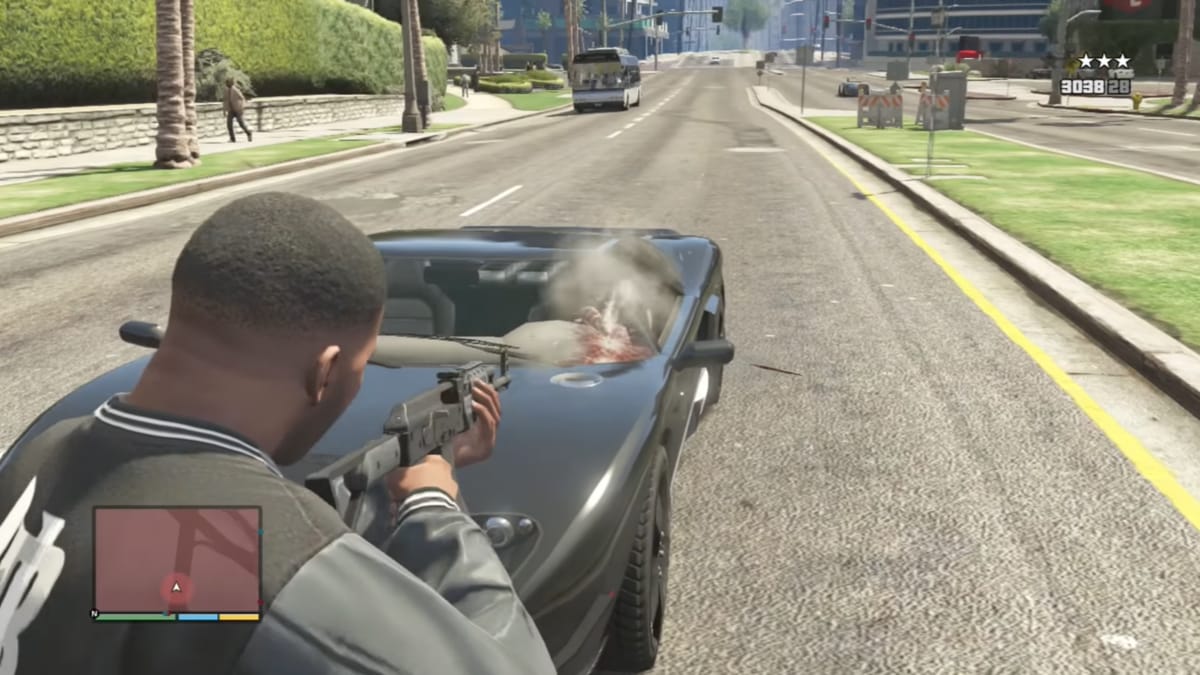
The GTA series has always held a special place in the hearts of action game fans. This is because of the variety of exciting activities you can do in these games.
One of the most exciting moments in this game is when the player is involved in a chase with a police car, complete with a tense gunfight scene.
The Last of Us (29.70 GB)

If you are a fan of survival horror games, then there is no harm in trying the game The Last of Us.
Set in America after a zombie apocalypse, players control Joel, a smuggler tasked with guarding a teenage girl named Ellie.
You will use various types of firearms and modified weapons, while developing strategies to survive the attacks of aggressive cannibal zombies.
Naruto Ultimate Ninja Storm (6.04 GB)

Our next recommended game is Naruto Ultimate Ninja Storm. Unlike its predecessor, you'll experience more dynamic 3D graphics.
Not only that, the characters in this game can also awaken “Awakening Mode”, a transformation that will be activated when the player runs out of HP during battle.
From Konohagakure ninjas to Akatsuki members, Naruto Ultimate Ninja Storm delivers an engaging and exciting gaming experience.

God of War 3 (33.51 GB)

Following the story of Kratos in Greek mythology, God of War 3 was one of the most popular PS3 games of its time.
There are various legendary weapons from the previous series that you can use, such as the Blade of Olympus, Blade of Exile, and Claws of Hades.
Resident Evil 5 (7.76 GB)
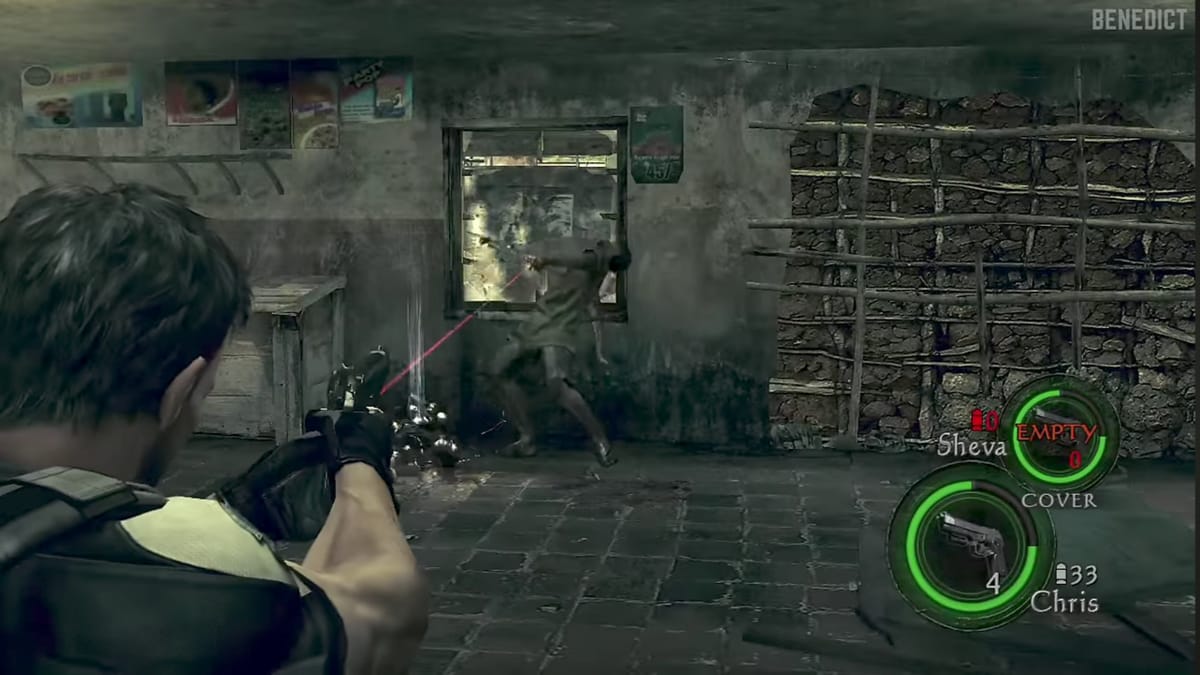
Resident Evil 5 is a series that broke new ground by allowing co-op gameplay between two characters, Chris Redfield and Sheva Alomar.
Set in Kijuju, a fictional West African city, the two are on an assignment to investigate a strange and mysterious terrorist threat.
This game is often said to have abandoned the standard survival horror elements of Resident Evil, placing more emphasis on action scenes and gunfights.
Also read:
- Best PS3 Game Recommendations of All Time
- 10 Best Games for PS5 in 2025
- 10 Best and Most Exciting PS Vita Games, Play Now!
So, that's a brief overview of the CoolROM website. So, are you interested in trying out PS3 games on your laptop?
MLBB Product Recommendations


 BV2SHOP
 DEMPET STOREBV2SHOPBV2SHOP
 RudyStorez
 BANGJEFF
 AM08SHOP
 TopMurBV2SHOPBV2SHOP


 News