
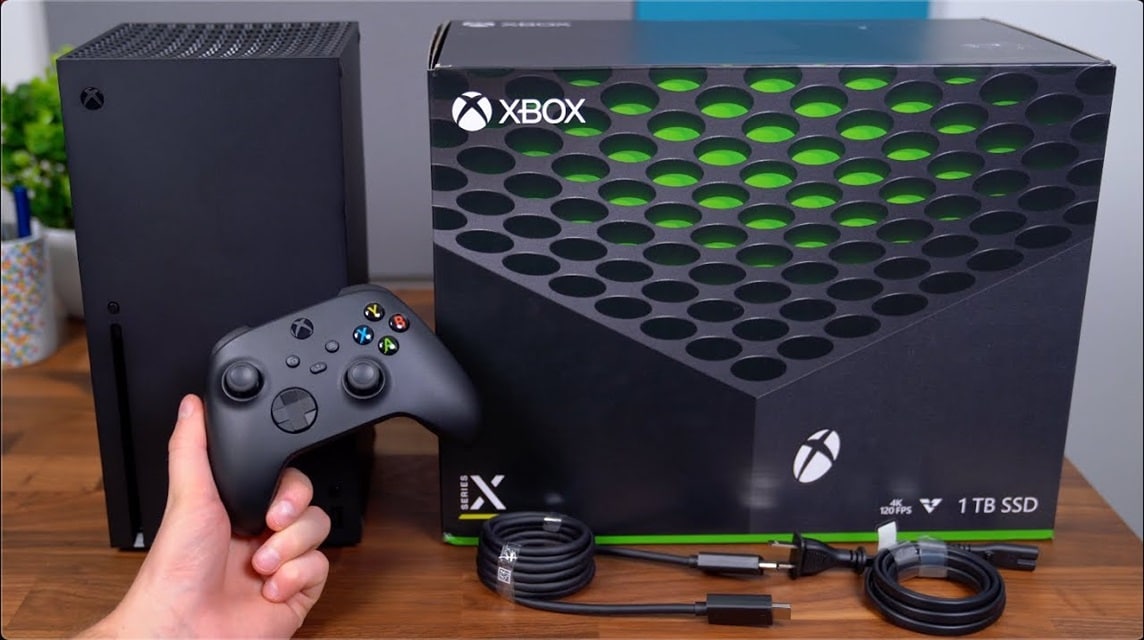
- Cloud gaming allows playing without downloading or installation because the game runs on servers remotely and broadcast via the internet.
- Select the service according to your needs: Xbox Cloud Gaming, PlayStation Plus Premium, GeForce NOW, Amazon Luna, Boosteroid, or Blacknut.
Best Cloud Gaming Recommendations for Now
Cloud gaming allows you to play games without having to download and install games it's in console or PC.
Because cloud technology itself relies on remote servers in data centers to run games and broadcast them over the internet to the devices you use.
So this feature can be a solution for those of you who want to save storage space.
If you're interested in using a cloud gaming service, here are some of our top recommendations. Let's take a look!
Also read:
- Control Resonant Release Schedule, Gameplay, and Interesting Facts
- Stardew Valley 1.7 Update Brings New Characters & Farmland
- Ragnarok Origin Global Hidden Quest List Locations
Xbox Cloud Gaming
Xbox Cloud Gaming compatible with most devices and platforms. With a Microsoft account, you can play games, such as Fortnite and others.
But to be able to play it, you have to subscribe to Xbox Game Pass Ultimate (for $14.99 per month) and you will get access to hundreds of games.
PlayStation Plus Premium
With Sony's cloud service, you'll need to purchase the top-tier Premium membership to access cloud streaming ($17.99 per month, $49.99 every three months, or $119.99 per year). After that, you'll have access to hundreds of PlayStation games.
However, there is one potential problem with this cloud, namely that PlayStation Plus Premium is only available on PlayStation consoles and Windows PCs.
Amazon Luna
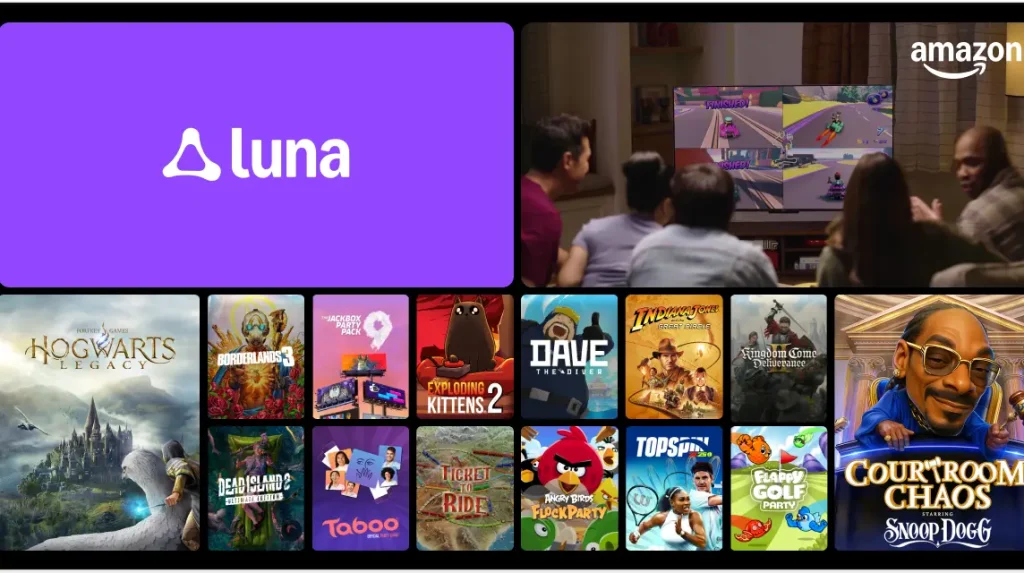
Amazon Luna could be one of the cheapest cloud gaming platforms currently available, and it's even free for Amazon Prime subscribers.
Amazon divides its library into “channels,” or bundles, and limits free games to the Prime Gaming channel, but you can also subscribe to other channels, including all Jackbox Games games (£9.99 per month), Luna+ (£9.99 per month), and Ubisoft (£9.99 per month).
GeForce Now
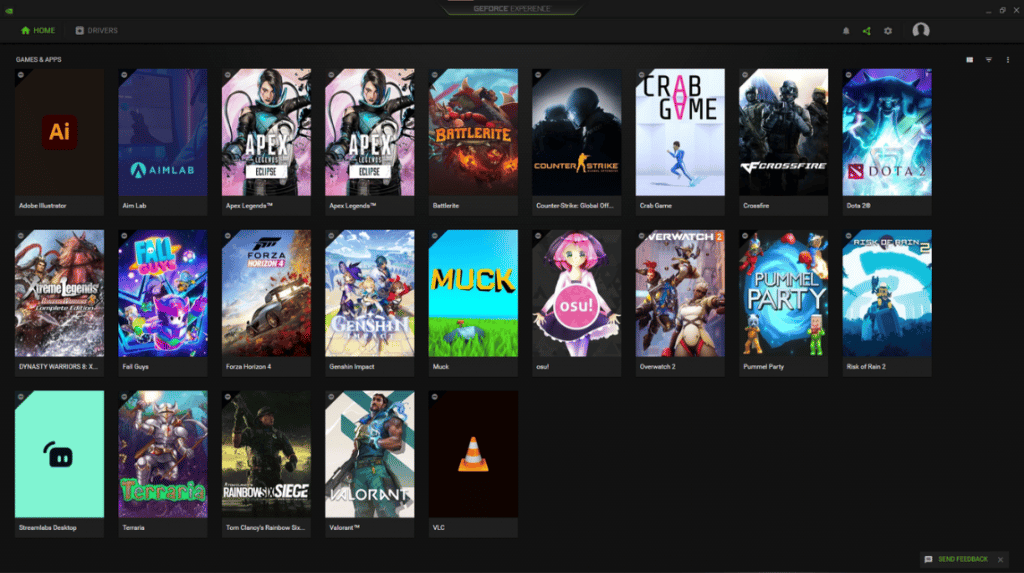
With a huge and compatible game collection, it allows you to play new games, and there are also some free games.
However, unlike other services, GeForce NOW doesn't sell games. Instead, you buy them from digital PC game stores, such as Epic, Ubisoft, and Steam.
GeForce NOW can run on almost any platform, and if you stop using it, you can keep all your games.
There are three tiers: Free, Priority ($9.99 per month), and Ultimate ($19.99 per month).
Boosteroid
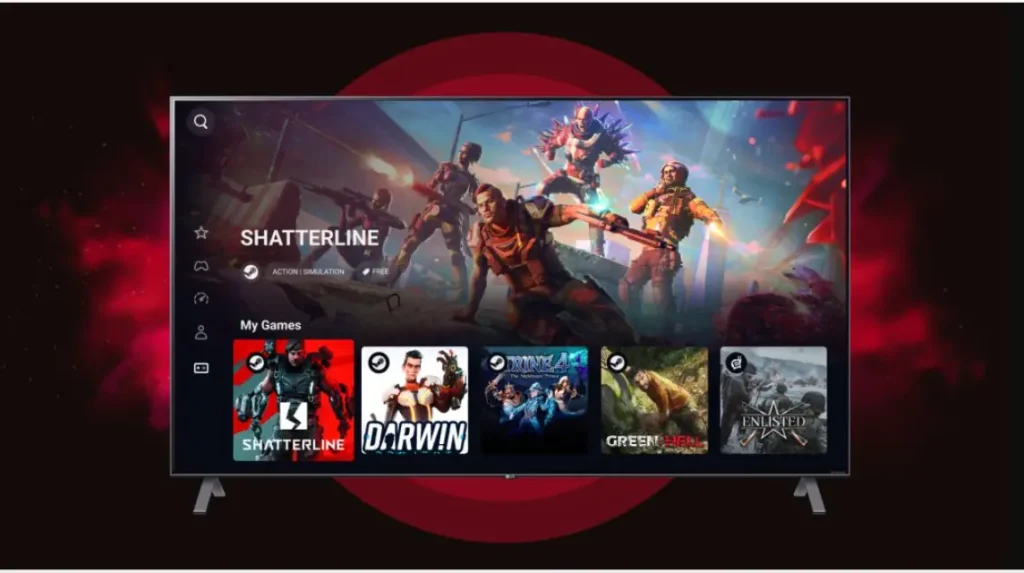
Boosteroid is a European cloud gaming service. All you need is an internet connection and a Boosteroid account. Games run on their servers, then connect to your laptop, PC, or other device. tablet, or browser.
This platform supports many popular games from Steam, Epic Games Store, and Origin, such as Call of Duty, FIFA, GTA V, and many more.
However, you still need to have an official license from the gaming platform because Boosteroid only provides cloud access, not the game license.
Blacknut
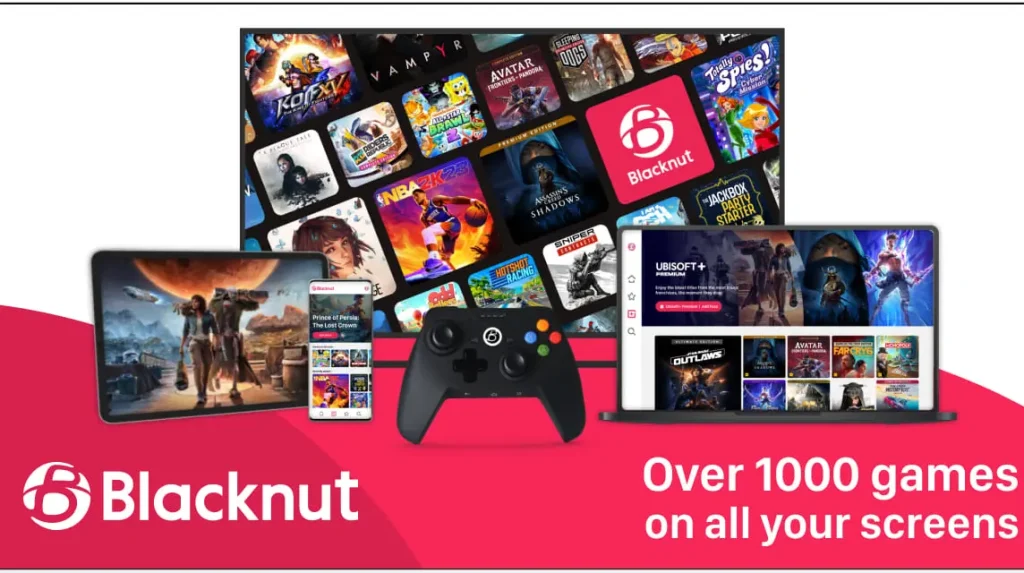
The next recommended cloud gaming app is Blacknut. This cloud provides access to over 500 games across various genres without requiring separate purchases.
Games on Blacknut are mostly casual and child-friendly entertainment, ranging from puzzle games, adventure, racing, and educational games.

There is also a Parental Control feature for parents to limit the content and playing time of children.
You can play the game on PC, Mac, Android, Smart TV, or some consoles.
In addition, this gaming service can also be accessed by up to 5 user profiles so one account can be used by the whole family.
Also read:
- Free Play, Randomness, and the Way Players Learn Modern Games
- Saros, the Mysterious PS5 Exclusive Game Ready to Haunt Players
- Release Date, Gameplay, and PC Specs for Playing Pragmatic Play
So, those are some of the best cloud gaming recommendations that you can use right now.
MLBB Product Recommendations


 BV2SHOPBV2SHOP
 BANGJEFF
 TopMurBV2SHOPBV2SHOP
 RudyStorezTopMurBV2SHOPTopMur



 News
News




