

- XL main APN: fill in the APN name with Internet, leave the column username and password empty.
- Different procedures for Android and iPhone: open Settings → Mobile Network or Mobile → select APN then save.
- Several XL APN variants are available: like XL 4G, XL 3G, XL GPRS and XL Unlimited according to network needs.
How to Set XL APN Easily for Beginners
Generally, all cellular operators have APN (Access Point Name) settings, which is a connection point name setting system that has the function of connecting cellular networks. cellphone (HP) with internet network.
While the APN is usually added automatically when the phone is connected to a cellular network, some phones require users to manually add the APN settings.
And in this article, we will specifically discuss APN settings. XL on your cellphone, be it Android or iPhones.
So, without further ado, let's take a look at the APN settings below!
Also read:
- Clearing Laptop Cache: Safe Method, Functions, and Complete Location
- Samsung's Best 4 Flagship Camera Lineup of 2026
- How to Limit Data Usage on Android & iPhone
How to Set XL APN on HP

Because there are 2 types of smartphones commonly used by people today, namely Android phones and iPhones, the setting methods are also different.
You can follow each of the methods below:
How to set up on Android
- Open the “Settings” menu.
- Then, open the settings menu called “Mobile Network Settings”.
- Then, select the XL cellular network currently in use and click the “APN” option.
- Type the XL APN code “Internet” (without quotation marks) in the column provided.
- On the settings page, in addition to the APN name field, there are usually also fields for password and username. However, these two fields (password and username) are left blank.
How to set up on iPhone
- Open the "Settings" menu.
- Then, select the “Cellular” settings menu and click the “Cellular Data Network” option.
- After that, the APN settings form page appears.
- Type the XL APN code "Internet" (without quotation marks) in the field provided. Leave the password and username fields blank.
After you have finished filling in the APN name, whether it is an Android phone or iPhone, don't forget to save the settings.
So the XL APN has been successfully added to your cellphone and you can try to access the internet.
Additionally, APNs are also available on other operators. However, each operator has different APN name settings. For example, Tri's APN is "3data." While the APN for... Telkomsel, namely "Internet"

XL Card APN List
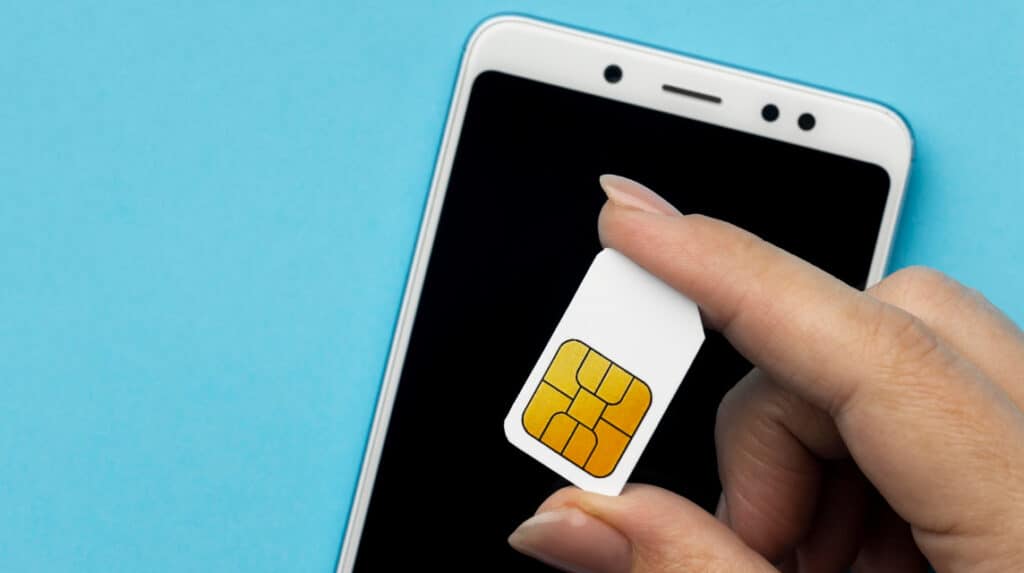
In addition to those in the tutorial above, here is a list of other APNs:
4G APN
- Name: XL 4G
- APN: www.xl4g.net
- Proxy: 202.152.240.50
- Port: 80
3G APN
- Name: XL 3G
- APN: xlunlimited
- Proxy: 202.152.240.50
- Port: 8080
- Server: 8.8.8.8
GPRS APN (Default)
- Name: XL GPRS
- APN: Internet
- MCC: 510
- MNC: 11
- Authentication type: PAP
- APN type: default,supl
- APN Protocol: IPv4
- APN roaming protocol: Ipv4
- Enable/disable APN: Disabled
APN Unlimited Turbo
- Name: XL Unlimited
- APN: wap1.xl.co.id
- Proxy: 202.153.129.73
- Port: 80
- Server: 8.8.8.8
Also read:
- The Easiest Way to Create a Zoom Meeting Link on Any Device
- Meet Samsung's New Foldable: the Galaxy Z Trifold
- 5 Ways to Fix a Cell Phone That Shuts Down by Itself, Guaranteed to Turn It On Instantly!
That concludes our discussion this time regarding the settings and APN list for XL cards.
MLBB Product Recommendations


 BV2SHOPBV2SHOPBV2SHOP
 BANGJEFF
 TopMur
 KING OF DIAMONDSKING OF DIAMONDSBV2SHOP
 RudyStorezTopMur


 News
News




