
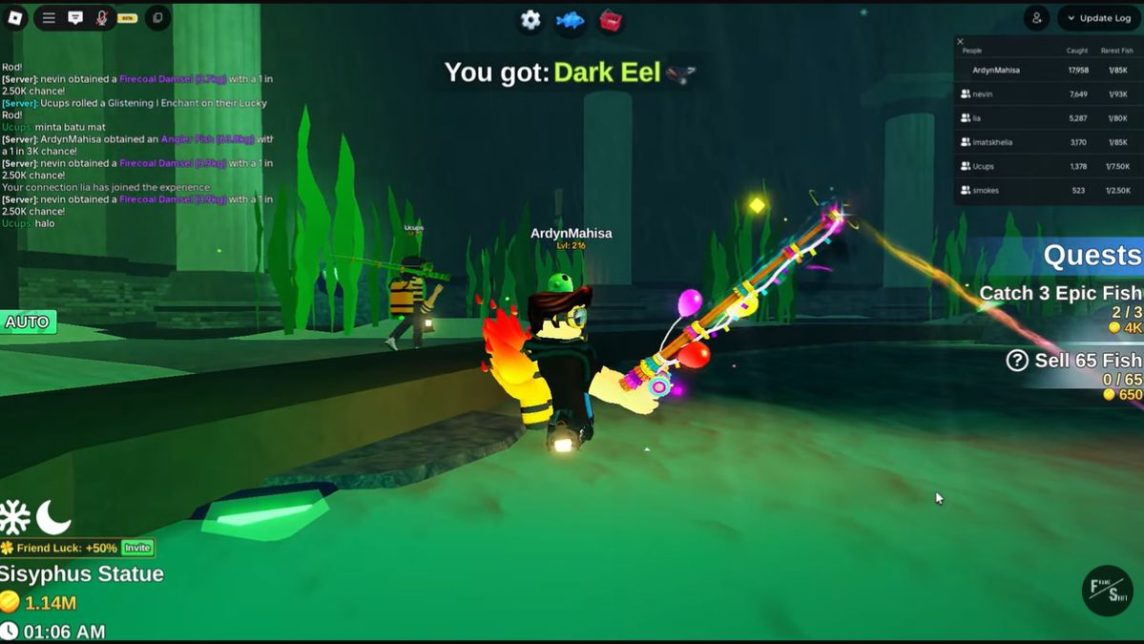
- Auto clicker automates clicking for Fish It in Roblox; built-in features exist but are often unstable and less accurate.
- If you use external applications such as OP Auto Clicker, download from the official site, set the interval to 100–220 ms, and use the hotkey.
- Major risks include permanent account blocking by Roblox and the possibility of malicious files (malware) stealing data.
What Is Fish It Auto Clicker? Risks, and How to Use It
For those of you playing Fish It on Roblox and starting to get bored of constantly clicking while fishing, the Fish It auto-clicker is the most sought-after solution right now. With the auto-clicker, the fishing process can run automatically without having to hold the device throughout the entire farming session.
But before you download anything, it's important to know that not all auto-clicker methods are safe for your account. All information about the Fish It auto-clicker has been summarized here. So, keep reading this article to learn more about this feature.
Also read:
What is Fish It Auto Clicker?
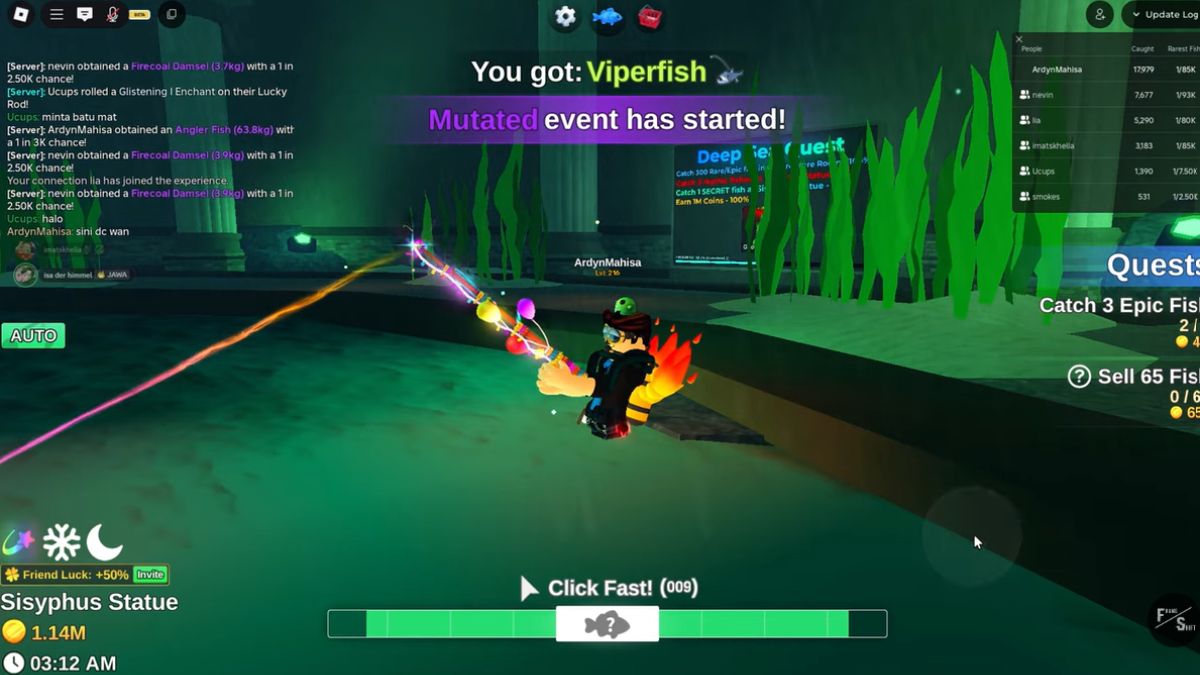
Auto clicker is software that automatically clicks repeatedly at a specific cursor position or point without requiring manual input from the user. In Fish It Roblox, this function is used to automate the process of casting and reeling in fish, allowing players to farm without having to be actively in front of the screen.
Fish It The game actually includes a built-in auto-clicking feature that can be activated directly without the need for any additional applications. Unfortunately, many players complain that this built-in feature is often unstable and fails to detect clicks accurately, resulting in suboptimal capture results.
Due to the instability of the built-in features, many players end up turning to external applications like OP Auto Clicker, which are more reliable. However, this decision requires careful consideration, as each option carries very different risks to your account security.
OP Auto Clicker Guide for Fish It
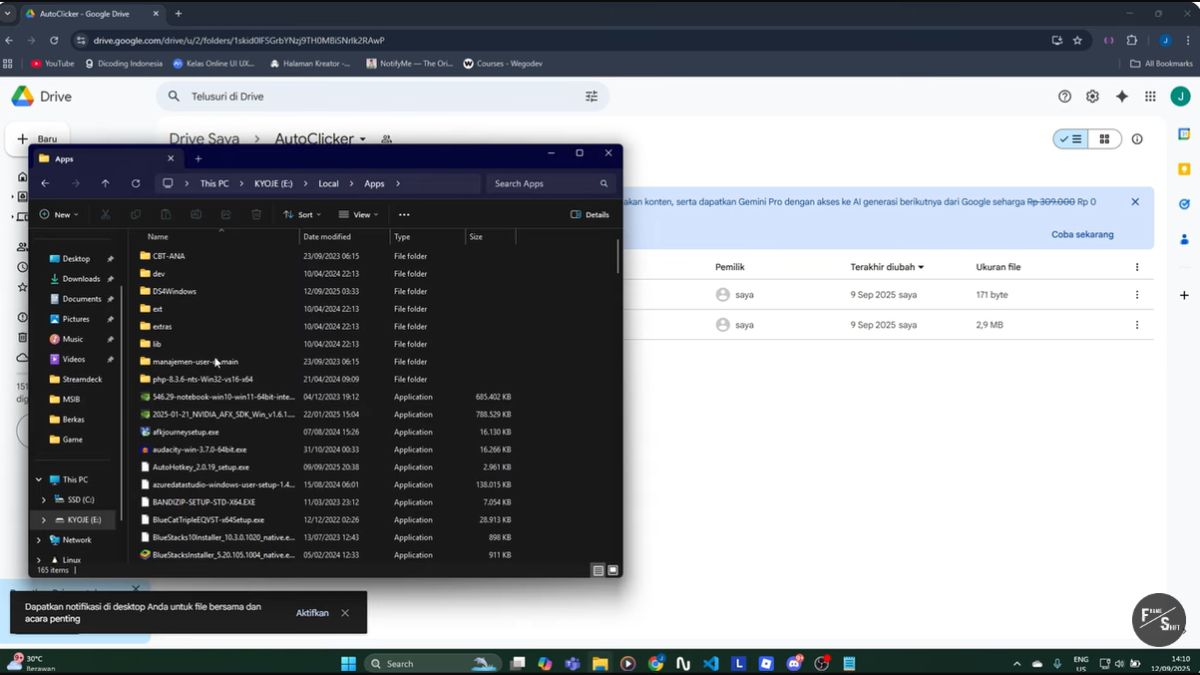
Here's how to use it if you understand the risks and still want to try it.
- Open your browser and search for OP Auto Clicker then download it only from the developer's official website to ensure the file you get is free from malware;
- Open the downloaded .exe file and select the click mode you need, whether to follow the cursor or to a specific point. For Fish It, the cursor-following mode is usually more practical because it doesn't require complicated coordinate configuration before use.;
- Set the click interval around 100 to 220 milliseconds so that the click rhythm matches the fishing tempo in Fish It and is not detected as suspicious bot activity;
- Set a specific keyboard key as a hotkey to start and stop the auto clicker for easy control, even while the app is running in the background. This hotkey feature makes it easy to stop the auto clicker whenever you need it without having to open the app window.;
- Position your cursor directly over the fishing button in Fish It and activate the hotkey to start the auto-clicking process you configured earlier. Make sure the Roblox window remains active on screen to ensure the auto-clicker works optimally during AFK sessions.
Risks of Using Third-Party Auto Clickers on Fish It
Using an auto-clicker can violate Roblox's rules and result in permanent account bans without warning. This risk is significant because the system can immediately erase the progress you've built since you started playing.

Furthermore, auto-clicker files from unofficial sources often contain malware that can steal sensitive data without your knowledge. Anti-cheat systems can also detect unusual clicking patterns, allowing accounts to be blocked at any time.
Also read:
If you still want to try it, make sure you always download it from an official source and understand the consequences so you don't regret it when your account suddenly becomes inaccessible.
Roblox Product Recommendations

 Hero Alive
 Kumay10shopHero AliveHero Alive
 RudyStorezHero Alive




 News
News




