

- There are two main ways: top up directly via the console or use a voucher. PlayStation Store / PSN Gift Card.
- Top up directly at PS4/PS5: open PlayStation Store, choose Add Funds, fill in the nominal amount, complete the payment.
- Buy vouchers via digital platforms, pay using e-wallet, transfer, or QRIS, then accept 12-digit code to be redeemed.
- Be sure regions account according to voucher, save proof and code, do not share the code so that the top up is successful and the balance can be used immediately.
How to Top Up PSN Wallet
How to top up PSN Wallet This can be done directly through the console or using a PlayStation Store Gift Card voucher. The balance in your wallet can be used to purchase games., DLC, add-ons, and various digital content on the PlayStation Store.
If you are still confused about how to do it, please see some of the methods that the author has summarized below.
Also read:
- Latest GTA 5 PS3, PS4, and PS5 Money Cheats 2026
- PS5 Slim: Specs and Everything You Need to Know
- How to Uninstall Valorant on PC, PS5, and Xbox Easily
How to Top Up PSN Wallet
There are four main ways you can choose, namely adding funds directly from PS4 or PS5, buy a voucher according to the account region, then redeem the voucher code.
Make sure the payment method and voucher region match your account so the top-up process runs smoothly.
Top Up Directly on PS4/PS5 Console

The first way to top up your balance is directly through the console. This method is suitable for those who already have a supported credit or debit card and want to add funds without first purchasing a voucher.
- Open the PlayStation Store on your PS4 or PS5 console.
- Select the three-dot icon or profile menu, then select the Add Funds option.
- Select an available payment method, such as a supported credit or debit card.
- Determine the nominal balance you want to add to your wallet.
- Follow the payment instructions until the transaction is complete and the balance is successfully entered into the account.
Buying a Voucher or PSN Gift Card
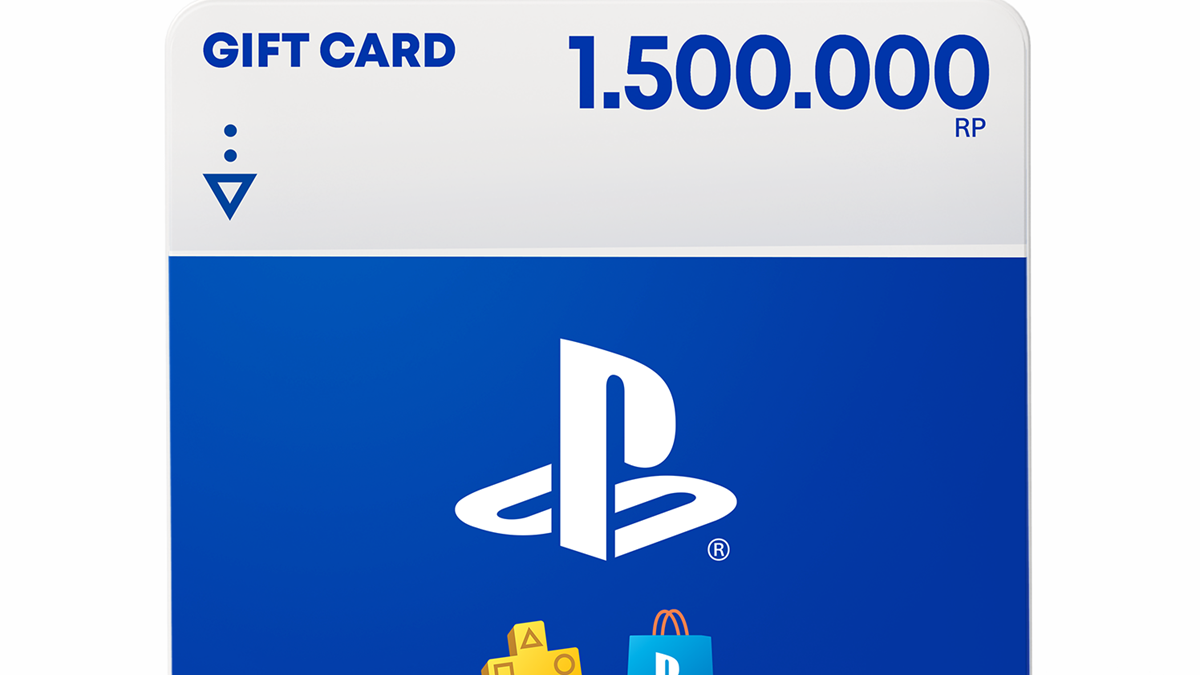
Purchasing a PlayStation Store Gift Card or PSN Voucher can be an option if you don't want to use a debit or credit card directly on your console. Vouchers are available in various denominations and can be purchased through platforms that offer digital voucher purchasing services.
- Open your preferred platform. Look for services that offer PlayStation Store Gift Cards or PSN Vouchers, as needed.
- Select the voucher value. Ensure the voucher you purchase matches your PlayStation account's region. For example, if your account is in Indonesia, select the Indonesian region voucher.
- Select a payment method. Complete the transaction using available methods, such as e-wallet, bank transfer, or QRIS.
- Receive the voucher code. After successful payment, a 12-digit voucher code is usually sent via email or displayed directly on the transaction screen.
- Keep the code safe. This code will be used to redeem the voucher and add it to your PSN Wallet balance.
Redeem Voucher Code to PSN Wallet
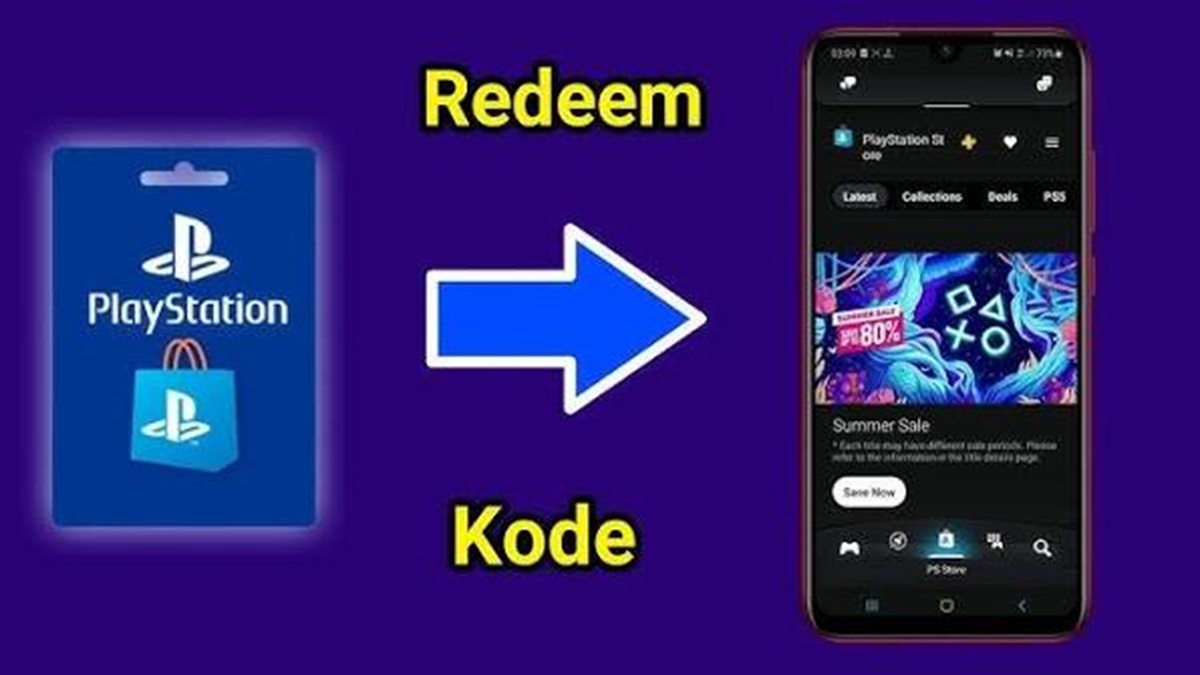
Once you receive the voucher code, you can redeem it immediately to add to your wallet balance. The process is quite simple and can be done on both PS4 and PS5 consoles. Follow these steps:
- Open the PlayStation Store on your PS4 or PS5 console.
- Select the three-dot menu or menu icon available in the corner of the screen.
- Select the Redeem Codes option to redeem the voucher code.
- Enter the 12-digit voucher code you purchased. Make sure every number and letter is entered correctly.
- Select Continue to continue the redeem process.
- If the code is valid and matches the account region, the PSN Wallet balance will automatically increase according to the voucher nominal.
Once your balance is credited, you can use it to purchase games, DLC, add-ons, or other digital content available on the PlayStation Store.
Buy Cheap PSN Gift Card Vouchers at VCGamers
You can also find PSN Gift Cards at VCGamers Marketplace. PSN Gift Card prices here are competitive, plus the process is fast with a 100% money-back guarantee.
Additionally, there's a cashback promotion using the promo code PASTIKESBEK and a discount using the promo code COBADONG. Here's how:
- Visit vcgamers.com
- Select the number of vouchers you want to purchase and select a payment method.
- Enter promo code
- Enter your email if you top up without logging in
- Make payment and receive PSN Gift Card voucher
- Done
Tips to ensure your PSN Wallet top-up doesn't fail

Before topping up, there are several things you should consider. First, check your account region, as vouchers from different regions generally won't work on your account. Second, ensure the purchase amount meets your needs to avoid wasting your balance.
If you use a voucher, keep the transaction receipt and code safe until the balance is successfully credited.
Do not share the voucher code with others because the code can be used to add balance to the account.
By understanding how to top up your PSN Wallet, you can choose the most convenient method, whether via console or voucher.
Just adjust it to the available payment methods and make sure the account region is correct before making a transaction.
Topping up your PlayStation balance isn't as difficult as you might think. You can choose to top up directly through the console or use a voucher, depending on your most convenient payment method.
Also read:

- GTA 5 Airplane Cheat Codes List on PS3, PS4, PS5, and PC
- Saros, the Mysterious PS5 Exclusive Game Ready to Haunt Players
- Easy Way to Connect PS5 Controller to PC
Make sure your account region and voucher match, then enter the code correctly so the balance can be used immediately. Once your wallet is topped up, simply choose your favorite game or content and enjoy a hassle-free gaming experience.
FAQs
Yes, the voucher must match the account region to be used.
The voucher code consists of 12 digits which need to be entered when redeeming.
Yes, the balance can be used to purchase games, DLC, add-ons, and other digital content.
Yes, if the voucher seller platform provides a payment option via QRIS.
MLBB Product Recommendations


 BV2SHOP
 DEMPET STOREBV2SHOPBV2SHOP
 TopMur
 RudyStorezBV2SHOPBV2SHOP
 AM08SHOPTopMur



 News
News




