
- Accessing blocked sites via Proxyproxy with an intermediary server; the destination site sees the proxy IP, not your device's IP.
- It's really easy: open your browser, visit Proxyproxy.net, enter the site address, then tap Go for installation-free access.
- Practical but less secure; avoid entering sensitive data, use VPNs or DNS if you need more security.
How to Open Site Access Through Proxy
There may be many Vicigers who have heard of (or even used) the access opening site: Proxyproxy. Yep, blocked sites can now be accessed without the hassle of installing VPNs or DNS!
This type of portal site is becoming increasingly popular, given the sheer number of sites blocked by the government. So, if you're curious about how it works, check it out!
Also read:
Proxyproxy Function
Before we get to the main discussion, it's a good idea to first discuss the function of Proxyproxy and similar sites. Vicigers Those who don't understand can also follow the discussion.
As explained briefly above, Proxyproxy is a portal service designed to be able to access blocked/limited access sites in a region.
As we know, many governments in various countries frequently restrict internet access. They usually do this by blocking numerous websites.
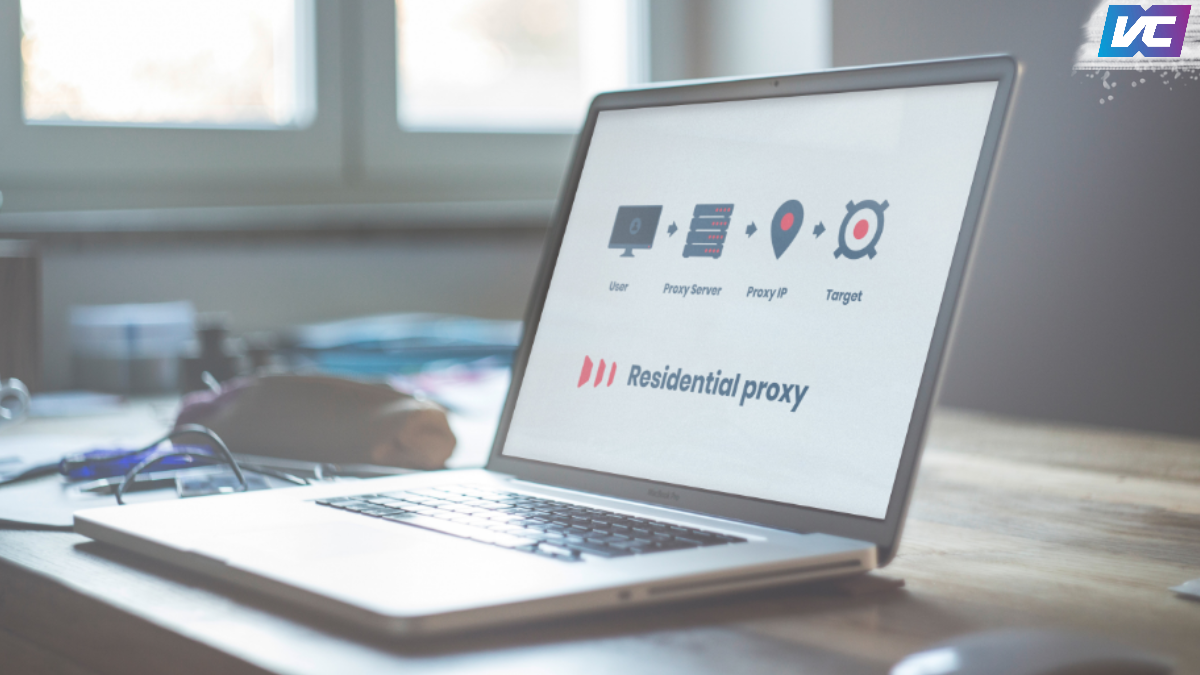
Well, as the name suggests, the method used to "break" the block is a proxy. With this method, internet access will first go through an intermediary server.
In short, when you access a website using this service, you "ask" the proxy server to open the target site. Once it does, the page will be displayed on your device.
The destination website will only see the proxy's IP address, not your device's IP address. This way, a site that was initially blocked can now be accessed because it's detected from an eligible IP.
To achieve this, proxy servers are typically located in locations with minimal access controls. Some countries that frequently serve as proxy servers include the United States, the United Kingdom, Canada, and others.
Similar Sites Proxyproxy vs VPN/DNS
Because the service is relatively simple and attracts high traffic, there are already numerous portal sites offering similar services. In fact, their pages often look very similar!
What is unique is that currently similar methods (based on VPNs and DNS) are also quite widespread, this does not reduce the number of users which is still overflowing.
In fact, the proxy method itself is similar to VPNs. The difference is that VPNs offer security because they're based on a private connection. DNS, on the other hand, is more like borrowing a specific domain's IP address.
While DNS is far superior in terms of connection, it's practical to consider proxy-based website services, as they can be accessed without any setup.
How to Use Proxyproxy.net
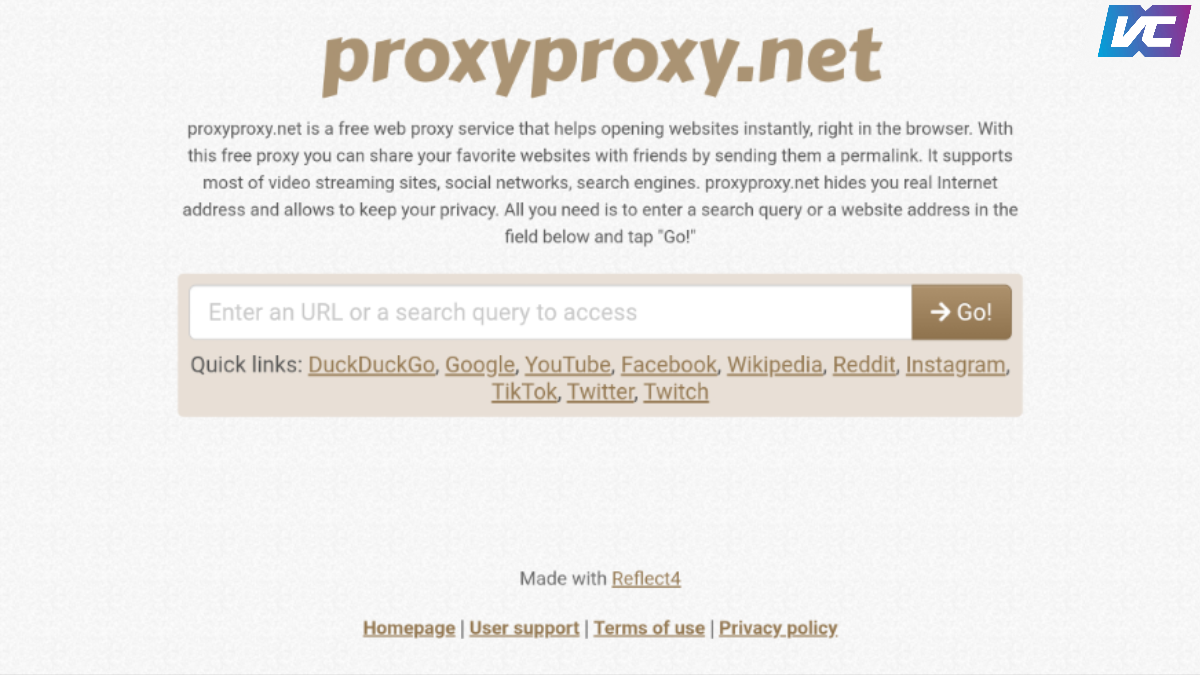
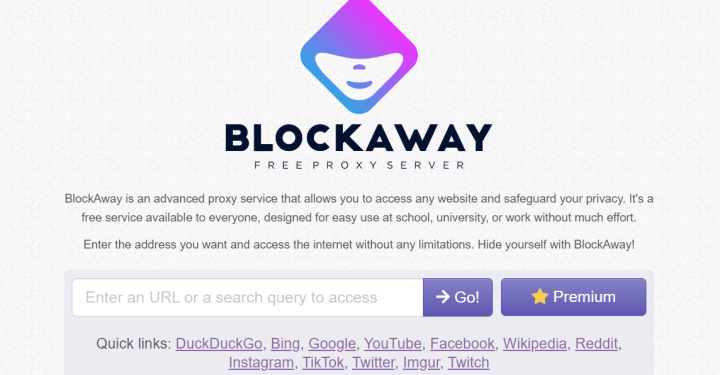
Now, let's get straight to the main topic: how to use Proxyproxy. It's actually really easy to use! Even without any instruction, you should be able to:
- Open the browser on your device;
- In the address bar type the address “proxyproxy.net”;
- Once it's open, type in the address of the website you want to visit. Once done, tap the "-> Go!" button;
- The site will then immediately process your request and open the page.
That's it! How easy is that? You can try it yourself at home. That way, you don't have to worry about installing additional programs or apps.
This context will be very suitable if you are in a hurry and can only access the internet on a foreign device that may not have installed a VPN/DNS to break through blocked sites.
Due to its practical nature, the results won't be as optimal as using both programs/apps. So, if you need a more complex service, don't rely on proxies.
Also read:
So, that concludes our comprehensive discussion of proxyproxy portal sites. If you found this article helpful, don't forget to share it on social media and with your friends!

FAQs:
A proxy is a service that helps users access websites through an intermediary server. This allows users to access specific pages when the main network is experiencing access restrictions.
You simply need to open the proxyproxy website and enter the address of the website you wish to visit. The service will then display the page.
Many users choose it because it offers a convenient way to access certain sites. Furthermore, it eliminates the need for complex configuration on their devices.
You still need to be careful when using them, especially when accessing accounts containing sensitive data. Therefore, use these services wisely and avoid entering sensitive information if you're unsure of their security level.
Proxies typically only redirect access to specific browsing activities, while VPNs encrypt internet traffic more broadly. In other words, both services have similar functions, but their approaches and scope of protection differ.
MLBB Product Recommendations


 BV2SHOP
 DEMPET STOREBV2SHOPBV2SHOP
 RudyStorez
 BANGJEFF
 TopMurBV2SHOPBV2SHOP
 AM08SHOP



 News
News




