

- Cool avatar in Mobile Legends makes you look light up and different from other players.
- Choose a style according to your taste: anime, esthetics, or famous characters to make the avatar more attractive.
- Steps to change avatar: open the game, click on the avatar, select "Change Avatar", import from Photo album, then click "Finish".
Cool ML Avatars, Ready to Make You Shine
Mobile Legends Becomes mobile games The most widely played game in Indonesia today. ML focuses not only on hero skills and skins, but also on cool avatars.
By you using an avatar ML which is cool, will make you look bright and different from other players.
Cheapest MLBB Product Recommendations!


 BANGJEFF
 RudyStorez
 TopMurRudyStorezTopMurTopMurTopMurTopMurRudyStorezRudyStorez
In this article, we'll share some cool ML avatar recommendations to make you shine in 2026. Check out the explanation below!
Also read:
- 200+ Cool, Simple, and Aesthetic Mobile Legends Names in 2026
- 150+ Good, Aesthetic and Meaningful ML Names
- Items and Heroes to Counter Yu Zhong in Mobile Legends
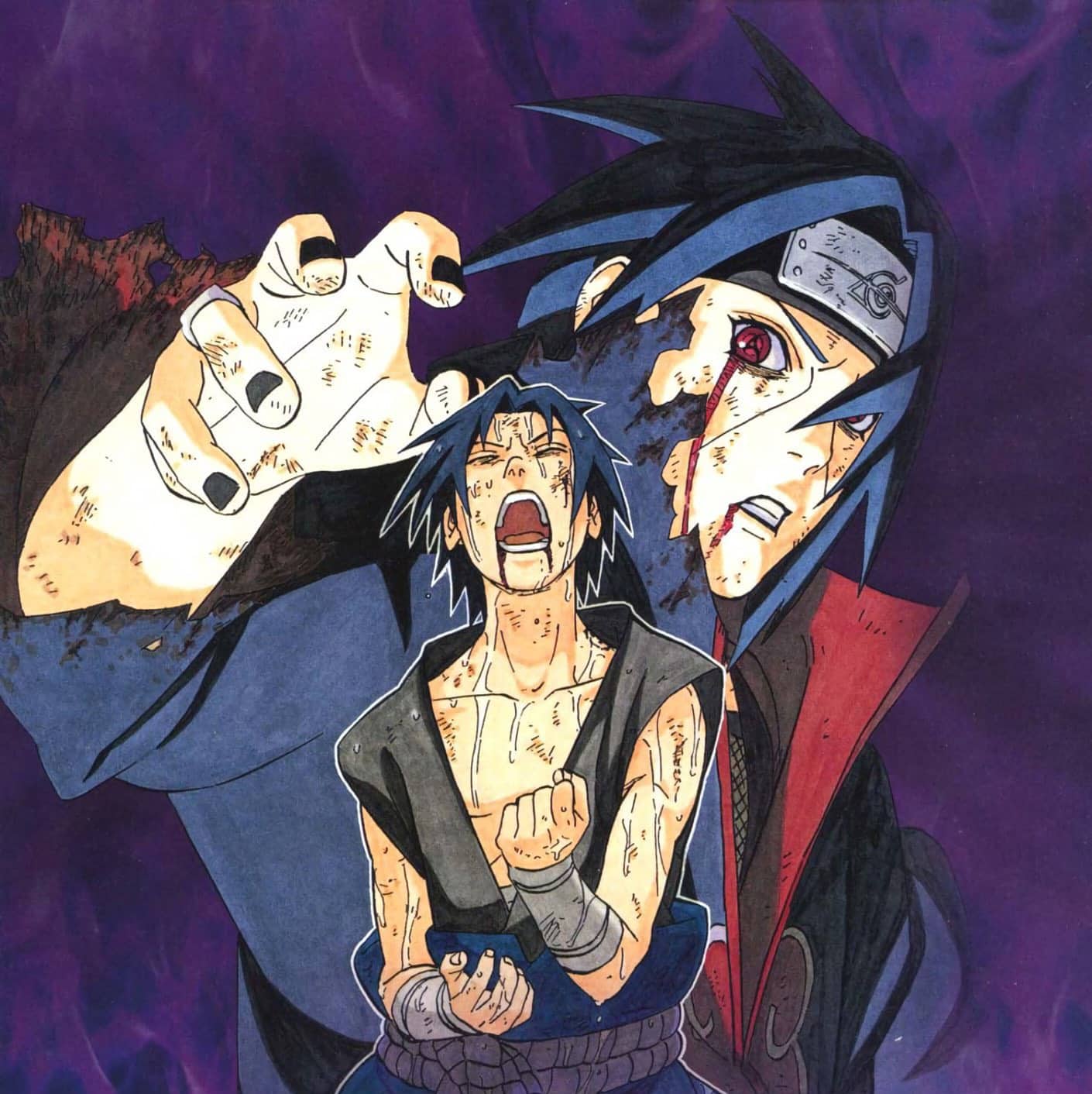
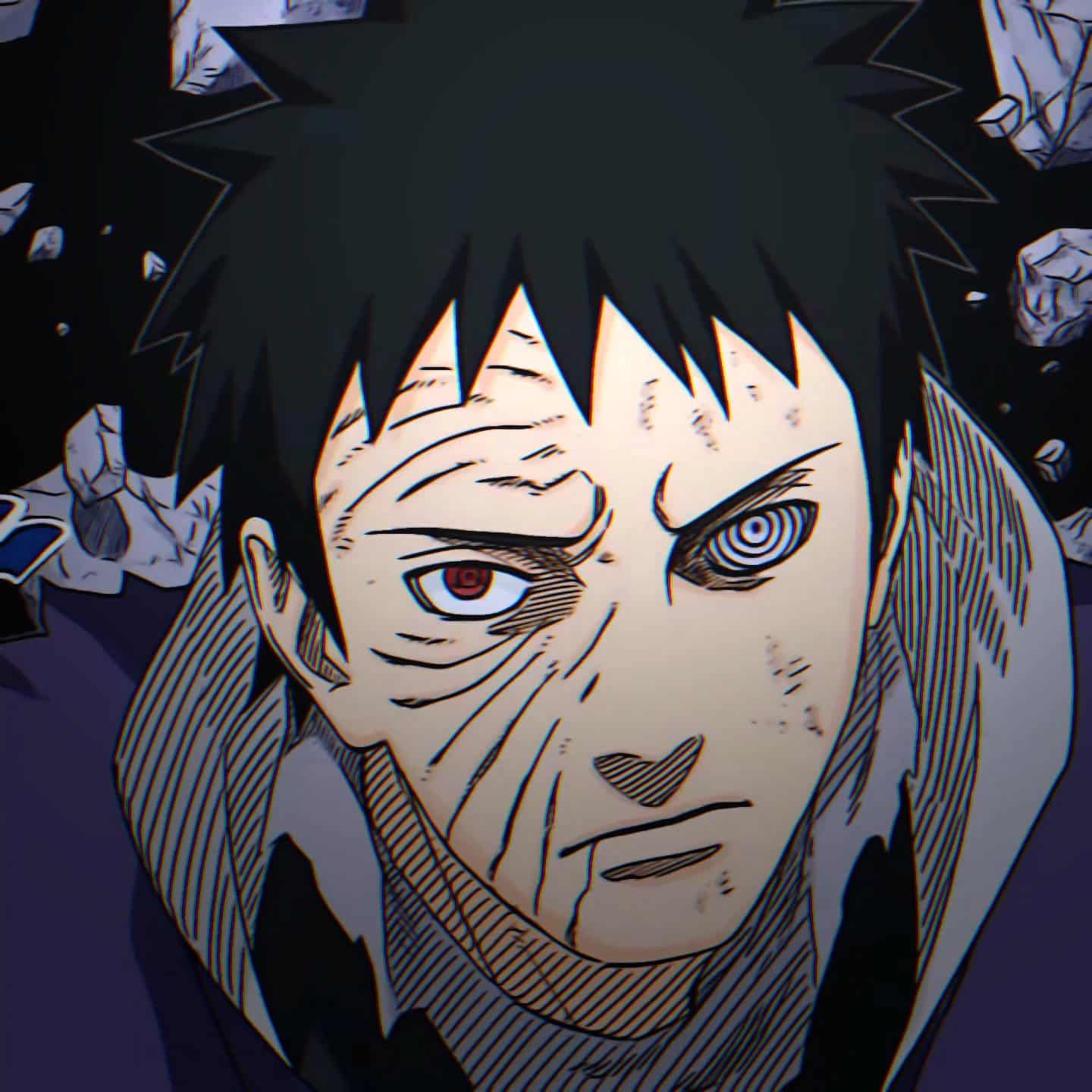
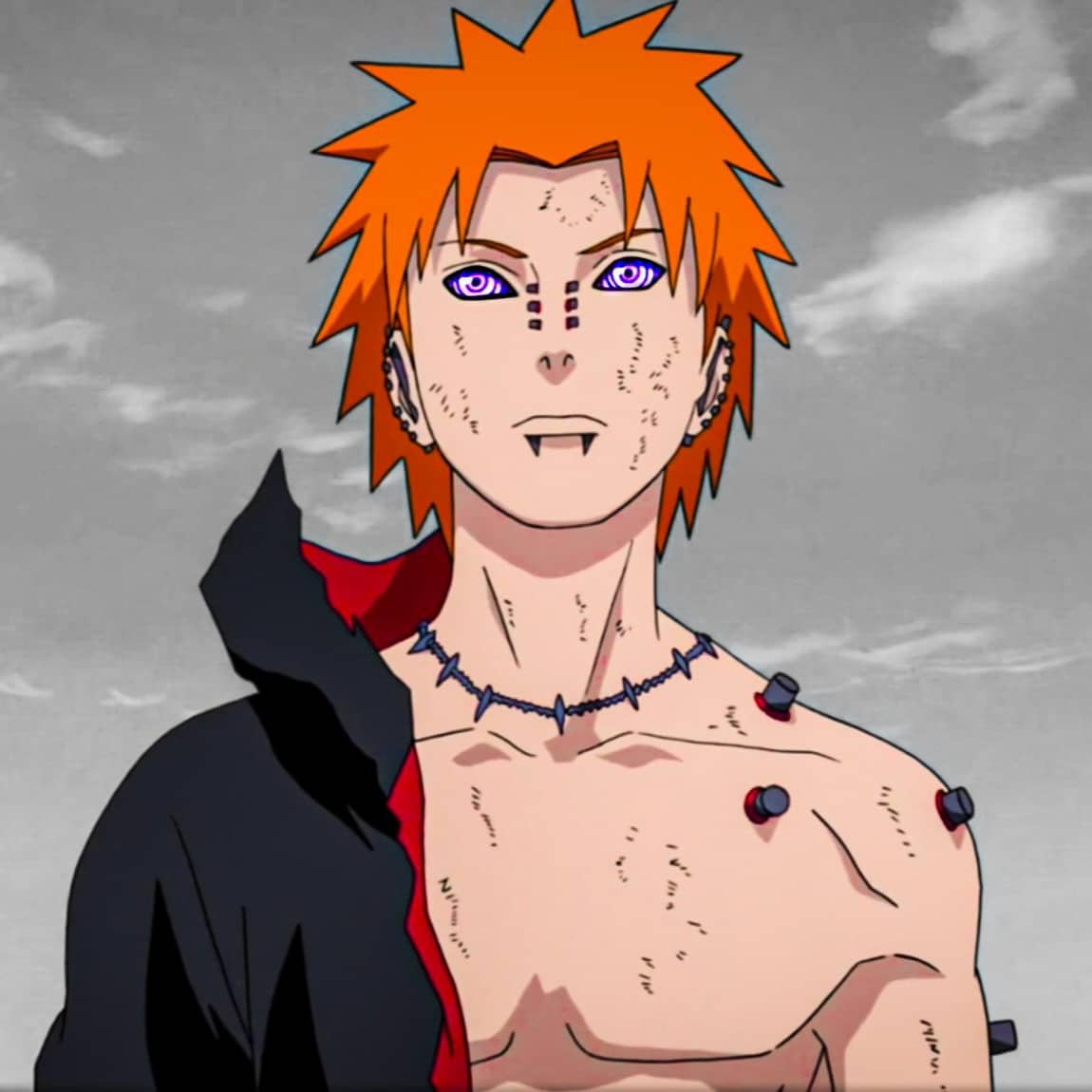
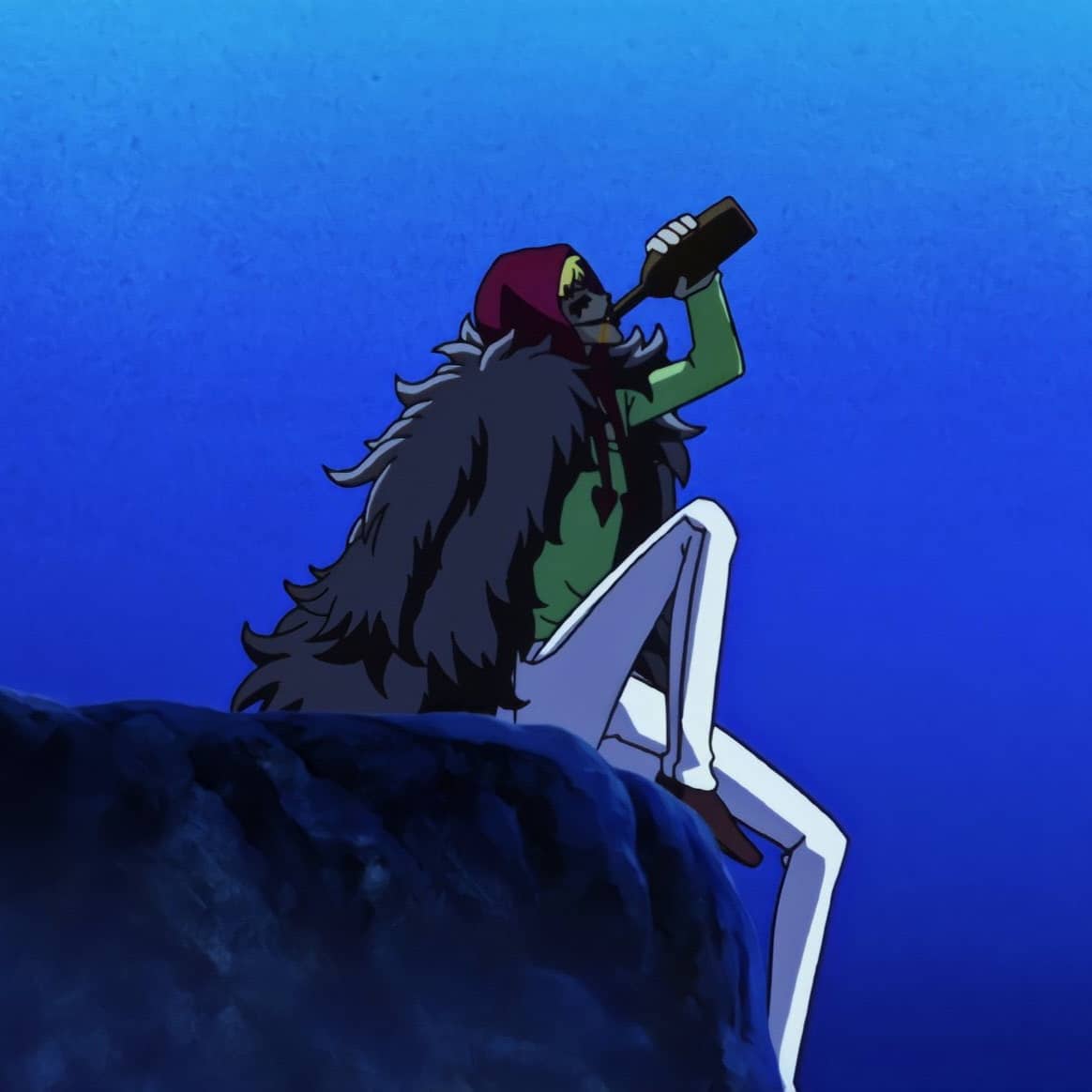
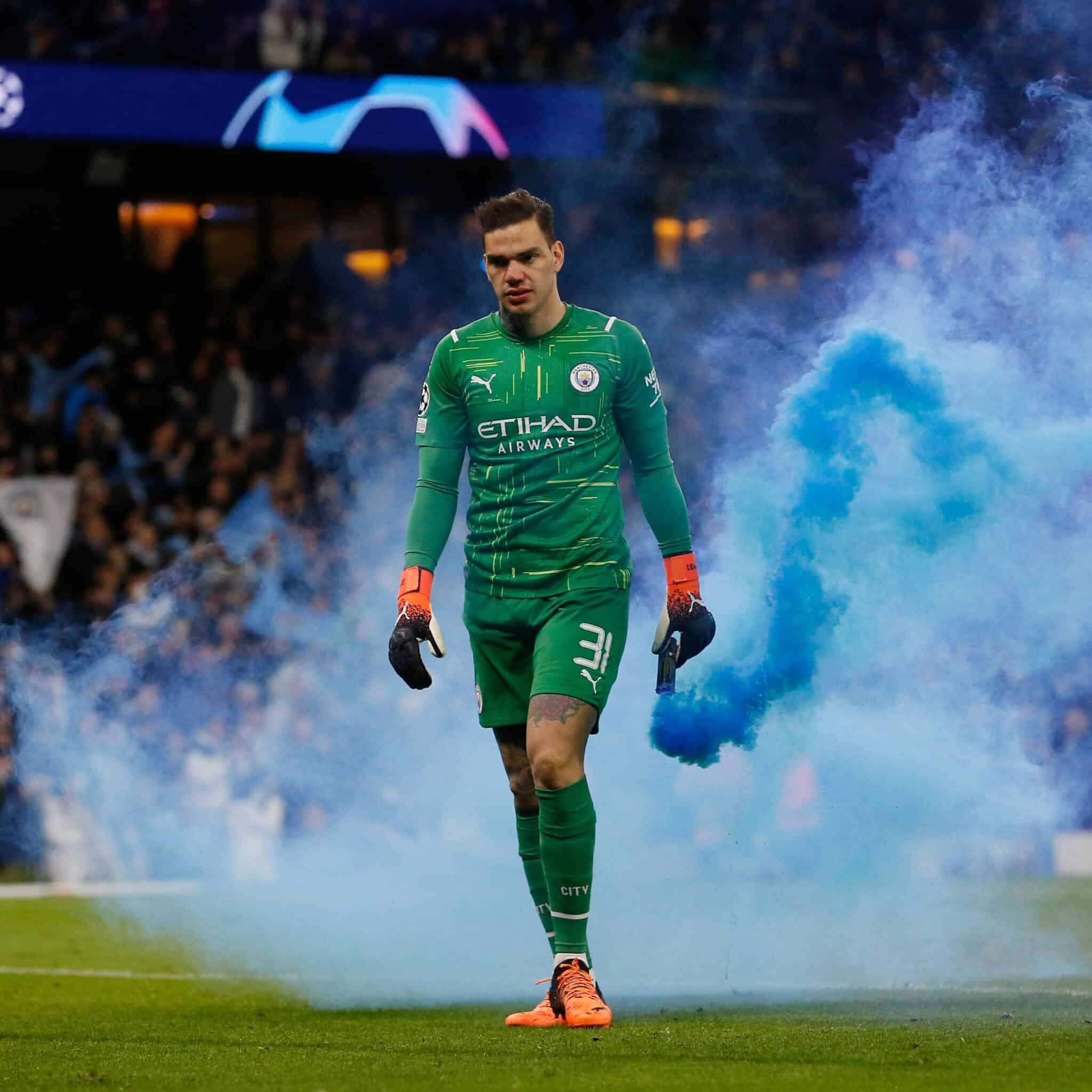
Collection of Cool Anime ML Avatars
If you like anime or Weaboo, then the following cool photos are perfect for you to use in your Mobile Legends.

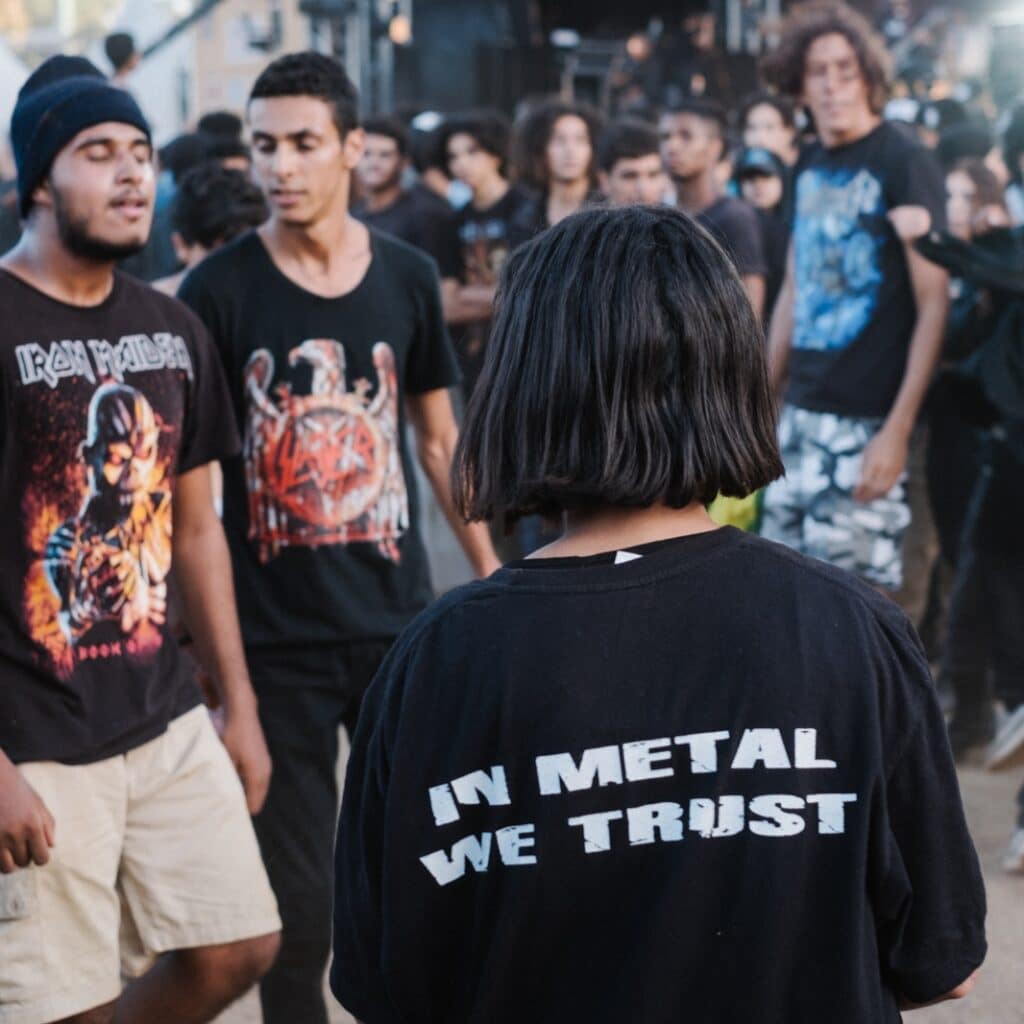
Collection of Cool Aesthetic ML Avatars
The following photo collection is suitable for those of you who really like very aesthetic and cool photos. Here are some recommendations that you can choose from:



How to Change Avatar in Mobile Legends
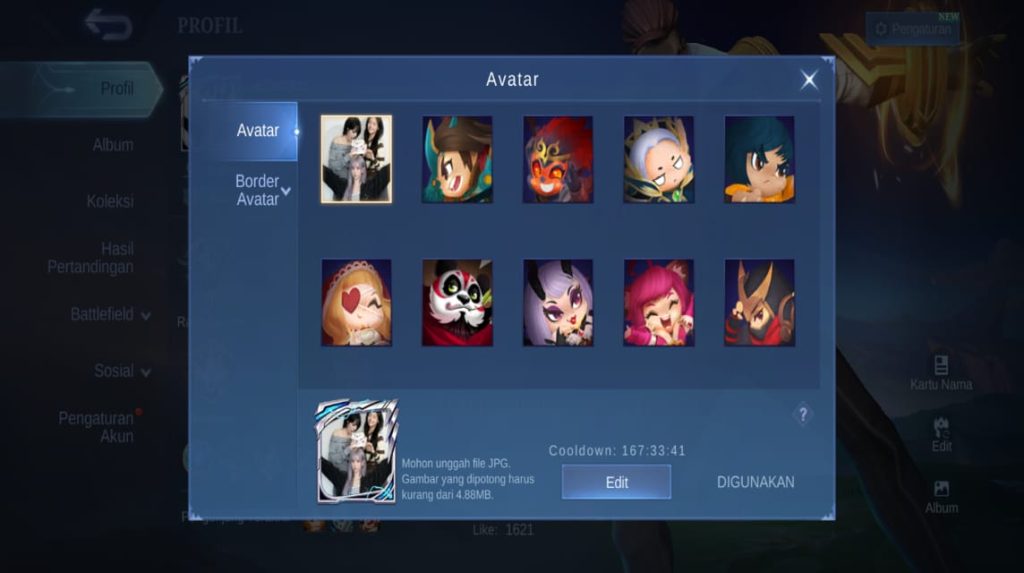
If you have found a suitable photo and downloaded it, then the next step is to change your Mobile Legends avatar.
Here's how to change your avatar in Mobile Legends:

- The first step is that you first open the Mobile Legends game on your cellphone
- Once on the main page, you can click on the avatar
- Then, on the profile photo you need to click the words "Change Avatar"
- Then, you need to export the photos that you previously downloaded from the file manager to the Mobile Legends application, by clicking "Photo Album"
- Select the photo that you downloaded earlier, then click "Done"
- Then you have successfully changed your Mobile Legends profile photo using a cool photo
Also read:
- The Most Powerful, These Are Zilong's Hero and Counter Item Recommendations!
- 6 Heroes to Counter Karrie in the Gold Lane, Leaving You Powerless
- Hero Counter Gatotkaca in MLBB in 2026
So, those are some cool ML avatar recommendations that will make you glow. Hopefully, this article was helpful.



 News
News




