

- Currently TikTok does not provide a delete feature yet repost at once; deletion must be done one by one.
- Manual delete via tab Repost in profile or open video then select Remove repost to cancel.
- Perform a gradual removal, avoiding third-party apps; remove repost does not delete the creator's original video.
How to Delete All Reposts on TikTok, Can You Do It All at Once?
If you are looking for a way to delete all reposts on TikTok, there are several steps that can be done directly from the application.
The repost feature makes it easy to share interesting videos, but if you have too many, the list can feel messy.
Unfortunately, TikTok doesn't yet offer a feature to delete all reposts at once. So, you'll need to undo each repost individually, specifically for each video you've shared. However, the process is quite simple and can be done without any additional apps.
Also read:
- How to Download and Search for Viral Sounds on TikTok Audio
- Price and How to Buy TikTok Coins
- How to Download TikTok Videos and Sounds on Tiktokio
Can I Delete All TikTok Reposts at Once?
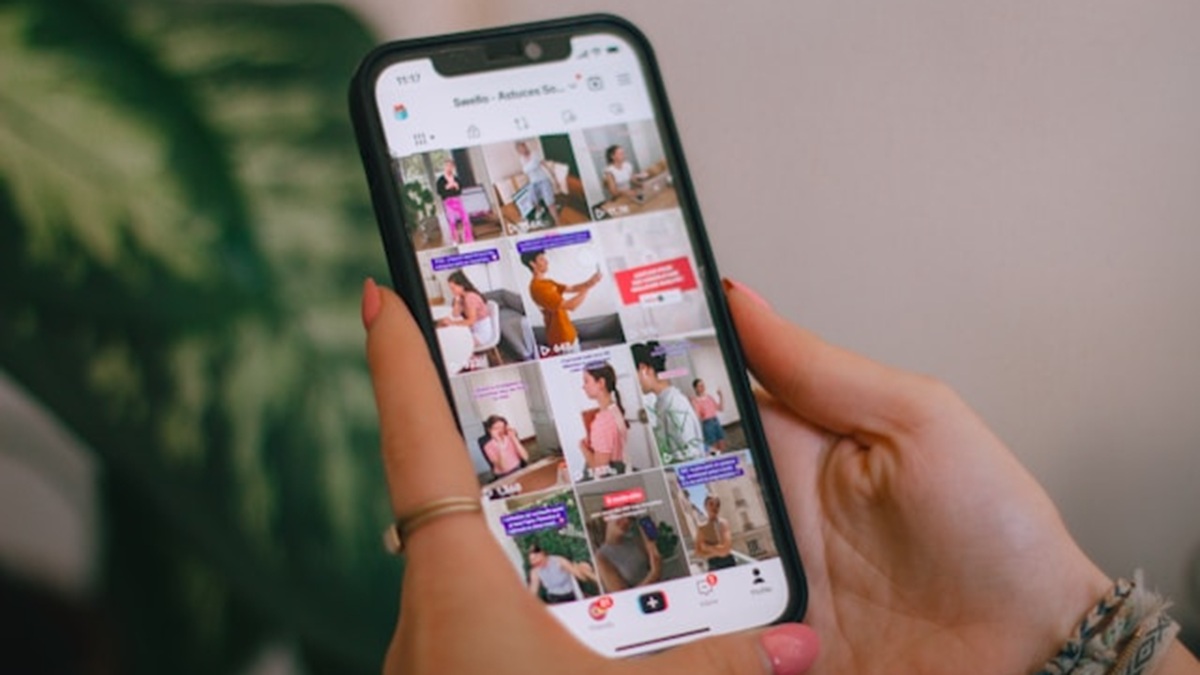
The answer is, it's not possible through TikTok's official features. Currently, TikTok doesn't offer an option like "Delete All Reposts" or a feature to select multiple reposts at once. So, if you want to completely clear your entire repost list, you'll still need to do it one by one.
Repost itself is a TikTok feature that allows you to share other people's videos so they can be recommended to friends or followers. Reposted videos will also appear in the Reposts tab on your profile.
If you have too many reposts, deleting them can be quite tedious. Therefore, the safest way is to delete them directly from the TikTok app without using a third-party app.
How to Delete All Reposts on TikTok One by One

To clear all reposts, you can start from the Reposts tab in your profile. Here are the steps:
- Open the TikTok application on your cellphone.
- Log in using the account you want to clean.
- Select the Profile menu at the bottom right.
- Find and open the Repost tab which has a two arrow icon.
- Select one of the videos you want to remove from the repost list.
- Tap the Share button with the arrow icon on the right side.
- Select Delete Repost or Remove Repost.
- Repeat these steps on other repost videos.
TikTok officially offers another method. After opening a reposted video, you can press and hold the video and select "Remove repost." Another option is to tap your profile picture in the video, select "Reposted," and then cancel the repost.
To speed things up, you can go directly to the Repost tab and delete videos sequentially. This way, you won't have to search for previously reposted videos on the For You page.
Tips for Safely Cleaning TikTok Reposts

If you've already had dozens or even hundreds of reposts, it's best to delete them gradually. Avoid apps or sites that directly ask for your TikTok password just to offer an automatic repost deletion feature.
While there are third-party services that claim to help you delete reposts in bulk, these aren't official TikTok features. So, if you want to maintain account security, the manual method through the TikTok app remains the safest option.
It's also important to remember that deleting a repost doesn't delete the original video. The content remains on the account. creator who uploaded it. You simply cancel the repost action from your account.
Also read:
- How to Get It and Exchange TikTok Coins Easily
- The Difference Between TikTok and TikTok Lite: Which One is Better?
- Download TikTok Videos Without Watermark Easily, HD & Free
So, the official way to delete all reposts on TikTok is currently to delete them one by one via the Reposts tab or directly from the video. If TikTok adds a mass delete feature in the future, the process could certainly be much faster.

FAQs
Currently, TikTok does not provide a feature to delete multiple reposts at once.
No. The original video remains on the account of the creator who uploaded it.
It could be because the feature isn't available on your account yet or the TikTok app hasn't been updated.
Yes, you can reshare the video using the repost feature.
MLBB Product Recommendations


 BV2SHOPBV2SHOPBV2SHOP
 DEMPET STORE
 TopMurBV2SHOP
 RudyStorezTopMurBV2SHOPBV2SHOP


 News
News




