

- The main function: thermal paste fills the micro gaps between the CPU/GPU and the heatsink to improve heat transfer and prevent throttling.
- Popular recommendations: the best choices include Arctic MX-4, Thermal Grizzly Kryonaut, and Noctua NT-H1 according to the needs.
- Ideal change time: replace every 1–2 years for normal use, or 6–12 months for heavy use.
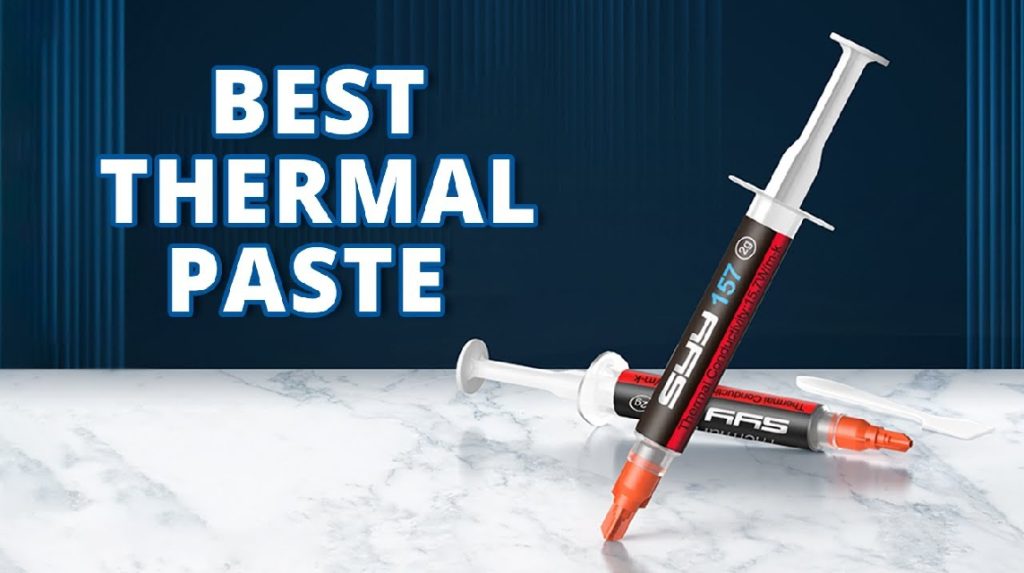
Best Thermal Paste: Functions, Recommendations, and Ideal Replacement Time
The best thermal paste is a crucial component often sought by PC and laptop users, especially those looking to maintain stable processor temperatures. It acts as a heat conductor between the CPU or GPU and the heatsink, ensuring maximum heat dissipation. Without proper equipment, device temperatures can rise rapidly, leading to decreased performance.
There's a wide variety of options on the market today, from budget-friendly to premium-grade options for gaming and heavy-duty applications. Therefore, understanding the function of thermal paste, recommendations for the best thermal paste, and the ideal time to replace it is crucial to ensure device durability and optimal performance over the long term.
Function of Thermal Paste
MLBB Product Recommendations


 BANGJEFF
 BV2SHOPBV2SHOPBV2SHOP
 TopMur
 RudyStorezBV2SHOPBV2SHOPRudyStorezTopMur
Thermal paste is a small component often overlooked, yet it plays a crucial role in maintaining device performance, especially PCs and laptops. Its primary function is to help optimally transfer heat from the processor (CPU) or graphics card (GPU) to the heatsink.
The surface of the CPU and heatsink isn't perfectly flat. There are micro-gaps that can trap air, and air is a poor conductor of heat. This is where this device comes in. This paste fills these gaps to allow for optimal heat transfer.
Without good thermal paste, CPU temperatures can spike dramatically, causing throttling, reduced performance, and even long-term component damage. So, choosing the best isn't just about the brand; it's also about preserving the lifespan of your device.
Also read:
- 10 Thermal Pastes Best, CPU Cooler is Getting Faster!
- 5 Best Gaming CPUs To Buy
- Best PS3 PC Emulators: Recommendations & How to Use Them
The Best Thermal Paste You Can Choose

Here are 5 recommendations for the best CPU pastes that are popular, have high performance, and are often recommended by technicians and PC enthusiasts.
1. Arctic MX-4
Arctic MX-4 is known as a reliable paste with stable performance and an affordable price. It has high heat conductivity, is non-conductive, and is easy to apply. It's suitable for both beginners and professional users.
2. Thermal Grizzly Kryonaut
If you need extreme performance, Thermal Grizzly Kryonaut is the best choice. This thermal paste is often used for overclocking due to its high heat transfer capabilities. It's suitable for high-end CPUs and gaming PCs.
3. Noctua NT-H1
Noctua NT-H1 is renowned for its consistency and durability. This paste doesn't dry out quickly and offers stable, long-term performance. It's a safe choice for those who don't want to frequently disassemble and reassemble their CPU.
4. Cooler Master MasterGel Pro
This CPU paste has the right viscosity for easy spread. MasterGel Pro is suitable for both daily use and gaming, which requires relatively high operating temperatures.
5. Deepcool Z5
The Deepcool Z5 is an economical option with reliable performance. It's suitable for work laptops, office PCs, or users looking for a cooling upgrade without a large expense.
How Often Should You Change Thermal Paste?

This question comes up quite frequently, especially from laptop and PC users who use it daily. Under standard usage conditions, the ideal lifespan of thermal paste is 1-2 years before it needs to be replaced.
However, if the device is used for heavy, continuous work, such as rendering, intense gaming, or mining, it's recommended to replace the paste every six months or once a year. Heavy use causes the thermal paste to dry out more quickly and reduce its performance.
Some signs that thermal paste needs to be replaced include:
- CPU temperature is hotter than usual
- The fan spins faster
- Performance decreases even though the specifications are still adequate
Replacing this paste regularly can help maintain a stable temperature and prevent component damage.

Choosing the best thermal paste is crucial for maintaining your device's performance and longevity. With the right thermal paste, CPU temperatures are more stable, performance remains optimal, and the risk of overheating is reduced.
Also read:
- How to Shrink Your Computer Screen, No Hassle!
- Complete Tutorial: How to take a screenshot on Windows and MacBook
- How to Check Computer VGA Easily
Don't forget to replace it regularly according to the intensity of use so that your device is always in the best condition.




 News
News




