

- PSN Wallet digital balance to purchase games, DLC, in-game items, and subscriptions Playstation Plus without credit card.
- Make sure the account region is the same as the voucher; account Region 3 It is recommended to shop at PlayStation Store with IDR.
- Top up via e-wallet, QRIS, bank, minimarket, or buy instant vouchers at VCGamers; redeem via console, browser, or PS App. Activate 2FA.
Complete Guide to Top Up PlayStation Network (PSN): Wallet, Region, Method
To purchase games from PlayStation Store, To purchase games online, you'll first need to add a credit card as a payment method or top up your PlayStation Network (PSN) balance.
Seeing the benefits you can get by using PSN, it is certainly very interesting to use it.
So, in this article, we'll share a guide to easily topping up your PSN Wallet. Let's take a look at the discussion below!
Also read:
- Best PS4 Games of All Time
- How to Play PS4 Games on PS5
- The Best PS4 Games for Kids in Various Genres
What is PSN Wallet?

PSN Wallet (PlayStation Network Wallet) is a digital balance in your PlayStation account.
PSN Wallet functions as a virtual payment tool for making transactions on the PlayStation Store.
Here are the details of how to use the PSN Wallet on the PlayStation Store:
Purchasing Digital Games and DLC
With your PSN balance, you can purchase various digital game titles (download versions) and Add-Ons (additional content such as DLC) without having to bother entering your credit card number every time you make a transaction.
Purchasing In-Game Items
Apart from games, you can also use this balance to buy virtual currency or exclusive items in certain games (such as Apex Coins in Apex Legends, FIFA Points, or other in-game cosmetics).
Subscribe to PlayStation Plus (PS Plus)
The PSN Wallet can be used to purchase or renew a PlayStation Plus subscription. This subscription is required to play multiplayer online games, receive special discounts, and access a free monthly game catalog.
PSN Region 3 (Asia) vs Other Regions: What's the Difference?
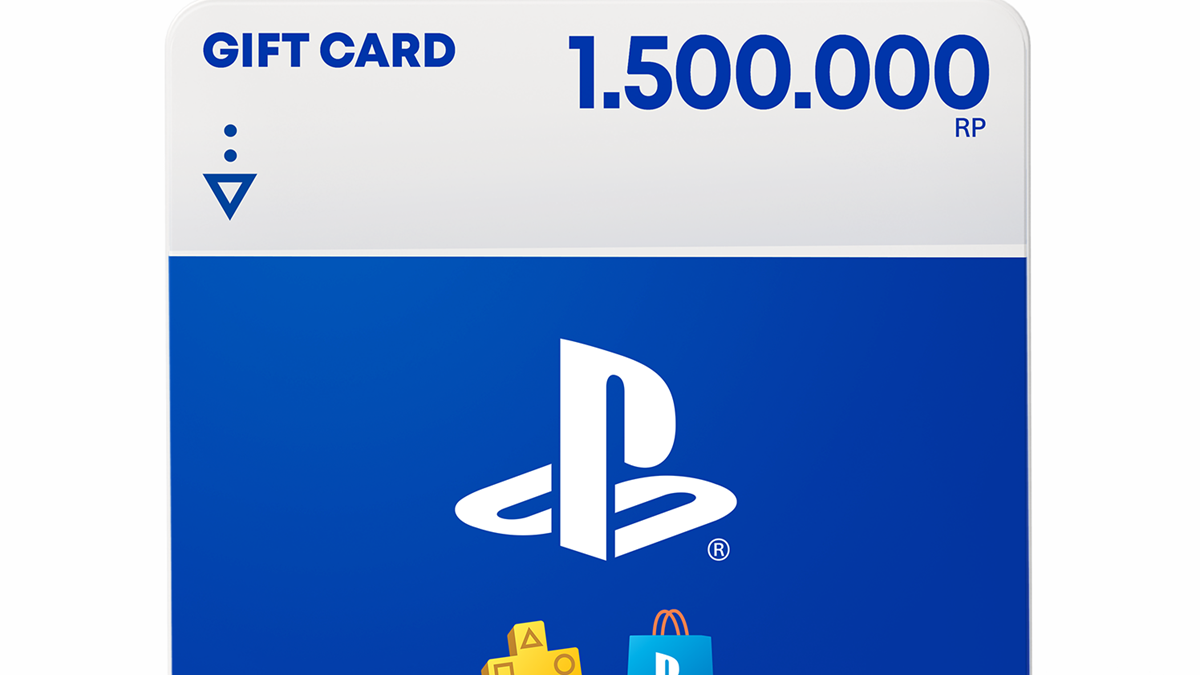
The following is an explanation of the differences between PSN Region 3 and other regions:
Currency & Payment (Wallet)
Region 3 accounts (such as those in Indonesia, Singapore, or Hong Kong) can only use vouchers or gift cards from the same region. You cannot use Region 1 (USD) vouchers to top up Region 3 accounts.
DLC Compatibility
If you own a Region 3 physical disc or digital game, the DLC code (such as an item, additional character, or expansion) you purchase must be from Region 3. Region 1 or 2 DLC will not work in Region 3 games.
Language & Sensors
Some games, particularly Japanese or Asian releases, may have specific content censorship that differs from the American (Region 1) versions. Additionally, the default language on physical covers and in-game menus is often adjusted to the destination country (such as English, Mandarin, or Korean subtitles).
Region Lock Game
In terms of hardware, all PlayStation 3, 4, and 5 consoles are region-free. This means you can still play Region 1 or 2 physical discs on consoles purchased in Indonesia (Region 3).
Main Account Options
In Indonesia, it is highly recommended to have a Region 3 primary account due to the ease of purchasing games through the PlayStation Store using Rupiah (IDR) or local credit cards.
You can do top up PSN VCGamers region 3 instant.
Console Specifications

There are no specific hardware specifications (such as RAM or a specific processor) required to use the PSN wallet, as the balance is tied to the PlayStation Network (PSN) account, not the console's graphics capabilities.
The following are the main requirements for the console to be able to use the PSN wallet:
Original Console (OFW / Original Firmware)
The console must not be hacked/jailbroken (CFW) to connect to PlayStation servers.
Internet connection
Must be online to log in to your account and redeem vouchers.
Same Account Region
The PSN wallet region code (e.g. US/Indonesia/JPN) must be exactly the same as your PSN account region.
Master Account
Minimum account age is 18 years for full wallet management (child accounts are subject to spending limits by the family manager).
Instant Voucher Delivery

You can purchase PlayStation Network faster on the VCGamers Marketplace by purchasing PlayStation Network items labeled "Instant.".
When you purchase products labeled "instant," you'll receive a PlayStation Network voucher sent to your email address. Delivery will occur immediately upon payment.
Later you will receive a voucher sent to the email that was registered to the email used to register your VCGamers account.
How to buy PSN Wallet Instant on VCGamers:
- Open the VCGamers PSN Voucher Gercep page.
- Select the nominal PSN Wallet / Gift Card (available IDR variants such as 100,000, 1,000,000, etc.).
- Choose a payment method.
- Enter promo code if any.
- Complete payment.
- Voucher code automatically appears in transaction history / sent instantly that very second
Game Prices on the PSN Store

Game prices on the Indonesian PSN Store vary from free to hundreds of thousands of rupiah, up to over 1 million rupiah. This depends on publisher policy and the pricing system. PSN sale discount tips and savings.
General price range best PS4 PS5 games on a budget:
- Indie Games / Light / Discount Promo: Rp100,000 – Rp450,000
- AAA Standard Games (New/Major Release): Rp649,000 – Rp1,140,000+ ($69.99 equivalent or adjustment)
- Deluxe Game / Bundle / Special Edition: Rp1,100,000 – Rp1,500,000+
- Free-to-Play / Small microtransactions: Rp4,000 – Rp50,000 (€0.25)
PS PLUS Subscription Options

Since 2022, Sony has divided PS Plus subscriptions into three tiers: Essential, Extra, and Premium. Each has its own advantages, tailored to gamers' needs and playing styles. Here's an explanation of each: PS Plus subscription is worth membership:
PlayStation Plus Essential
PS Plus Essential is the basic version of the PlayStation Plus service—previously known as just PS Plus. It's the simplest option, but still offers many important benefits.
PlayStation Plus Extra
PS Plus Extra includes all the features of the Essential tier, plus access to hundreds of games from the PlayStation 4 and PlayStation 5 catalogs.
PlayStation Plus Premium
For those who want the most complete PlayStation experience, PS Plus Premium is the best choice. This is the highest tier of PlayStation Plus, with all the features of Essential and Extra, plus a variety of exclusive perks.
PSN Top Up Payment Method Options

E-Wallet (Most Popular in Indonesia)
- GoPay, OVO, DANA, ShopeePay
- Pros: Fast (1-5 minutes), frequent cashback/promos
QRIS
- Scan QR using any e-wallet
- Advantages: Universal, simple
- Suitable for: Flexibility
Bank Transfer
- BCA, Mandiri, BRI, BNI, etc.
- Pros: Safe for large diamond top ups
- Suitable for: Larger purchases
Minimarkets (Alfamart/Indomaret)
- Pay cash at the cashier
- Advantages: No need for e-wallet/account
- Suitable for: Cash-based transactions
Pulse
- Pay using cellphone credit
- Advantages: Accessible for all
- Disadvantages: Higher fees
VCGamers: Platform to Buy PSN Wallet Codes at Competitive Prices

VCGamers is a marketplace for buying and selling game vouchers and digital wallet codes that connects sellers and buyers to make safe and convenient transactions.
One of them, this platform provides PSN Wallet codes (digital credentials for topping up PlayStation Account) with various denominations and supports local payments.
VCGamers advantages for PSN Wallet top up:
- More competitive prices than the PlayStation Store directly – the marketplace model creates price competition between sellers
- Complete local payment methods: GoPay, OVO, DANA, ShopeePay, QRIS, Bank Transfer, and payments at Alfamart
- Fast transaction process – PSN Wallet code is sent via email within 1-5 minutes after payment.
- Seller rating system – you can choose trusted sellers with high ratings (4.5+ stars)
- 24/7 customer support is ready to help if there are any problems redeeming the code.
- Safe from fraud with a verified marketplace system
- You can compare prices from various sellers before buying.
For PlayStation gamers who want to buy PSN Wallet codes at a cheaper price and with a practical process, VCGamers is a recommended platform choice.
How to Redeem PSN Codes
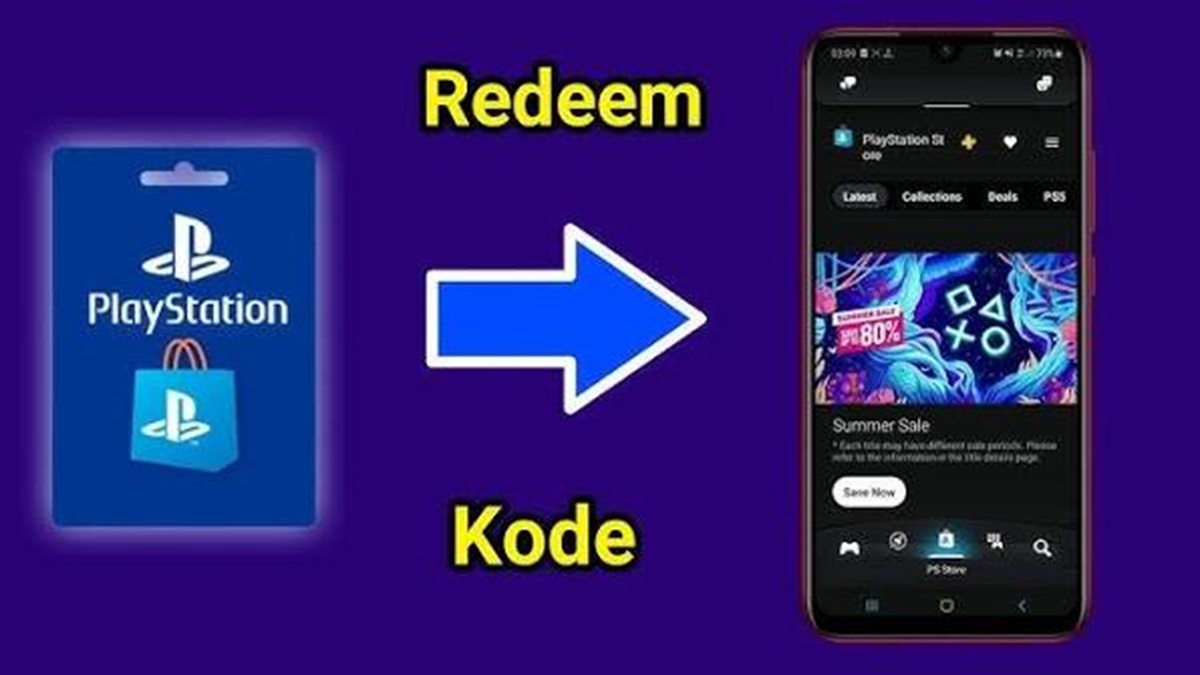
You can redeem PSN voucher codes via the PlayStation Store, browser, or PlayStation App.
Via PS4 / PS5 Console
- Open the PlayStation Store.
- Scroll down the sidebar (or select the … / more menu in the top right corner).
- Select Redeem Codes.
- Enter the 12-digit code.
- Select Continue > Confirm or Redeem.
- Select Download if there is game content (optional).
Via Browser (PC/Mobile)
- Visit the official PlayStation Store website and Sign In to your account.
- Click the profile icon / avatar at the top right.
- Select Redeem Codes (or Add Funds > Redeem Prepaid Card).
- Enter the 12-digit code, then click Next / Continue.
- Confirm the nominal and select Add Funds / Redeem.
Via PlayStation App (Mobile)
- Open the PS App application.
- Select the PS Store icon at the bottom.
- Select the menu icon (three lines) on the right side of the screen.
- Select Redeem Code.
- Enter the 12-digit code and follow the instructions until complete.
PSN Account Security and Region Settings

PSN Region Settings
Region is locked upon account creation and must match billing/credit card info.
Content Suitability
- Physical game DLC/add-ons must match the region of the game disc.
- The voucher/gift card code must match the account region. PlayStation
How to Check Region:
- Website: Go to PlayStation Account Management > Your Information > Edit Residential Address.
- Application: Open Play > Settings Icon > Account Information > Edit Residential Address.
PSN Account Security
2-Step Verification (2FA)
Activate two-factor PSN account security via SMS or authenticator app in account security settings to prevent hacking.
Strong Password
Use a combination of upper/lower case letters, numbers, and unique symbols.
Parental Controls
Set age limits, spending limits, and playtime for your child via the Family Management menu.
Account/Console Sharing: Be careful about enabling Console Sharing and Offline Play on other people's consoles.
Also read:
- Best PS5 Game Recommendations
- List of Best 2 Player PS5 Games
- Recommendations for the 10 Best PS5 Games
So, that was our discussion regarding the PlayStation Network top up guide.
FAQ About PlayStation Network Top Up
Check your email (inbox + spam folder). If you haven't received it within 15 minutes, contact VCGamers Customer Service with a screenshot of your ID order. VCGamers will resend the code or refund.
Yes, you can! One code can be used by one account. So, if you buy Rp 500,000, one person who redeems it will receive the full balance. It cannot be split.
The code has no expiry date (it's permanent). However, for safety's sake, redeem it immediately upon receipt.
No. PSN Wallet has been redeemed and is permanently in your account. Use it to purchase games, DLC, or memberships only.
Rarely. VCGamers is usually cheaper due to the marketplace. However, if there's rarely a sale at the PS Store, buying from VCGamers is also safe.
It's safe, as long as you choose a seller with a high rating (4.5+). VCGamers is a verified seller and offers buyer protection.
It's possible, but it's complicated. Solution: Create a new account in Indonesia (Region 3). Or change your residence settings (requires documents, complicated).
Yes, direct. But prices are usually higher. VCGamers offers flexibility, lower prices, and local payment methods.


 News
News




