

- Jump button varies by device: Space on the computer, the screen button is on Mobile Phone/Tablet, Xbox (A), PlayStation (X).
- In Roblox, combine jump with move keys; some games offer special items to jump higher.
How to Jump in Roblox, Easy to Do on Various Devices
How to jump in Roblox It's basically very easy and can be done with just one button press. However, the button used to jump varies depending on the device you're using to play Roblox.
On a computer or laptop, you can jump by pressing the Spacebar. Meanwhile, for mobile players, tablet, Xbox, and PlayStation have different jump controls. Here's a complete guide on how to jump on Roblox based on the device used.
Also read:
- How to Play Roblox on a Laptop and Its Control Buttons
- How to Play Roblox on a Laptop, Including Basic Controls
- How to Set Parental Controls on Roblox Guide
How Jumps Work in Roblox

Jumping is one of the basic movements a character can perform while playing Roblox. This movement is useful for overcoming obstacles, avoiding traps, reaching higher places, or simply moving positions more quickly.
Because Roblox has many types games and map, the jump function can also differ depending on the experience being played.
On the desktop or laptop version, players simply press the Spacebar on their keyboard to make their character jump. On the mobile version, the jump button is located directly on the screen and can be tapped.
Meanwhile, Xbox players can press the A button on the controller, while PlayStation users need to press the X button to jump.
Device Based Jump Control

Knowing the jump button for your device will make controlling your character easier, especially when playing Roblox games that require fast movement. The basic controls are quite simple and can generally be used immediately after entering the game.
Here are the Roblox jump controls based on the device you are using:
- Computer/Laptop: Press the Spacebar on your keyboard. This key is the primary control for making your character jump.
- Mobile/Tablet (Android & iOS): Touch or tap the button with the circular jump icon on the right side of the screen. This button can be used to make the character jump.
- Xbox Console: Press the A button on the stick or Xbox controller to make a jump.
- PlayStation Console: Press the X button on the stick or PlayStation controller to jump.
So, if you're new to Roblox, you don't need to worry about finding special settings for jumping. As long as the game uses standard Roblox controls, the button can be used directly to jump.
Additional Tips While Playing
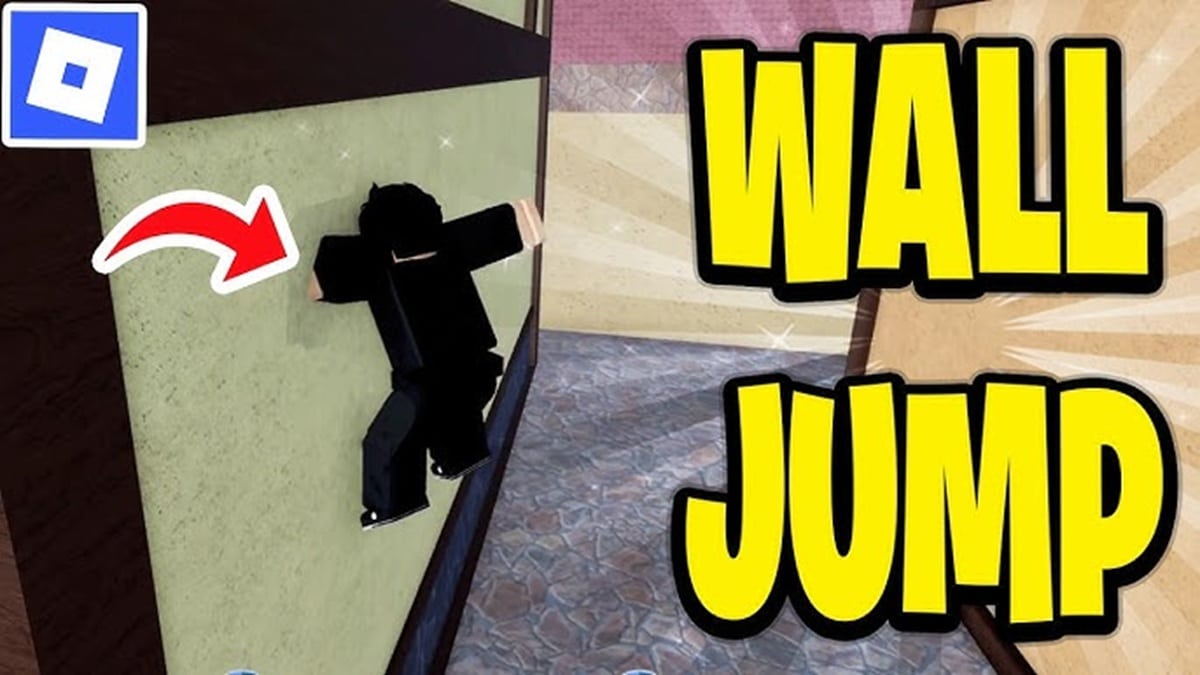
Once you know how to jump in Roblox, you can also combine this movement with other controls. This technique is useful when passing through obstacles. obby, chasing other players, avoiding obstacles, or exploring maps that have many tiered areas.
One method you can try is jumping while walking. On a laptop or computer, press a directional key like W to move forward simultaneously with the Spacebar to jump. This combination allows the character to move forward and jump simultaneously, making it easier to overcome certain obstacles.
In addition, there are also Roblox games or maps that provide special items or certain powers to make characters jump higher than their normal abilities.
This effect usually depends on the game mechanics being played. So, if your character's jumps seem different from other Roblox games, it could be that the map has a special feature or item.
Also read:
- What is Poki Games Roblox? About it and How to Use it
- How to Play Roblox Free Online without Download
- Roblox Private Server: Definition, Function, and Usage
Ultimately, jumping in Roblox is quite simple, as the basic controls only require one button. You simply need to adjust this button to suit your device, then combine it with the movement buttons if you need to jump while walking.
FAQs
No. The keys used vary depending on the device, such as Space on a computer and A on an Xbox.

Press the direction buttons to move simultaneously with the jump button.
Yes. Some games provide special items or abilities to increase jump height.
Yes, you can. Simply tap the jump icon on the right side of the screen.
The possibility of different game controls or jump features is indeed limited by the game being played.
Roblox Product Recommendations


 Hero Alive
 Kumay10shopHero AliveHero Alive
 RudyStorezHero Alive



 News
News




