
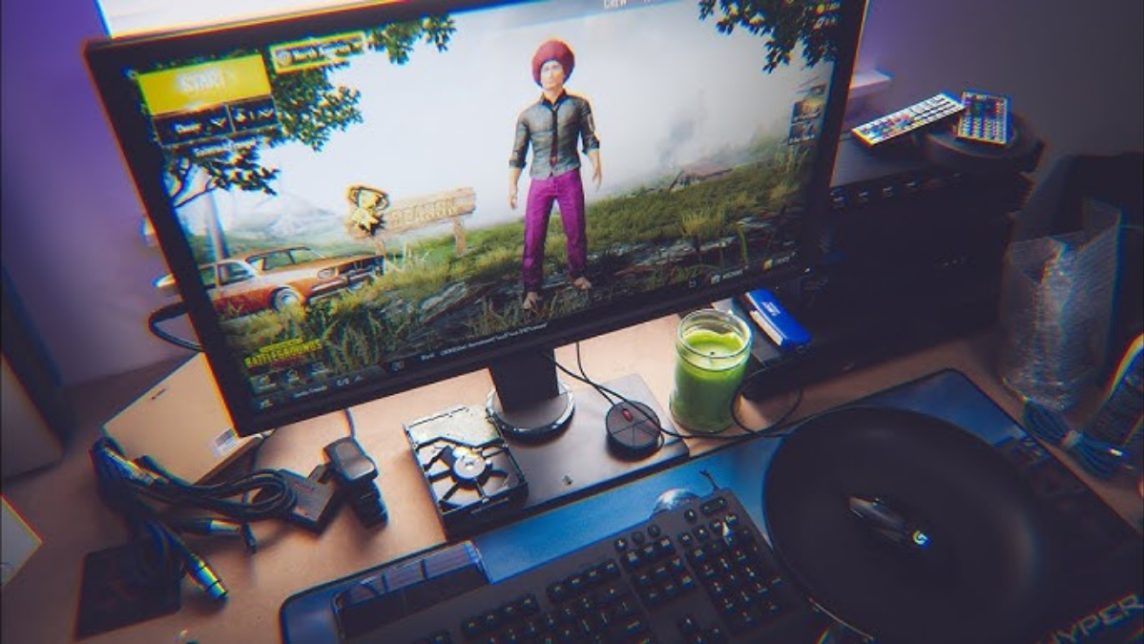
- GameLoop recommended as the official and most stable emulator for PUBG Mobile on low spec PC.
- LDPlayer and MEmu Play A lightweight, CPU-saving alternative, suitable for laptops with 4GB–8GB RAM.
- BlueStacks 5 more RAM efficient than the old version, ideal if the PC has at least 8GB RAM.
- For smooth: activate Virtualization, close background apps, use 720p, and set graphics to Smooth.
The Best Lightweight PUBG Emulator, a Solution for Smooth Play on Low-End PCs
Looking for an emulator PUBG Lightweight is the solution for those of you who want to play PUBG Mobile on laptops or a PC with mediocre specifications.
Not everyone has an expensive gaming PC, but the good news is, there are now several emulators optimized to run smoothly even with limited RAM.
In this article, you'll find recommendations for the best lightweight PUBG emulators suitable for low-spec PCs, complete with performance details.
In addition, we also discuss the minimum RAM required for PUBG PC so you can adjust your device before installing.
Also read:
- Here's How to Set the Best PUBG Gyroscope Sensitivity
- PUBG Roles: Definition, Duties, and Playing Tips
- PUBG's DBS, a Super-Fast Shotgun That Can't Be Underestimated
Best Light PUBG Emulator
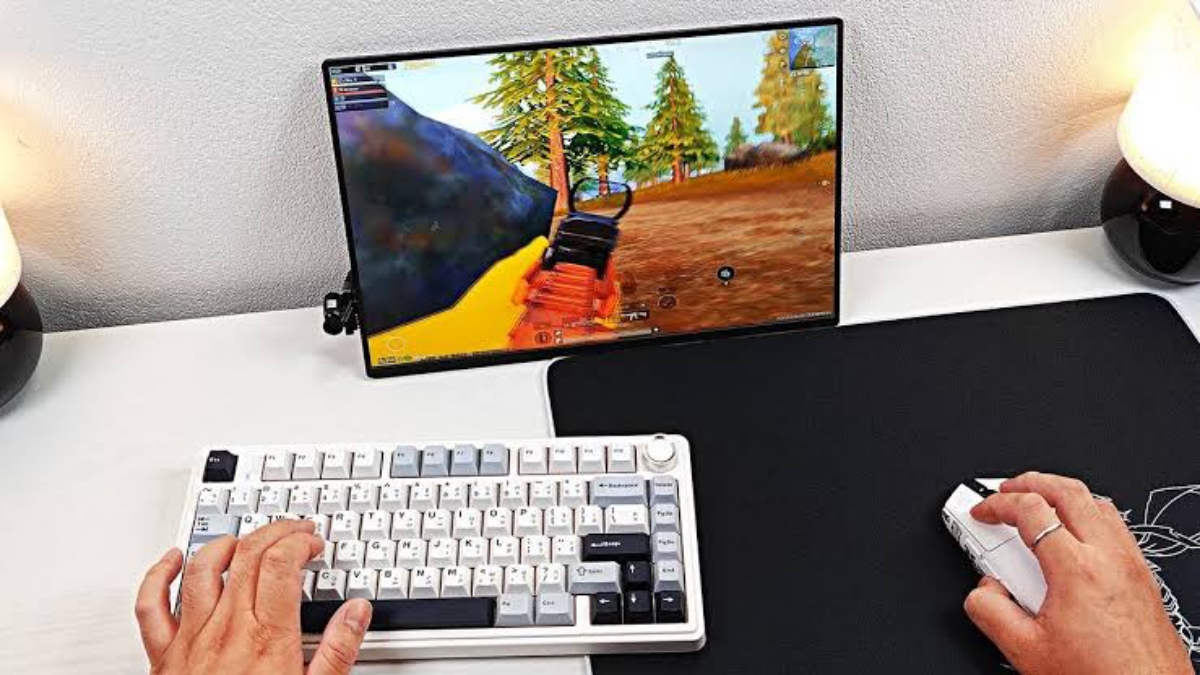
Here are some of the most frequently recommended emulators due to their stable and lightweight performance.
GameLoop (Tencent Gaming Buddy)
GameLoop is the official emulator of Tencent It's specifically designed for PUBG Mobile. Because it's official, its optimization is much better than other emulators.
Why is GameLoop recommended?
- Optimized specifically for PUBG Mobile
- Graphic settings automatically adjust to PC specs
- Control keyboards and mouse more responsive
- Minimal bugs and rarely crashes
If you're looking for a lightweight, safe, and stable PUBG emulator, GameLoop is your top choice. Even on a PC with 4GB of RAM, the game still runs smoothly with smooth graphics settings.
LDPlayer
LDPlayer is known as a lightweight and fast Android emulator. Many gamers choose LDPlayer for its stable performance on low-spec devices.
LDPlayer Advantages:
- Light and fast startup
- More efficient CPU usage
- Flexible control settings
- Can customize DPI and FPS
For those of you using a laptop with 4GB or 8GB RAM, LDPlayer runs PUBG Mobile smoothly enough without excessive lag, as long as the graphics settings are lowered.
MEmu Play
MEmu Play is often used as an alternative lightweight PUBG emulator for low-end PCs. This emulator offers fairly stable performance and is compatible with many devices. android games.
MEmu Play Advantages:
- Light installation
- Can set CPU cores according to needs
- Supports easy keyboard mapping
- Stable on Windows 10 & 11
If you want an emulator that is flexible and not too heavy, MEmu Play could be an interesting option.
BlueStacks 5
BlueStacks has long been known as a popular emulator. Its latest version, BlueStacks 5, has been updated to use up to 50% of RAM more efficiently than the previous version.
Why is BlueStacks 5 still worth choosing?
- Lighter performance than the old version
- High FPS support
- Modern and easy to use interface
- Stable for PUBG Mobile
While previously known for its heavy load, BlueStacks 5 is now much more optimized. It's suitable for PCs with at least 8GB of RAM to ensure smooth performance without any lag.
What is the minimum RAM for PUBG PC?
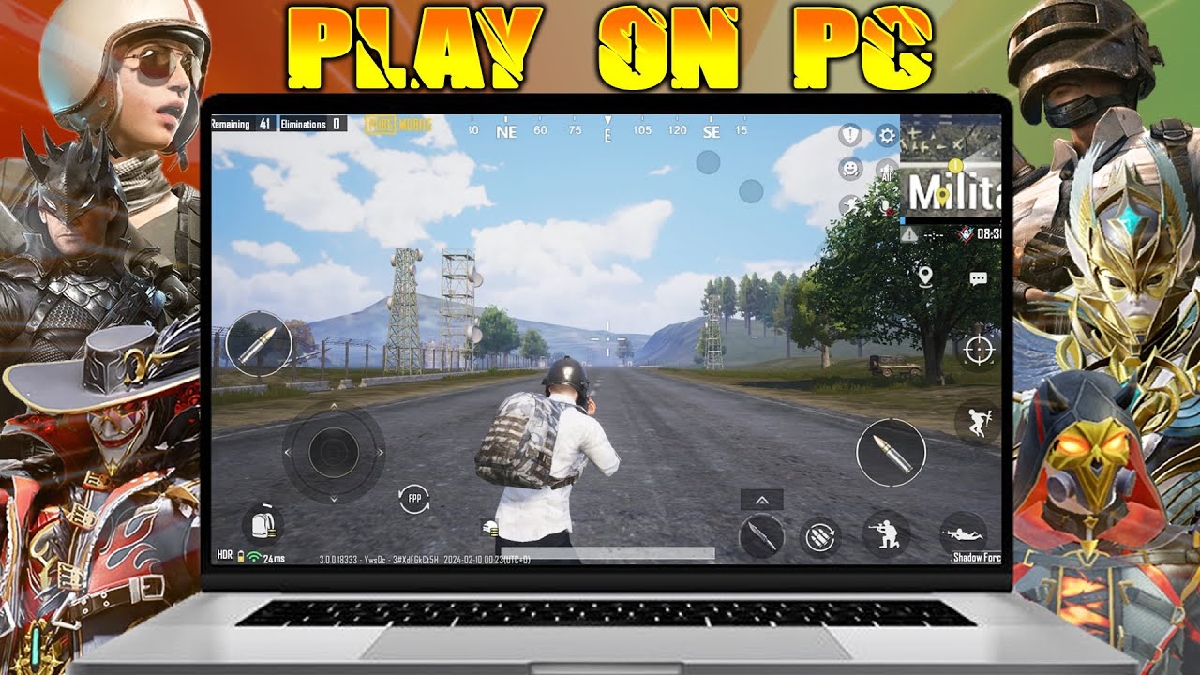
Besides PUBG Mobile via emulator, many are also curious about the PC version of PUBG (PUBG: Battlegrounds).
Here are the minimum specifications for PUBG PC:
- RAM: Minimum 8GB
- Processors: Intel Core i5-4430 / AMD FX-6300
- VGA: NVIDIA GTX 960 / AMD Radeon R7 370
- Storage: Around 40GB+
This means that if your PC only has 4GB of RAM, PUBG PC will almost certainly not run smoothly. Even with 8GB of RAM, performance is still mediocre and requires low graphics settings for stability.
If your specifications are still low, it's better to play PUBG Mobile using a lightweight PUBG emulator like GameLoop or LDPlayer.
Tips to Make the PUBG Emulator Run Smoother
To optimize performance, you can do the following things:

- Enable Virtualization feature in BIOS
- Close unimportant background applications
- Use 720p resolution
- Lower the graphics settings to Smooth
- Update VGA drivers regularly
With a combination of a lightweight emulator and the right settings, PUBG Mobile can still be played without excessive lag.
Choosing a lightweight PUBG emulator is crucial if you're using a low-spec PC. GameLoop is the most recommended choice because it's official and optimized for PUBG Mobile.
LDPlayer and MEmu Play are suitable lightweight alternatives, while BlueStacks 5 is much more RAM efficient than the older version.
Also read:
- The Meaning of Looting in PUBG and Free Fire Games
- How to Play PUBG Mobile on PC Easily, Perfect for Beginners
- PUBG Emulator: A More Comfortable Solution for Playing on PC
If your goal is to play PUBG on PC, make sure you have at least 8GB of RAM to avoid lag while playing.
So before installing, check your device specifications first to ensure a comfortable gaming experience.
PUBG Product Recommendations


 RudyStorezRudyStorezRudyStorez
 TopMurTopMurRudyStorezRudyStorez
 BANGJEFFRudyStorezBANGJEFF




 News
News




