

How to Delete Roblox Account Easily
Maybe some of you want to delete your account but are confused about how. The reason may be for privacy, security, or just want to stop playing.
So, deleting a Roblox account requires several steps to be taken. Well, we will review this thoroughly!
Also read:
How to Delete Roblox Account
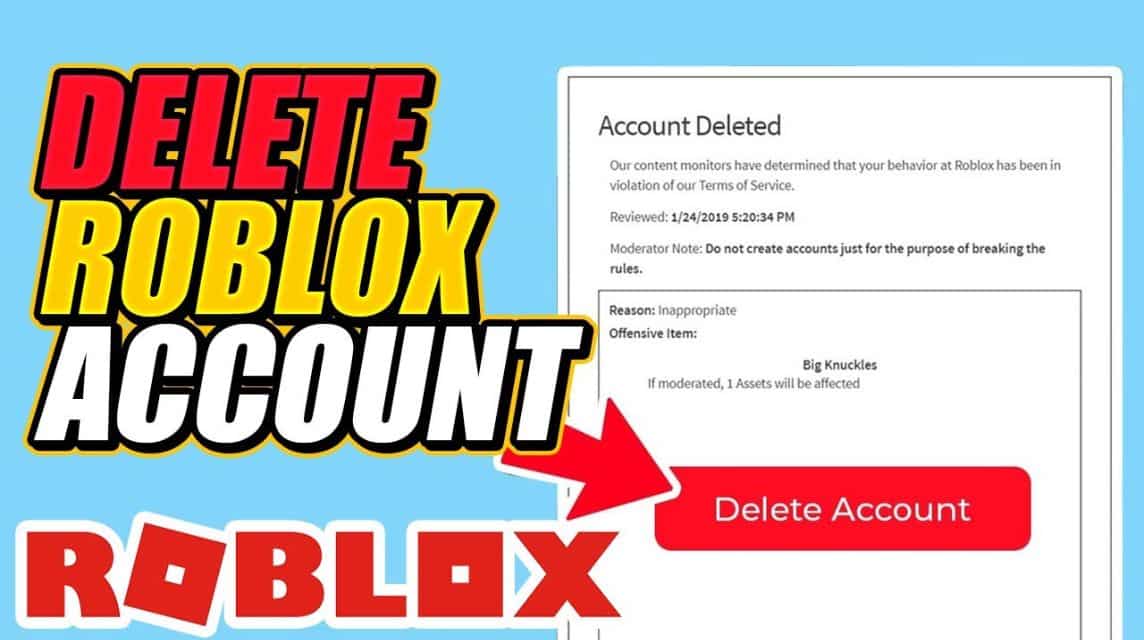
Deleting a Roblox account cannot be done directly through the settings menu like on some other platforms. Here are the steps you must follow to delete a Roblox account:
Visit Roblox Support Form
First, open a browser and access the Roblox Support page to fill out the support form. Make sure you are logged in to the Roblox account you want to delete before proceeding.
Enter Contact Information
On the support form page, you need to enter your contact information. You can add your username and first name (optional), but the most important thing is to enter your email address twice for verification.
Fill in the Issue Details
In this section, select the device you are using to play. Roblox. Under the “Type of help” category, select “Delete My Account”. In the second column, re-fill “Delete My Account” as the answer.
Explain Account Deletion Request
Use the “Description of issue” text box to provide specific notes or instructions about how, when, and why you want to delete your Roblox account.
Submit Form and Wait for Response
After filling out the form, click the “Submit” button and wait a few days for a response from the Roblox Support Team. They will provide additional instructions if needed before your account is deleted.
You should know that once an account is deleted, all progress, items, and in-game data will be permanently lost.
If you want to play again later, you'll have to create a new account and start over.
How to Delete an Inactive Roblox Account
If you have an inactive Roblox account and want to delete it, the process is relatively easy. Here's how:
- Sign in to an Inactive Account: First, log in to the Roblox account you want to delete.
- Open the Account Info Page: After logging in, go to the “Account Info” page from the settings menu.
- Select “Deactivate Account”: On this page, you will find the “Deactivate Account” option. Click this button and confirm your decision to delete the account.
Your account will be deleted after confirmation. If you change your mind, you can reactivate your account by logging in and following the same steps.
How to Recover Deleted Roblox Account
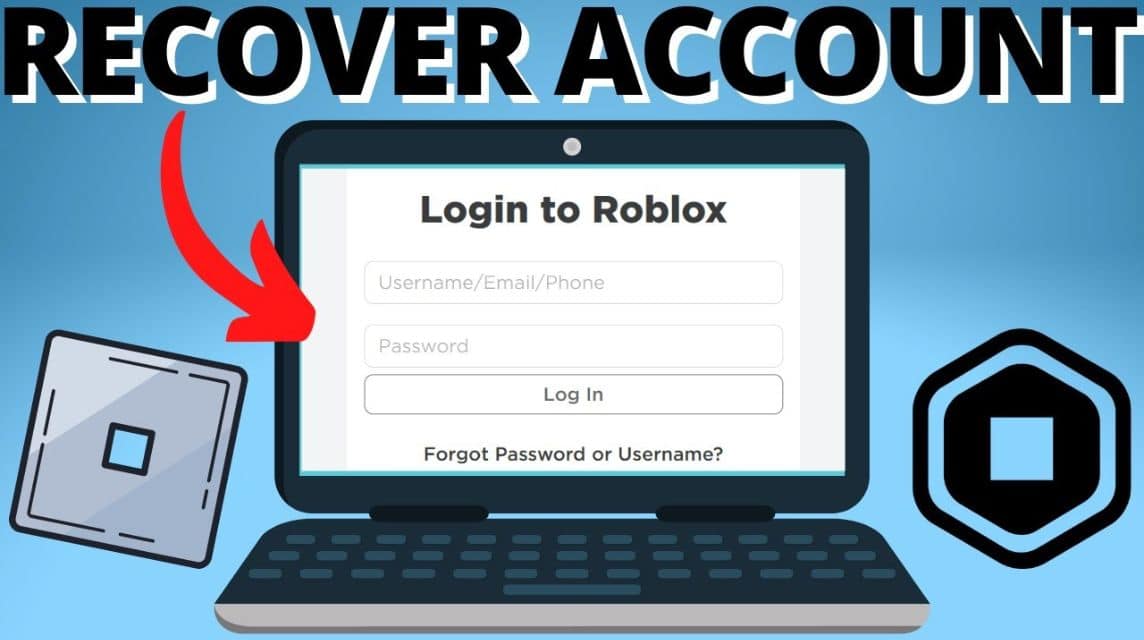
If you have already deleted Roblox account but want to recover it, don't worry because the recovery process is quite simple:
- Visit Roblox Official Website and Login: Go to the official Roblox website and log in using your account information.
- Open the “Account” Tab and Select “Settings”: After logging in, open the “Account” tab and select “Settings”.
- Click “Restore Account”: Under the “General” tab, you will find the “Restore Account” option. Click this button, then enter your username and password. Follow the on-screen instructions to complete the recovery process.
If the process is successful, your account will be restored and you can continue playing from where you left off.
Also read:
Deleting a Roblox account is not a decision to be taken hastily, especially considering all the data that will be permanently lost.
However, if you feel this is the right step, the guide above will help you do it right. If you change your mind, you also know how to recover a deleted account.

FAQ About Deleting Roblox Account
Deactivating hides your profile, but it can be restored when you log in. Permanent deletion completely removes your personal data.
Open the privacy settings menu in Roblox, then select the Disable option under the deactivation section.
Yes, you just need to log back in on the official site to activate it.
You will need to contact the Roblox customer support form and select the data privacy or right to be forgotten category (Right to be Forgotten).
Roblox Product Recommendations
 Hero Alive
 Kumay10shopHero AliveHero AliveHero Alive
 Hero Alive


 News
News




