

- Download and activate Roblox Beta varies per device: Google Play Store, TestFlight, or Roblox Desktop.
- Beta access is often limited; slots Google Play Store and invitations TestFlight may be full, wait for the next opening.
- Beta Mode in Roblox Studios allows developers to find bugs, collect feedback, and optimize performance before release.
- Try popular beta games: Family Zone - Beta, Project RPG Beta, Anime Kingdom Simulator Beta, Monster Catcher Beta.
Roblox Beta: How to Download, Activate, and Register for the Beta Game
Roblox Beta is a trial version of an application or feature. Roblox which allows users to try out the latest updates before they are officially released.
If you're curious about how to download Roblox Beta, use Beta Mode, and find the best beta games, check out this complete guide.
How to Login and Download the Roblox Beta App
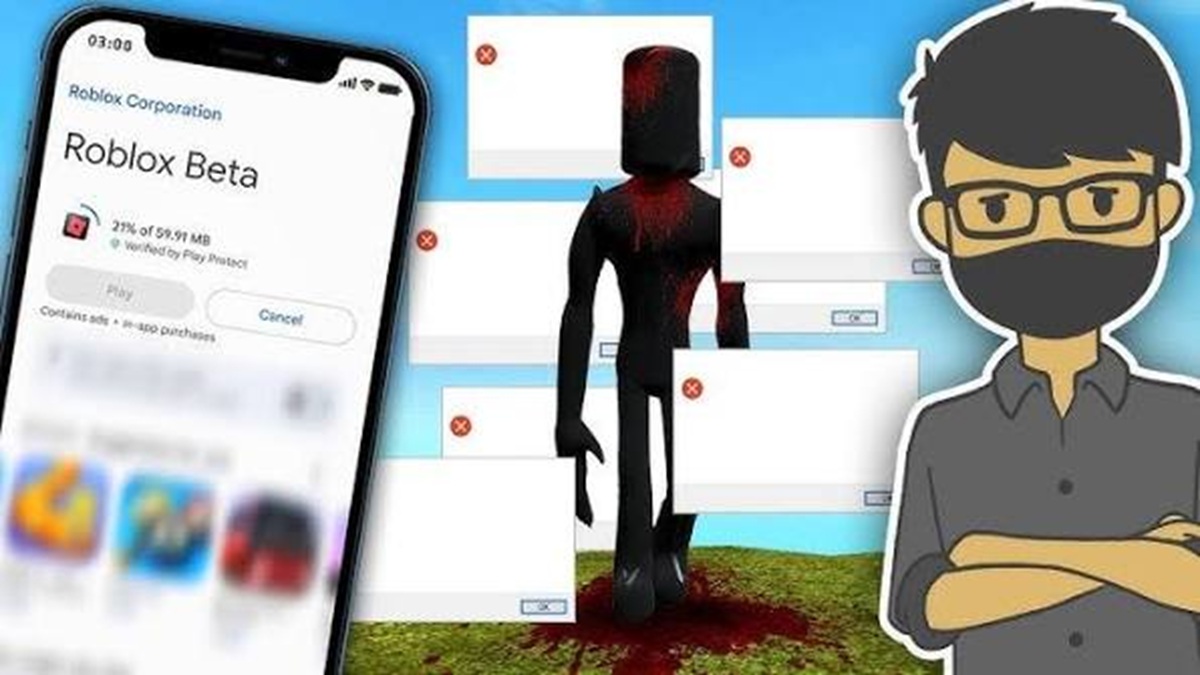
Roblox Beta is available on multiple platforms, including Android, iPhone (iOS), and PC. The method for accessing it varies slightly depending on the device you're using.
Download on Android
Android users can usually try out the trial version through the beta program available on the Google Play Store. However, please note that beta slots are sometimes full, so not all users can join immediately.
Here are the steps:
- Open Google Play Store.
- Search for the Roblox app.
- Scroll down until you find the Join Beta menu if available.
- Press Join then wait for the registration process to complete.
- Once successful, update the Roblox application to the trial version.
If the Beta menu doesn't appear, it means the beta program is closed or the participant quota is full. You'll just have to wait until the game reopens registration.
Also read:
- 200 Aesthetic Roblox Usernames for Girls and Boys
- Struggling to find a Roblox name? Here's a list of 100 cool names for guys!
- Is it true that you can get free Robux from Bloxforge? Here's the answer.
Download Roblox Beta on iPhone (iOS)
On iPhone devices, test builds are typically shared through the TestFlight app. This platform is used by developers to test apps before they are released widely.
How to access it is:
- Install the TestFlight app from the App Store.
- Get a beta invite from Roblox when available.
- Open the invitation link.
- Install Roblox Beta via TestFlight.
- Run the application and log in using your Roblox account.
Please note that TestFlight invitations are quite limited so not all users can join right away.
Download on PC
Windows users have a better chance of enjoying it through the Roblox desktop app. Roblox often tests new features incrementally with select users without requiring special registration.
The steps are as follows:
- Download the Roblox Desktop application from the official Roblox website.
- Login using your Roblox account.
- If your account gets beta access, the latest features will appear automatically.
- Make sure the application always uses the latest version so you don't miss out on updates.
On some occasions, Roblox also enables beta features through the Microsoft Store so that Windows users can get updates faster.
Roblox Developers' Beta Mode Feature Guide
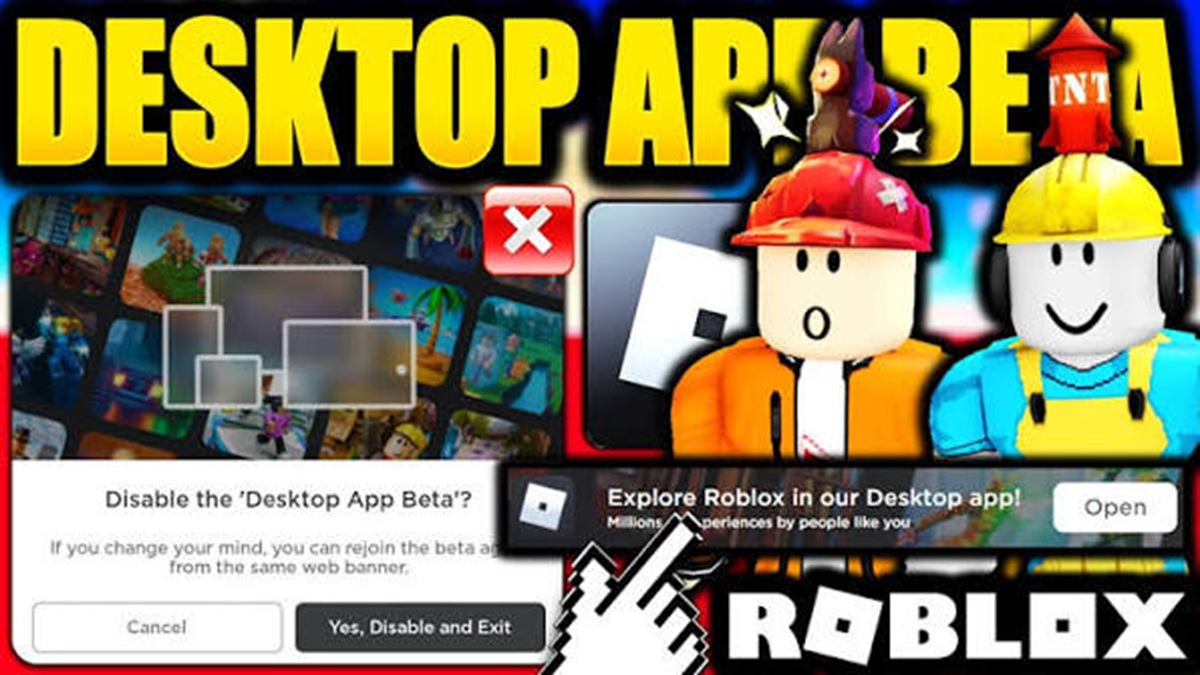
Beta Mode isn't just for casual players. Roblox developers can also use this feature to test the gameplay experience before the game's full release.
This feature helps developers find bugs, improve performance, and receive feedback from players before the game is officially released.
Beta Mode is the testing phase for a game or feature before it reaches the final version. During the beta phase, developers can still make major changes based on user feedback.
Since it is still in development, players may encounter bugs, unfinished features, or gameplay changes from time to time.
How to Enable Beta Testing
Developers can create beta games through Roblox Studio. Once the game is complete, they can control who can access it.
Usually developers will limit the number of players or only provide access to certain communities to make the testing process more effective.
Benefits of Using Beta Mode
Enabling Beta Mode provides many benefits for developers.
Some of the main benefits include:
- Find bugs faster.
- Collecting feedback from players.
- Testing gameplay balance.
- Optimize server performance.
- Reduces the risk of errors during official release.
With a good testing process, the quality of the game will also improve before being played by millions of Roblox users.
Since it's still in beta, developers shouldn't focus too much on adding new content before the main issues are fixed.
Furthermore, communication with the community is crucial. Player feedback is often the best source of information for identifying game flaws.
Popular “Beta” Games on Roblox

Every year, many new beta games emerge that capture the attention of Roblox players. Some even manage to become incredibly popular before they reach the final release.
Here are some beta games worth trying.
1. Family Zone – Beta
Family Zone – Beta is an educational game developed by Roblox Education. It offers an interactive learning experience with a virtual world concept that's accessible to a wide range of audiences.
Even though it's still in beta, content updates are fairly regular, allowing players to try out new features early.
2. Anime Kingdom Simulator Beta
This anime-themed simulator game is gaining popularity thanks to its fast-paced combat system and ever-growing character collection.
The developers are still actively updating the balancing, adding new areas, and fixing various bugs based on player feedback.
3. Project RPG Beta
Project RPG Beta offers a vast fantasy world with various quests, dungeons, and class systems.
Because it is still in the development stage, developers introduce new weapons, monsters, and crafting features almost every week.
4. Monster Catcher Beta
This game combines an adventure concept with a collection of unique monsters. Players can capture, train, and then pit their monsters against other players.

Beta status means updates happen fairly quickly so the gaming experience continues to evolve.
5. City Life Simulator Beta
City Life Simulator Beta presents a modern life simulation with various professions for players to choose from.
Although not yet fully finished, this game already has an active community and frequently receives updates in the form of new vehicles, buildings, and activities.
Roblox Beta gives players and developers the opportunity to experience the latest features before they are officially released.
Android, iPhone, and PC users have different ways to access the beta version, while developers can take advantage of Beta Mode to test games and receive feedback from the community.
Besides beta apps, there are many beta games that are just as fun to play. You can try Family Zone – Beta, Project RPG Beta, and various new simulators that are constantly being updated.
Also read:
- Meet the Main Characters of the Game Dandy's World
- Azure Forsaken: Visual Style and Story You Need to Know!
- Delta Executor Roblox is Easy! Learn How to Download and Use It Here
If you want to always be the first to experience the latest innovations in Roblox, joining the Roblox Beta program is certainly an interesting choice.
Roblox Product Recommendations

 Hero Alive
 Kumay10shopHero AliveHero Alive
 RudyStorezHero Alive




 News
News




