Meet Blackbox AI: An AI-Based Application Development Platform
As technology develops, AI can help humans create computer programming code. One popular platform is Blackbox AI.
Blackbox AI can help its users write code, understand programming languages, and develop applications easily.
So, this time we'll discuss all the ins and outs of this platform. Intrigued? Check out the discussion in the following article!
Also read:
- How to Use Gemini AI to Edit Photos
- Meet Remaker AI, a Versatile Tool for Photos and Videos
- Nightmare AI: A Sophisticated Tool for Improving Photo Quality
What is Blackbox AI?
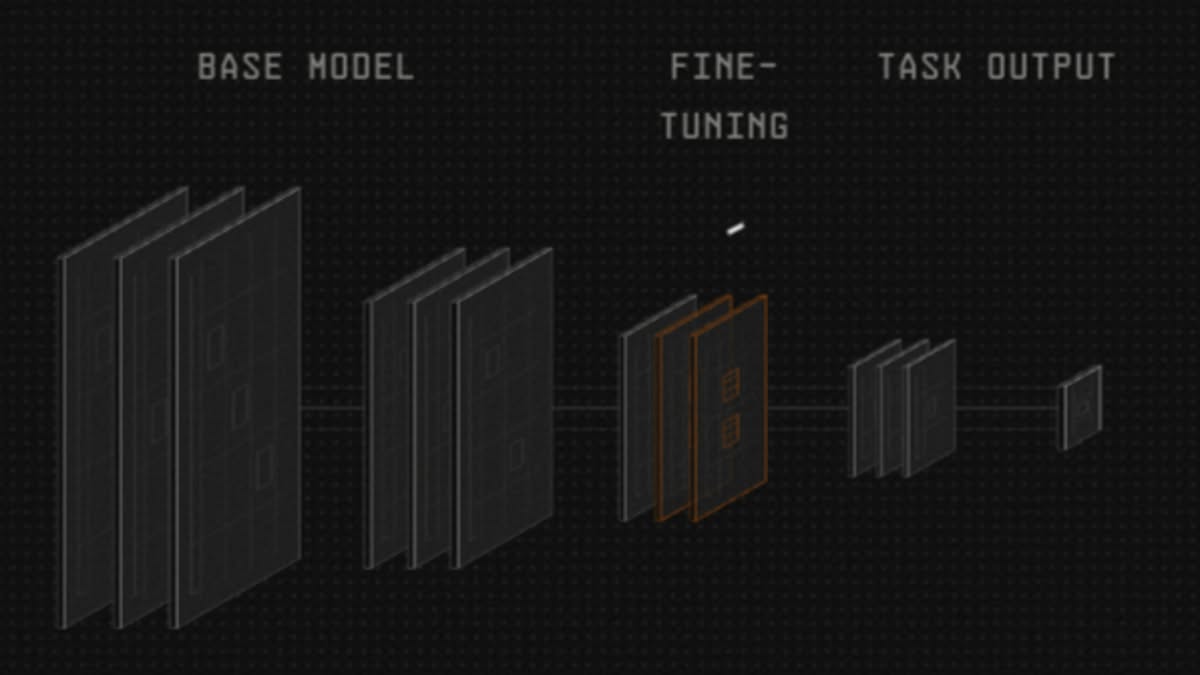
Blackbox AI is a coding and development platform application which is based on artificial intelligence to help programmers, developers, or beginners in coding.
One of the superior features of this AI is the use of everyday language as commands that can be used by someone without having to fully understand the programming language.
Not only does it provide automatic text (auto complete), this platform can develop an application just from text descriptions or images.
Please note: This AI platform offers both free and paid services. The availability of each feature depends on the service type or package the user chooses.
After selecting a paid subscription, users will receive a certain amount of credit which will decrease as they use the service.
Blackbox AI Features
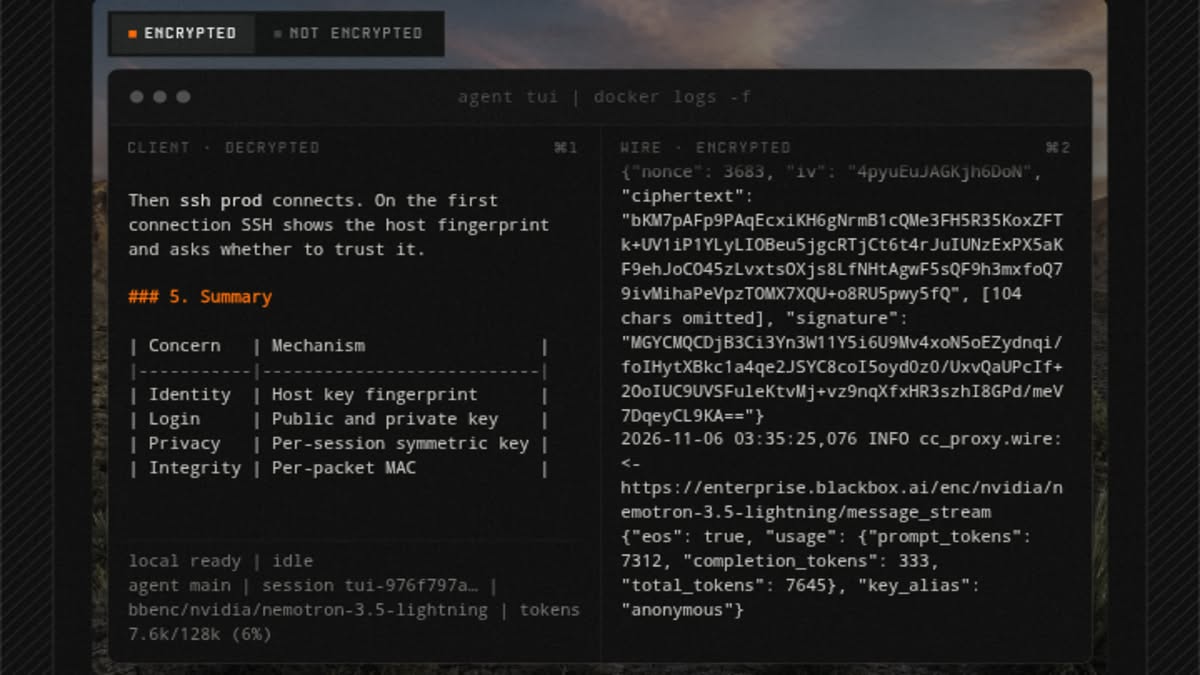
Blackbox AI offers a variety of features to help users complete programming tasks easily. Here are some of its key features.
Before discussing the features one by one, it is important to note that Blackbox AI is not only accessible through a browser.
The platform is also available as an official extension for VS Code with over 4.2 million installations.
This extension lets you code, debug, and get code explanations right from within the VS Code editor without having to switch platforms.
Creating Code
This feature allows users to automatically generate programming code based on the commands or prompts they provide.
For example, a user might type “create HTML code for a simple website page.” The system will then help generate the code.
Completing the Fan Code
In addition to being able to generate code automatically, Blackbox AI also has a feature that can help complete the code that the user is writing.
When the user has not completed a function or there is a part of the code that is still missing, the system will provide suggestions to continue the code.
Providing an Explanation of a Code
Understanding programming code is not an easy thing, especially for people who are new to learning it.
This feature will help users to get explanations about codes that are difficult for them to understand.
You just need to enter the code in the column provided and the system will explain its function and how it works.
Debugging
Debugging is a process of finding and fixing errors in programming.
Blackbox can help identify problematic sections of code and provide recommendations for fixing them, saving programmers the need to manually check everything.
Application Development
In addition to these features, Blackbox AI can help to develop applications based on instructions from users.
Users simply provide a description of the application they want to create. The system will then create the project structure and program code.
In addition to text descriptions, Blackbox AI also has a Vision feature that allows you to upload screenshots of error messages or UI designs, then the system will read them and provide appropriate code or skeleton solutions.
How to Use Blackbox AI

Blackbox AI is not only aimed at professional programmers, but is also designed so that beginners can try it too.

With its simple interface, even inexperienced users can still use it to learn coding. Here are the basic steps.
- Open the official website here
- Create an account first by clicking “Login” in the top right corner.
- Fill in the requested data
- After the account is successfully created, you can select the available AI features.
- Enter the command or question you need
- Wait for the AI to provide an answer or generate a program code.
- Copy the generated code and try running it on a programming application.
- Double check whether the program is running properly.
In addition to the browser and VS Code, Blackbox AI also provides a CLI that allows you to interact with the AI directly through the terminal.
This feature is suitable for developers who are more comfortable working in a terminal environment and want to automate their coding workflow.
Also read:
- PixVerse AI Free: An Easy Way to Create AI Videos Without Paying
- Dreamina AI, a Fast Image and Video Creation Tool
- What is Flow AI? Here's How It Works and Its Advanced Features from Google
So, that's a brief discussion about Blackbox AI. So, are you interested in trying this platform?
MLBB Product Recommendations


 BV2SHOP
 DEMPET STOREBV2SHOPBV2SHOP
 RudyStorez
 TopMurBV2SHOP
 AM08SHOPBV2SHOPAM08SHOP




 News