
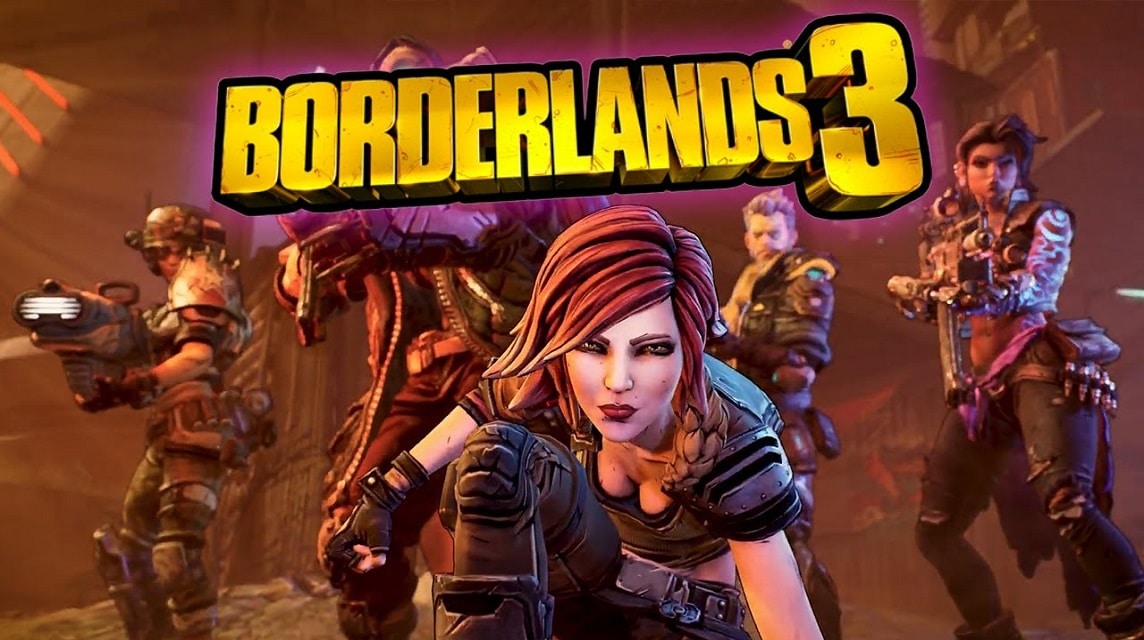
- Active SHiFT code provide free gifts such as Golden and Diamond Keys and special skin and head.
- Some codes are limited has an expiration date — redeem it immediately before it expires.
- How to redeem in-game: open Borderlands 3 → Social → tab Shift → enter code → claim via Mail.
- How to redeem via web: go to SHiFT site, verify account, select platform, enter code, claim in Mail when login.
Borderlands 3 Codes and How to Redeem Them
By using the SHiFT code in Borderlands 3 will get you various prizes for free, ranging from Golden and Diamond Keys to special skins.
Of course, this is an attractive offer for Borderlands 3 game players.
However, you should know that some of the available codes are limited in number, meaning you have to redeem them within a certain period of time before they expire, while codes that do not have an expiration date will last longer.
So, here is a collection of the latest Borderlands 3 codes that are currently still active and you can use them on all platforms (PC, Xbox, and PlayStation).
Also read:
Active SHiFT Codes in Borderlands 3

There are currently several active SHiFT codes available to redeem in May 2025. Here are the codes:
Permanent SHiFT code
In addition to the codes that can expire, Borderlands 3 also has several permanent codes that will always be active to claim at any time.
Here are the permanent codes you can redeem now:
| Code | Rewards |
| CSWTB-TZCZH-WFC6Z-633TT-SJ6JS | 10x Golden Keys |
| HXKBT-XJ6FR-WBRKJ-J3TTB-RSBHR | 1x Golden Key |
| Z65B3-JCXX6-5JXW3-3B33J-9SWT6 | 3x Golden Keys |
| ZFKJ3-TT3BB-JTBJT-T3JJT-JWX9H | 3x Golden Keys |
| ZFKJ3-TT6FF-KTFKT-T3JJT-JWX36 | 1x Golden Key |
| ZRWBJ-ST6XR-CBFKT-JT3J3-FRXJ5 | 3x Golden Keys |
| 9XCBT-WBXFR-5TRWJ-JJJ33-TX53Z | 3x Golden Keys |
| 5HWT3-ZCH6Z-KXWRZ-6JTBT-TH5KC | x2 Golden Keys |
| SXFBT-39953-J33TT-3T333-KSHW6 | x10 Diamond Keys |
How to Redeem Borderlands 3 Codes
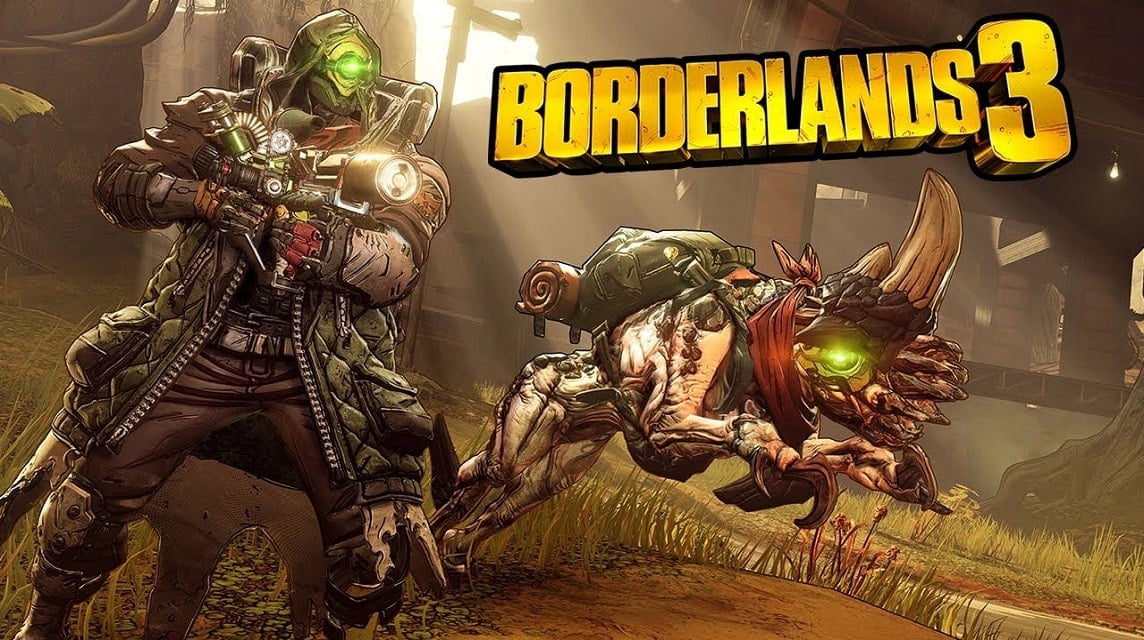
There are two ways to redeem codes in BL3, and we've included details for both methods below:

In Game Borderlands 3
- Open Borderlands 3
- Once the main page loads, click on the Social option.
- Select the SHiFT tab (third from the left).
- Paste or type one of the active codes in the space provided.
- Click the Submit button.
- Go back to the Social menu, and open Mail (the fourth tab) to claim your reward.
SHiFT Code Website
- Visit the website official SHiFT
- Create a new account or sign in with an existing account
- Make sure the details are verified on your profile page, if it is a new account, otherwise you will not be able to redeem any rewards.
- Go to the Gifts page and make sure you select the platform you want to use to redeem your gift (eg. PSN / Xbox)
- Type or copy and paste the code you want to redeem and press the Check button.
- Once the code is checked, you will need to select which game you wish to claim the reward for, select Borderlands 3 from the list and your reward will be available from the Mail tab in the game's Social menu the next time you log in.
All Codes Have Expired

Here are all the expired codes in Borderlands 3:
Also read:
Well, that's our discussion this time. Hopefully it's useful!
MLBB Product Recommendations


 BV2SHOPBV2SHOP
 BANGJEFF
 TopMurBV2SHOPBV2SHOP
 RudyStorezTopMurBV2SHOPTopMur


 News
News




