

- Joker remote code is a combination 3 digit which must match the TV/AC brand for the universal remote to work.
- Follow the setup steps: turn on the device, press SET + POWER, enter the code, and wait for the indicator light to turn off.
Complete Joker Remote Codes: TV Code List & How to Set Them Up
Looking for a Joker remote code because your TV or AC remote is broken? Don't worry, you're not alone. Many people choose the Joker universal remote as a practical and affordable solution compared to the more expensive original remote.
In this article, you'll find a complete explanation, including what the Joker remote code is, a list of codes for various TV brands, and the correct setup instructions for direct connection. Read on until the end.
What is the Joker Remote Code?
MLBB Product Recommendations


 BANGJEFF
 BV2SHOPBV2SHOPBV2SHOP
 TopMur
 RudyStorezBV2SHOPBV2SHOPRudyStorezTopMur
Joker remote code is a 3-digit combination (usually 000–999) used to connect the Joker universal remote with various brands of TVs or ACs.
Each brand and type of device typically has a different code. So, when you buy a Joker remote, you'll need to enter a specific code to connect and work with your TV or air conditioner at home.
If you enter the wrong code, the remote won't respond. That's why it's crucial to know the code list that matches your device brand.
Also read:
- Why Is There No Sound in CapCut? Here's the Cause and Solution
- List of the Latest and Most Complete ZTE F609 Passwords 2026
- What Card Is 0851? Here's an Explanation of Operators and Regions
Joker Remote Code List (TV)
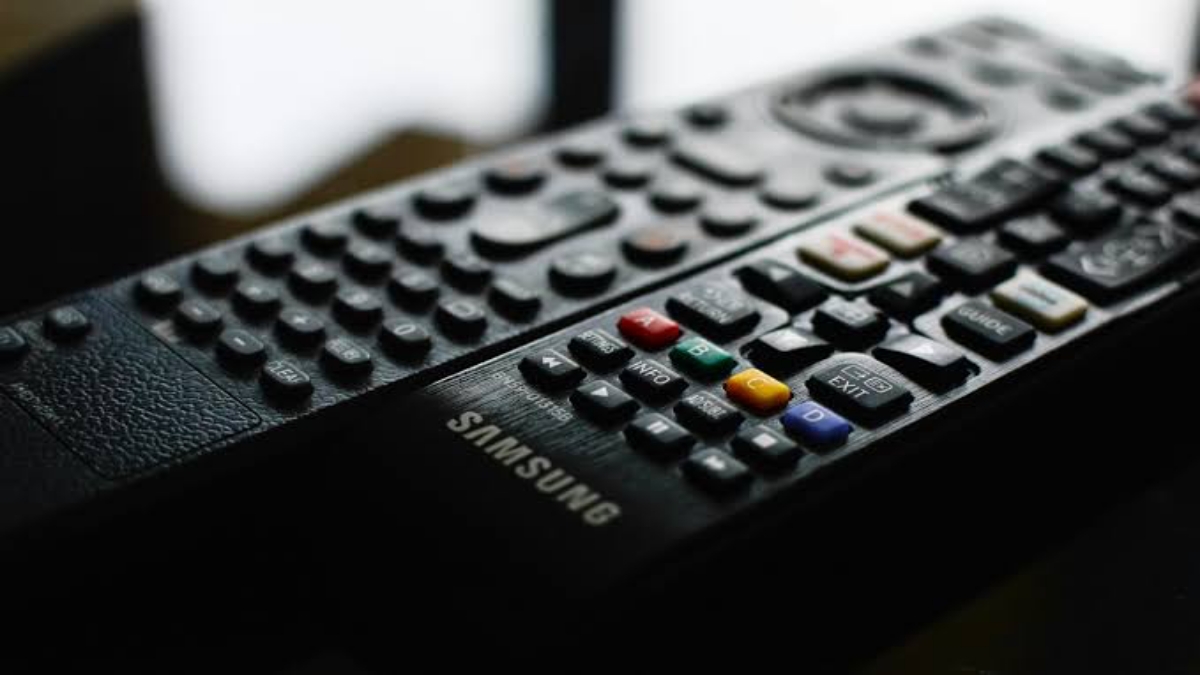
Below is a list of Joker remote codes for several popular TV brands. If the first code doesn't work, you can try another one until it works.
1. Advance
104, 120, 102, 106, 103, 187, 181, 224, 073
2. Akari
013, 213, 140, 015, 102, 104, 181, 224, 073, 103
3. Akira
016, 115, 102, 178, 045, 224, 181, 073, 104, 124, 103, 147, 151
4. Coocaa
024, 102, 104, 131, 181, 187, 073, 224, 103
5. Goldstar
140, 024, 009, 019, 040, 043, 098
6. Hitachi
187, 007, 240, 251, 033, 280, 080, 015, 014, 027, 006, 008, 010, 048, 179
7. Hisense
006, 007, 008, 010, 014, 015, 025, 135, 045, 046, 103, 105, 107
If your TV doesn't respond immediately after entering one code, don't panic. Try repeating the process and using a different code from the brand's list.
How to Set Up the Joker Remote Easily
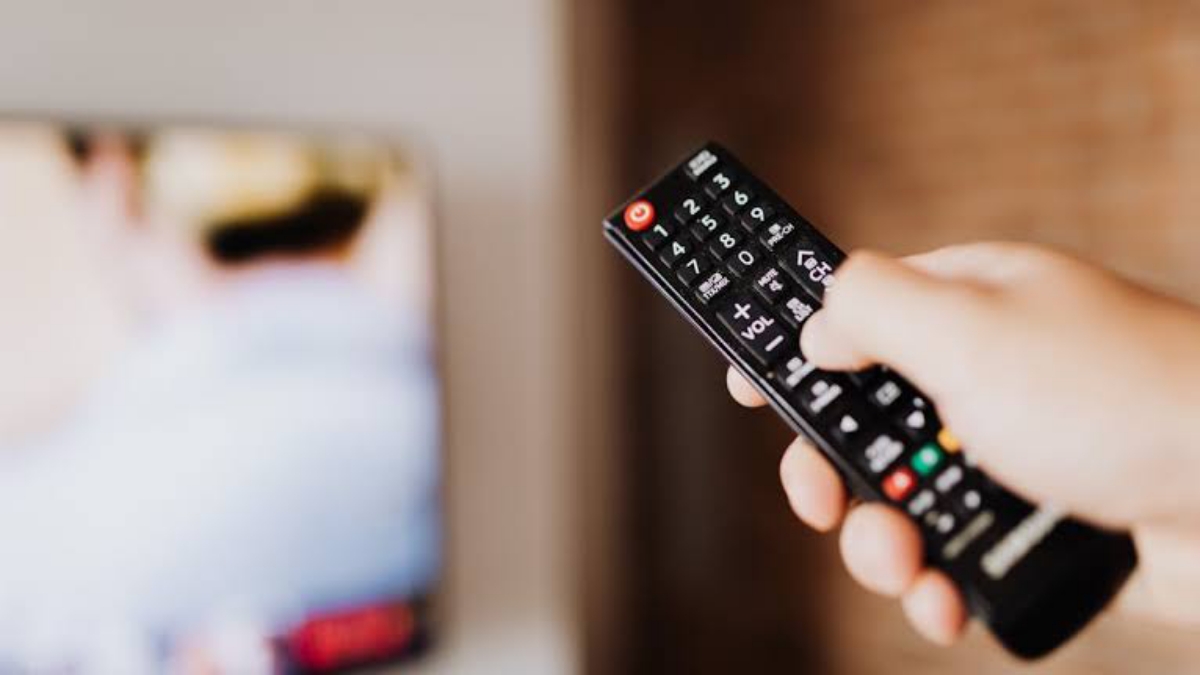
Once you know the correct code, it's time to configure it. Follow these steps to ensure the process is successful:
1. Turn on the TV or AC manually
Make sure the device is turned on before starting setup. This is important so the remote can detect the signal immediately.
2. Press and hold the “SET” and “POWER” buttons.”
Press and hold the SET and POWER buttons simultaneously until the indicator light on the remote turns on.
3. Release the button and enter the 3-digit code.
Once the indicator light comes on, release both buttons. Then enter the 3-digit code corresponding to your TV or air conditioner brand.
4. Wait for the indicator light to go out
If the code entered is correct, the indicator light will turn off, indicating the remote is connected and ready to use.
If after trying the remote it still doesn't work, repeat the steps above with another available code.

Sometimes, even after entering the code, the remote still doesn't work. Here are some possible causes:
- Wrong code entered
- The code does not match the specific TV type.
- Remote battery is weak
- TV sensor problem
Also make sure you point the remote directly at the TV sensor without any objects blocking it.
The Joker remote code is a 3-digit combination used to connect a universal remote to various brands of TVs or air conditioners. By knowing the correct code list and following the correct setup instructions, you can use your Joker remote without any hassle.
Also read:
- How to Reset the Epson L120 Printer
- How to Fix ERR_CONNECTION_TIMED_OUT in Chrome
- What Chipset is Dimensity 6080 Equivalent to? Let's Find Out Here!
If one code doesn't work, don't give up. Try other available codes until your TV or AC responds. With this complete guide, you'll no longer have to worry about setting up your Joker universal remote at home. Hope this helps!


 News
News




