
- Delete DM: Go to menus Chat → tab Private/DM, press and hold the conversation then select Delete Chat to delete the history on your account.
- Group/World Chat: Cannot be deleted for everyone; use Clear Chat or close-open the menu to just clear your view.
- Privacy & Recovery: Deleted messages cannot be recovered; the other party still has a history if they haven't deleted it.
How to Delete Chats in ML Easily
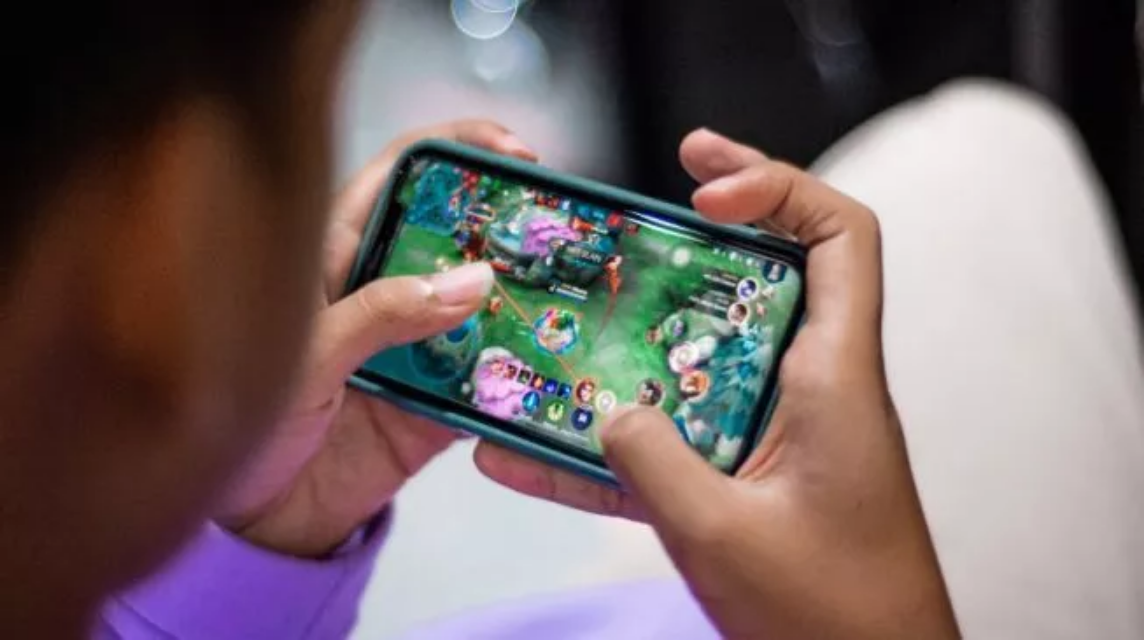
If you play often Mobile LegendsYou're probably already familiar with the chat feature that appears both in-game and in the lobby. Chat is useful for coordination, playing together, or just casually chatting.
But there are times when you want to delete a chat because it's full, you're feeling uncomfortable, or you want to maintain your privacy. So, the question is, can you delete chats in ML? The answer is yes, but with a few caveats.
MLBB Product Recommendations


 BV2SHOP
 BANGJEFFBV2SHOPBV2SHOP
 TopMurBV2SHOP
 RudyStorezBV2SHOPRudyStorezTopMur
Here is a complete explanation of how to delete chats on ML, whether deleted messages can be read again, and tips to keep your privacy safe.
Also read:
- List of First to Last ML Season Skins
- How to Check ML Winstreak, Know Your Winning Record!
- 5 Best Counter Heroes for Bane in Mobile Legends
How to Delete Chat in ML

Mobile Legends actually has two types of chat areas: personal chat (DM) and global/squad/guild chat. The methods for deleting each vary.
Deleting Personal Chats (DM)
To chat with one player (a friend or another player you've already chatted with):
- Open Mobile Legends.
- Go to the Chat menu on the left side of the screen.
- Select the Private Chat / DM tab.
- Find who you want to delete the chat from.
- Press and hold on the name or conversation.
- Options such as Delete Chat / Delete Chat will appear.
- Press to delete the entire chat history.
At this point, your chat with that person will disappear from your device and account.
Deleting Chat from Group / Squad
Chats in squads or groups aren't ones you can completely delete like personal DMs, because they're "shared." But you can still delete your chat view:
- Go to the Squad or Group menu.
- Go to the Chat tab.
- Use the Clear Chat feature (if available, some ML regions provide this menu).
- Old chats will disappear from your screen.
Note: This does not delete chat for other squad members, only on your device.
Deleting Global Chat / World Chat
There's actually no "permanent delete" feature for World Chat. All you can do is "clear the view" by:
- Close and reopen the chat menu.
- Old chats will automatically be overwritten by new chats.
ML doesn't store global chats for long, so they will automatically be deleted over time.
Can Deleted Messages Be Read Again?

This is one of the most frequently searched questions on Google: if a chat is deleted, can it still be read? The answer is no.
Once you delete a DM or clear a chat in ML, the history is completely removed from your account. ML doesn't offer a restore or backup feature for chats like... WhatsApp.
But be careful with the following notes:
- If you delete a chat only on your device, it doesn't mean that the other person will also lose the chat.
- They can still see your chat history as long as they don't delete it.
- So if you delete a chat because you want to remove traces of the conversation, make sure you are aware that the other party still has a copy.
Mobile Legends also doesn't provide a "restore" button. Even Moonton can't restore deleted chats.
Tips for Safer & More Organized Chats in ML

If you frequently use ML chat for group play or team coordination, here are some tips to keep your chat history tidy and your privacy safe.
Delete Chats Periodically
To prevent your chat display from getting cluttered and to make it easier for you to find important messages, make it a habit to delete old DMs.
Avoid Sending Important Data
ML is not a primary chat app. Don't send personal numbers, emails, or other sensitive information via DM. Game chats don't have high-level encryption.

Turn off notifications if necessary
If you are often disturbed by incoming messages, activate Do Not Disturb mode when pushing rank to focus.
Use the Block Feature If Someone Is Annoying You
If there are players who spam chat, toxic, or make you uncomfortable:
- Go to player profile.
- Press Block.
- Automatically he can't send messages to you anymore.
Regular Game Updates
ML occasionally adds new features related to privacy or chat systems. Update regularly to ensure you don't miss out on important features.
Also read:
- The Correct Way to Surrender in Mobile Legends: Beginners Must Know
- Explanation of Sora's Skills and Release Schedule in Mobile Legends
- Martis Warlord King Skin: Effects, Price, and Purchase Details
That's a complete guide on how to delete chats in ML, whether chats can be read again after being deleted, and some tips to keep your communication in Mobile Legends safe and tidy.



 News
News




