

- Update Free Fire, open the lobby, go to the collection menu, select and then apply the background you have.
- Use only official items inside Free Fire; avoid config, mod, or third party applications that pose a risk to the account.
- Some exclusive backgrounds through events or Booyah Pass; check regularly and adjust settings if the device feels heavy.
How to Change the FF Lobby Background Easily
How to change the lobby background can be done to make the main page display Free Fire feels more interesting and fits the theme you like.
The lobby background is a visual element that appears behind the character when you are on the main page before entering the match.
In the latest version Free Fire, the lobby appearance can change according to the theme, event, or certain updates that are currently taking place.
Besides using the default display, you can also take advantage of the background or theme items available in the game without needing to install additional applications.
Also read:
- Cool Moving Scary FF Names, Can Be Customized Yourself
- SG Lumut FF Attributes and How to Get Them
- Cool FF Names Pro Players Not Used Yet
What is the background in FF?
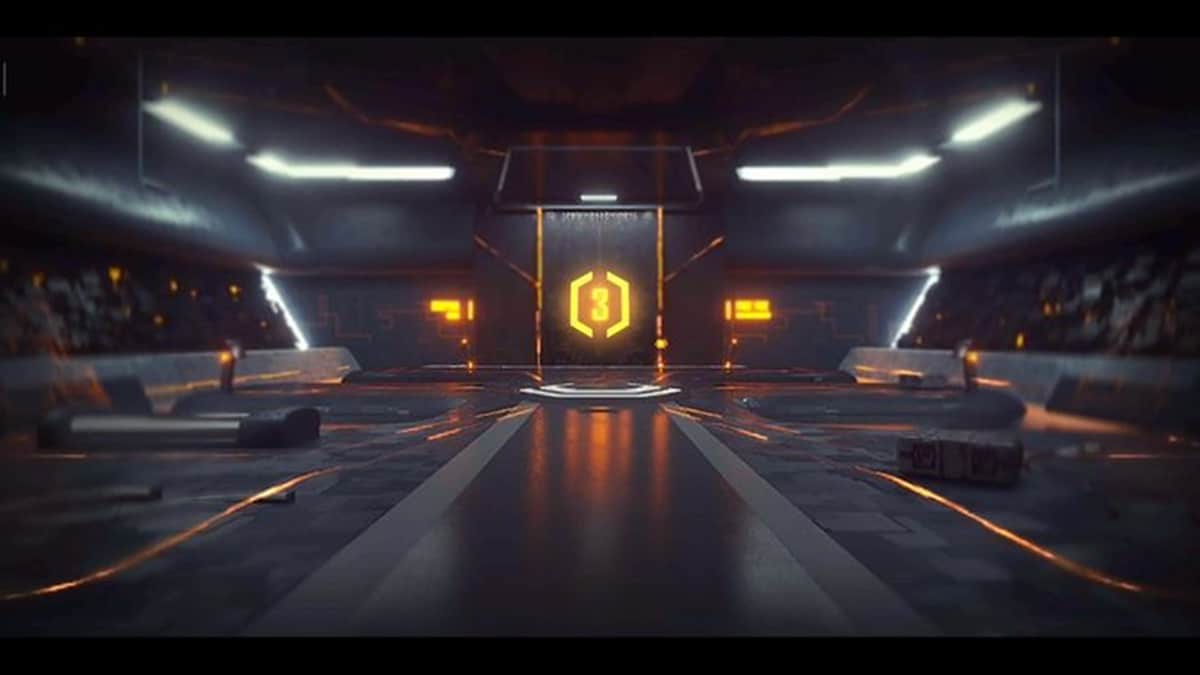
The background in Free Fire is the image or visual backdrop that appears on the main page (lobby) as players prepare to enter a match. Therefore, this background is part of the first screen you see when you enter the game.
In addition, the term FF background can also refer to a plain image from the game lobby which is often used as material for video editing.
Therefore, when looking for a way to change the lobby background in Free Fire, you need to differentiate between changing the lobby's appearance directly in-game and creating lobby images for content purposes. Both require different methods.
Steps to Change the Lobby Background
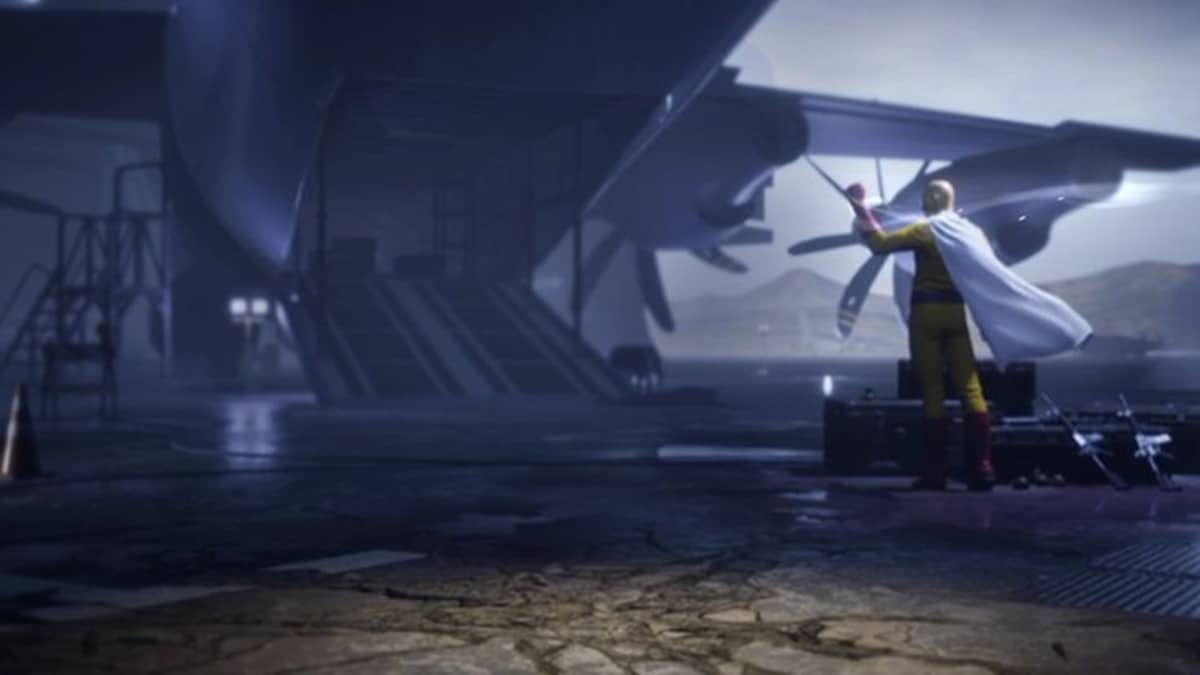
If you want to change the lobby's appearance, make sure the game is updated to the latest version first. This is important because the menu and feature positions will change. Free Fire may change after major updates, including the lobby design changes that Garena has made.
Here are the steps you can try:
- Open the Free Fire game
Run Free Fire or Free Fire MAX as usual until you enter the main page or lobby. - Enter the collection or item storage menu
From the lobby, find the menu related to your collections, items, or appearance. The menu's location may vary depending on the version and interface design of the game you're using. - Search for lobby items or themes
Check the available collections to find a background or lobby theme you already own. Not all accounts have the same background options, as some items may come from specific events or rewards. - Select the background you want to use
Tap an available background or theme, then select the option to use it if it appears. Once applied, return to the main page to see the changes. - Check the lobby view
Make sure the background has changed to your choice. If it doesn't appear, try re-entering the lobby or restarting the game to refresh the display.
Please note that not all backgrounds can be freely installed using photos from your phone's gallery. The method circulating on the internet uses... config, modified files, or third-party applications are not official methods.
Besides the risk of causing game problems, using unofficial files should also be avoided to keep your account and game data safe.
Additional Lobby Appearance Tips
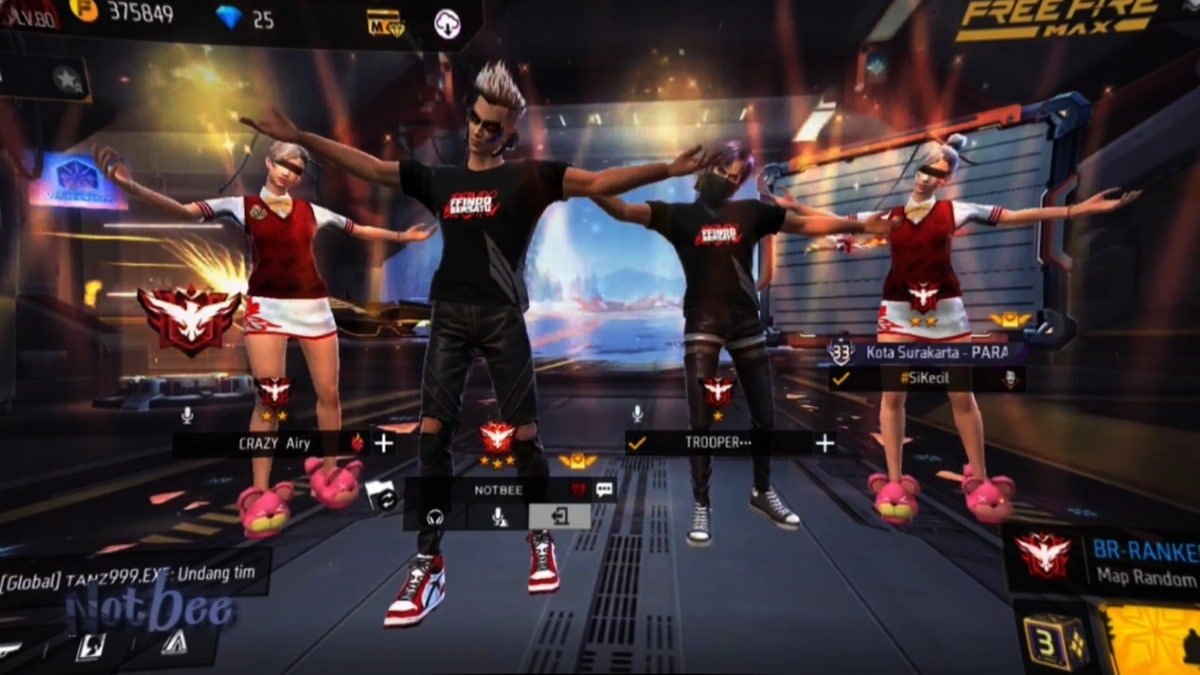
Changing the background isn't the only way to make your FF lobby look more appealing. There are several other things you can consider to maintain a cool appearance without sacrificing gameplay comfort.
- Use theme items: Some exclusive backgrounds can also be obtained if you have special items from Booyah Pass or limited-time events. Because they can be temporary, check available events and rewards regularly to avoid missing out on themed items.
- Adjust performance: If your phone feels a bit heavy or laggy after changing the dynamic lobby display, return the settings to standard mode for a smoother game. Free Fire itself continues to receive visual improvements to the map and lobby, so devices with different capabilities can provide different experiences.
Ultimately, the safest way to change your FF lobby background is to utilize the features and items available in the game.
If the background options don't appear in your account, don't download it right away. config from an unclear source.
Also read:
- 100+ Great Names for FF, Automatically Attracting Attention
- Recommendations for Cool and Complicated FF Names That Haven't Been Used
- 150 List of Scary and Fierce FF Names for Guys
It could be that the item is currently unavailable, only given through certain events, or requires a certain collection to be used.
FAQs
No, official features generally only provide views or items available in the game.

It's possible that you don't have the item yet or it's not available in the version of the game you're using.
Yes, some looks can be obtained through certain events, rewards, or missions.
Yes, especially if you use a dynamic display on a phone with limited specifications.
It is recommended not to because unofficial modified apps or files can pose risks to your account and device.
Free Fire Product Recommendations

 TopMurTopMur
 RudyStorez
 TopMurTopMur
 TopMur
 RudyStorez
 RudyStorez
 RudyStorezRudyStorez




 News
News




