
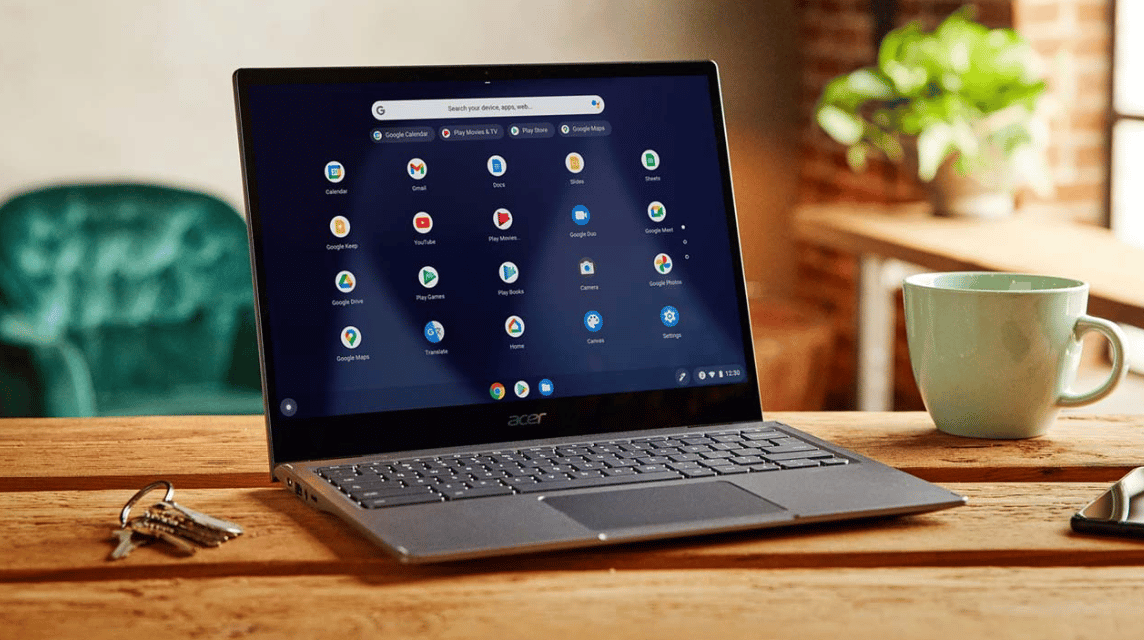
- Chromebooks operate Chrome OS artificial Google, designed for web-based applications and cloud storage.
- Ideal for light duty: fast boot, simple interface, suitable for work, study and light entertainment.
- Limited compatibility: supports web applications, Androids, and several applications Linux, but less than optimal for heavy applications.
- Other advantages: more affordable, long-lasting battery life, and strong security thanks to automatic updates and sandboxing.
Chromebooks Are the New Computers, How Are They Different from Laptops?
Chromebook is a new type of computer that runs on Chrome OS made by Google.
Usually Chromebooks only used for light purposes, such as work, study, and light entertainment.
For those of you who want to know more deeply and the difference with laptops, let's see the explanation below!
Also read:
- Why Is There No Sound on My Phone Even Though the Volume is Full? Here's the Solution
- How to Easily Fix a Cell Phone That Shuts Down by Itself, Suitable for Beginners
- Latest Guide on How to Screenshot on Computer
What is a Chromebook?

Chromebook is a laptop that uses the Chrome OS operating system developed by Google.
It was first launched in 2011 and was designed to make it easier to use web-based applications and rely on cloud storage for data and applications.
This cloud storage system is quite different from conventional laptops which rely more on local storage.
Chromebook Advantages

Here are the advantages he has:
Easy to use
The simple interface makes it easy for users, especially those who frequently use web-based applications.
Fast Boot
It can light up in just about 8 seconds, making it an ideal choice for instant use.
Affordable Laptop Prices
Available in a variety of more pocket-friendly price options, it has become quite a popular choice among students and users on a tight budget lately.
Application Flexibility
In addition to web-based applications, users can install Android applications from the Google Play Store and some Linux applications, increasing the functionality of the device.
Differences between Chromebooks and Laptops
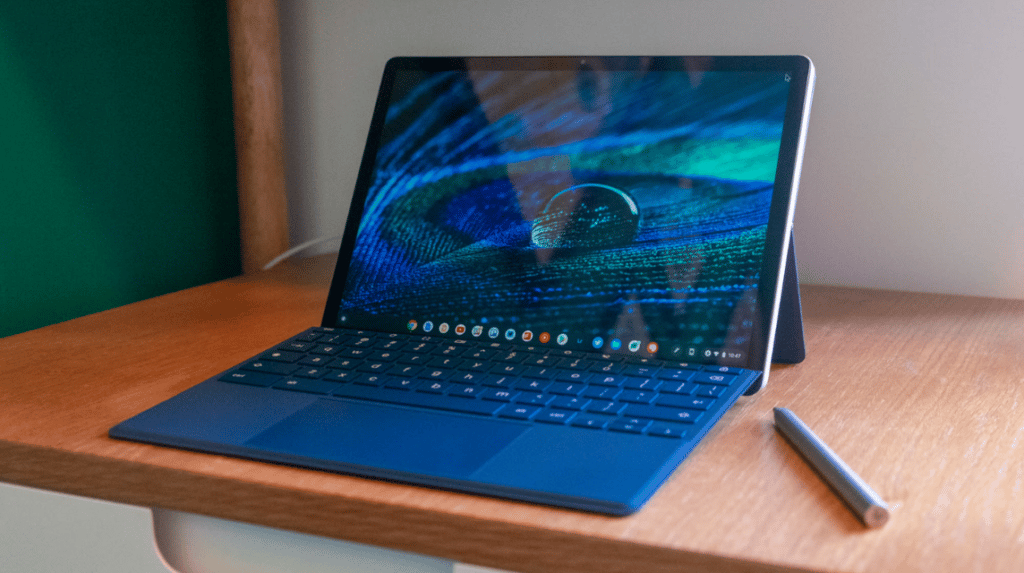
Here are some basic differences between Chromebooks and regular laptops:
Operating system
Chromebooks use the lightweight Chrome OS and focus on web-based applications that run in a browser.
Whereas Windows Laptops using Windows, a more complex operating system that supports a variety of desktop applications and heavy software.
Performance
Chromebooks have fast and efficient boot times for light tasks, but struggle with running heavy applications.
Windows laptop performance depends on hardware specifications; laptops with high specifications can handle heavy applications well.
Application Compatibility
Chromebooks are limited to web apps and a few Android apps from the Google Play Store, with a user experience that may be less than optimal for complex apps.
Meanwhile, Windows laptops support a variety of software, including heavy applications such as graphic design, video editing, and games.
Storage
Chromebooks have small local storage capacities (32-128GB) and rely on cloud storage such as Google Drive.
Windows laptops themselves offer much larger storage capacities, often reaching 1TB or more, for large files locally.
Security
Chromebooks are known to be safe from malware thanks to automatic updates and sandboxing features that limit the impact of malicious apps.
Windows laptops, while secure, are still vulnerable to malware and often require additional antivirus.
Battery Life
Chromebooks have better battery life, reaching 10-12 hours of use.
Meanwhile, Windows laptops only have a battery life of between 4-10 hours, depending on the model and specifications.
Price
Chromebooks tend to be more affordable with a wide selection of low-priced models.
Windows laptops come in a wider price range, from affordable to high-priced premium models.
General Specifications of Chromebooks

Here are the details regarding the hardware, processor, and features used:
Processor
Most use an Intel Celeron or Intel Pentium processor, which is sufficient for light tasks and everyday use.

Some models are equipped with more powerful processors such as the Intel Core i3 for better performance when multitasking or running heavy applications.
RAM
It typically comes with 4GB of RAM, although some models offer up to 8GB. This capacity is sufficient for running web-based applications and light multitasking.
Storage
It uses eMMC storage with capacities ranging from 32GB to 128GB. This storage is primarily focused on temporary files, as much data is stored in the cloud.
Screen
Chromebook screen sizes vary, but many models have an 11.6-inch display with HD (1366 x 768) resolution. Some models come with higher resolutions for better visual quality.
Ports and Connectivity
It's equipped with various ports, including USB-A, USB-C, and an audio port. Wi-Fi connectivity typically uses the latest standards, such as Wi-Fi 6, for optimal internet speeds.
Also read:
- The Difference Between the iPhone 15 and 15 Plus: Which One is More Worth It?
- How to Recover an Instagram Account Easily
- Check iPhone IMEI, How to Validate Authenticity & Differentiate Between iBox and Inter
So, it can be concluded that Chromebook is a new type of computer that runs using Google's Chrome OS with a cloud storage system and is very dependent on the internet.
MLBB Product Recommendations


 BANGJEFF
 TopMur
 RudyStorezTopMurTopMurTopMurRudyStorezTopMurRudyStorezRudyStorez


 News
News




