

- Bugs in the system or application can cause ghost touch, usually appears after an update or unstable application.
- Damage to screen components such as digitizer due to impact or age can cause the screen to react randomly without being touched.
- The device that overheating interfere with screen sensitivity, causing inaccurate touch responses or movement on its own.
- Solve by restarting, cleaning the screen, replacing tempered glass damaged, or take it to an authorized service center if the problem persists.
Many people often search for the cause of a phone screen moving on its own without touching it, as it's a problem that can be very disruptive to users' daily activities. Furthermore, this not only makes operating your phone inconvenient but can also be a sign of serious damage to your device.
HP screen moves by itself The causes of ghost touch, also known as "ghost touch," are quite varied, ranging from internal technical factors to improper usage habits. Identifying the causes of ghost touch early is crucial so you can take appropriate action before the damage worsens.
Some users consider this issue trivial and choose to ignore it without finding the root cause. However, a phone screen that keeps moving on its own without attention can lead to permanent damage and require significant repair costs.
Also read:
Causes of Cell Phone Screen Moving by Itself

There are several things that can cause the cellphone screen to move by itself, including:
There is a software bug on the cellphone
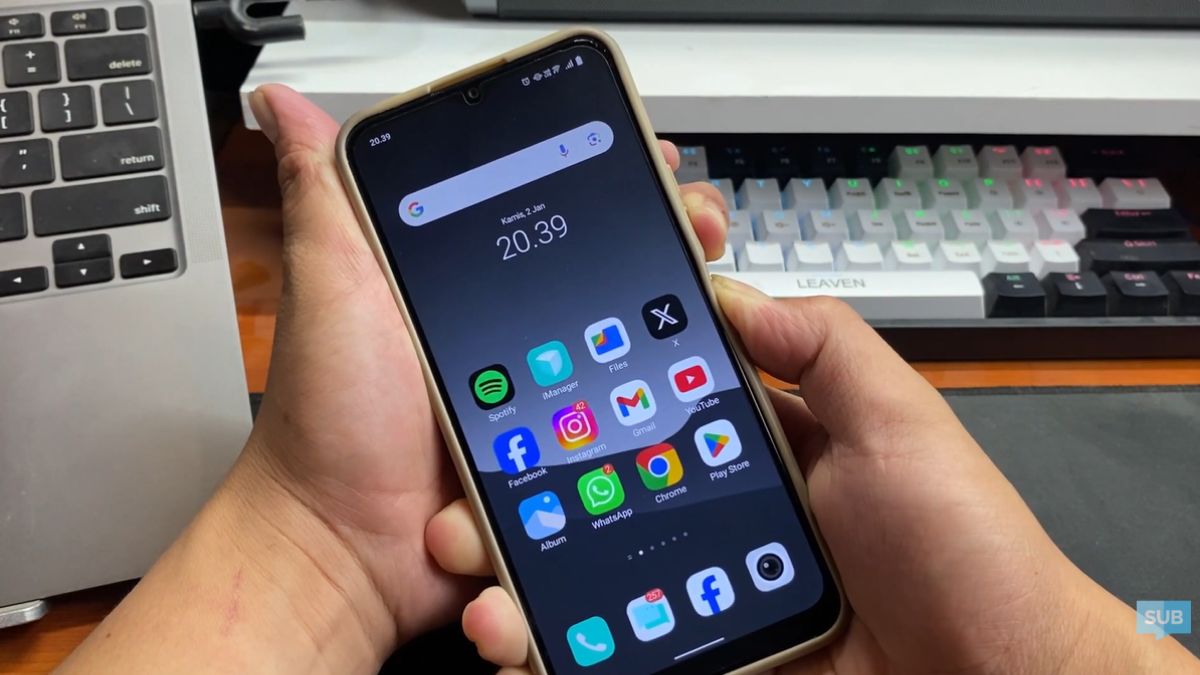
A bug in the operating system can cause the screen to respond abnormally to touch without user input. This condition typically occurs after a system update or when certain applications are not running properly.
Furthermore, incompatibilities between applications can also cause screen sensitivity issues. When the system can't properly manage processes, touch responses become garbled and appear to move on their own.
There is damage to the screen

Damage to screen components such as the digitizer can cause random touch responses. This often occurs due to impact, excessive pressure, or simply aging. Hardware problems with the screen can also cause certain areas to become overly sensitive or unresponsive. As a result, the screen may appear to move uncontrollably even when no one is touching it.
Overheated/Too Hot Mobile Device
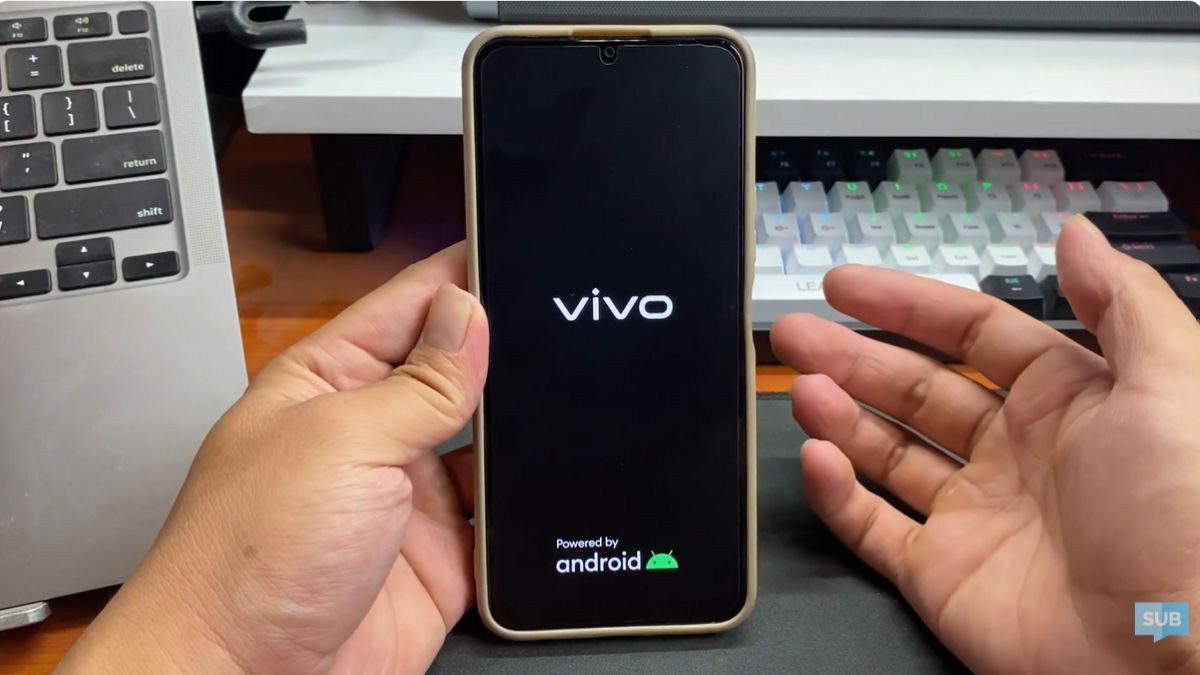
Excessive device temperatures can affect touchscreen performance. Excessive heat causes internal components to operate unstable, resulting in inaccurate screen responses. Overheating can also disrupt the overall system. When performance decreases, the screen may respond inappropriately to input.
Using a non-original cellphone charger

Use chargers Non-original chargers often cause unstable electrical current. This can affect touchscreen performance and cause it to react uncontrollably. Low-quality chargers can also potentially damage internal components. As a result, the screen becomes less responsive or even moves uncontrollably.
Tempered Glass or Screen Protector is Damaged
A cracked or poorly installed screen protector can affect touch sensitivity. This condition prevents the screen from functioning optimally, causing it to move on its own. Furthermore, dirt or air bubbles in the tempered glass can also cause problems. As a result, the screen appears to move on its own even without direct interaction.
How to Fix a Cell Phone Screen That Moves by Itself

To fix a phone screen that's moving on its own, you can start by restarting the device. This method is quite effective for dealing with minor issues caused by the system or applications running abnormally.
Next, ensure the screen is clean and free of dirt, water, or oil that could affect touch sensitivity. If using a screen protector, check whether the tempered glass is still usable or whether it needs to be replaced due to damage or poor adhesion.

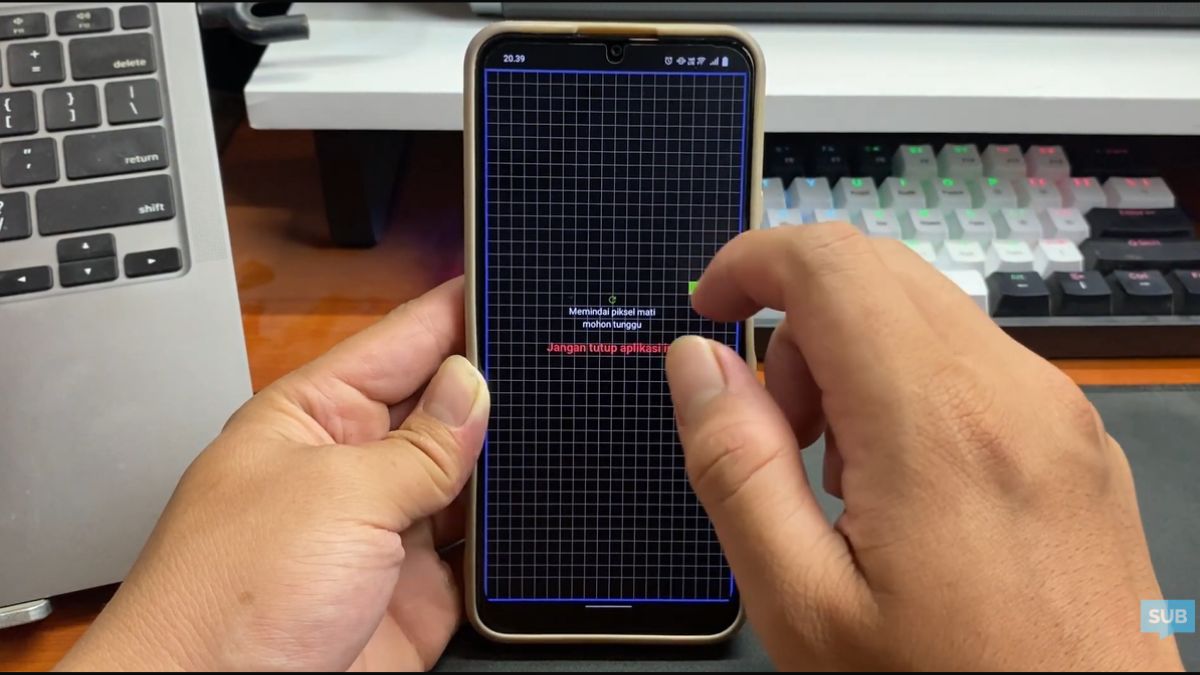
You can also use a third-party app to fix a phone screen that suddenly moves on its own. If you've tried all the steps and the screen still isn't working, it's best to take your device to an authorized service center for further inspection and proper treatment.
Also read:
Overall, a phone screen that moves on its own can be caused by various factors, both software and hardware. By understanding the causes and how to fix them, you can take the right steps to restore your device to normal operation and use it comfortably without interruption.
MLBB Product Recommendations


 BV2SHOPBV2SHOP
 BANGJEFF
 TopMurBV2SHOP
 KING OF DIAMONDSKING OF DIAMONDSBV2SHOP
 RudyStorezTopMur



 News
News




