
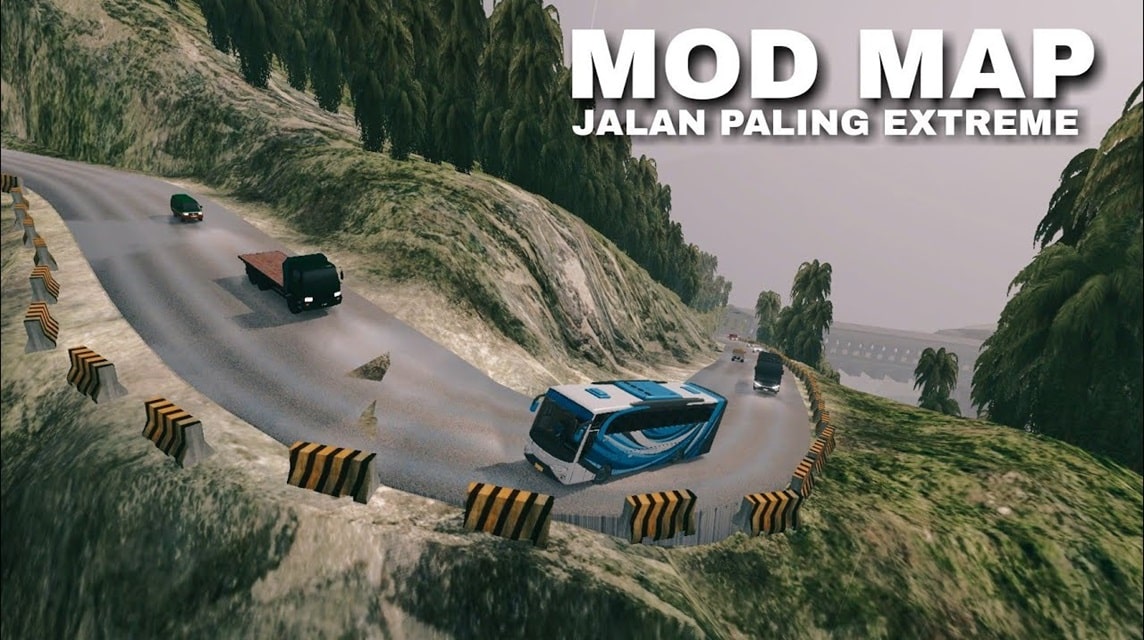
- BUSSID offers a realistic driving experience with the ability mods map to explore various routes and terrain.
- List 25 download links provides various popular maps: village, offroad, mountains, toll roads, and extreme tracks.
- How to install: extract the file ZIP/RAR to Internal Storage/BUSSID/Mods then activate via the menu Mods in the application.
- Check compatibility, storage space, internet speed and file extraction to avoid installation failure.
25 Most Complete Bussid Map Mod Download Links
BUSSID fans must be familiar with this game which offers a very exciting bus driving experience with realistic graphics.
One of BUSSID's main attractions is its flexibility in modifying the appearance of the bus and its surroundings. It's also easy: just download the complete Bussid Mod map.
The most popular modifications are map mods. With map mods, players can explore a wide variety of routes and terrains, from busy city streets to challenging mountain trails.
Also read: 25 Download Mod BUSSID Cool Racing Car!
Download the Latest BUSSID Jalan Sawit Map Mod
BUSSID Car Mod Download Link Collection
Complete Bussid Map Mod Download Link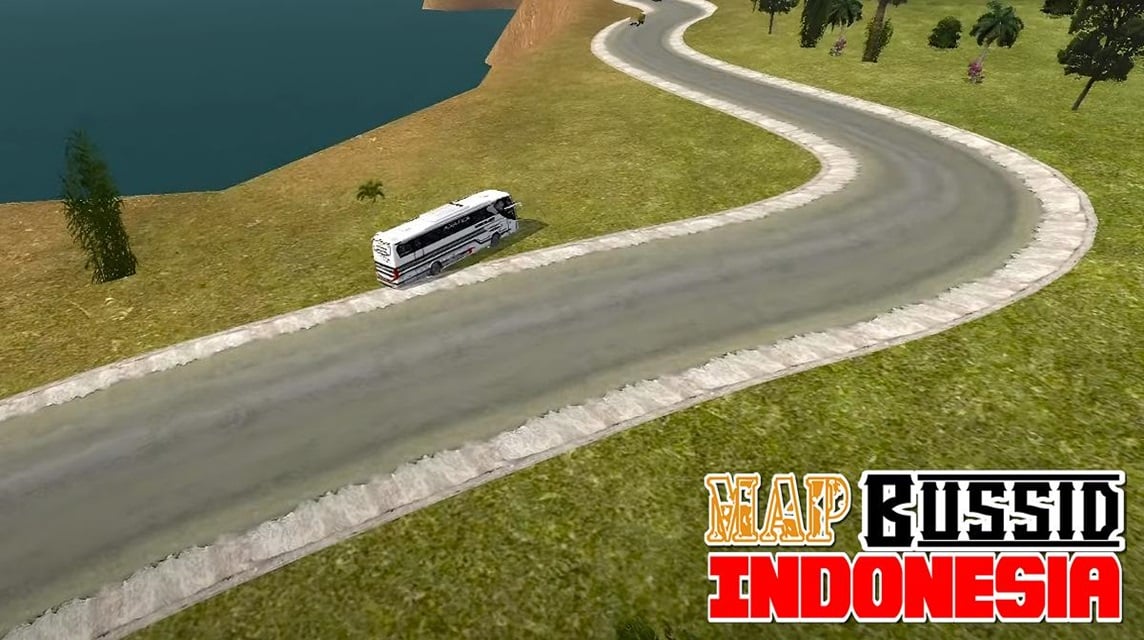
Bus Simulator Indonesia or known as BUSSID presents a virtual world that you can explore to improve your bus driving skills.
Like open world game, the BUSSID map is like a vast environment ready for you to explore.
Whether you're completing missions or just cruising around enjoying the scenery, this map offers a fun and realistic bus driving experience.
The good news is, this game brings another surprise to the players! The latest BUSSID update brings improvements to the game map, opening up opportunities for new, more exciting map adventures.
Find a wide selection of the latest BUSSID mod map links that you can download below:
Simple Village Map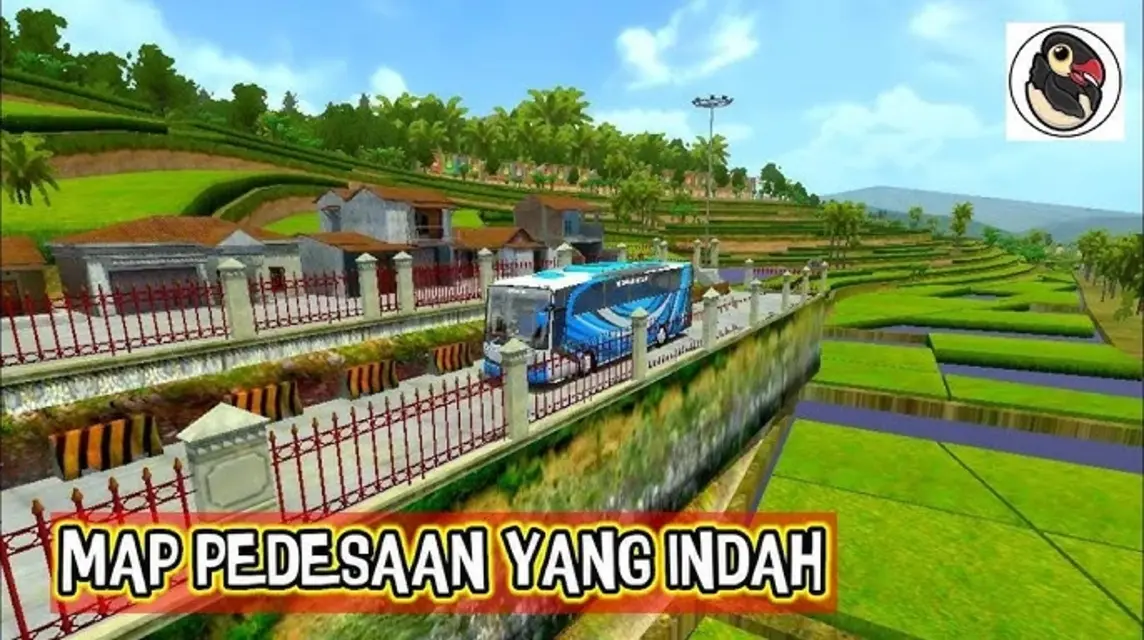
> BUSSID Village Road Map Download Link
Extreme Mining Route Map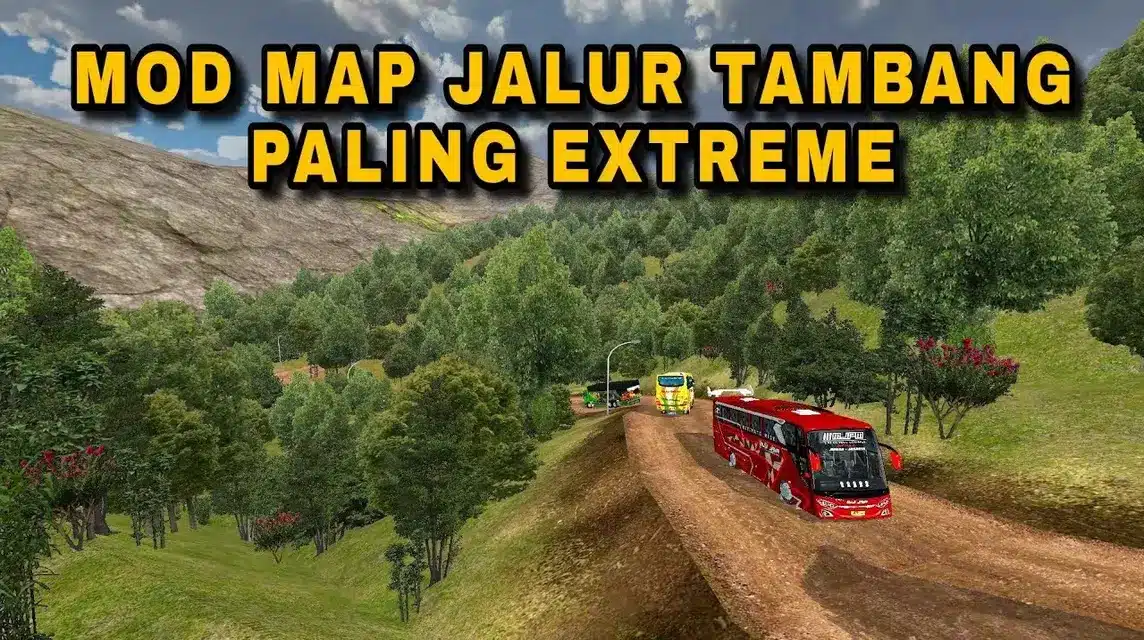
> BUSSID Mine Road Map Download Link
Karawang Rural Map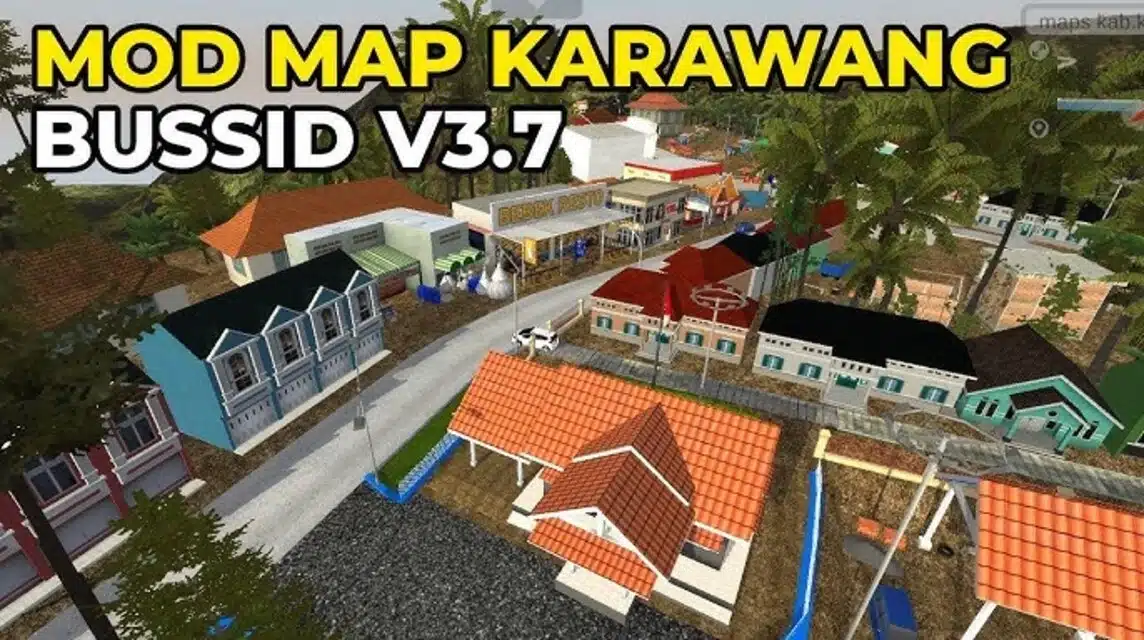
> BUSSID Karawang Mod Map Download Link
Sibea-bea Hill Map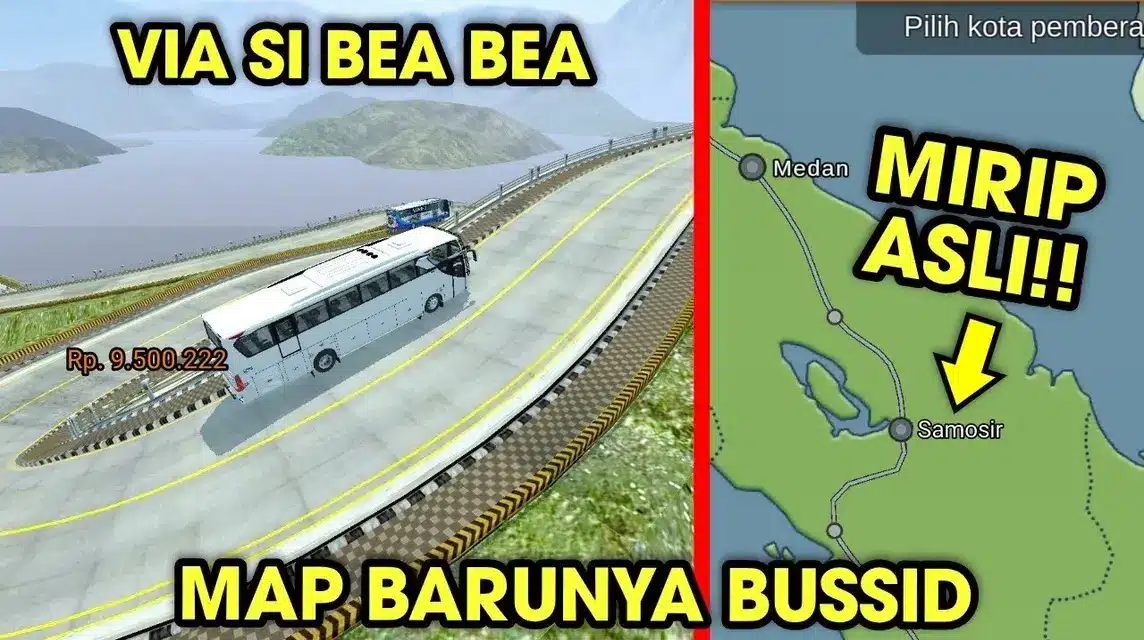
> Mod Map BUSSID Download Link
Gumitir Peak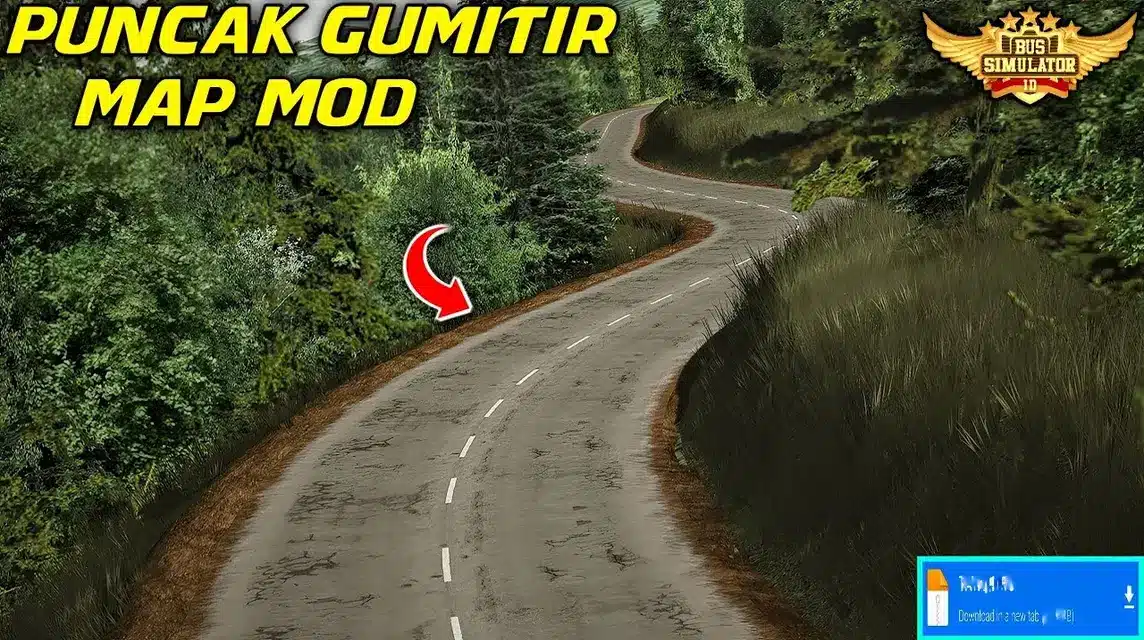
> BUSSID Map Download Link
Dead City Map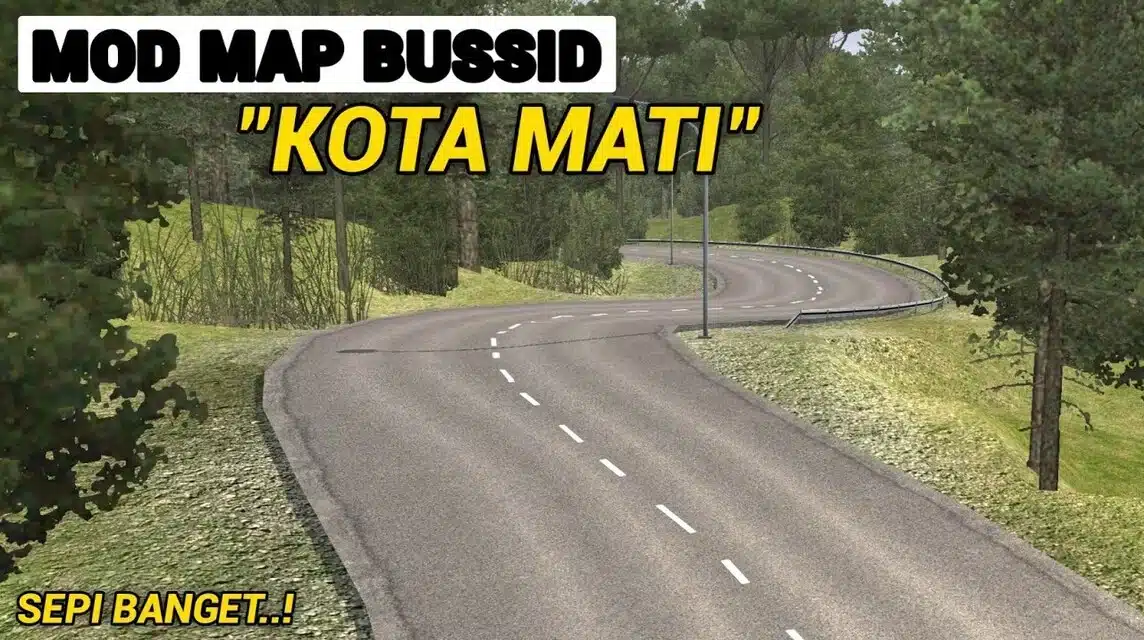
> BUSSID Map Mod Download Link
Map of Sabang Aceh
> Download Link Mod Map BUSSID
Extreme Dirt Road Offroad Map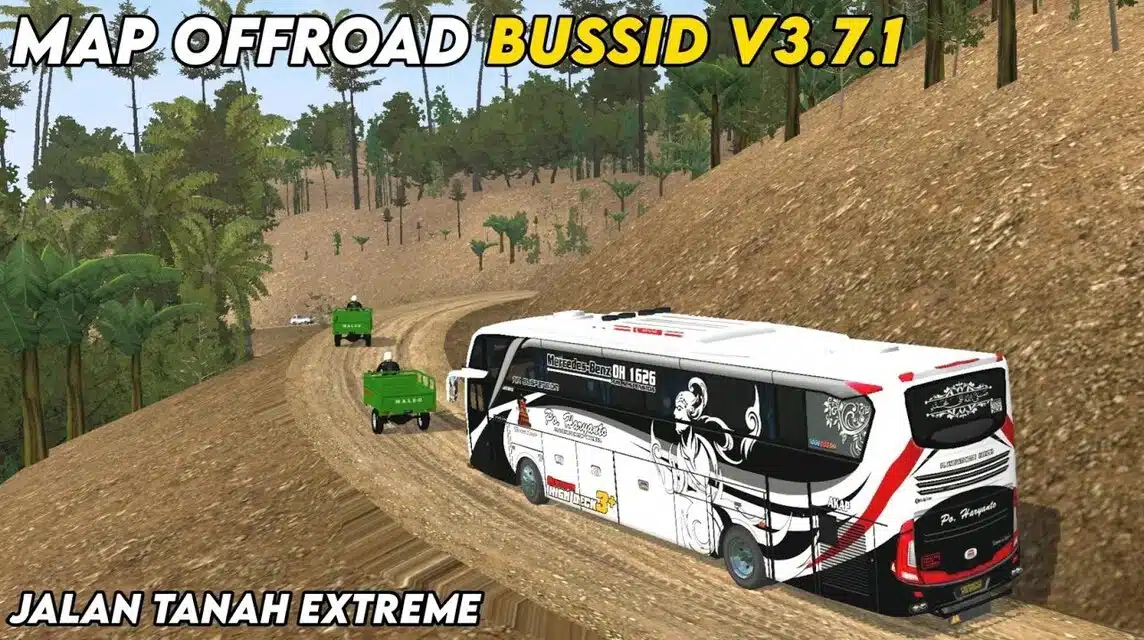
> BUSSID Map Download Link
Curve 44 Map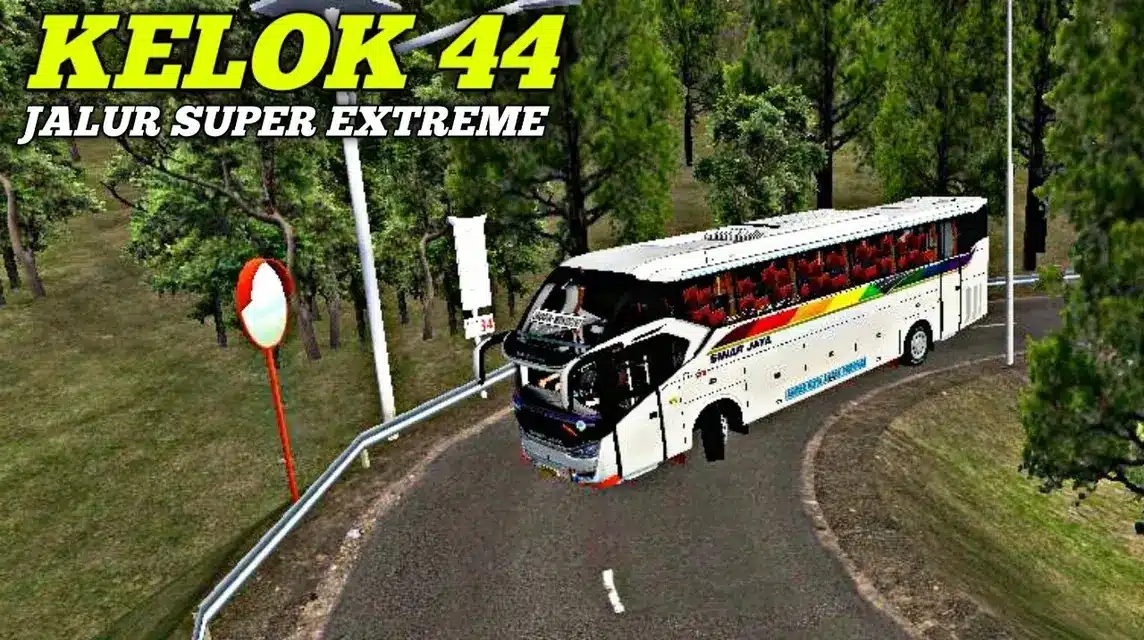
> BUSSID Kelok 44 Map Download Link
Sitinjau Route Map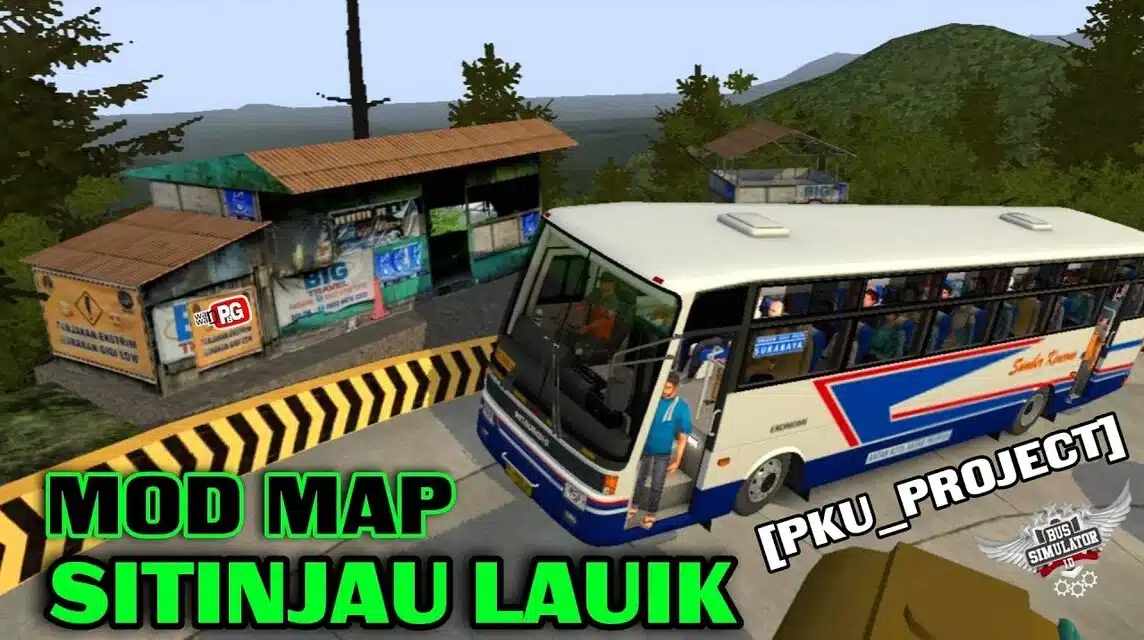
> Download links
Jungle Path Map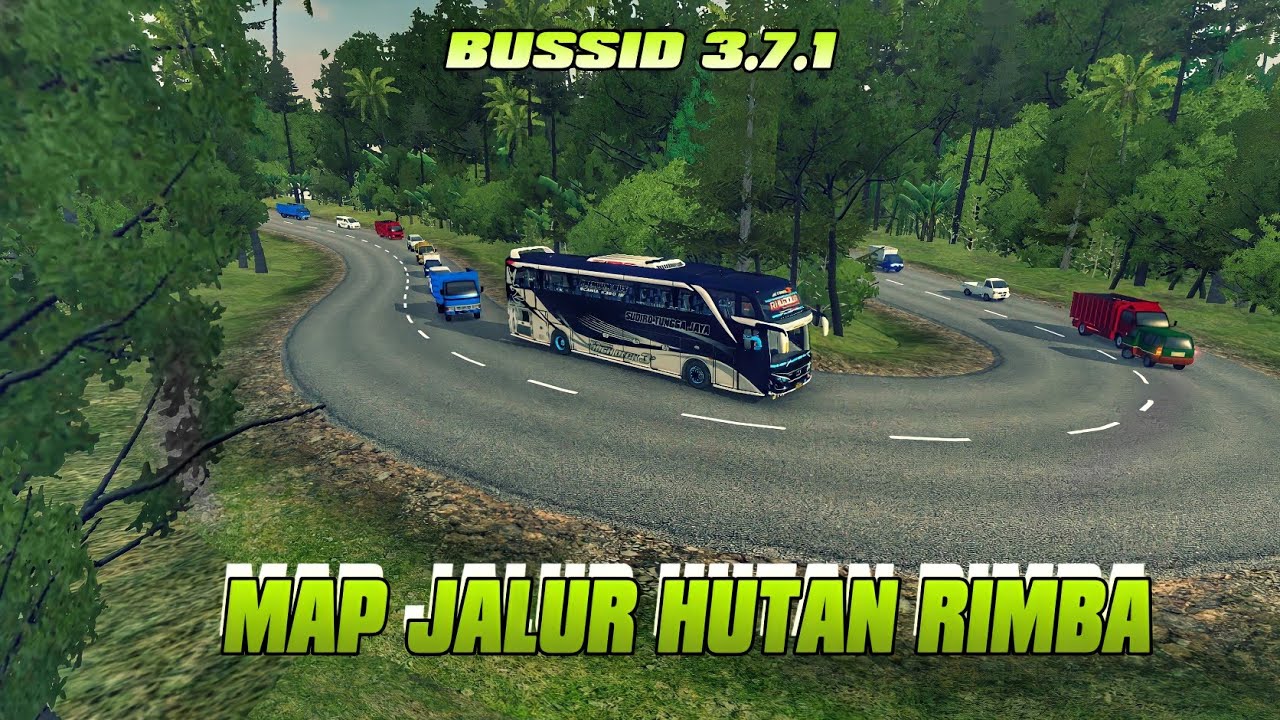
> BUSSID Mod Map Download Link
Papua Route Map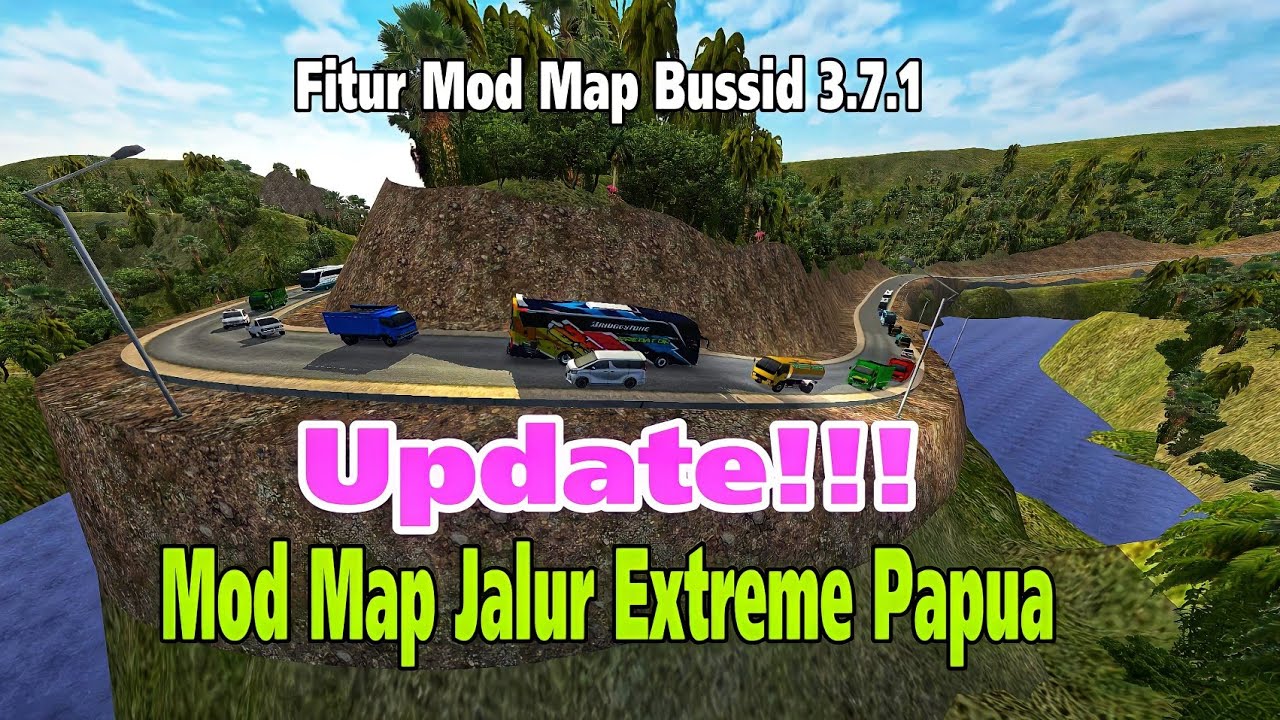
> BUSSID Mod Map Download Link
Bukit Bintang map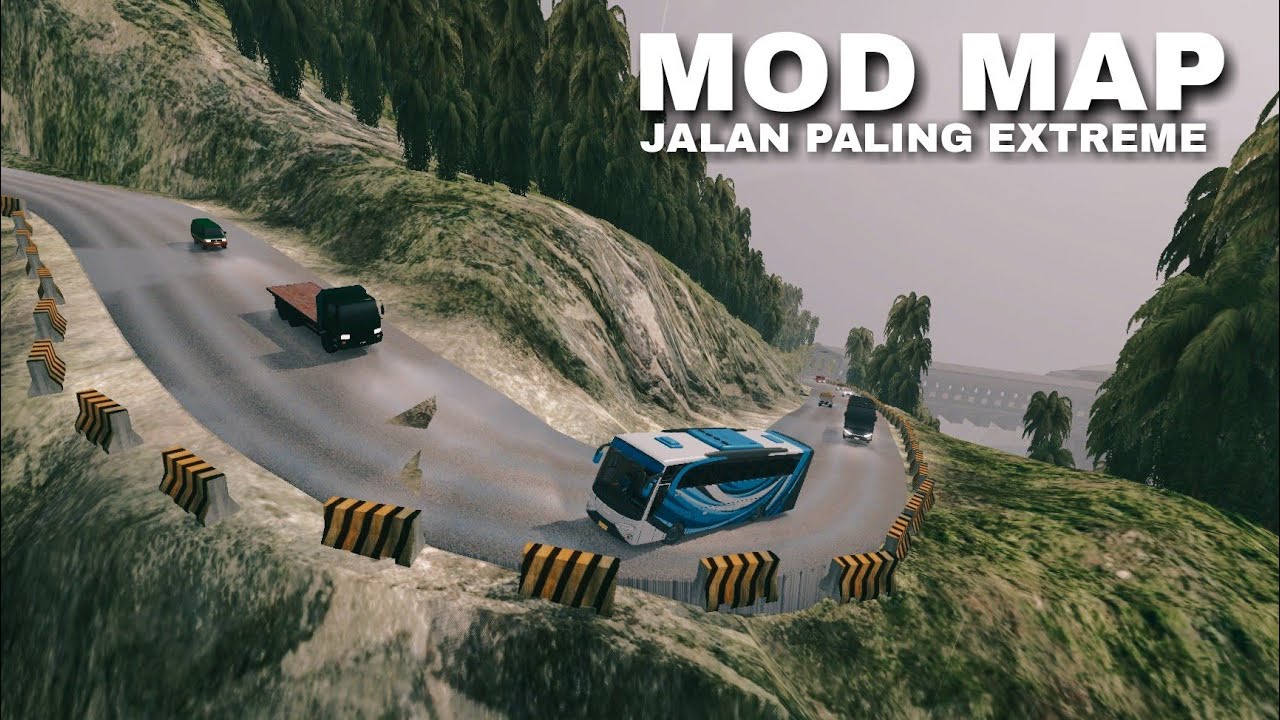
> BUSSID Bukit Bintang Mod Map Download Link
Snakeskull Map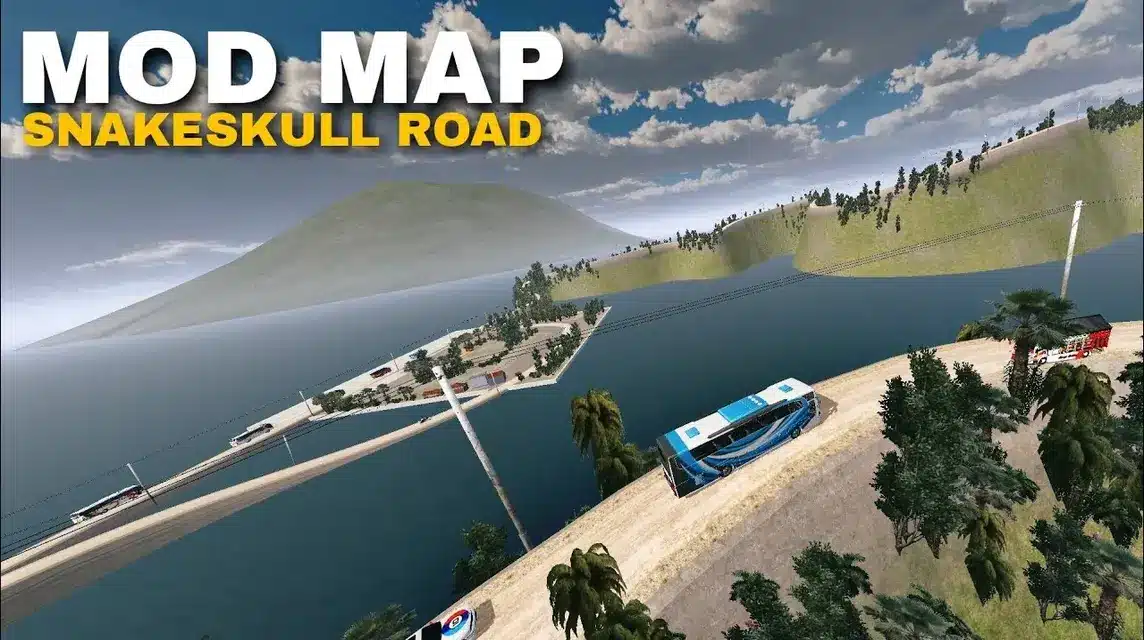
> Download Link Mod Map BUSSID
Narrow Map of Sumatra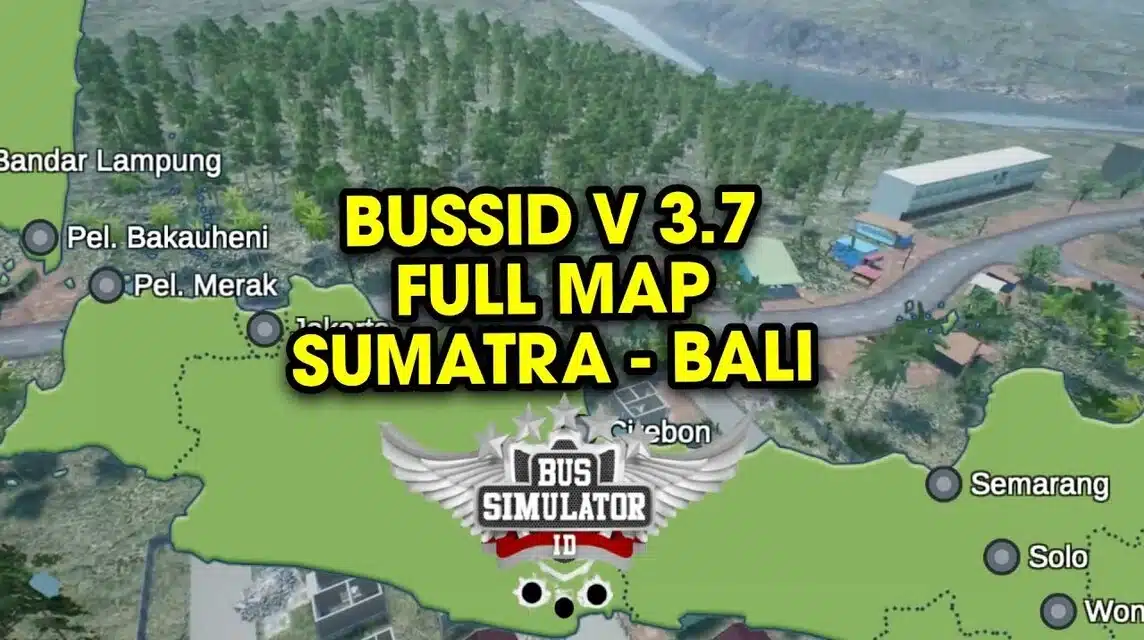
> BUSSID Sumatra Mod Map Download Link
Extreme Offroad Map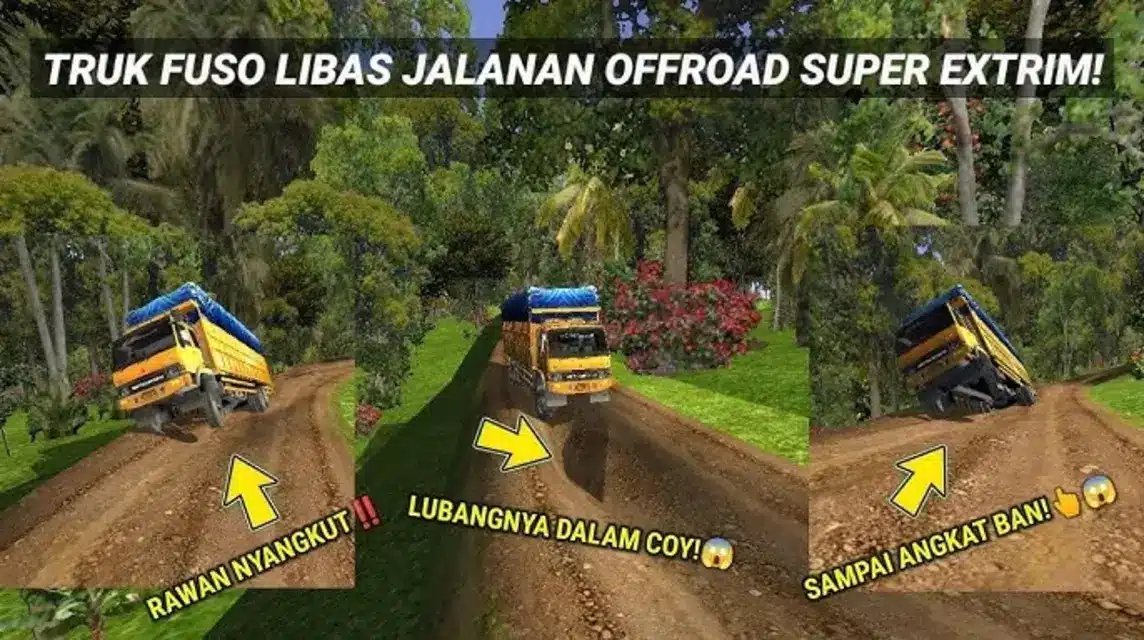
> Extreme BUSSID Mod Map Download Link
Severe Route Map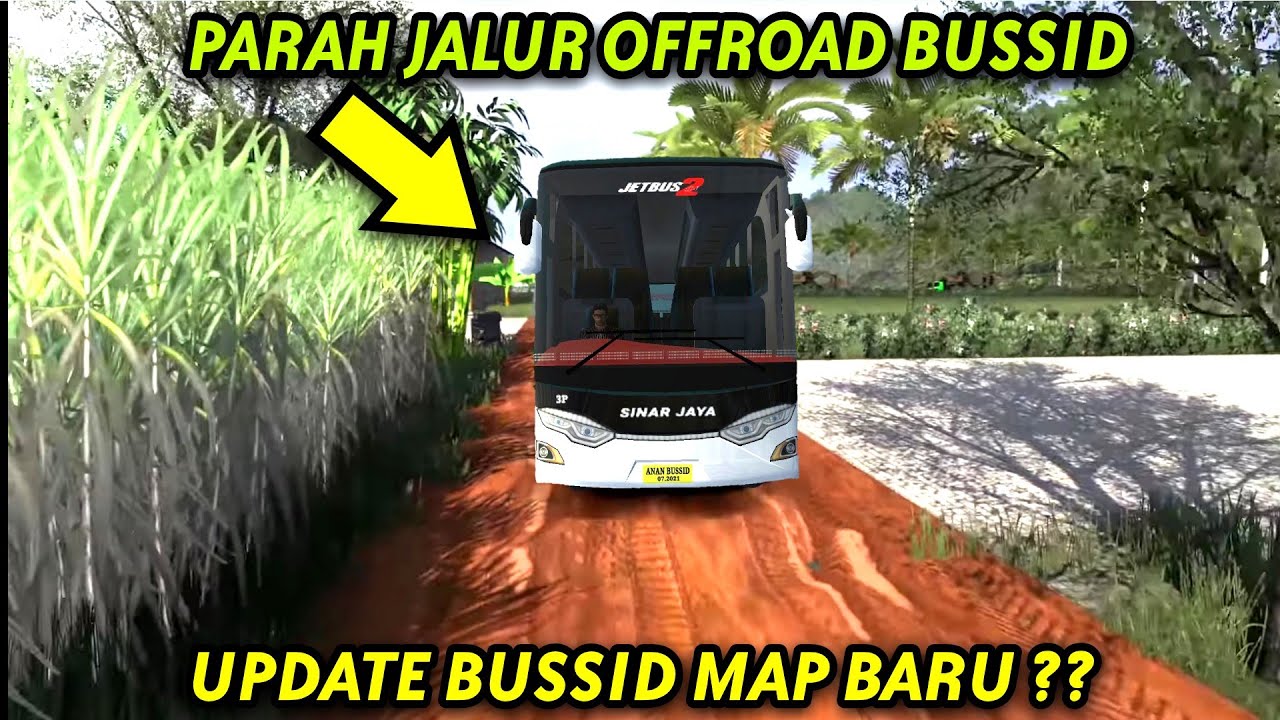
> Download links
Mine Route Map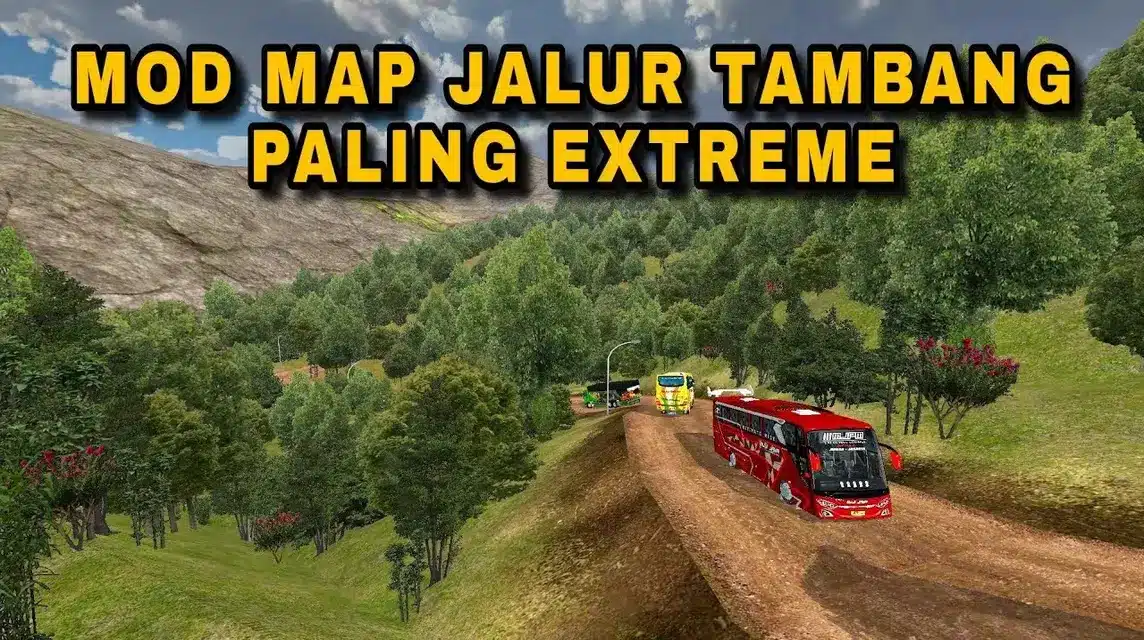
> Download Link
RoadFrood Offroad Map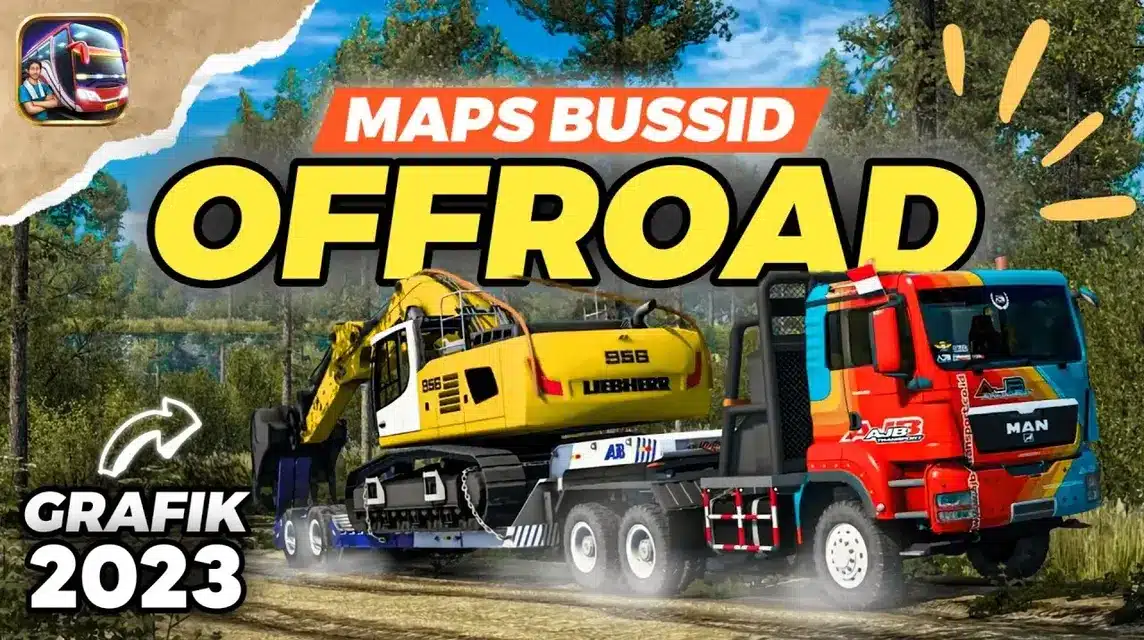
>Download links
Blusukan map is muddy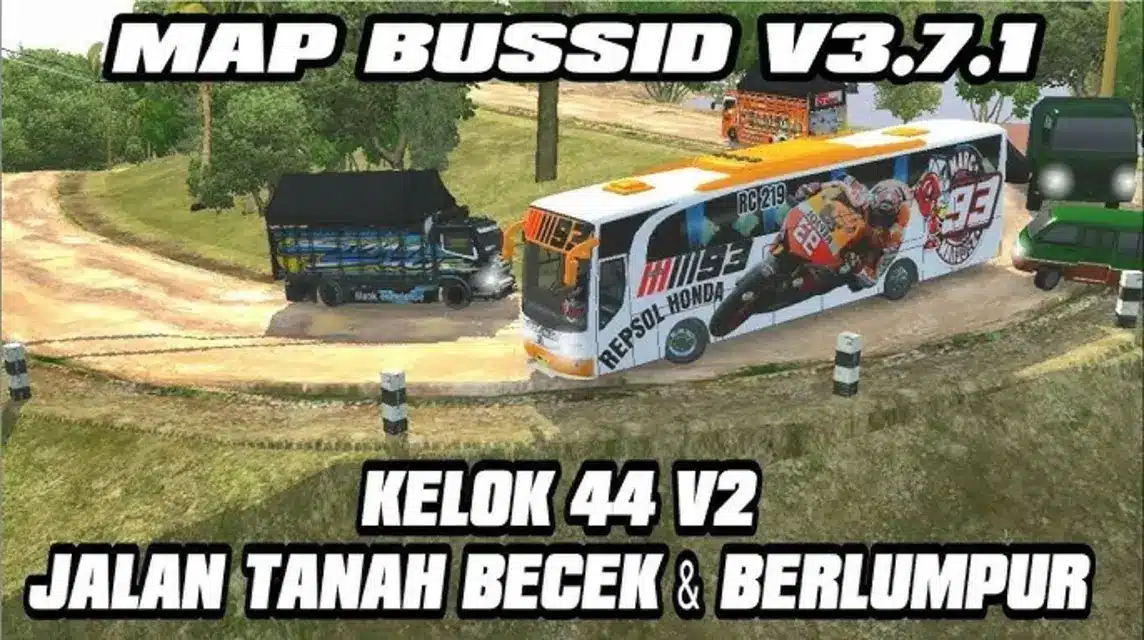
> Download links
Trans Java Toll Map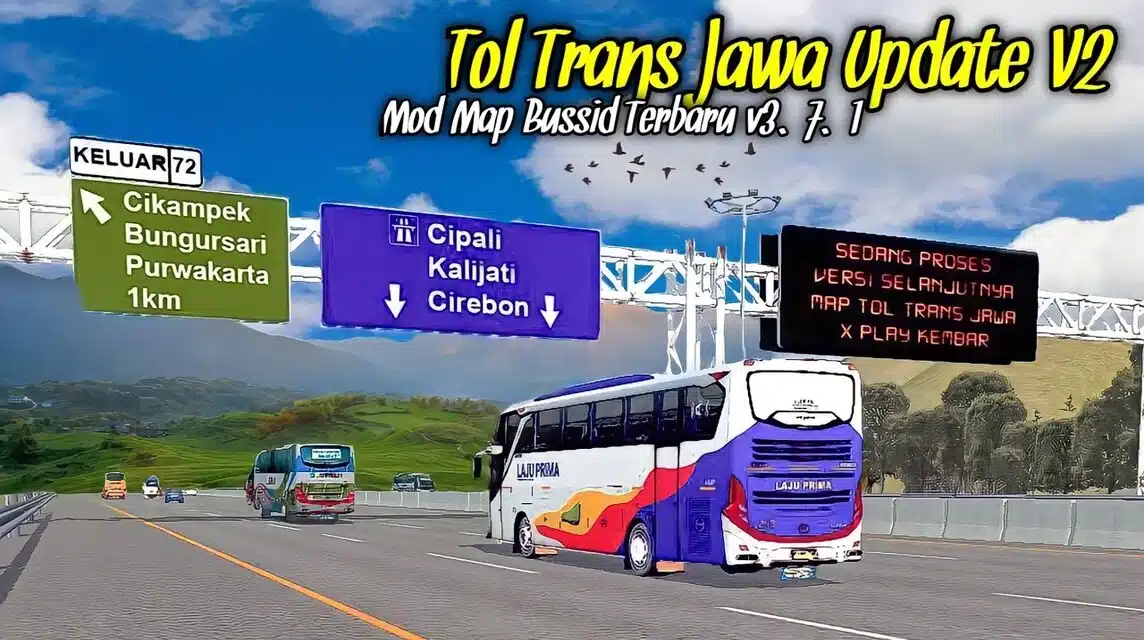
> BUSSID Trans Java Mod Map Download Link
Tawangmangu Map by PKU Project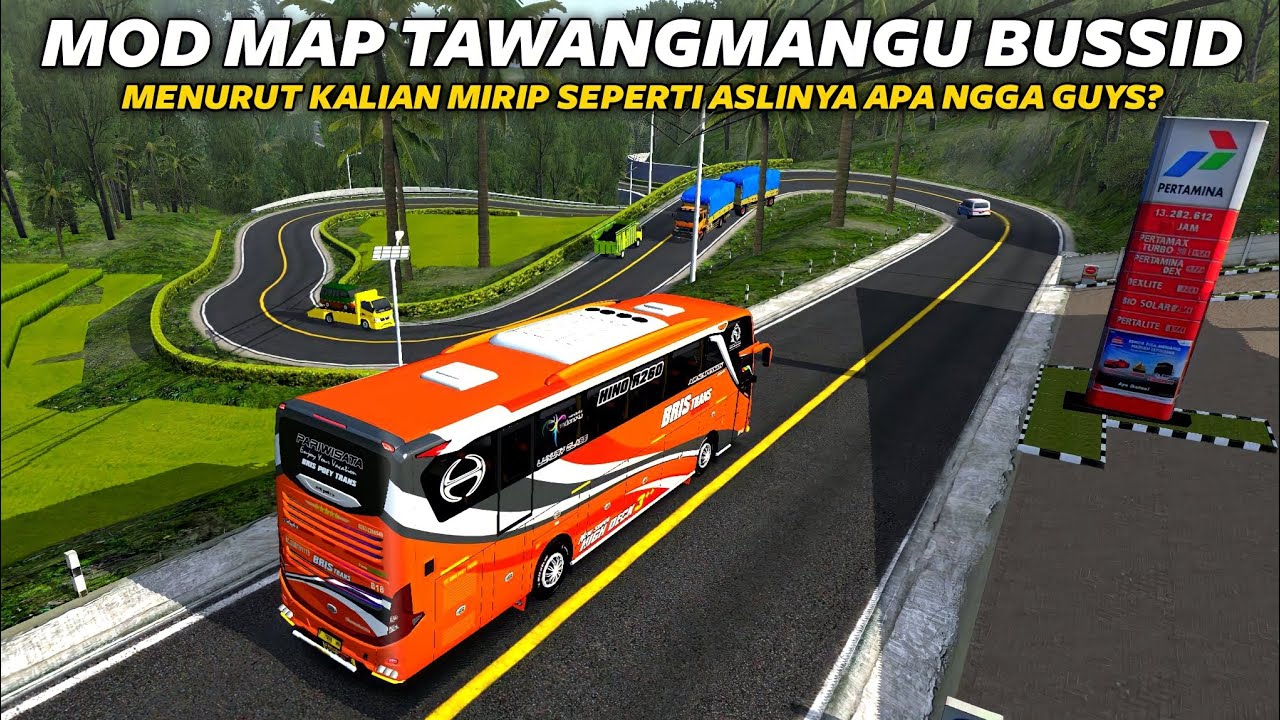
> Download links.
West Sumatra Natural Fence by Aliyan GMP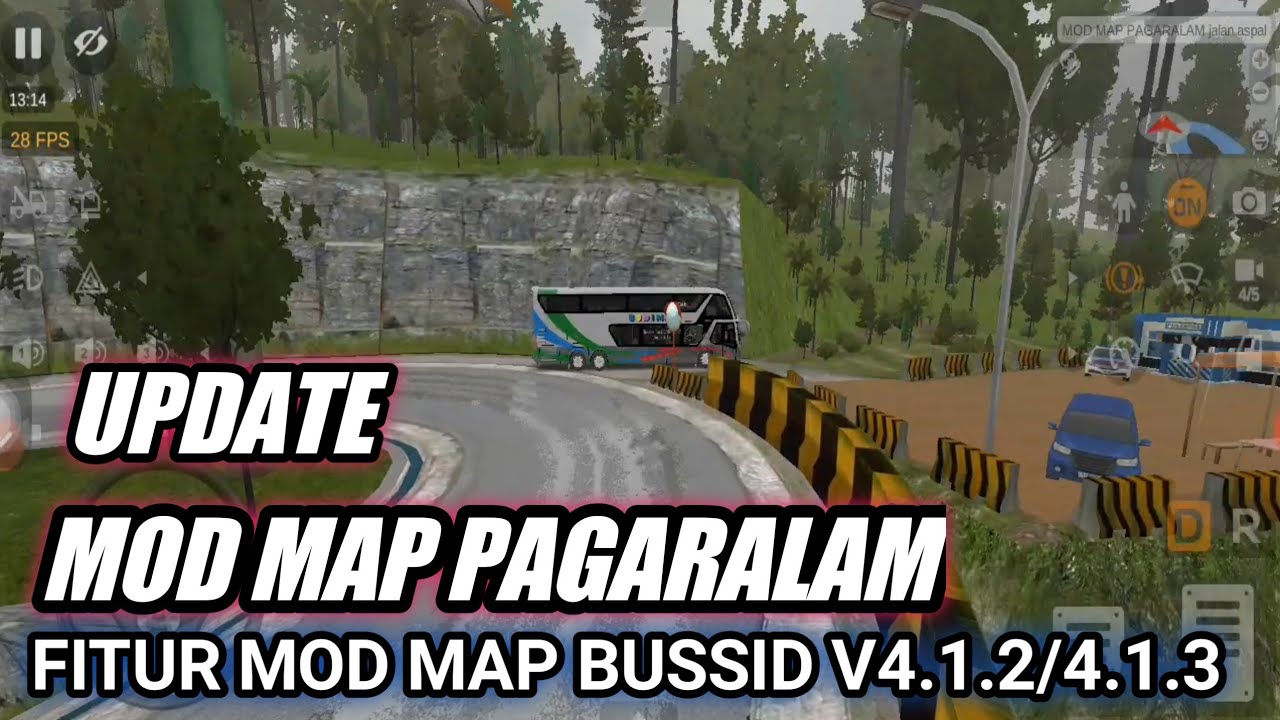
> Download link.
Adi Putro Bodywork Map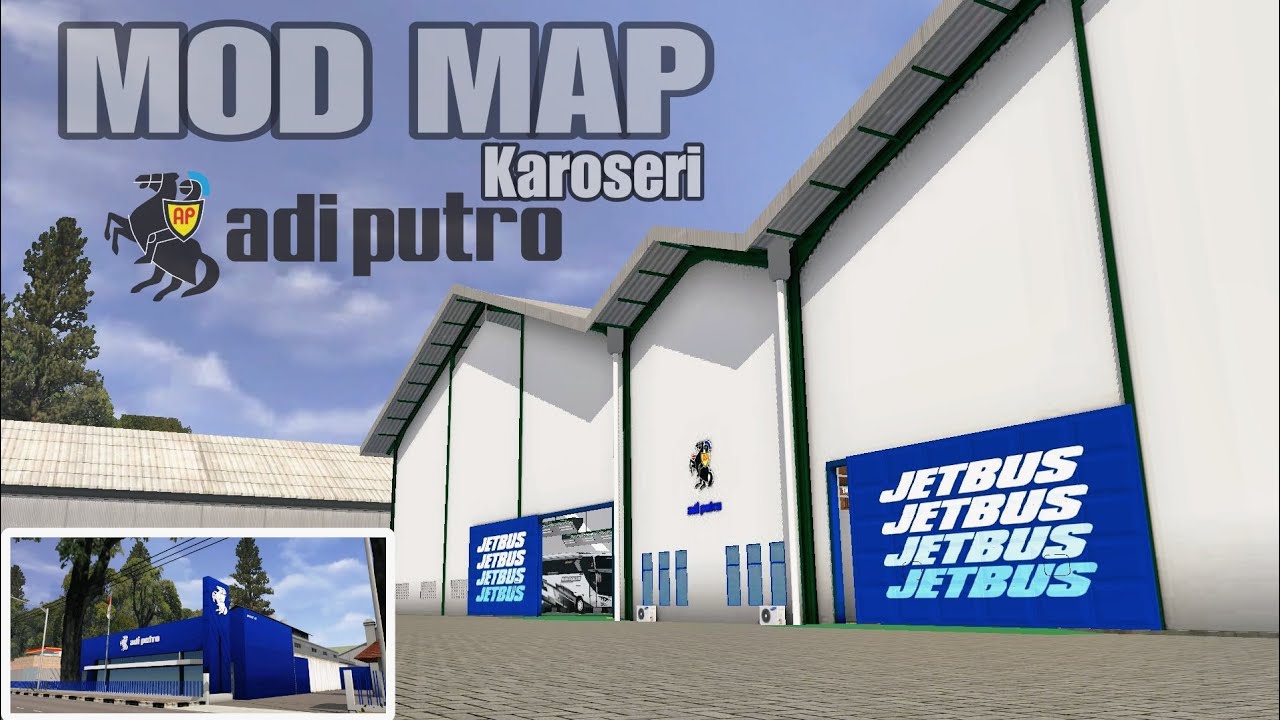
> Download links.
Sindhuli Mountains of Nepal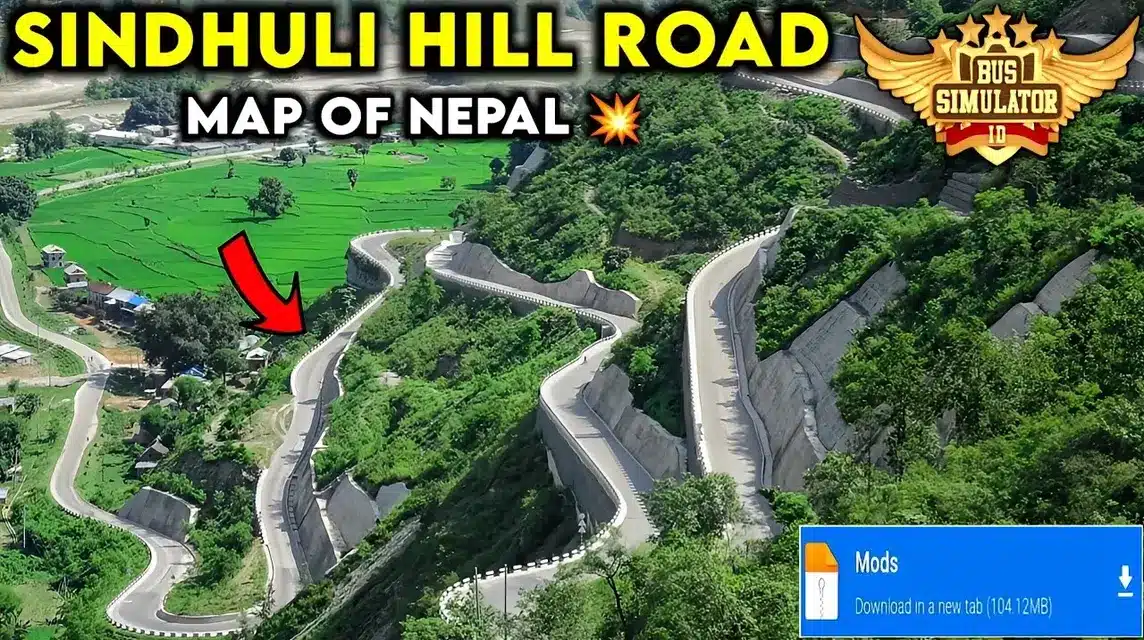
Download links.
Bus simulator game damaged road map, just check the list below:
Mod Map of muddy damaged roads: Download here.
Mod Map of muddy, uphill damaged roads: Download here.
Wonosobo Batur damaged road map mod: Download here.
Mod Map of muddy damaged roads for blusukan: Download here.
Mod Map of damaged asphalt roads: Download here.
Damaged and steep road map mod: Download here.
Mod Map of damaged and winding roads: Download here.
Mod Map of small and narrow streets badly damaged: Download here.
Mod Map of damaged and extreme peak roads: Download here.
Offroad uphill road map mod: Download here.
Small and broken track map mod: Download here.
Mod map of 44 bends of damaged roads: Download here.
RoadRoad Map Mod: Download here.
Download the extreme Sabang Map Mod: Download here.
Sumatran Narrow Map Mod: Download here.
Rimba Damaged Track Map Mod: Download here.
Mod Map badly damaged track: Download here.
Muddy and slippery Mod Map: Download here.
Stepped Stone Map Mod: Download here.
Hairpin Bend Map Mod: Download here.
Wavy Mud Track Map Mod: Download here
How to Install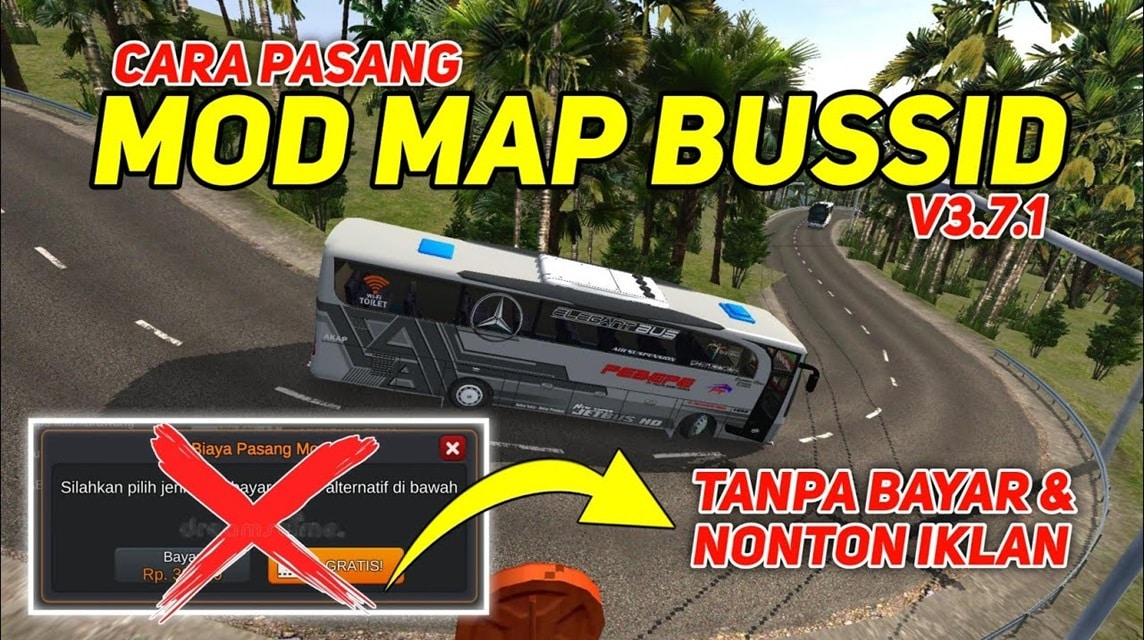
Before installing the BUSS ID map mod, there are several things you need to prepare. First, you need to prepare the BUSSID mod in ZIP or RAR format.
Next, you'll need to install ZArchiver to extract the files. To get it, visit the Google Play Store.
If so, you can do the following steps:
Open the ZArchiver application and look for the downloaded mod map file;
Extract the ZIP/RAR file to the Internal Storage/BUSSID/Mods folder;
Open the BUSSID application;
Select the “Mod” menu;
Activate the map mod that you have extracted;
Select the “Map” menu and select the map you want to play;
Choose your favorite bus and start a new adventure!
This method is demonstrated using the ZArchiver application. You can also use other file manager applications that have a file extract function.
Tips for Choosing a BUSSID Folder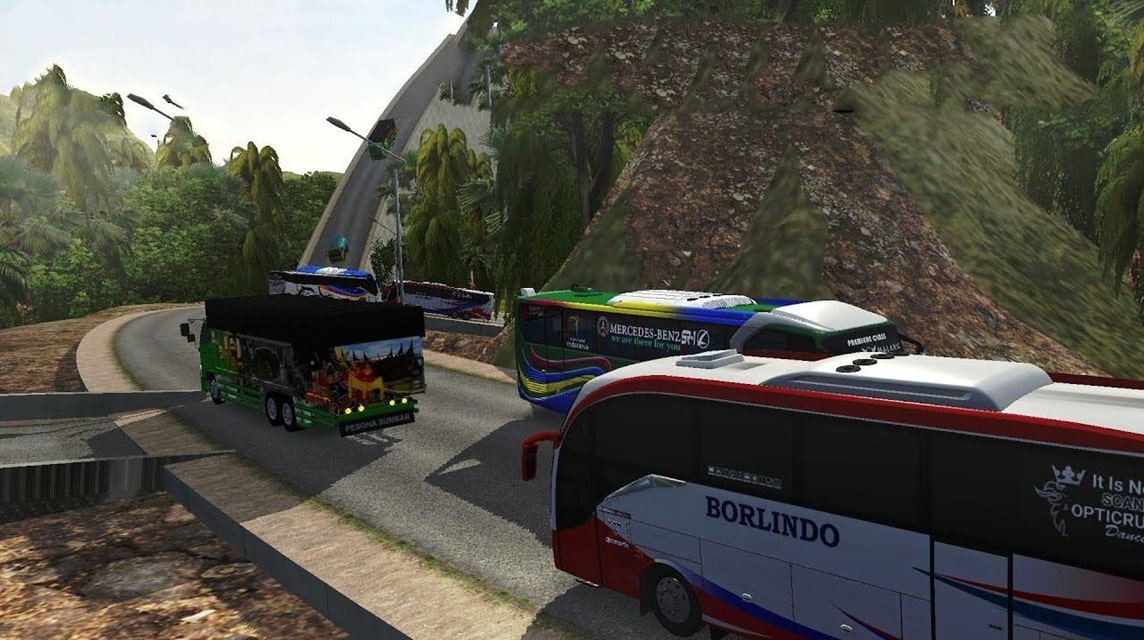
Before choosing, there are a few things you should know first. This will ensure you make the right choice and get the best map. Here are three tips you can follow:
Adjust to your interests
Before choosing a map, consider your interests and preferences in this game. Choose a map that aligns with your interests to maximize your gaming experience.
Pay Attention to the Difficulty Level
Each BUSSID map has a different level of difficulty. If you are still a beginner, you should choose a map that has an easy difficulty level first.
Once you get used to the BUSSID gameplay, you can try more difficult maps to challenge yourself.
Check Map Features and Quality
Make sure you choose a map that has good features and quality. Pay attention to road details, building textures, and objects on the map. Also make sure that the map you choose is compatible with the BUSSID version you are using.
Make sure you choose a mod map that suits your device specifications so you can play smoothly and experience an immersive driving experience.
Why Failed to Install BUSSID Map Mod?
After following the procedures and applying the tips above, some players may experience issues installing the game. This could be due to several factors, including the following:
Device Storage Space Low
Full phone storage can hinder the installation process of BUSSID Mod Map. If the remaining memory capacity is less than the size of the Mod Map, then the installation process will most likely fail.
Slow Internet
Slow internet connection is the second biggest obstacle during the Mod Map installation process. Therefore, make sure you are in a place with a fast internet connection to ensure the installation process runs smoothly.
Incompatible File
The map mod version that does not match the BUSSID version you are using could be a factor in the installation process failure. Make sure the map mod you are using is compatible with the BUSSID game version on your device.
Error while Extracting Files
The Mod file detected as corrupted may be due to not being extracted properly. Use an application like ZArchvier or RAR to extract the file, make sure the .zip or .rar file is opened properly.
What are you waiting for? Download your favorite BUSSID map mod now and experience an unforgettable new adventure!
Also read: 10+ Download Mod Map BUSSID Mountain Roads, climbing is even more exciting!
30 Download Links Livery BUSSID Sugeng Rahayu
40+ List of Super Cool Black and White Girl PPs
These are some Mod Maps you can try in BUSSID. This way, you can play the game according to your preferred path. So, which one is your favorite?
FAQ About BUSSID Map Mod
The BUSSID map mod is a modification file that allows you to add new tracks, routes, or maps outside the game's default settings. Examples include extreme tracks, rural areas, or circuits.
Yes, if the map you're using has a high level of detail, it can cause lag. Therefore, make sure your phone has a large amount of RAM.
Map mods will change the path/route, while liveries (PNG files) are used to change the appearance of the color/design of the vehicle.
In general, map mods are safe to use, but provided you download them from a trusted source and not a suspicious modified APK file.
You can find it on YouTube, modding community sites, or the BUSSID-specific Facebook group. Make sure you download it from a trusted source.
Some map mods support the AI Traffic system, but some are only for Free Ride.

Make sure the files are placed in the correct folder, the file format is correct, and your BUSSID version is the latest.
MLBB Product Recommendations


 BV2SHOP
 DEMPET STOREBV2SHOPBV2SHOP
 RudyStorez
 BANGJEFF
 TopMurBV2SHOPBV2SHOP
 AM08SHOP



 News
News




