

- Stickers beautify the bus, add nuance realistic and become a community identity in the game Indonesian Bus Simulator.
- How to install: download the sticker file, open the garage Bussid, select a menu Livery, upload, adjust the size, then save.
15 Recommended Bus Simulator Sticker Designs and How to Install Them
Bus simulator stickers are one of the favorite features of bus simulator game players such as Bus Simulator Indonesia or Bussid.
With stickers, your bus can look cooler, more unique, and stand out from the crowd. It's no wonder many players are looking for the latest sticker designs to make their buses look more realistic when played.
Besides beautifying vehicles, stickers are also often used to show community identity, certain themes, and even create the nuance of famous PO buses in Indonesia.
Also read:
- 10+ Download Links for ES Truck Simulator ID Livery Wahyu Abadi 02
- 60 Latest BUSSID Bus MOD Download Links
- 15+ Collection of BUSSID Pajero Mod Download Links
Bus Simulator Sticker Function
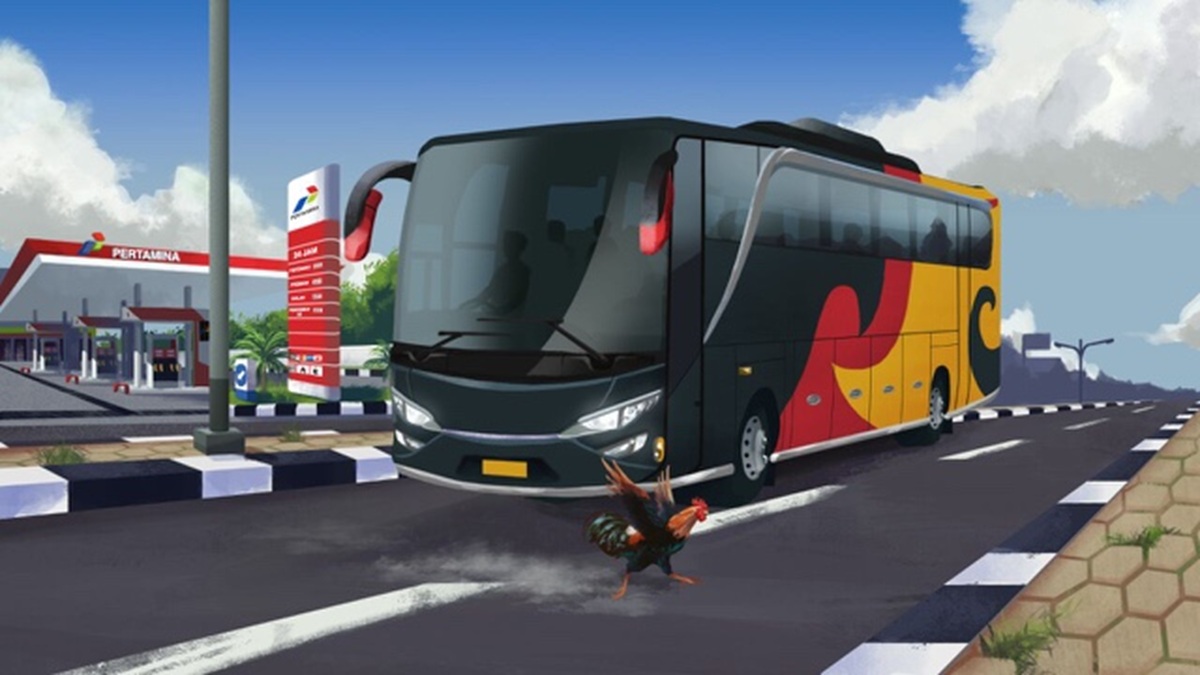
Inside stickers bus simulator games It turns out it's not just for decoration. It has several interesting features that make this feature very popular among players.
Making the Bus Look More Attractive
The primary function of bus simulator stickers is, of course, to enhance the vehicle's appearance. With the addition of cool liveries and stickers, buses will look more realistic, resembling real buses on Indonesian roads.
Many players choose full-color, anime, racing, and even tourism-themed designs to make their buses look more unique. This makes the gameplay more enjoyable, as the buses have their own unique characteristics.
Showing Player Identity
Stickers are also often used to identify players or communities, for example by adding a team name, community logo, or specific slogan to the bus body.
Besides making the bus look different, this identity also makes it easier for other players to recognize the community you join when playing multiplayer mode in Bussid.
Adding a Realistic Feel
Many bus simulator stickers are designed to resemble the designs of real Indonesian bus companies. Starting from PO Haryanto, Sinar Jaya, and Sudiro Tungga Jaya are often used as design inspiration.
This makes the game feel more realistic and resembles a real highway environment, especially when combined with detailed bus mods and maps.
Making Content More Engaging
For Bussid content creators, using stickers is crucial for enhancing video engagement. Buses with unique designs are often more likely to attract viewers on social media and video platforms.
Not a few players deliberately change stickers every time they create new content to keep the appearance fresh and not monotonous.
Bus Simulator Sticker Recommendations
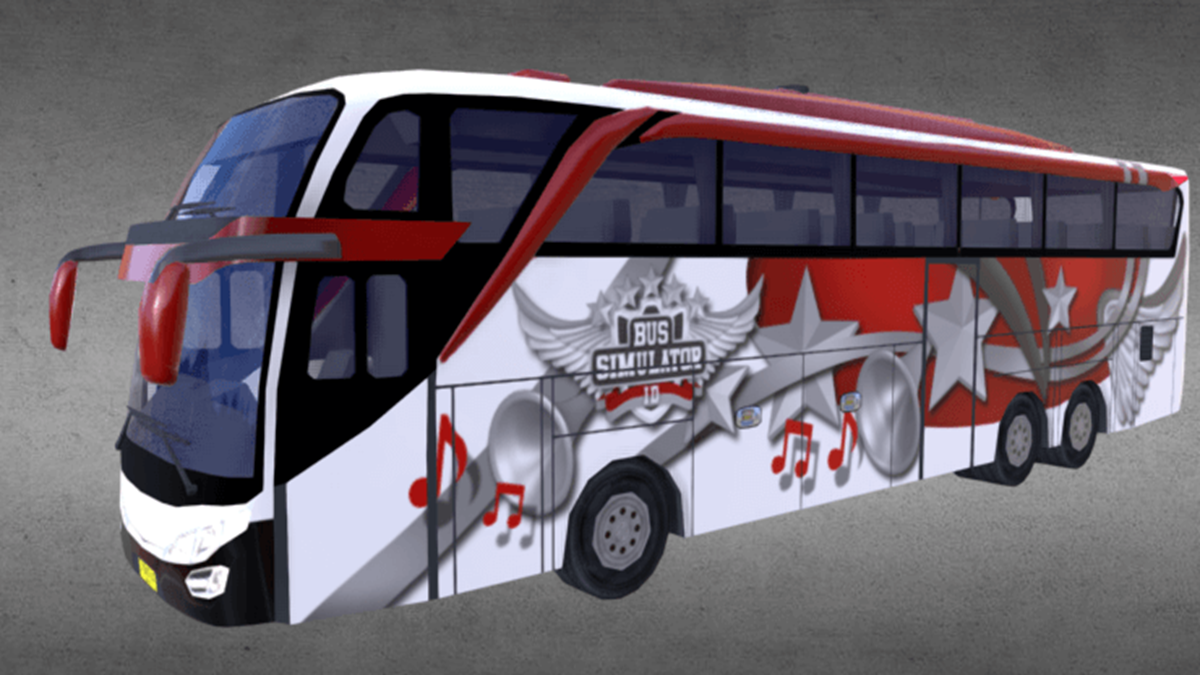
Here are some recommendations for popular bus simulator sticker designs that are widely used by Bussid players.
- Design 1 > Downloads
Red and black racing theme with a sporty feel that is suitable for high-speed buses. - Design 2 > Downloads
Elegant blue livery in the style of a modern tourist bus that looks simple but cool. - Design 3 > Downloads
Colorful anime stickers with popular characters that make the bus look more unique. - Design 4 > Downloads
PO Haryanto style design with realistic details typical of Indonesian AKAP buses. - Design 5 > Downloads
The full strobe and night light theme makes the bus stand out on the road. - Design 6 > Downloads
A combination of white and gold with a premium feel that is suitable for a sleeper bus. - Design 7 > Downloads
Modern tribal livery with sharp lines that give an aggressive impression. - Design 8 > Downloads
Nature tourism theme with calming beach and mountain images. - Design 9 > Downloads
Futuristic cyberpunk feel with cool neon color combinations. - Design 10 > Downloads
Jetbus SHD livery with realistic glass and body details like a real bus. - Design 11 > Downloads
A cute cartoon theme that is perfect for players who like a relaxed design. - Design 12 > Downloads
Matte black sticker with neon effect that makes the appearance more elegant. - Design 13 > Downloads
The typical livery of Indonesian intercity buses complete with unique back writing. - Design 14 > Downloads
Esports gaming theme with fire effects and cool team logos. - Design 15 > Downloads
Orange and silver color combination with a modern look for all bus mods.
How to Install Bus Simulator Stickers

For those of you who are still confused about installing stickers on Bussid, here are the steps.
- Download the sticker or livery file first
Find the sticker design you like and then save the file. PNGs or JPG to the device. - Enter the Bussid game
Open the Bus Simulator Indonesia game then select the garage menu. - Select the vehicle you want to install the sticker on.
After entering the garage, select the bus whose appearance you want to modify. - Press the livery menu
Look for the “Livery” or “Install Livery” button in the vehicle modification section. - Upload sticker file
Take the sticker file that you downloaded earlier from your phone storage. - Customize the appearance of the sticker
Some designs can be adjusted in size to better fit the bus body. - Save changes
If the appearance is correct, press the save button so that the sticker is installed immediately. - Try using it on the road
Once finished, you can immediately try the bus in drag or multiplayer mode to see the final result.
Also read:
- 20+ Most Complete Download Links for the BUSSID Toyota Innova MOD
- 75+ Most Complete List of ID Sakura School Simulator
- 15 Download Links for Bussid Mod Full Strobe and Underlights
Using bus simulator stickers is the easiest way to make your vehicle look cooler and more realistic. With a wide selection of designs available, you can freely customize the theme to your liking, making your Bus Simulator experience even more exciting.
Bus Simulator Sticker FAQ
Bus simulator stickers are designs or liveries installed on buses in the Bus Simulator Indonesia game to make them look cooler, more unique, and more realistic.
You just need to download the sticker file, go to the garage menu in Bussid, then select the livery feature to upload the design to the bus you are using.

Yes, many Bus Simulator stickers are free to use. You can find various designs in the Bussid community, social media, or livery provider websites.
This issue usually occurs due to an incorrect file format, an image size that's too large, or a corrupted livery file. Make sure you're using a PNG file with the appropriate resolution for Bussid.
Besides making buses more attractive, stickers are also used to show community identity, make the appearance more realistic, and add appeal when creating Bussid game content.
Open the Bus Simulator Indonesia game on your phone.
Select the Garage menu, then select the bus you want to modify.
Tap the Palette/Paint icon, select Livery File, then check “High Resolution” if available.
Find the image file (.png) from the device gallery and press Install.
The image format or resolution is too low when downloaded.
Forgot to check the High Resolution option during the in-game installation process.
The image pixel size does not match the original bus template.
MLBB Product Recommendations


 BV2SHOP
 DEMPET STOREBV2SHOPBV2SHOP
 RudyStorez
 TopMurBV2SHOPBV2SHOP
 AM08SHOPTopMur


 News
News




