
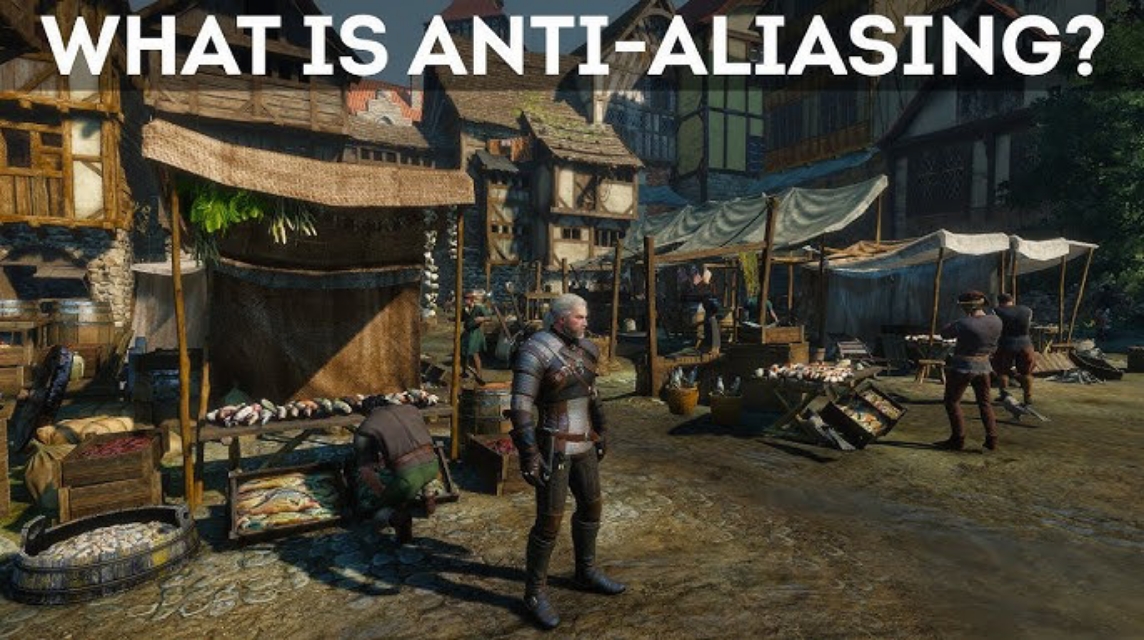
- Anti-aliasing is a technique for smoothing jagged lines in an image by adjusting the colors of pixels at the edges for a smoother appearance.
- For 4K, choose TAA or SMAA because it provides smooth quality without the burden of excessive performance; sometimes No AA it's enough.
What Is Anti-Aliasing? Definition, Function, and the Best Types for 4K
If you've ever played a game or edited graphics and noticed that the lines of an object appear jagged, that's aliasing. This effect occurs because the screen resolution isn't high enough to display fine details in an object.
Well, anti-aliasing is a technique used to reduce the jagged appearance so that the image looks smoother and more realistic.
In the gaming world, anti-aliasing plays a crucial role because it directly affects the visual quality you see. The better the technique, the smoother the display. games without significantly harming FPS performance.
But of course, not all types of anti-aliasing work the same way, some focus on quality, and some focus on performance.
Also read:
- Chimpanzee Bananani, Authentic Italian Brain Rot
- Guide to Building the Best Team in Silver and Blood
- Age of Magic Game Guide, Perfect for Beginners
Anti Aliasing Is
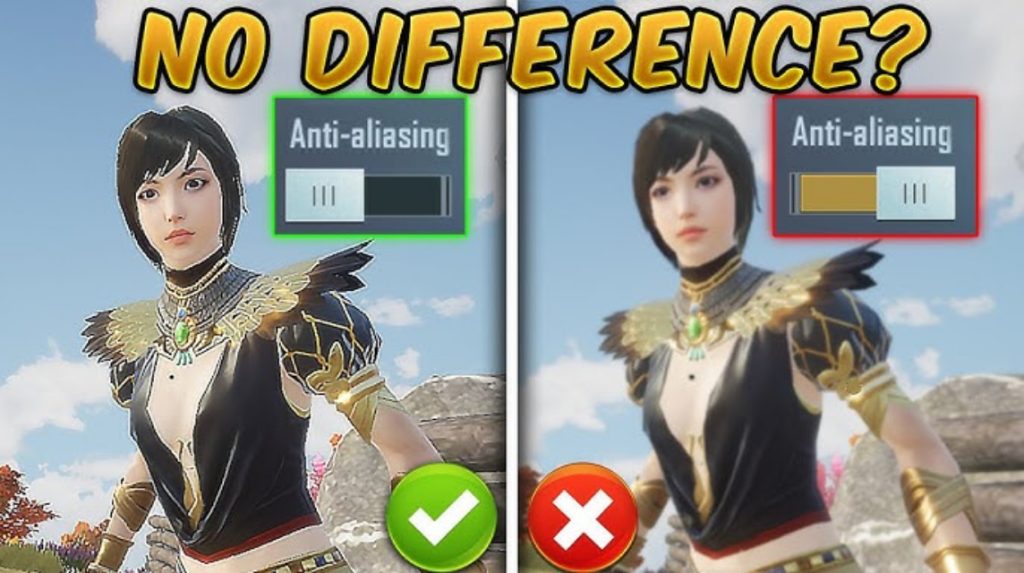
In simple terms, anti-aliasing works by smoothing lines. or jagged edges of objects on the screen. This jagged line problem arises because the monitor has a limited number of pixels, preventing diagonal or curved shapes from forming smoothly.
Well, anti-aliasing tries to overcome this by adjusting the color of the pixels at the edges of objects, making the color transitions softer so that the lines look smooth.
There are techniques that render the image at a higher resolution and then reduce it (such as SSAA), there are those that focus on the edges of the object directly (such as MSAA), and there are also those that use previous frame data to stabilize the image (such as TAA).
The end result is a cleaner, more detailed, and more eye-pleasing image, whether you're playing games or editing graphics.
This technique is very important, especially when the object is moving quickly, so that annoying flickering or shimmering does not appear.
Best Anti Aliasing for 4K
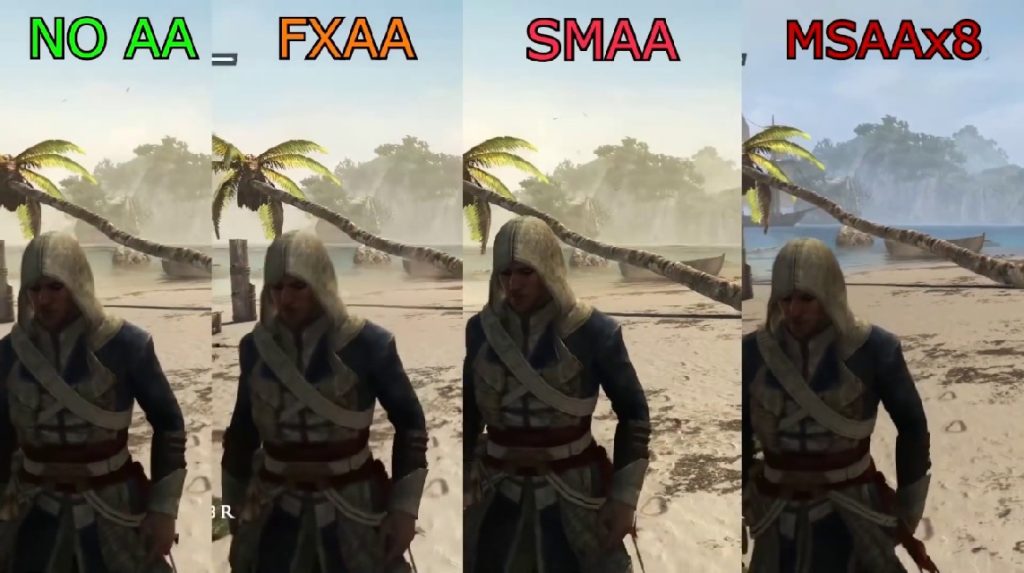
For those of you who play or work at high resolution 4KAnti-aliasing doesn't actually need to be as strong at 1080p. Why? Because the higher the resolution, the less aliasing there is. Pixels are denser, so jagged lines are automatically less visible.
However, some techniques still provide maximum results for image quality:
TAA (Temporal Anti-Aliasing) – Most Ideal for 4K
TAA is the best option for 4K because it produces smooth, stable results and doesn't require a lot of performance. Many modern AAA games use TAA by default because of its ability to effectively reduce flickering and shimmering.
SMAA (Enhanced Subpixel Morphological) – Smooth, Light, and Quality
SMAA is a good middle ground option for 4K if you want a clean look without excessive blur. This method is sharper than FXAA, but still lighter than MSAA.
Off / No AA (Sometimes Enough for 4K)
Because 4K already offers high detail, many gamers choose to disable anti-aliasing to maintain performance. The results are still good, especially for games that don't feature many thin diagonal lines.
If you're looking for the best combination, TAA + sharpening from DLSS/FSR/XeSS is also often a favorite among modern gamers.
What is the Highest Anti-Aliasing?

There's no official "number" for the highest anti-aliasing rate, as each technique operates differently. However, in the context of modern gaming, the most commonly used types of anti-aliasing, considered "mainstream," are:
SSAA (Super Sampling Anti-Aliasing) – Highest Quality, Heaviest Load
SSAA is the highest-quality technique, often referred to as the ultimate anti-aliasing technique. Why? Because SSAA renders the image at a higher resolution than necessary, then downsamples it. The results are very sharp and smooth, but it requires GPUs very strong.
MSAA (Multi-Sample Anti-Aliasing) – Balance between Quality & Performance
MSAA is a classic and popular technique because it delivers good quality without the performance-intensive nature of SSAA. It's suitable for competitive games that still require smooth graphics but maintain a high FPS.
FXAA (Fast Approximate Anti-Aliasing) – Very Light, But A Bit Blurry
FXAA is the fastest and lightest technique. Its quality isn't as sharp as MSAA, but it's very helpful in masking aliasing in performance-sensitive games.

TAA (Temporal Anti-Aliasing) – Most Common in Modern Games
TAA uses previous frame data to smooth object edges. This results in smooth and stable results, especially eliminating shimmering in moving objects. The downside is some blur, but many games now compensate for this with sharpening.
So, anti-aliasing is a technique for smoothing out jagged lines in images or games. For 4K games, you don't actually need to use heavy techniques because the resolution is already so high. TAA and SMAA are usually the best choices.
At the highest levels, SSAA still reigns supreme, but it's very demanding on GPUs. Meanwhile, MSAA, FXAA, and TAA are the most common types of anti-aliasing used by gamers today due to their more balanced combination of quality and performance.
Also read:
- Getting to Know What Bacon Is in Roblox
- How to Easily Remove Ads on Your Cellphone
- Meaning of Try Hard in Game, Don't Just Use It
If you're after realistic visuals without sacrificing FPS, TAA at 4K is not only the safest, but also the most efficient choice.
MLBB Product Recommendations

 BV2SHOP
 BANGJEFFBV2SHOPBV2SHOP
 TopMurBV2SHOPBV2SHOPTopMurBV2SHOPTopMur




 News
News




