

- In Mobile Legends, go to Profile → Account Settings → Account Center, select "Disconnect All Devices" to log out all devices.
- Change account via the Edit Account menu: log in with Google Play, Facebook, TikTok, Moonton, or VK.
- Use options Clear Data in the application settings (including Google Play) to force logout, but it will delete all app data.
The Easiest Way to Log Out a Mobile Legend Account
MLBB is one of MOBA games which is popular in Indonesia. Even though it is very popular, there may still be players who know how to log out of a Mobile Legend account.
Not everyone understands how to log out of a Mobile Legends account. Because, interface This game is not easy to understand.
Therefore, we will provide a tutorial for Vicigers friends who have difficulty changing accounts Mobile Legends.
Mobile Legend itself is a 5v5 MOBA game where you will be tasked with attacking a tower to win the game. Who doesn't know this MOBA game?
This game is one of the most popular games in Asia and often has famous tournaments. It even became the most popular MOBA game in Indonesia.
Also read:
The Fastest Way to Log Out a Mobile Legends Account
This method is suitable for those of you who have multiple accounts or cellphones played by other people. To get out of your Mobile Legends account, you can do it in the following ways.
How to Log Out a Mobile Legends Account for All Cellphones
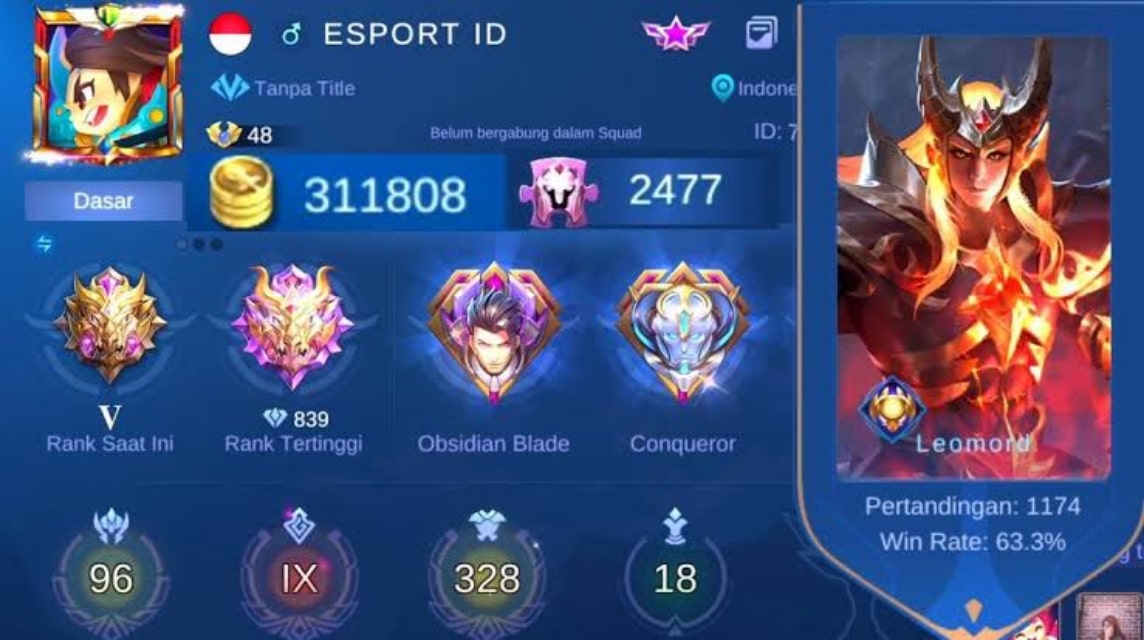
The first way to log out of a Mobile Legends account is to delete the account from all devices or MOBILE PHONE connected. The steps are:
- Open the Mobile Legends application;
- After entering, select and click the Profile button and enter the "Account Settings" menu;
- Click the “Account Center” button and select “Disconnect All Devices”;
- Wait for the notification;
- A notification to remove me from connected devices will appear;
- Your account will be deleted automatically;
- Done.
How to Log Out of a Mobile Legends Account by Switching Accounts
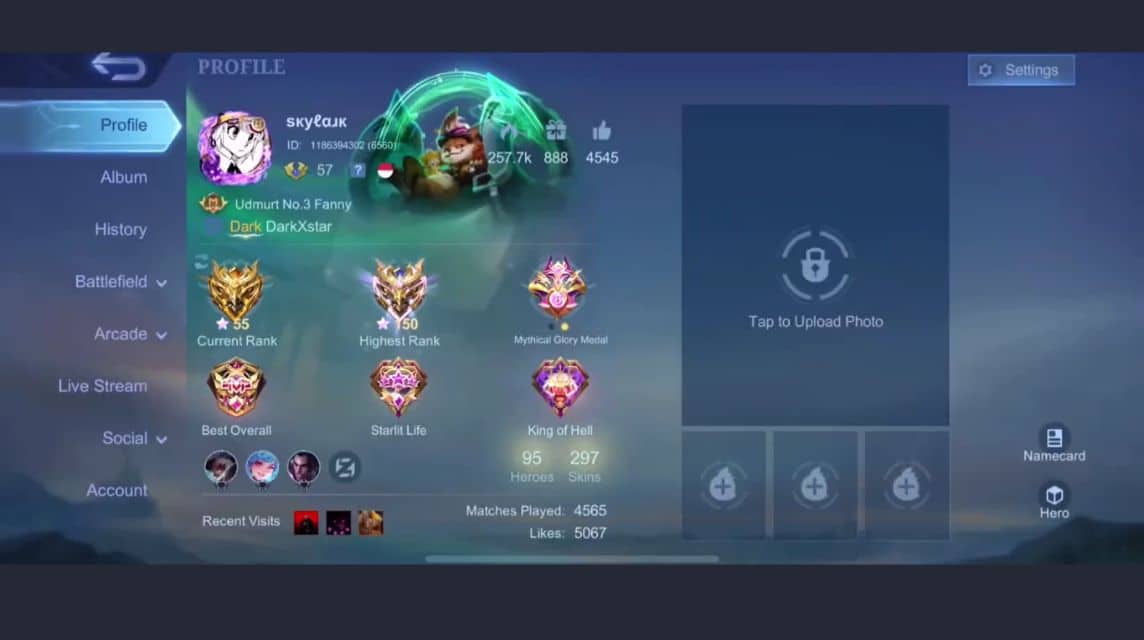
When you want to change accounts, the account that enters the device will be replaced automatically with the account you are switching. For the steps are:
- Open the Legends Mobile application first and enter the profile menu;
- Then select the Account Settings menu. On the Account Settings page and click the Edit Account button;
- Choose a way to change accounts, you can use a Google Play Games account, Facebook, TikTok, Moonton or VK. Enter the username and password of the account linked to the account Mobile Legends other;
- Then, Vicigers just need to wait for the account skipping process to complete;
- Done.
How to log out of an MLBB account by deleting data
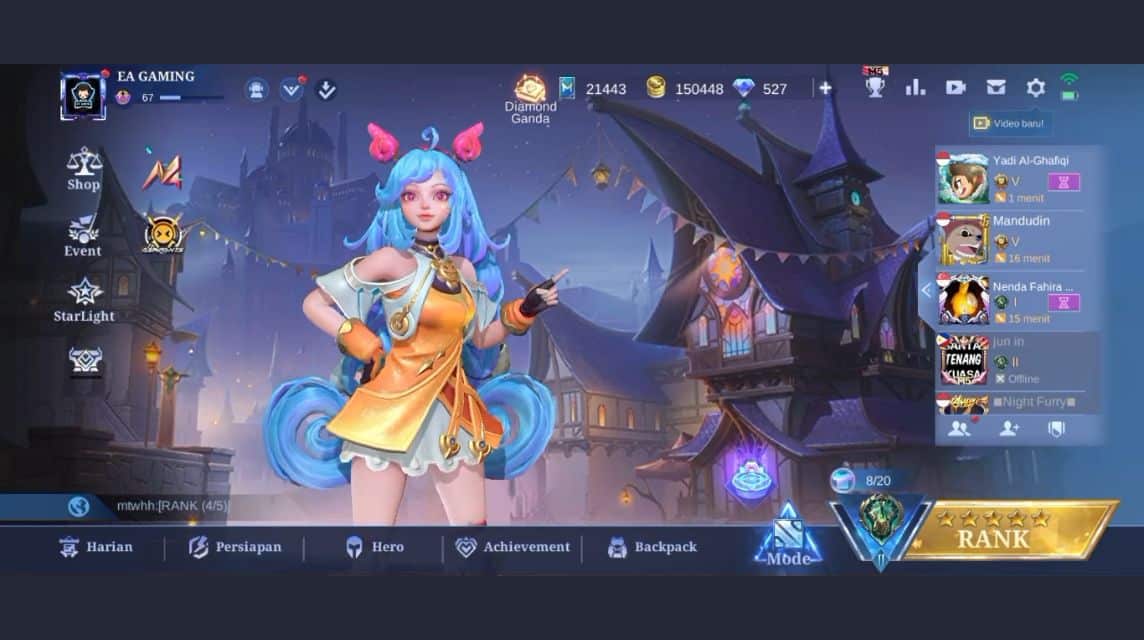
The last way to log out of Mobile Legends accounts and devices is to delete all data from the Mobile Legends application on Google Play.
But one thing you should pay attention to, this process will delete all application data. Therefore, you need to be careful when using this method.
So, to exit the Mobile Legends account by deleting application data, here are the steps:
- First, open the Settings menu on the cellphone. Then enter the application control menu. Enter a short note. Then look for the Mobile Legends application. After that, click the “Data Usage/Security Usage” menu.
- Then you can click on the “Clear data/Clear data” option. For Android users, you need to clear Google Play app data first. So, to delete data from the Mobile Legends application, search for the Google Play application. Next, click the “Data Usage/Security Usage” menu.
- Then you can click the “Clear Data” option.
- Done.
Also read:
Don't forget that Top Up Diamond Mobile Legends is cheap, fast and safe only at VCGamers Marketplace! Apart from diamonds, you can also find various interesting skins here.
FAQ About How to Log Out of Mobile Legends Account
Open the Mobile Legends application.
Click Profile (avatar) in the top left corner.
Select the Account Settings menu.
Select the Switch Account option.
Select the connected account platform (Moonton, Google Play, Facebook, etc.) to log out.
It's safe, as long as your account is linked to one of the platforms (such as Moonton ID or Google Play).

Go to the Profile > Account Settings menu.
Select Switch Account.
Enter the data of another account you want to use.
Go to Profile > Account Settings.
Select the Log out from all devices option. This is useful if your account has been used on someone else's phone.
This usually occurs if your account isn't linked to any platform (a guest account). Be sure to link your account first to Moonton ID or social media to make switching accounts easier.
MLBB Product Recommendations


 BV2SHOP
 DEMPET STOREBV2SHOPBV2SHOP
 TopMurBV2SHOPBV2SHOP
 AM08SHOPTopMurAM08SHOP




 News
News




