

- Downloading songs allows you to play them online. offline and save quota for other purposes.
- Use IDM, download the video then convert it to mp3 if necessary to save songs on your cellphone or laptop.
- Alternative without app: use online sites like SafeFrom or subscription YouTube Music for download feature.
How to Download Songs from YouTube Easily and Hassle-Free
Downloading songs is a way that you can do to keep playing your favorite playlist without having to spend money. internet quota.
By downloading songs, you can allocate internet quota for various other purposes such as work or downloading other files.
How to download songs from YouTube to your phone or other device? Follow the complete guide in the article below.
Also read:
- 3 Easy Ways to Save YouTube Audio
- How to Download YouTube Shorts Easily and Safely
- 10 Most Exciting YouTube Isekai Anime for Beginners!
How to Download Songs from YouTube Easily
Listening to music is a common activity in many daily activities, whether traveling, studying, or working.
To listen to music, there are many streaming platforms available, one of which is YouTube.
However, video streaming or music from YouTube of course requires a quota every time we play it.
The solution to this is to download songs from YouTube and save them on your laptop or phone so you can play them without an internet connection. If you don't know how, check out the complete guide!
Download Youtube Songs Via Internet Download Manager
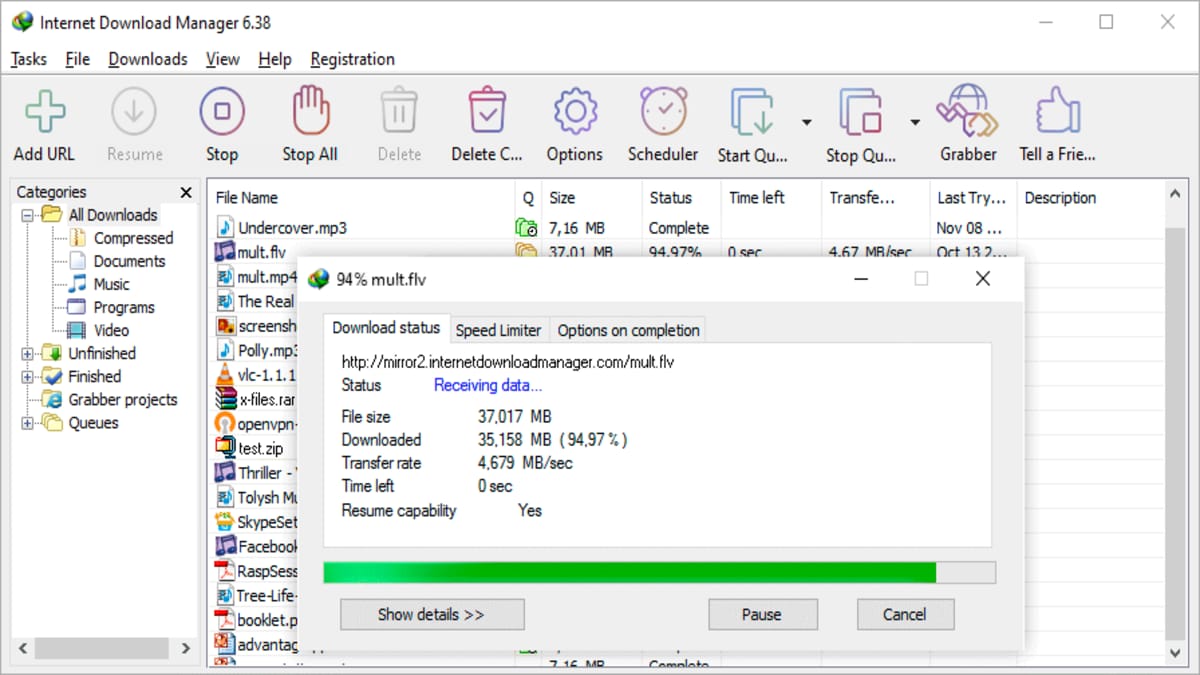
Internet Download Manager (IDM) is probably familiar to internet cafe goers. This application was renowned as a super-fast YouTube video downloader in its day.
Even though it has been more than a decade since its release, IDM still exists today and is used by many people to download various files from their favorite websites, including YouTube.
After installing IDM, you will see a pop up button that says “Download This Video” which will appear every time you watch a video on the internet.
You can download videos in various formats with different sizes and image qualities according to your needs.
After downloading the YouTube video you want, next you just need to convert the video file into mp3 format.
There are many file converters available online. This way, you can save your video or MP3 files to your favorite device.
Download Youtube Songs Via Online
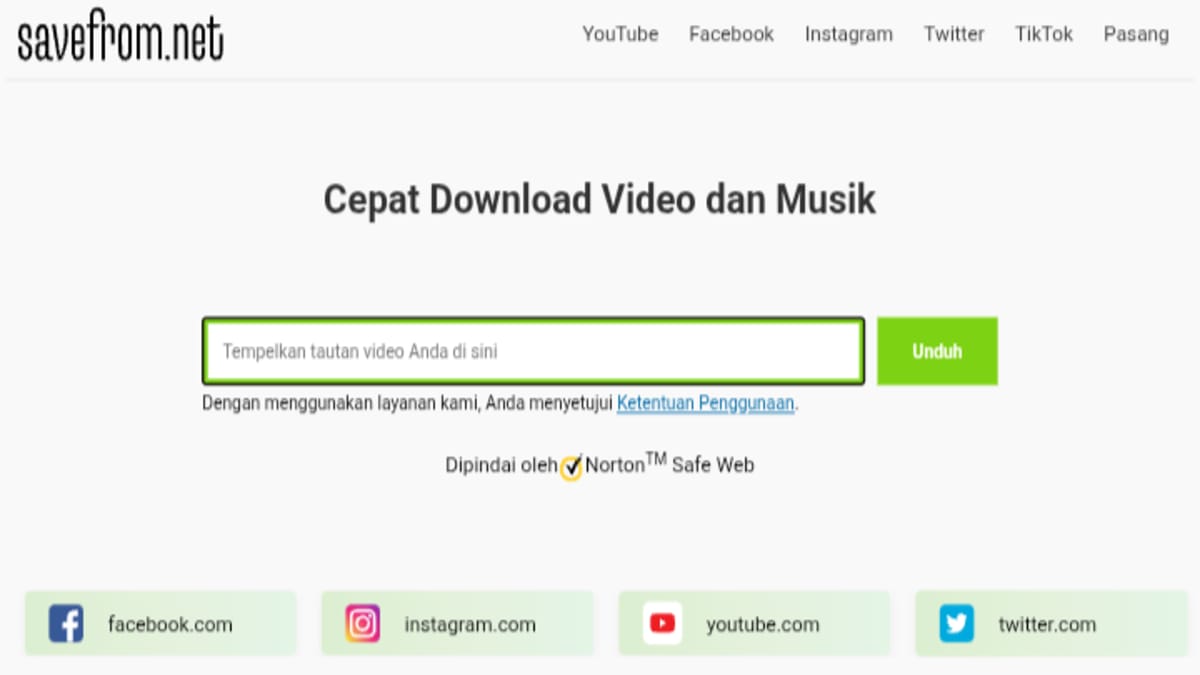
Besides installing the app, you can also easily download songs from YouTube online through various websites. One of them is SafeFrom.
To download songs via SafeFrom, you can type the keywords “Youtube Video Downloader Online” or “SafeFrom” in the search field.
Next, find the video from YouTube that you want to download as a song and copy the URL of the video by pressing the share button.
Go to the SafeFrom website and paste the link you copied in the provided field and select the audio format.
Finally, just wait until the download process is complete and you can see the results of your download on your laptop or cellphone.
Download songs via YouTube Music

The third way to download songs via YouTube is through their special streaming application, namely YouTube Music.

Not only can you stream online, but you can also use the app's download feature to play your favorite songs offline. Here's how:
- Open the YouTube Music app
- Select the playlist or song you want to download
- Next, click the three-dot icon and select “Download”
You can view your downloads in the "Collection" menu in the bottom right corner. Next, select the "Download" submenu in the top right corner of the screen.
Please note that to use this download feature, you must first subscribe to YouTube Music Premium.
Also read:
- How to Transcribe Youtube Videos Online, Practical
- How to Download YouTube Subtitles, Easy and Fast!
- How to Summarize Youtube Videos Easily and Hassle-Free
So, those are some ways you can download songs from YouTube. Once successful, you can play them offline whenever you want. Easy, right?
MLBB Product Recommendations


 BV2SHOP
 DEMPET STOREBV2SHOPBV2SHOP
 TopMur
 RudyStorezBV2SHOPBV2SHOPTopMur
 AM08SHOP



 News
News




