

- Enable features In-Game Bind, install recovery email, save the security code, and use it 2FA to prevent hacking.
- Don't click on fake links, don't share passwords, and avoid third-party apps or cheats that can steal accounts. Free Fire.
Free Fire Account Security: How to Protect Your Account, Avoid Hacks, and Recover Your Account
Account security Free Fire You are one of the most important things and must be prioritized. However, not all players care about this, and some tend to forget it.
Because you have invested a lot in Free Fire account For example, if you top up your diamonds, you need extra care so that it is not stolen by irresponsible parties.
So, for those of you who don't know how to keep your Free Fire account secure, let's take a look at the explanation below!
Also read:
- Xmodz Panel FF: Functions, Dangers, and How to Play Safely
- Collection of Cool FF Name Decorations and How to Install Them
- How to Uncheck FF Account Easily
How to Protect Your Free Fire Account
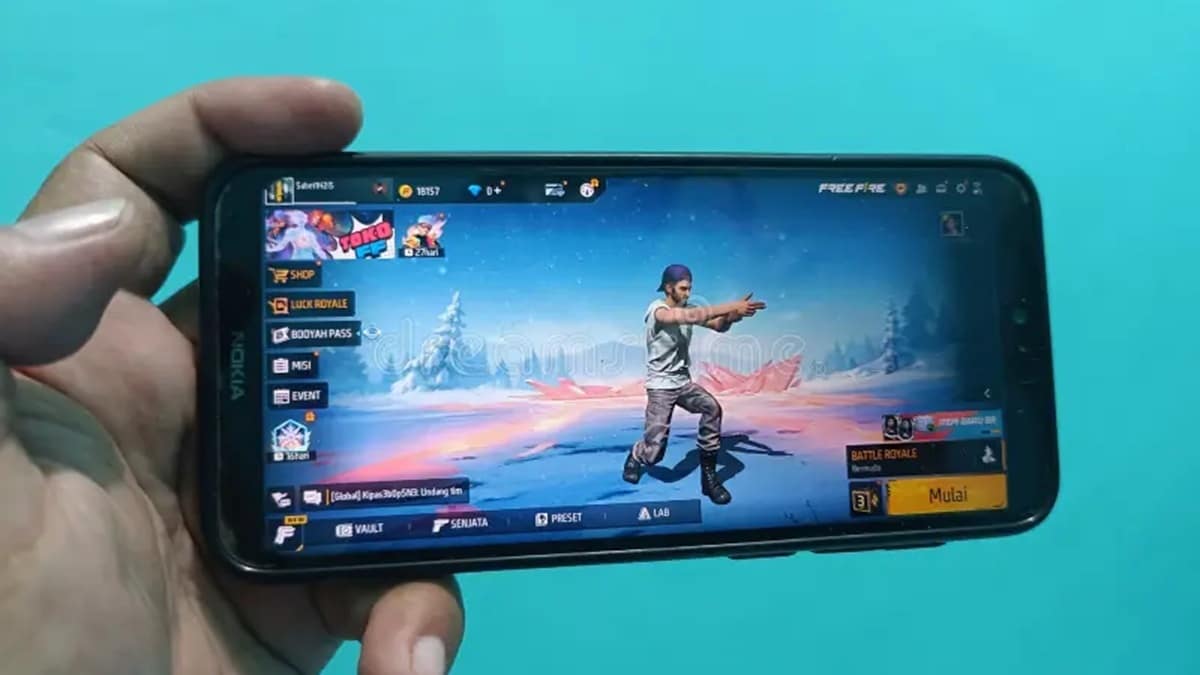
To prevent players from losing their accounts, Garena has provided a feature that you can use to keep your Free Fire account from being lost.
This feature is called Bind In-Game, which is a way for Free Fire players to increase account security.
Here's how to activate Bind In-Game:
- Log in to the game,
- Select the Settings menu (gear image on the top right),
- Select the Basic tab,
- In the Account section, please enter the recovery email with the email address you have,
- After entering the recovery email, please enter it verification code which has been sent to your email (total 8 digits),
- Then enter the account security code (6-8 digits)
- Verify account security code
- Save your account security code shown on the screen (in case you forget the security code),
- Process completed.
After carrying out these steps, then Free Fire account You will be more protected where it will not be easily stolen or hacked by people.
Reasons Why Free Fire Accounts Can Be Hacked

There are several reasons why your FF account was hacked or hacked by irresponsible people, namely:
Phishing (Fake Links)
Be fooled by free diamond gift sites or fake events that ask for login data.
Password Sharing
Providing email, password, or ID to other people or jockey services.
Weak Password
Using a password combination that is easy for others to guess.
Without 2FA
Do not enable two-step verification (2FA) on the linking account (Google, Facebook, VK, etc.).
Malicious Applications
Downloading third-party cheats or mods that steal device data.
How to Keep Your Free Fire Account Secure

To prevent your Free Fire account from being hacked, you can take the following steps:
Use Strong and Different Passwords
Make sure your Free Fire account password contains a combination of uppercase and lowercase letters, numbers, and symbols. Avoid using the same password as other accounts.
Enable Two-Step Verification (2FA)
Take advantage of the 2FA feature available on your Google or Facebook account connected to Free Fire. With 2FA, every time you log in, you'll be asked for an additional code that only you can access.
Never Share Account Information
Do not give your username, password, or verification code to anyone, including close friends.
Make sure your email and social media connections are secure.
Use a highly secure email and enable 2FA on email and social media accounts connected to Free Fire.
After knowing how to keep your FF account safe, it's a good idea for you to also Safe FF shopping at trusted VCGamers.
How to Reset FF Password

If you feel that your current FF password is no longer secure, it's a good idea to change it.
Here's how to reset your FF password easily:
- Go to the FF login page and select the Forgot Password option on the home screen.
- Select a recovery method, usually via email or mobile number that is linked to the account.
- Enter the registered account data (email/mobile number) in the search column.
- Check your email inbox or SMS to receive the official password reset link from Garena.
- Click the reset link and create a new password with a combination of letters, numbers, and symbols to make it stronger.
- Log back into the lobby using the new, updated password.
Also read:
- How to check your FF account without any hassle, try it now!
- SG Lumut FF Attributes and How to Get Them
- How to Change the FF Lobby Background Easily
So, that concludes our discussion on how to keep your Free Fire account secure. We hope this was helpful!
Free Fire Account Security FAQ
Link account: Connect your game account to official platforms like VK, Google, Facebook, or Garena Help.
Recovery email: Set an active email in the settings menu in the game.
Strong password: Change your social media link passwords regularly.
Avoid phishing: Don't click on fake free diamond reward links.
Change master password: Secure the connected social media accounts first.
Device logout: Log out of all foreign login sessions.
Support report: Submit a recovery ticket via the official website
Using cheats, illegal scripts, or third-party modified applications.
2-Step Verification (2FA): Enable 2FA on your connected Google, Facebook, or VK accounts to prevent attackers from logging in even if they know the password.
Check Active Devices: Check your social media login history regularly to kick out unknown devices.
The system can detect suspicious activity, pile up of reports (report) from other players, or the presence of illegal software running in the background of your cellphone.


 News
News




