

- Long FF space is empty character Unicode to create nicknames Free Fire unique, aesthetic, or looks empty.
- Copy the characters in brackets and paste them in edit name; need Name Change Card or Diamond for confirmation.
- Risk: name may be rejected or already taken; overcome by combining empty character, numbers, or aesthetic symbols.
Long FF Space: A Collection of Unique FF Empty Codes
Space FF Long characters are a trick players often use to make their nicknames look unique and different from other players. By using blank characters or invisible characters, you can create FF name looks neater, mysterious, even looks like it has no name.
Many players are looking for long FF space codes because they want to make aesthetic nickname without having to use too many symbols. Luckily, there are several codes you can copy and use right away. Here's a complete guide.
Also read:
- Easy Way to Create a FF Name and iPhone Logo ala William GZ
- 150 Scary FF Names of Anti-Mainstream M1887 Heroes
- 300 Spooky FF Names Moving, Make Scary Nicknames
Unique and Ready-to-Copy Long FF Space Code
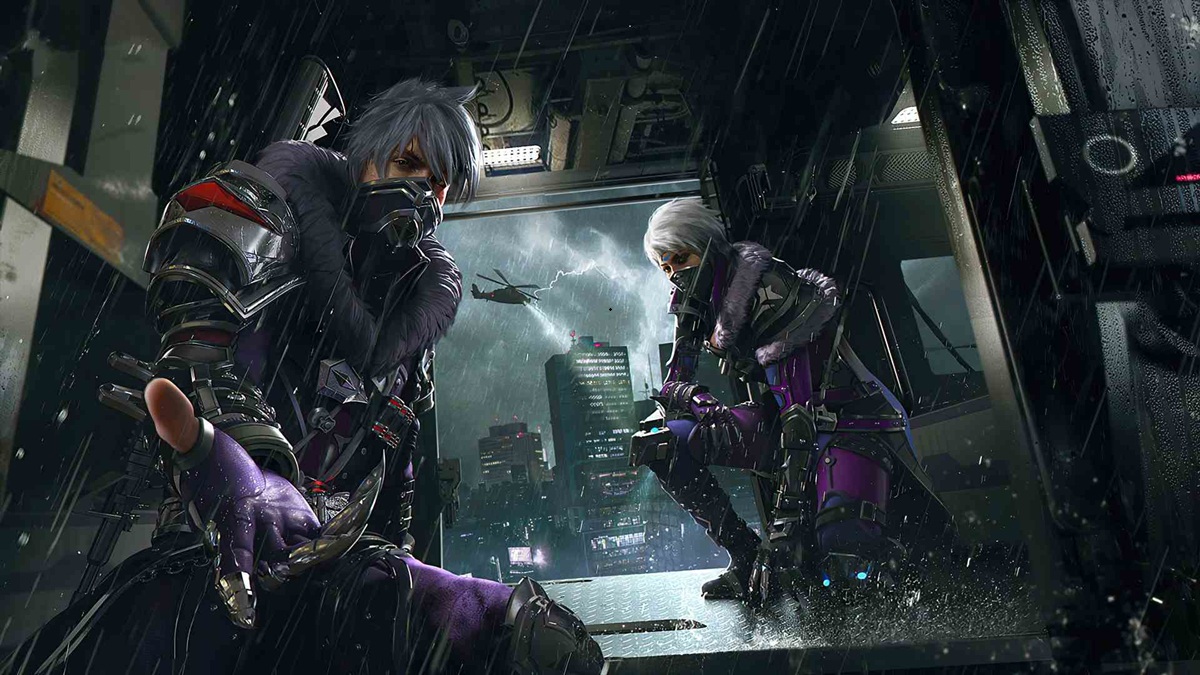
The FF blank space character is not actually a regular space from keyboards. This character is derived from Unicode and can be read by the Free Fire system as a valid character. Therefore, you can use it in your nickname, bio, or guild.
Some of the following codes are quite popular because they are easy to use and still often work on various devices. Free Fire servers:
How to Copy FF Blank Space Code
Copying the FF space code is actually very easy. Simply highlight the available blank characters and copy them like regular text. Then, paste them into the nickname field when changing your name.
Since this character is invisible, make sure you copy the entire area within the brackets. If the copy process fails, the character will usually not be copied, making the FF name unusable.
Here are examples of blank space characters that you can copy:
Short Space
( ㅤ)
Medium Spacing
(ᅠ)
Long Space
(ㅤㅤㅤ)
Very Long Space
(ㅤㅤㅤㅤㅤ)
Long, Medium, and Short FF Spacing Options
Each type of spacing has a different function depending on the needs of the nickname you're creating. If you simply want to space words, a short space is usually sufficient.
Meanwhile, long spaces are more often used to make names look unique or create the effect of a blank nickname. Many professional Free Fire (FF) players and content creators utilize a combination of blank characters to make their nicknames stand out from other players.
Following are the recommendations:
| Types of Spaces | Function |
|---|---|
| Short | Putting a small space between words |
| Currently | Suitable for aesthetic nicknames |
| Long | Make the name effect more unique |
| Very Long | Used for empty nickname combinations |
How to Change FF Nickname with Long Spaces Without Errors

Changing your Free Fire nickname using blank spaces isn't much different from changing your regular name. However, there are a few things to keep in mind to ensure the process is successful.
If the blank character you're using isn't supported or if the name is already taken by another player, the system may reject the nickname change. Therefore, you need to know the proper steps before attempting this:
How to Use a Name Change Card for Space Names
To change your FF nickname, you'll need a Name Change Card or a certain amount of Diamonds. These items can be found in your inventory after being obtained from certain events or purchases.
Once you have a Name Change Card, open your Free Fire profile and tap the edit name icon. Paste the copied space code, then combine it with letters, numbers, or symbols if needed. If your nickname passes the system check, the name change will be applied immediately.
The steps:
- Entered into Free Fire account.
- Open the profile menu.
- Press the edit nickname icon.
- Paste the long FF space code.
- Add other characters if needed.
- Click confirm.
- Use Name Change Card or Diamond.
Solution to Overcome the Problem of Nickname Already in Use
One of the most common issues is a notification that a nickname is already in use. This is normal, as many players use the same blank character combination.
To overcome this, you can add unique symbols, small numbers, or specific letters before or after the space. This method makes your nickname unique and increases the system's chances of being accepted.
Additionally, try using a combination of different types of spacing. For example, combine short and long spaces to create a more unique name structure. If that still doesn't work, try using a variety of aesthetic symbols that are still supported by Free Fire.
Profits and Risks

Using long spaces in FF has several advantages that attract many players to try it. One of them is the more unique appearance of the nickname compared to a regular name. Furthermore, names with empty characters often look more aesthetically pleasing and easily attract the attention of other players in the lobby or in matches.
Another advantage is that you can personalize your account identity. Many players use white space to create professional-looking nicknames, similar to those of famous pro players or content creators.
However, there are also some risks to be aware of. Garena may change its nickname validation system at any time, so some blank characters may no longer work. As a result, previously successful name combinations may be rejected in the next update.
Additionally, using too many spaces can sometimes make it difficult for friends to find your account using the search feature. Therefore, it's best to use blank characters sparingly and combine them with a recognizable name.

Also read:
- 300 Aesthetic, Cool, and Unique FF Names for Women
- 200 Cool and Anti-Mainstream FF Star Names
- FF King Name Recommendations and How to Change Them
That's the complete information about long FF spaces, along with the code you can copy directly. By choosing the right character combination and following the correct steps for changing your nickname, you can make your Free Fire name look cooler, more unique, and different from other players.
FAQ About Long FF Spaces
The long Free Fire space is an invisible character used in Free Fire nicknames to create a unique spacing or name effect.
Yes, using long spaces is generally safe as long as you use Unicode characters that are still supported by Free Fire.
This usually happens because the nickname is already used by another player, the blank character was not copied correctly, or the character combination used is no longer supported by the Free Fire system.
You'll need Diamonds or a Name Change Card to change your Free Fire nickname. If you have a Name Change Card, you can change your name without spending any additional Diamonds.
You can combine blank spaces with letters, numbers, or unique symbols. This helps make your nickname more distinctive and increases the chances of being accepted by the Free Fire system.
Free Fire Product Recommendations


 TopMurTopMur
 RudyStorez
 TopMurTopMur
 TopMur
 RudyStorez
 RudyStorez
 RudyStorezRudyStorez




 News
News




