

- Choose a trusted password manager application like Google Password Manager, 1Password, LastPass, or Bitwarden.
- Install and create a master account with a very strong password; use a combination of uppercase and lowercase letters, numbers, and symbols.
- Save and use autofill to login Roblox to avoid manual typing and reduce the risk of leaks.
- Enable additional security like 2-Step Verification and avoid sharing passwords or fake Robux generator sites.
Tips and How to use Roblox Password Manager
Password manager roblox is currently much sought after, especially by players who frequently forgot the password or have more than one account.
For those of you who actively play Roblox every day, maintaining account security is very important to avoid being hacked or losing rare items.
In fact, the term “Roblox password manager” refers to a password manager that can help you store and organize your Roblox account passwords securely.
With this tool, you no longer need to write down passwords on paper or store them carelessly in your cellphone notes.
So, how do you use it? Check out the full explanation below.
Also read:
- Collection of 200+ Free Roblox Accounts with Robux Today
- Recommended Names for Roblox Accounts That Are Good and Cool
- 150 List of Good Roblox Account Names
How to Use Roblox Password Manager

Using a password manager for your Roblox account isn't complicated. Here are the steps you can follow:
Select Password Manager App
First, you need to choose a trusted password manager application. Some commonly used examples are:
- Google Password Manager
- 1Password
- LastPass
- Bitwarden
Make sure you choose an application that has a strong encryption system so that data is not easily leaked.
Install and Create Account
After selecting an app, install it on your phone or laptop. Then, create a master account with a very strong, unpredictable password. This master password is the key to all your saved passwords.
Tip: Use a combination of uppercase letters, lowercase letters, numbers, and symbols.
Save Roblox Account Password
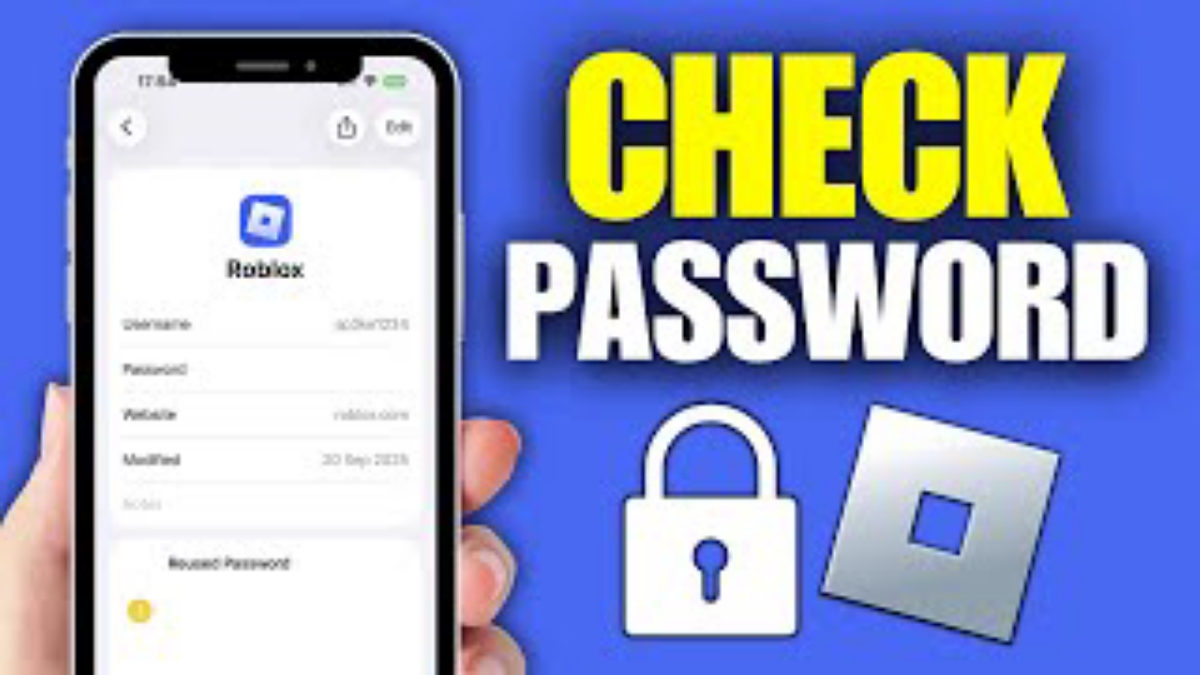
When you log in to Roblox, your browser or password manager will usually offer to save your password. Click "Save" to save it automatically.
If you want to do it manually, you can also:
- Enter the password manager application
- Select add new account
- Enter your Roblox username
- Enter password
- Save
Use Autofill When Logging In
When you want to log in to Roblox again, the password manager will automatically fill in your username and password. So you don't have to retype it or worry about making a mistake.
This method is much safer than storing passwords in ordinary notes.
Why is Roblox Password Manager Important?

Many cases of Roblox accounts being lost are due to:
- Password is too easy to guess
- Login on public devices
- Click on the phishing link
- Using the same password on multiple accounts
With a password manager, you can create unique passwords for each account without worrying about forgetting them. This makes your accounts more difficult to hack.
In addition, some password managers also have the following features:
- Warning if password is leaked
- Automatic password generator
- Two-step verification (2FA)
These features make security Roblox account you are getting more and more optimal.
Tips to Prevent Your Roblox Account from Being Hacked Easily
Besides using a Roblox password manager, there are a few additional steps you need to take:
Enable Two-Step Verification
Go to your Roblox account settings and enable 2-Step Verification. This will require an additional code every time you log in.
Don't Share Your Password with Anyone
Even if you are a close friend, you should never share your Roblox account password.
Avoid Fake Robux Generator Sites
Many sites claim to be able to give Free Robux, even though the goal is to steal accounts.
Use an Active and Secure Email
Make sure the email connected to Roblox also uses a strong password and 2FA.
Is It Safe to Use a Password Manager?
The answer is yes, as long as you use a trusted service. Modern password managers use end-to-end encryption, making your data unreadable to anyone.
It's actually riskier if you:

- Saving passwords in chat
- Writing in a book
- Using the same password on all accounts
With Roblox password manager, you can have more peace of mind while playing without worrying about losing your account.
Roblox password manager is a practical solution for those of you who want to keep your Roblox account safe and not easily hacked.
How to use it is also very easy, starting from installing the application, saving passwords, to using the autofill feature when logging in.
If you're serious about keeping your account secure, don't just rely on a regular password. Use a password manager and enable additional security features like two-step verification.
Also read:
- How to Create a Roblox Account on Your Phone & Laptop, It's So Easy
- How to Delete Roblox Account Easily
- How to Download and Link a Roblox Account on Xbox
Playing Roblox is more comfortable, and your account remains secure.
Roblox Product Recommendations


 Hero Alive
 Kumay10shopHero AliveHero Alive
 RudyStorezHero Alive




 News
News




