
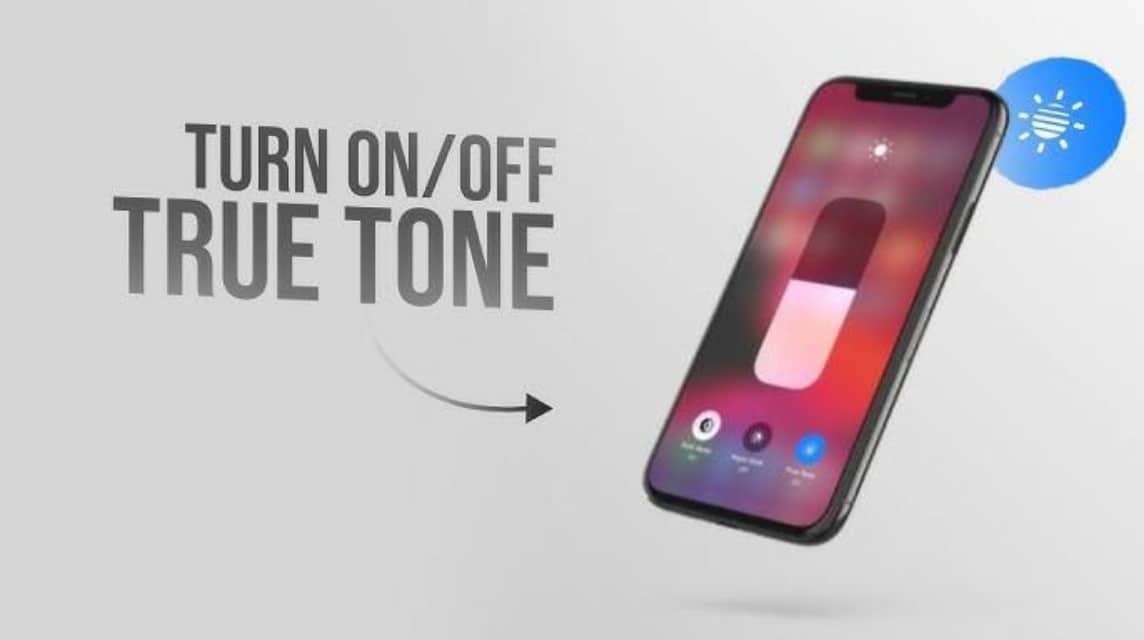
- True Tones automatically adjusts white balance The screen is based on ambient light sensors for a more natural and comfortable color display.
- True Tones reduces eye strain without significantly draining the battery; can be enabled/disabled via Settings > Display & Brightness or Control Center.
True Tone Function on iPhone, and How it Works and Settings
True Tone is one of the flagship features on the device apples, especially the iPhone, which often makes users wonder, "Why does the screen color change by itself?"
So, if you have ever seen the iPhone screen display turn slightly yellowish when under yellow light, it means that the feature is actively running its function.
Let's get to know this feature better and find out why many iPhone users can't live without True Tone!
Also read:
What is True Tone?
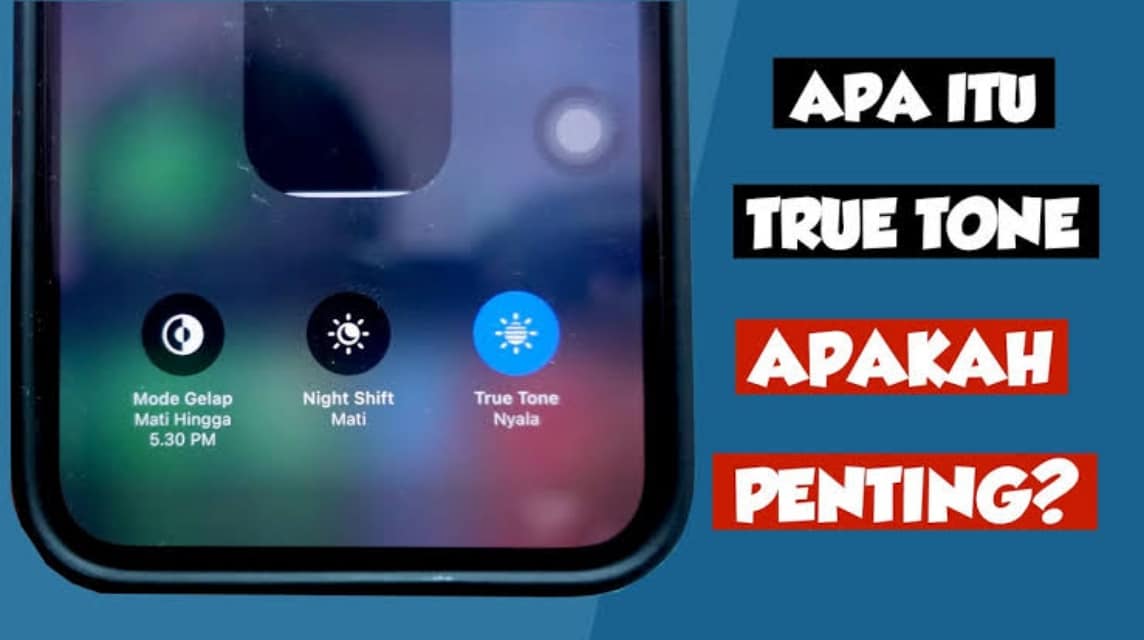
True Tone is a built-in feature on some Apple devices such as the iPhone, iPads, and MacBooks which automatically adjusts the screen's white balance based on the ambient light sensor. So, the screen will continue to "adapt" to the light conditions around you, be it white light, yellowish light, or sunlight.
True Tone works pretty smartly. The ambient light sensor detects the color temperature around you, then the system automatically adjusts the display color to keep it looking natural and comfortable to look at.. This technology works in real-time and the transition changes are almost imperceptible.
In other words, the technology behind it aims to mimic natural lighting conditions so that the screen doesn't look too cold or too warm.
True Tone Function
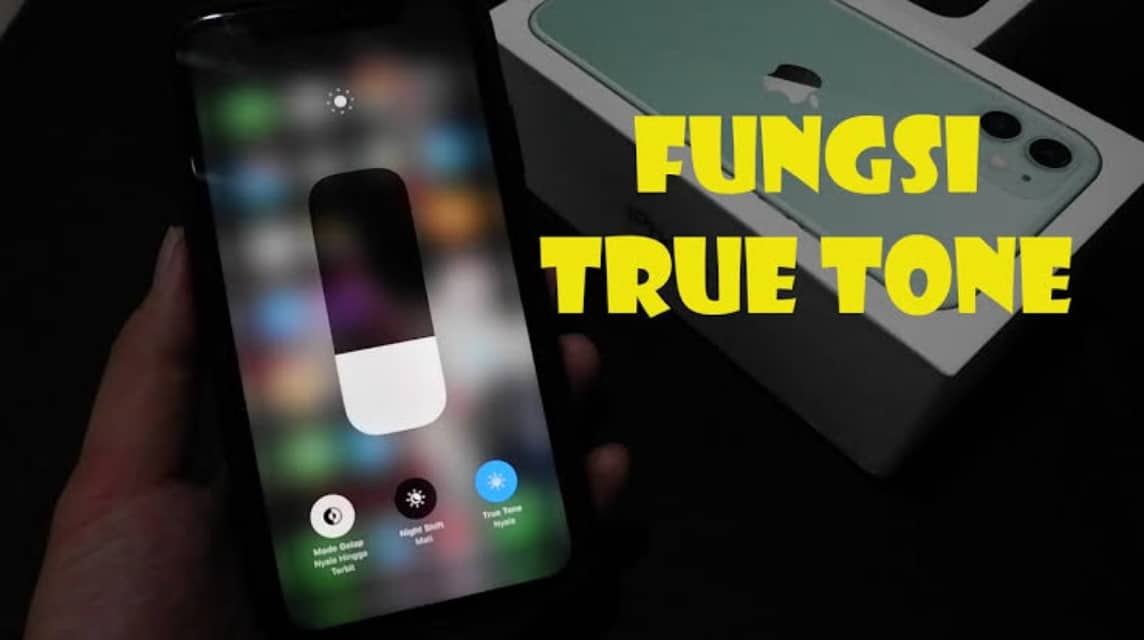
By automatically adjusting the white balance, this feature is able to provide a more natural and adaptive screen experience in all lighting conditions.
Benefits for Users
True Tone plays an important role in adjusting the screen display to match the lighting conditions around you, so that the colors displayed still look natural and comfortable on the eyes.
Reduce Eye Fatigue
The True Tone feature is here to reduce this tension by automatically adjusting the color temperature and reducing excessive blue light intensity.
More Accurate Colors in Various Lighting Conditions
Without True Tone, your device's screen may appear bluish in warm light environments, or yellowish in cooler light.
This technology works to automatically adjust colors to keep them consistent and look natural, especially when you enjoy photos, watch videos, or work on visual editing.
Difference between True Tone vs Night Shift
At first glance, they are indeed quite similar but have differences. Here is a comparison of the two:
| Feature | True Tones | Night Shift |
| The main purpose | Adjusts white balance based on lighting | Reduce blue light exposure for better sleep |
| Procedure | Automatic with ambient light sensor | Manual or automatic according to user schedule |
| Screen appearance | More natural and consistent colors | The color is warmer or slightly yellow |
| User focus | Realistic and adaptive visual experience | Eye comfort at night |
With the combination of the two, you can enjoy a comfortable, glare-free, and eye-friendly screen, both day and night.
How to Enable/Disable True Tone
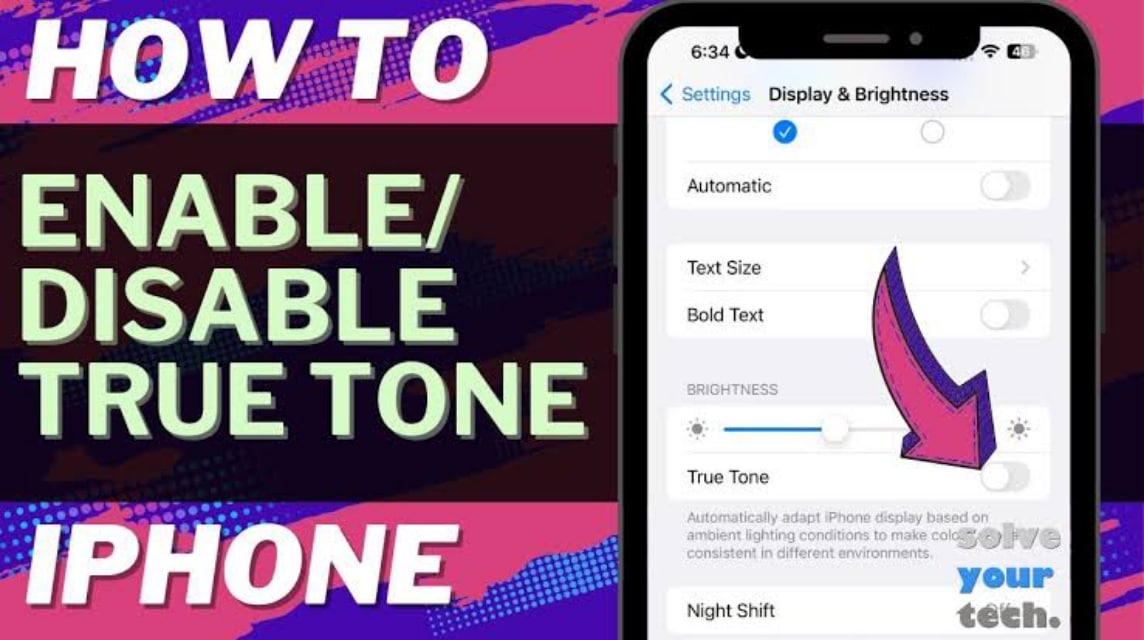
You can activate this feature at any time, depending on your needs and the lighting conditions around you.
How to Activate
Here are the steps:
- How to Turn on True Tone on iPhone
- Open the Settings app on your iPhone.
- Go to the Display & Brightness menu.
- Look for the True Tone option, then activate the toggle to ON.
Apart from the above method, you can also use Control Center:
- Swipe the screen from the top right corner (for iPhone X and above).
- Press and hold the Brightness slider.
- Tap the True Tone icon to turn it on or off.
How to Turn Off
Just like turning it on, you can turn off True Tone on iPhone in the following way:
- Go to Settings > Display & Brightness.
- Slide the True Tone toggle to the OFF position.
- Or via Control Center, repeat the previous steps and disable the True Tone icon.
By knowing the True Tone function, you can better understand why the iPhone screen feels different and more comfortable than other smartphones.
Does True Tone Drain Battery?
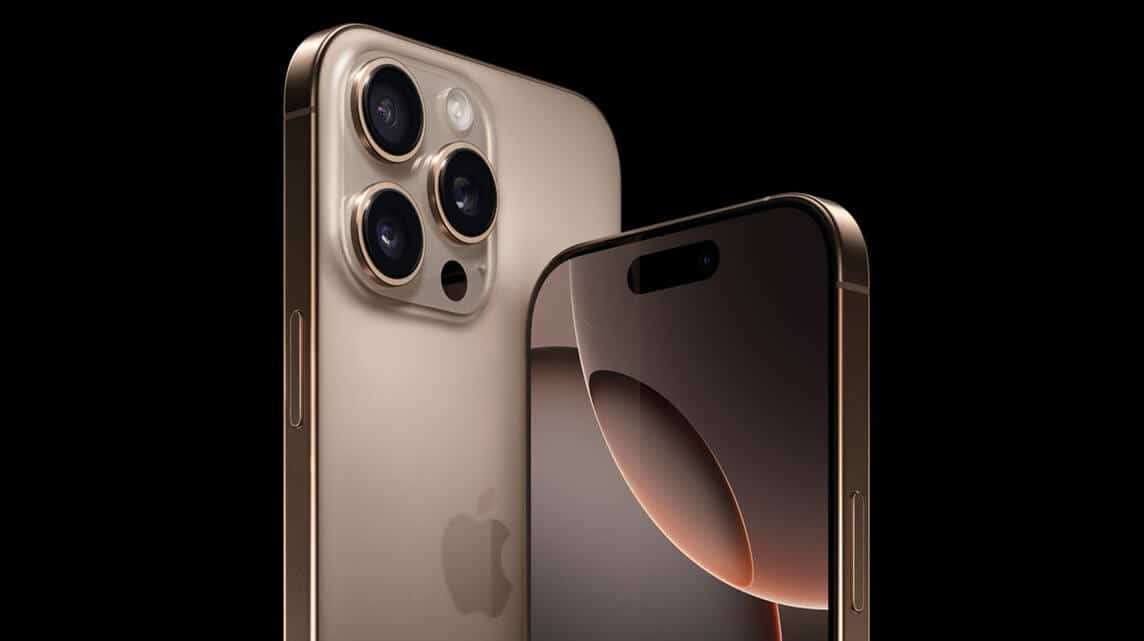
True Tone doesn't significantly drain your iPhone's battery. It simply adjusts the screen color based on ambient light conditions, consuming very little power.
True Tone's color adjustment process works automatically through environmental sensors.
The sensor does not require much power so its effect on the battery is barely noticeable.

Other features such as high brightness levels, camera usage, or heavy applications have a significant impact on the battery.
When comparing these things, True Tone only has a very minimal impact.
For those of you who want to save maximum battery life, lowering screen brightness and turning off unnecessary features will be more effective.
So True Tone can remain activated because the benefits of visual comfort outweigh the power consumption.
Also read:
It's not just about technology, but about a more natural visual experience. Try activating it and feel the difference yourself!
MLBB Product Recommendations


 BV2SHOPBV2SHOP
 BANGJEFF
 TopMurBV2SHOP
 KING OF DIAMONDSKING OF DIAMONDSBV2SHOP
 RudyStorezTopMur




 News
News




