

- Log Out of All Devices — immediately disconnect all connected sessions via Settings > Linked Devices to stop eavesdropper access.
- Enable Two-Step Verification — Set a PIN of at least 6 digits and a recovery email so that the account cannot be accessed even if it is compromised.
The Most Effective Way to Stop WA Being Tapped
How to stop WA from being tapped is very important for those of you who often use it actively WhatsApp. Especially if your important data is leaked, it can be very dangerous!
So, for those of you who are worried or have even found signs that your WA has been tapped, don't panic yet.
In this article, we will discuss how to stop WA tapped with simple steps that you can do yourself. Come on, watch until the end so your WA is safe again!
Also read:
Signs Your WA Is Being Tapped
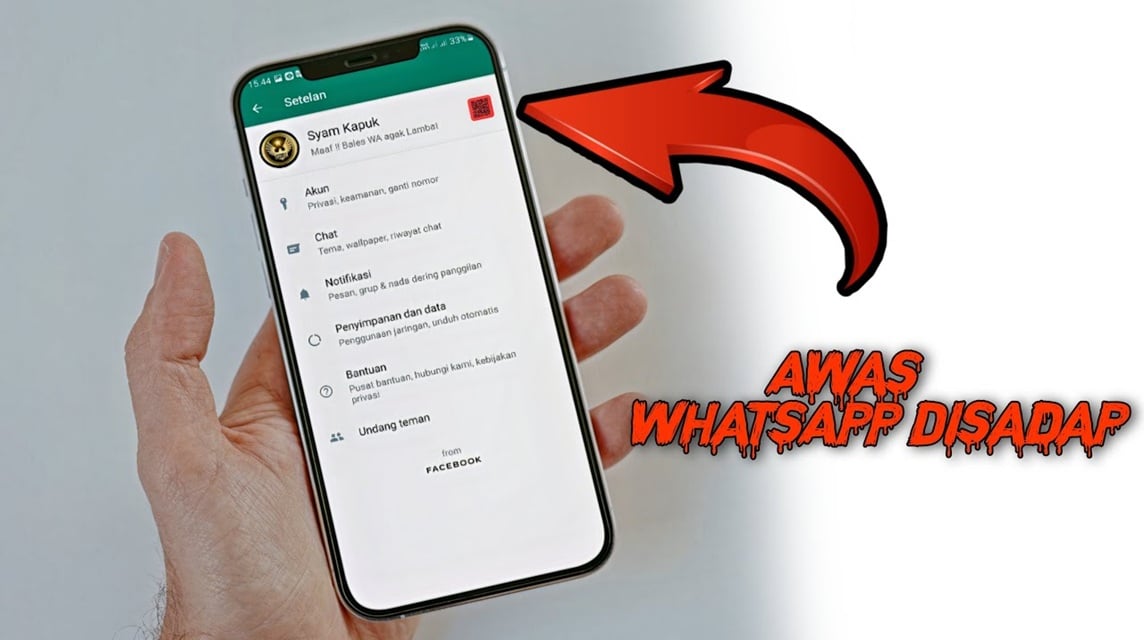
Before we discuss how to stop it, you need to know the signs that your WA has been tapped. Some of the characteristics are:
- Battery Runs Out Quickly: Tapped WA usually makes your cellphone battery run out quickly because there is unnatural background activity.
- Internet Data Suddenly Speeds Up: Tapping WA requires an internet connection, so if your quota suddenly runs out even though you haven't used much, be careful!
- Chats or Messages You Didn't Send: There are strange messages sent from your account to other people? Wow, this is a big sign that your WA has been tapped.
- Strange Notifications: For example, there is a login notification from a device you don't recognize.
If you find the signs above, don't ignore them! Take the following steps immediately.
How to Stop WA Being Tapped
We will discuss how to stop WA from being tapped with simple steps that you can do yourself. Come on, watch until the end!
Log Out of All Devices
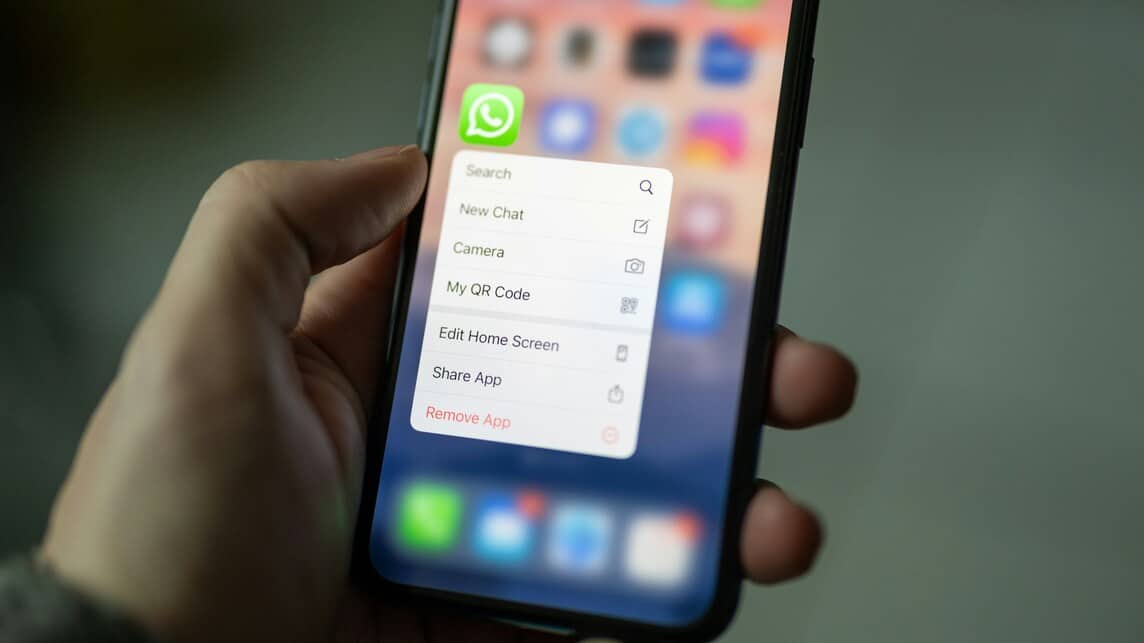
First, make sure you log out of all devices connected to your WA account. Here's how:
- Open WhatsApp, then go to Settings.
- Select Linked Devices.
- You will see a list of devices connected to your WA account.
- Click Log Out from All Devices to disconnect all suspicious devices.
With this, all devices that try to tap your WA will be immediately disconnected.
Enable Two-Step Verification

Two-step verification is an additional security feature that makes your WA more secure. Here's how:
- Go to Settings > Account > Two-step verification.
- Enable this feature and create a PIN that is difficult to guess (minimum 6 digits).
- Don't forget to add a recovery email, okay! This is useful if you forget your PIN.
With two-step verification, even if someone tries to tap, they can't get in without the PIN you created.
Check Third Party Apps
Sometimes, the third-party applications you install can be the cause of your WA being tapped. Check the applications that have access to your WA:
- Go to Settings > Account > Security.
- View the list of connected apps and remove any suspicious ones.
Make sure you don't allow strange applications to access your WA data.
Update WhatsApp to the Latest Version
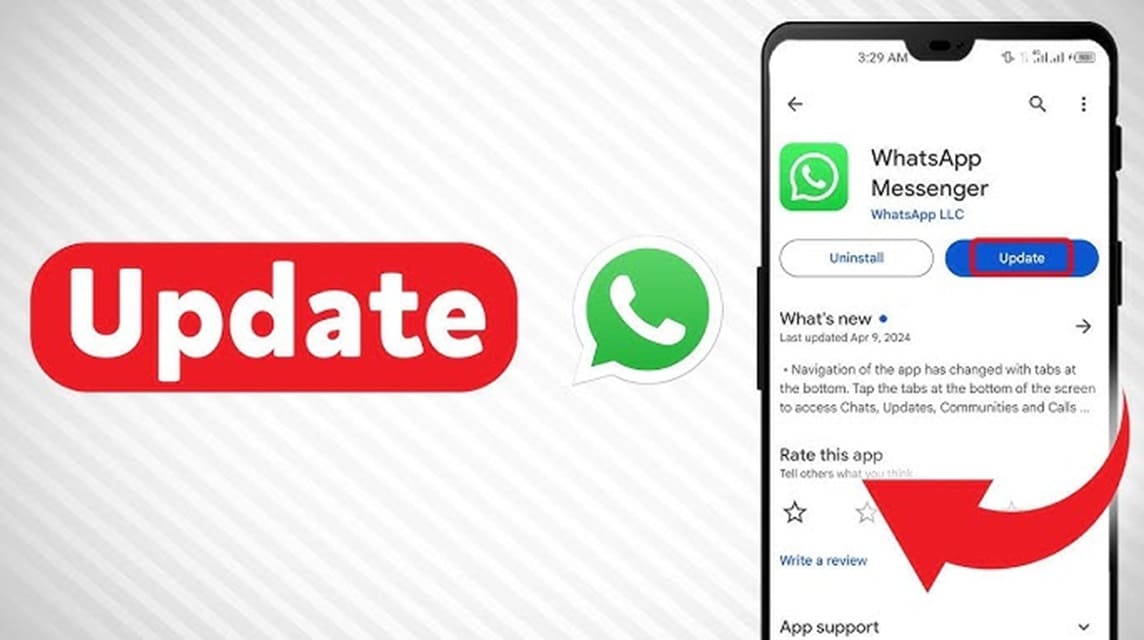
Don't be lazy to update the application, guys! The latest version of WhatsApp usually has better security fixes. Make sure your WA is always up-to-date so it's not easily tapped. Here's how:
- Open Google Playstore (Android) or App Store (iOS).
- Find WhatsApp and click Update.
Change Password of Related Email
The email you use to register WA must also be secure. If your email is hacked, your WA can also be tapped. So, immediately change your email password with a strong combination. Here's how:
- Open your email account (Gmail, Yahoo, etc.).
- Go to Settings > Security > Change Password.
- Create a new strong password (a mix of uppercase, lowercase letters, numbers, and symbols).
Delete and Reinstall WhatsApp
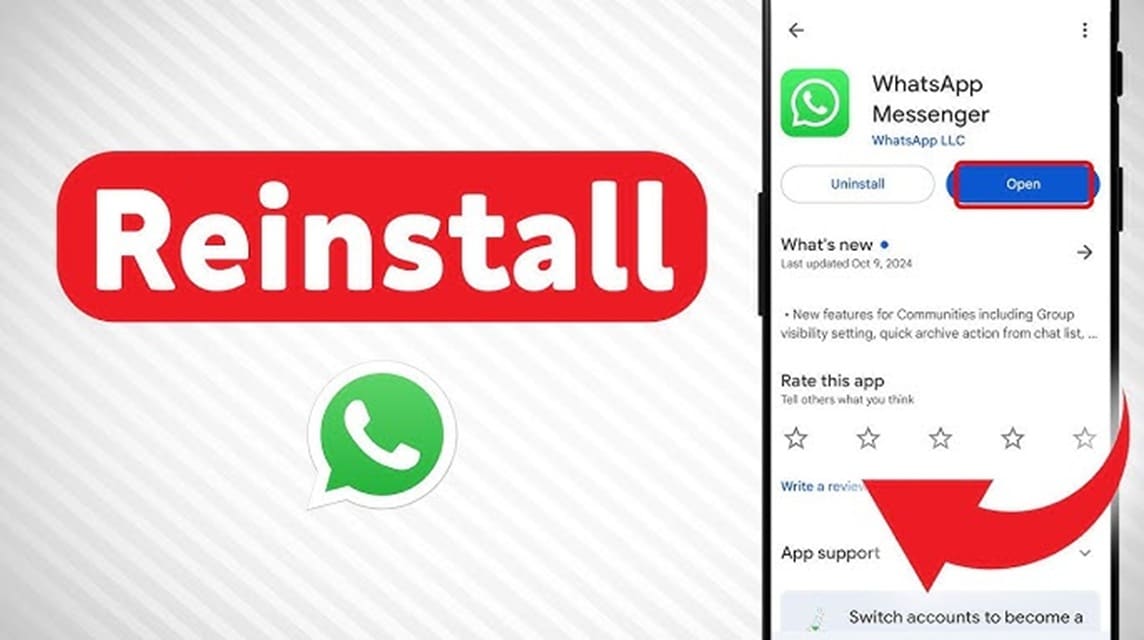
If all the above methods do not work, try deleting and reinstalling your WA. Make sure you have backed up important chats first, okay! How to:
- Backup your chats via Settings > Chats > Chat Backup.
- Delete the WhatsApp application from your cellphone.
- Reinstall WhatsApp from Google Play Store or App Store.
- Log back in and restore chats from backup.
Contact WhatsApp Customer Support

If you feel like your WhatsApp is being tapped, the safest step you can take is to contact WhatsApp Customer Support directly.
It's easy, just send an email to [email protected] and explain the complete chronology.
The WhatsApp team will then review your report and conduct an investigation to find the intrusion pattern on your account.

The sooner you report, the sooner you can get your account recovered.
In addition to reporting, make sure you also maintain account security going forward. One of the most effective ways is to enable Two-Step Verification.
If it's really bad and you still feel unsafe, just change your WA number. This is the last step, but it can make you calmer.
By following the steps above, you can stop WA from being tapped and secure your WhatsApp account.
Also read:
Speaking of security, don't forget to keep your game account safe, OK!
MLBB Product Recommendations

 BV2SHOP
 BANGJEFFBV2SHOP
 TopMurBV2SHOPBV2SHOP
 RudyStorezTopMurBV2SHOPTopMur


 News
News




