
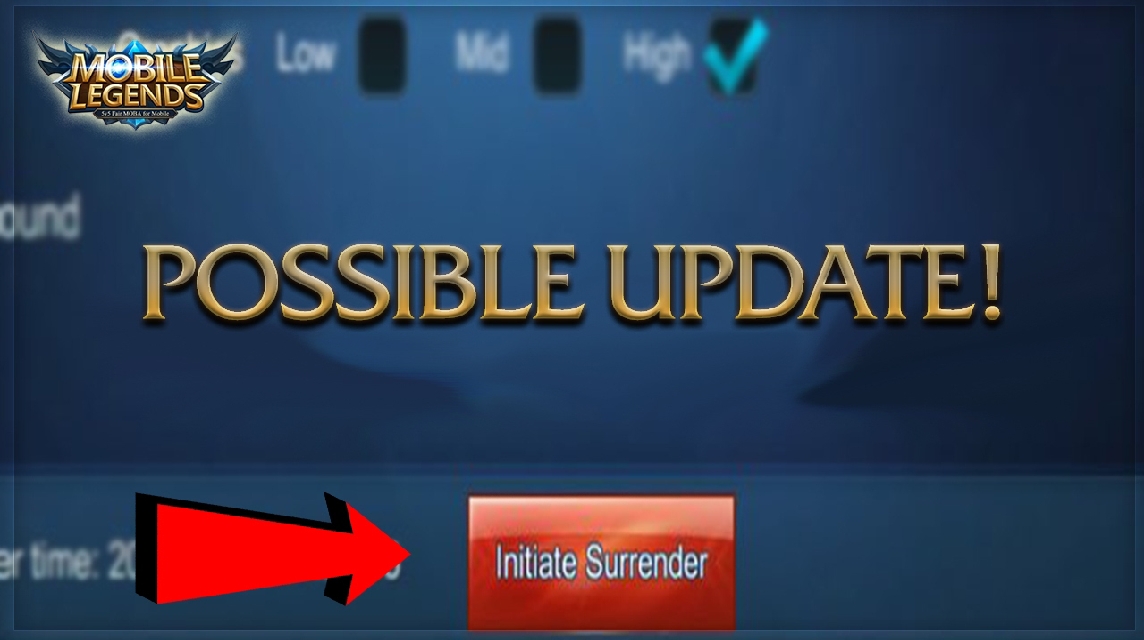
- Wait 3 minutes first before starting surrender — feature cannot be used at the start of the match.
- Minimum 4 votes required agree to vote surrender successful; communicate first to the team before clicking.
- Surrender is counted as loss but without the AFK penalty; useful for saving time and avoiding toxicity when a comeback is impossible.
The Correct Way to Surrender in Mobile Legends: Beginners Must Know
If you play often Mobile Legends, you've probably been in a situation that makes you think, "Oh my gosh, can I still win this match?" Sometimes, the situation is too difficult: you're out of turrets, you're way behind on gold, or your team is completely out of sync. In moments like these, the feature surrender or AFK vote so it's the most realistic way out.
To avoid any missteps, in this article, you'll understand what surrender is, how to do it, and the consequences. Let's take a look!
MLBB Product Recommendations

 BV2SHOP
 BANGJEFFBV2SHOPBV2SHOP
 TopMur
 RudyStorezBV2SHOPBV2SHOPRudyStorezTopMur
Also read:
- List of First to Last ML Season Skins
- How to Check ML Winstreak, Know Your Winning Record!
- Use these 12 Heroes to Counter Layla in the Gold Lane
What is Surrender ML?
Surrender in Mobile Legends is a feature that allows players to surrender early when the match is at a stalemate or when the chances of winning are almost gone. This system allows players to end the match without having to wait for the enemy's base to be destroyed.
Usually, surrender is used if:
- The team composition turned out to be unbalanced
- There are AFK players who make the gameplay chaotic
- The opponent is too far ahead
- The team has no space to make a comeback.
This surrender feature wasn't actually created to encourage players to give up easily, but rather to prevent players from wasting time on matches that are already incredibly difficult.
How to Surrender in Mobile Legends

Many novice players don't know how to surrender properly in Mobile Legends. In fact, it's quite easy!
Here are the complete steps:
Wait until the match has been running for 3 minutes
The surrender feature cannot be used at the start of the game. You must wait at least 3 minutes from the start of the game to vote for surrender.
Open the Settings Menu in the Game
- Look for the gear icon in the top right corner of the screen while playing.
- Click the icon to open the settings menu.
Select the “Surrender” Option
In the settings section, you'll see several options, including graphics, sound, and control settings. Scroll down a bit until you find the Surrender button.
Start Vote Surrender
After you click the button:
- The system will send a vote pop-up to all team members.
- All players will see the question: “Do you want to surrender?”
Minimum 4 Players Must Agree
- There are a total of 5 players in one team.
- For a surrender to be successful, at least 4 players must click 'Yes'.
- If only 3 people agree, the vote will fail.
So, try to communicate with your team first, especially in ranked. For example, via chat, "Guys, this is no longer a comeback, let's surrender."
Match Will End Automatically
Once the vote is approved, the match is immediately over and the system considers your team to have surrendered.
What Happens If You Surrender in Mobile Legends?

Many players fear surrendering because they think there will be major consequences. In fact, the consequences are actually fairly regulated by the game. Moonton.
Here's what will happen after you surrender:
Still Counted As A Loss
Surrendering is the same as losing. You'll still lose stars (in Ranked mode), and your KDA stats won't affect the final result.
No Penalty Like AFK
Unlike AFK, surrendering is a system-sanctioned action. So, you won't be penalized by a reduced credit score.
Match Statistics Remain Recorded
All data such as kills, assists, damage dealt, damage taken, and gold earned are still recorded as in a normal match.
Suitable for use when the team cannot make a comeback
Surrendering is perfectly acceptable. It's actually useful for saving time if you're already hopelessly losing. That way, you can move on to the next match without wasting another 10-15 minutes under pressure.

Can Avoid Toxic or Frustration
Sometimes, a bad match can trigger negative emotions. By surrendering, you can end the game faster and avoid a more toxic atmosphere.
The surrender feature in Mobile Legends is a quick solution when the game conditions are truly impossible to win. Using it is very simple: open the settings menu, click the surrender button, and wait for at least four players to vote.
Even though it counts as a loss, surrendering is better than AFKing or forcing a game that is unhealthy for you and your team's mental health.
Also read:
- 200+ Cool, Aesthetic & Unique Girl ML Names
- ML Hero Order from First Release to Latest
- How to Leave ML Squad, Free from Drama
Hopefully, this guide will help you play more comfortably and efficiently. Winning is fine, but knowing when to back off is also crucial.



 News
News




