
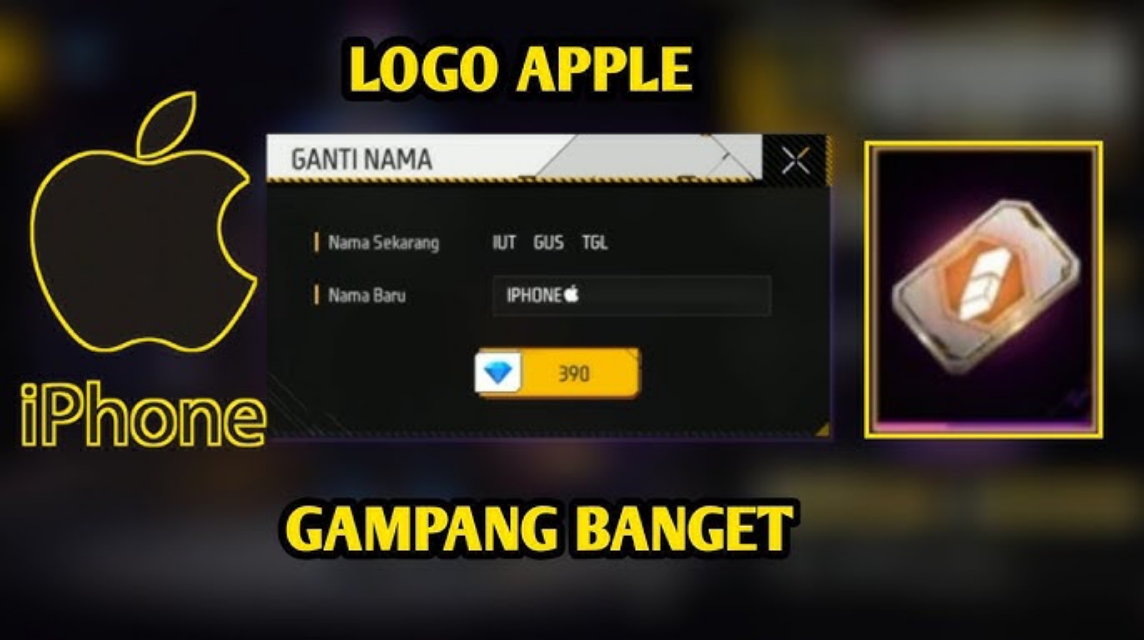
- Apple FF Logo: The symbol is inserted in the nickname to make the name visible. unique, premium, and aesthetic.
- How to make: Copy symbol, open your Free Fire profile, edit your name using the Name Change Card, paste the symbol, and save.
Apple Logo FF: How to Create a Cool Name and Latest Examples
in games Free Fire, A name isn't just an identity, it's also a style statement. One trend in Free Fire that's still widely used today is using the Apple logo for names.
Many players use the Apple logo symbol in their nicknames to look unique, premium, and different from others.
So, if you're curious about what the Free Fire apple logo is, how to make it, and examples of names you can use right away, read this article to the end.
What is the Apple Logo FF?

The Apple logo in Free Fire is the use of the Apple logo symbol inserted into the Free Fire account name. This symbol is often used because of its simple yet exclusive appearance.
Despite its name, the "apple logo," this symbol isn't just for iPhone users. Android players can use it too, as long as they know how to copy and paste the symbol correctly.
Why do so many people use the FF apple logo?
- The name looks cooler and more aesthetic
- Make a nickname that is different from other players
- Suitable for clans, pro players, or main accounts
- Still relevant and often used in ranked
Because it rarely appears on a regular keyboard, this symbol makes your name look “expensive” without having to use complicated characters.
Also read:
- Get to Know Apkys XYZ, a Spanish Site That Provides FF Tips
- Collection of Cool FF Names for Girls 2025
- Cool FF Name Recommendations for Girls
How to Make an Apple Logo Name for Free Fire
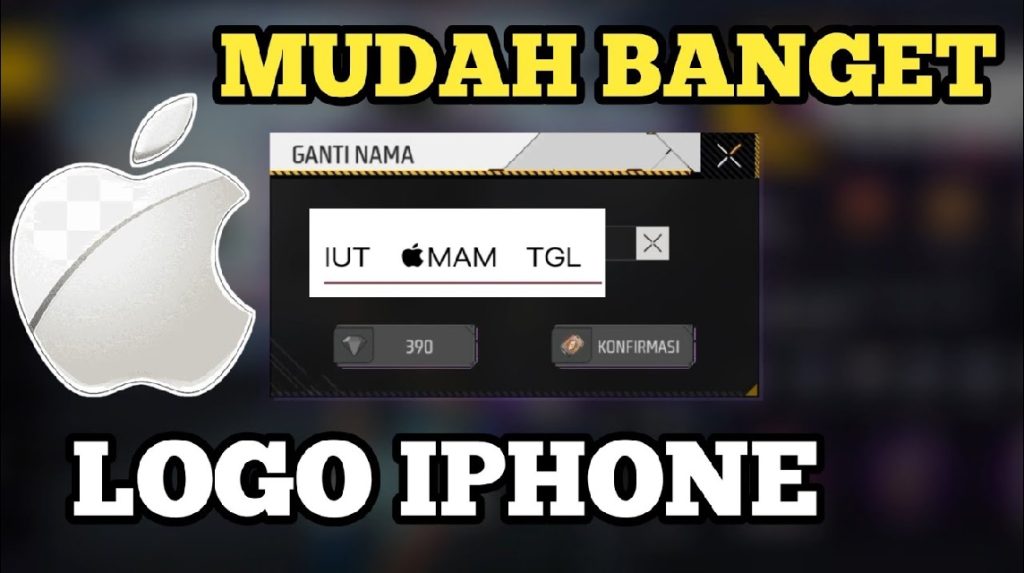
Creating an Apple logo is actually easy. You don't need any special software; just follow these steps:
1. Copy the Apple Logo Symbol
Use the apple symbol. You can copy it directly from here.
2. Open the Free Fire game
Log in to your FF account, then open your profile.
3. Select Edit Name
Click the pencil icon in the nickname section. Make sure you have a Name Change Card.
4. Paste and Set Name
Example format:
- Rizky
- AndiFF
- ShadowX
Make sure the number of characters does not exceed the FF limit.
5. Save
If there are no errors, your Free Fire Apple logo name will be activated immediately. Note: If you see "Invalid name," try changing the logo's position or removing additional symbols.
Examples of Free Fire Apple Logo Names
Here are 100 examples of FF Apple logo names that you can use or modify directly:

- Shadow
- Rogue
- Phoenix
- Viper
- Blaze
- No Mercy
- Venom
- DarkX
- Ghost
- Savage
- Alpha
- Killer
- ProFF
- King
- Legend
- Rizky
- Andi
- Fahmi
- Dimas
- Rama
- SniperX
- Headshot
- OneTap
- AutoKill
- Last Man
- Night Wolf
- Dark Soul
- Red Zone
- BlueFire
- Iron Man
- FFPro
- IDGamer
- XLegend
- ZHunter
- RStorm
- Silent
- DeadEye
- Warzone
- Outlaw
- Renegade
- Ace
- Clutch
- Rush
- Flanker
- Predator
- Nova
- Cosmic
- Eclipse
- Meteor
- Orbit
- Reaper
- Executioner
- BloodX
- Fatal
- ZeroKill
- ProPlayer
- Clan Leader
- EliteFF
- GGBro
- WinStreak
- Cyber
- Matrix
- Glitch
- Pixel
- Neon
- Thunder
- StormX
- Lightning
- Inferno
- Frost
- Solo
- Duo
- Squad
- Carry
- Support
- Kendari
- Southeast Sulawesi
- Indonesia
- Nusantara
- Garuda
- XPusher
- AimLock
- QuickShot
- FastKill
- SharpEye
- Mythic
- Epic
- Rare
- Cool
- Prime
- Boss
- Big Shot
- TopGlobal
- RankPush
- MVP
- Hero
- Champion
- Winner
- Survivor
- LastKill
Ultimately, your in-game name reflects your playing style and personality. With a touch of unique symbolism, your nickname can look classier, easier to remember, and definitely stand out from other players.
Also read:
- 300 Unique and Anti-Mainstream Free Fire Hero Names
- 700+ Aesthetic and Unique FF Nickname Recommendations
- Easy Way to Create Short FF Blank Space Names
As long as it's within the rules and comfortable to wear, there's no harm in experimenting until you find the name that suits you best.
So, choose the one that best suits your character, wear it with confidence, and let your gameplay do the talking on the battlefield.
Free Fire Product Recommendations


 TopMurTopMur
 TopMur
 RudyStorezTopMur
 TopMur
 RudyStorez
 RudyStorez
 RudyStorez
 KING OF DIAMONDS



 News
News




