

- List of active codes July 2026 for Pet Simulator 99 in Roblox; exchange immediately before expiration.
- How to redeem: open Roblox, play Pet Simulator 99, choose Shopping Cart, click Redeem, enter the code.
Latest Pet Simulator 99 Codes September 2026
Who often plays Pet Simulator 99 on Roblox? This game always provides various items or rewards that can be obtained for free by redeeming the code.
With these codes, of course you can play faster without having to spend a lot of time farming.
Please note that these codes have an expiration date, so you should exchange them as quickly as possible to get the reward.
For those of you who want to play Pet Simulator 99 and want to try redeeming the redeem code in September 2026, keep reading this article until the end!
Also read:
Get to know the Pet Simulator 99 game
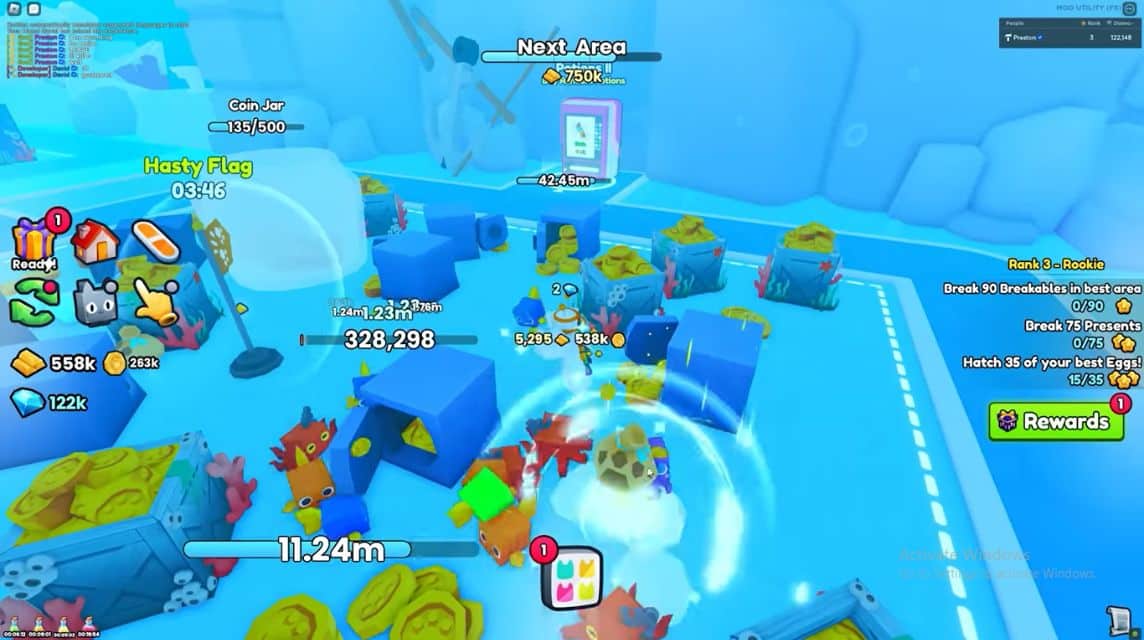
Pet Simulator 99 is one of the games Roblox developed by BIG Games Pets and is the fourth installment in the Pet Simulator series.
In this game, you have to collect and raise various pets. Later, you will get lots of coins and can unlock new pets.
In addition, your pets have been equipped with special skills that can help you level up and complete missions.
The goal of the game is to explore, find, catch and care for your adorable pets.
Pet Simulator Code List 99 September 2026
Below is a list of codes for this game that you can redeem in September 2026:
Still Active Code
- HugeCelestialDragon
- VWJ33JE6SLED
- ExclusiveDragonEgg
- pet-45a33a2dca
- PFB96CG9472D
- pet-4060e7deb6
Expired Codes
- pet-d67518012
- pet-259e210a1b
- S7MJHEKAABC8
- HDVR2X95RS6L
- DPETUJ44AB89
- Balloon Hoverboard
- HugeUnicornDragon
- BagOfDiamonds
- LuckyPotionV
- DamagePotionV
- CatHoverboard
- TitanicFireDragon
How to Redeem Code
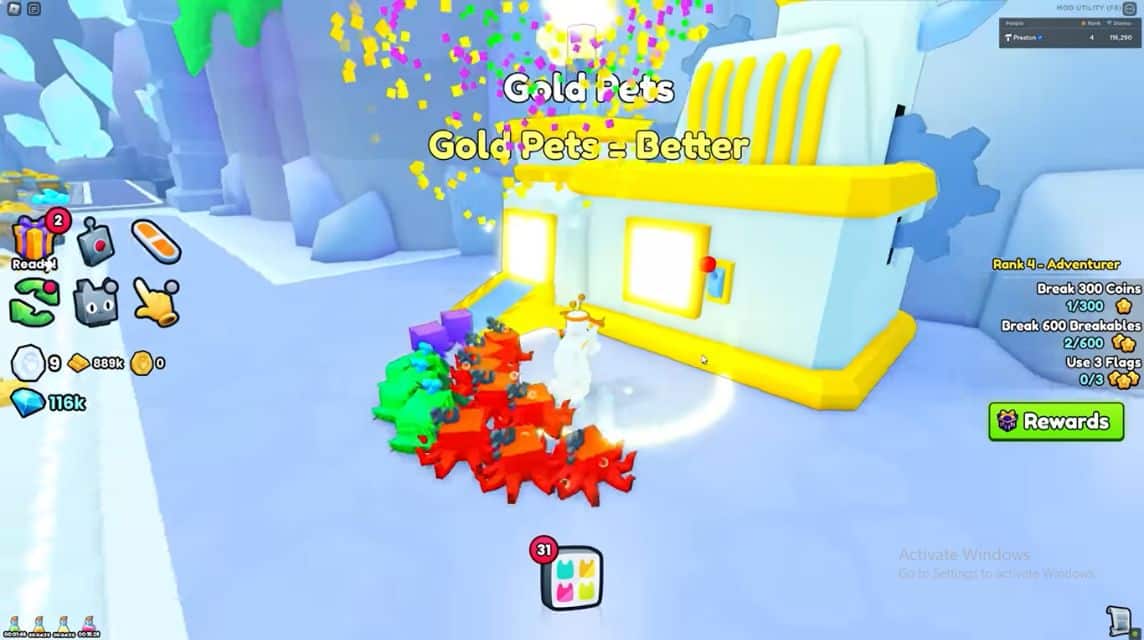
Once you know the redeem code above, you can immediately exchange it by following the steps below!
- Open the Roblox game on smartphones or on your PC.
- Then, search for the game on Roblox and play the game.
- Select the 'Shopping Cart' menu.
- Click Redeem.
- Enter the redeem code you have.
- Click 'Redeem' to exchange it.
- Done.
Pet Simulator 99 Fun

Below are some very exciting and interesting features in this game, including the following:
Pet Collection
As a player, you can collect various types of pets with different skills and abilities to help you in completing missions or getting rewards.
Upgrades
You can also upgrade their levels and evolutions to make them stronger than before. Of course, this is quite useful if used to collect coins.
New Area
In addition, as a player you can unlock new areas that you can use after completing certain missions or targets in this game.

Daily Missions and Challenges
Similar to other games, of course in this game you have to complete the existing challenges or missions to get rewards.
Events and Redeem Codes
Lastly, this game also always holds various interesting events and provides redeem codes that you can exchange to get rewards, you know!
Also read:
Well, that's our discussion this time. Hopefully this article can help you!
Roblox Product Recommendations

 Hero Alive
 Kumay10shopHero AliveHero Alive
 RudyStorezHero Alive


 News
News




