
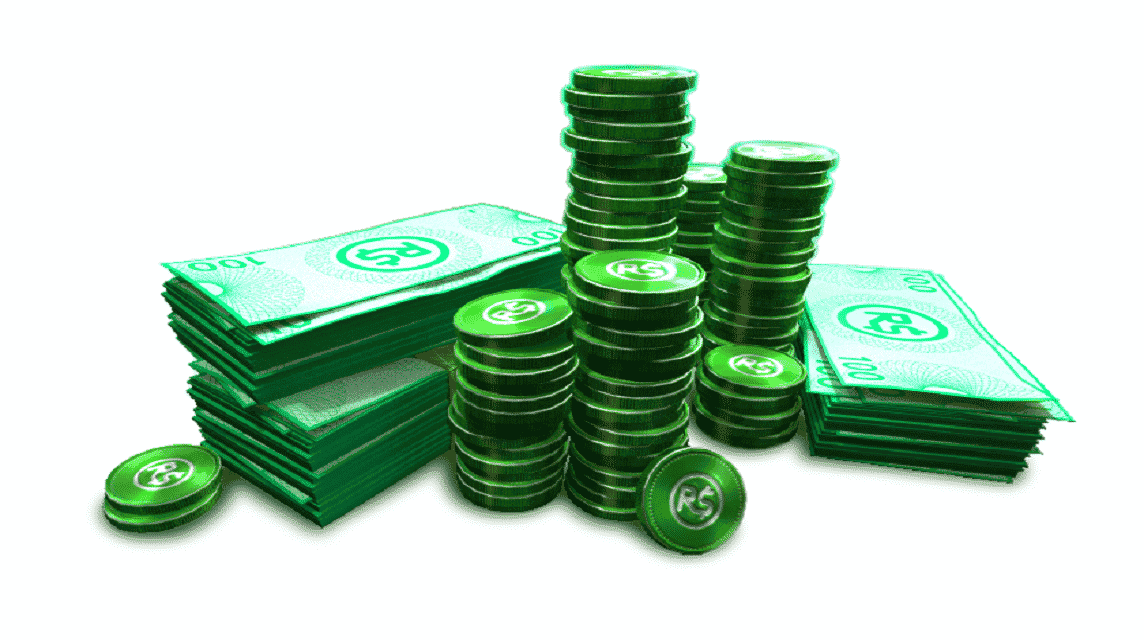
- Robux is the official virtual currency of Roblox required to purchase items, support developers, and access premium features.
- The easiest and cheapest way to top up is via VCGamers Marketplace or directly at Roblox platform using various payment methods.
How to Top Up Robux on the VCGamers Marketplace and the Roblox App
Many premium features are available inside Roblox games, but not all features can be used for free and require Robux.
Therefore, you need to top up Robux to be able to use all of its features.
Cheapest Roblox Product Recommendations!

 Hero Alive
 Hero AliveHero AliveHero Alive
 MONSTOREHero AliveMONSTOREHero Alive
To get the cheapest Robux prices, you can choose the best marketplace for top-ups. And one of the best marketplaces offering the lowest prices is VCGamers Marketplace!
Here, Robux is not only available for Roblox, but you can also top up for other games and other digital needs.
In this article, we will share how to top up Robux on the official platform and on the VCGamers Marketplace.
Let's take a look at the tutorial or top-up steps below!
Also read:
- Untitled Boxing Game Codes December 2025 Latest
- December Blue Lock Rivals Code and How to Use It
- Learn About Roblox Mugen Codes and How to Redeem Them
What is Robux?

Robux is the official virtual currency in Roblox. This currency was first introduced on May 14, 2007, Robux replaced the previous two-currency system, namely TIX (Tickets), which was removed on April 14, 2016.
The name "Robux" itself comes from a combination of the words "ROBLOX" and "BUX" (Bucks), which was coined by one of Roblox's staff, Shedletsky.
To own Robux, you can make a direct purchase on the Roblox platform, or top up on marketplaces such as VCGamers Marketplace.
Robux Functions

Here are some important functions of Robux that you should know:
Purchasing Items in the Avatar Shop
Robux can be used to purchase clothing, accessories, and animations to enhance a player's avatar. All of these items are created by Roblox or by the creator community.
Supporting Game Developers and Creators
In some games, Robux can be used to purchase special access, exclusive items, and even ability upgrades. These transactions also help support game developers on Roblox.
Premium Subscription and Additional Features
You can use Robux to extend your Roblox Premium subscription or access additional features in certain games.
Status Symbols and Collectibles
Since Robux is also associated with rare or exclusive items, you can use it as a status symbol within the community.
How to Top Up Robux on the Roblox Platform

There are several ways to top up on the official Roblox platform. Here are the steps:
Top Up on the Roblox Website
Here's how to buy Robux on the official website:
- Visit the website https://www.roblox.com/ and login with your account.
- Select the Robux icon at the top of the screen.
- Search for the desired Robux amount, starting from 400, 800, and more.
- Tap the payment method with GoPay, then follow the payment instructions until complete!
How to Buy Robux Through the Roblox App
If you want to buy Robux directly in the official Roblox app, here's how:
- Open the Roblox app on Android or iOS, then log in to your account.
- Tap the R$ (Robux) icon or the “Membership” menu at the top.
- Select the amount of Robux you want to buy.
- When the confirmation window appears, select the appropriate payment method:
- Android → Google Play
- iOS → App Store / iTunes
- Complete the payment process according to Google Play or Apple instructions – you can pay with your GoPay balance.
- The transaction is automatically completed, and the Robux is immediately credited to your account.
- To cancel before completion, use the Back/Cancel button on your device.
How to Top Up Robux on VCGamers Marketplace
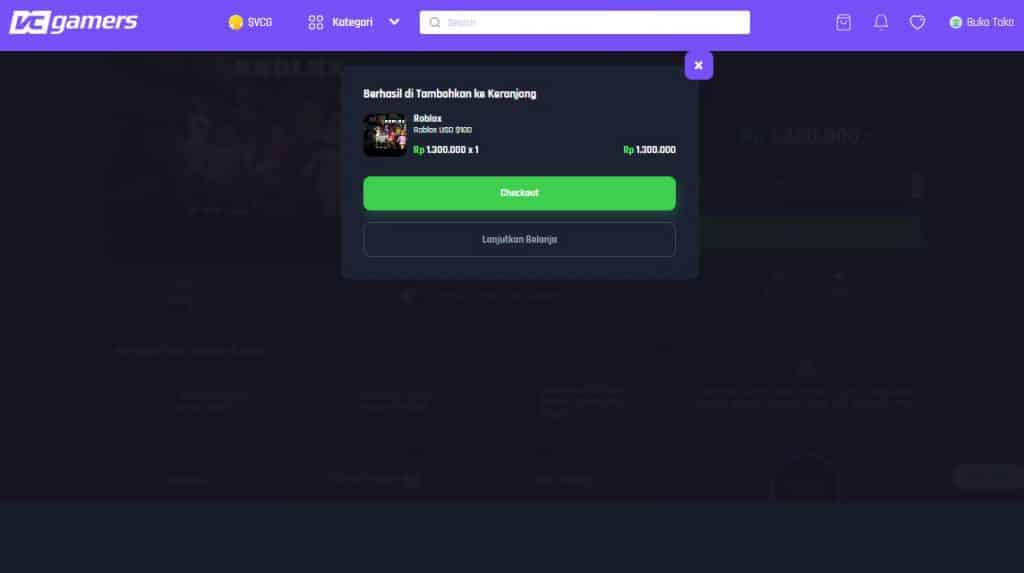
For those of you who want to buy Robux at VCGamers, it's very easy! However, if you still don't know how to top up Robux, you need to listen to the following steps:
Login to VCGamers Account
The first step is to enter your VCGamers account at VCGamers.com
If you don't have an account yet, you can create one first at VCGamers.com. The method is quite easy, because you will only enter data like creating a social media account in general.
Select Product
After you have finished logging in or creating a VCGamers account, you can already choose the category according to your wishes.
You do this by typing Roblox in the search field and selecting the product you want to buy.
Product Checkout
If you have found the product you want to buy, then you can enter the store. Then you can checkout the product you want to buy.
Before checkout, you need to read the description to know how to trade it. Then, you can already confirm the purchase.
Select Payment Method
For payment options, VCGamers itself provides various types, such as:
Credit & Paylater
Services with operator credit or installments without a credit card.
E-Wallets
Payment via digital wallets such as DANA, OVO, GoPay, LinkAja, and others.
Bank Transfer & Virtual Account (VA)
Pay directly from your bank account or via a unique account number created specifically for each transaction.
Credit & Debit Cards
Direct payment using Visa/Mastercard.
Cash at Retail Outlets
Pay cash at the nearest minimarket or retail outlet.
After finding the appropriate payment method, all you have to do is make a payment.
Also read:
- Getting to Know What Bacon Is in Roblox
- Getting to Know Azure's Appearance and Lore from the Forsaken Game
- How to Play Roblox on a Laptop, Including Basic Controls
So, that's how to top up Robux on the official Roblox platform and on VCGamers Marketplace.




 News
News




