

- The superscript nickname trend creates unique names; examples ᶻᵃᵉᵐᵉᵃᵗʰ inspired by Aemeath.
- Use Fancy Keyboard: activate, select the superscript category, type, then copy to nickname Free Fire.
- Check compatibility character and readability; don't overdo it symbol, make variations if already used.
How to Make a FF Nick with Lowercase Letters Above A to Zaemeath
Nick FF Lowercase letters above A to Zaemeath are currently much sought after by players who want an account name with a different look. The lowercase letter style above or superscript make the nickname look more unique, simple, and contemporary than ordinary writing.
One name that can be created using this style is zaemeath. This format is inspired by the trend of using the name Aemeath, a character from the game Wuthering Waves, which was then used as nickname inspiration by many other gaming communities, including Free Fire.
Also read:
- What's the Highest Rank in FF? Check Out the Complete Information
- 150+ Coolest Old FF Names, Anti-Old-Fashioned
- 300+ Cool Elite Guild Names for Free Fire That You Can Use in 2026
What is Zaemeath?
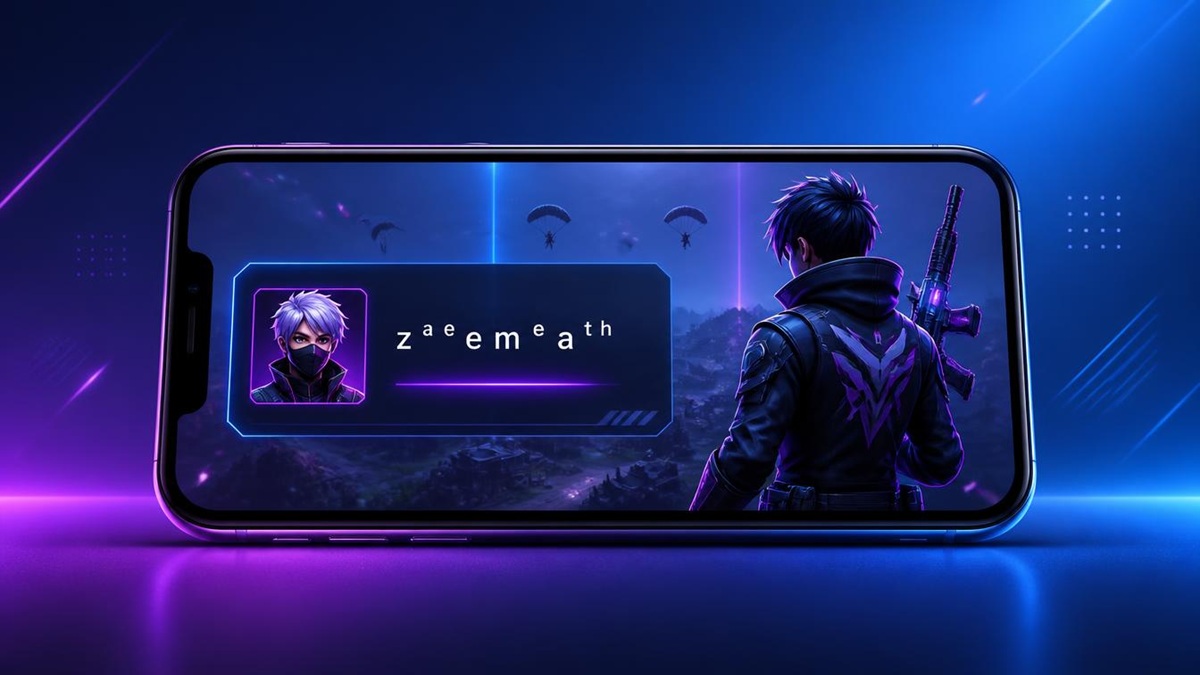
nickname FF Aemeath superscript refers to the trend of creating account names with lowercase letters above or superscript. These letters are positioned higher than normal writing, giving the impression of a high-ranking script.
Name Aemeath The name itself is taken from a popular character from Wuthering Waves. This character has a sizable fan base in the gaming community. It's no surprise that his name has been used as inspiration for nicknames in various games.
For Free Fire players, using this type of writing style can be a simple way to make a name stand out more. For example, the word "zaemeath" written normally can be changed to ᶻᵃᵉᵐᵉᵃᵗʰ. This display makes the nickname appear smaller and positioned at the top.
However, not all special characters or fonts are compatible with the Free Fire nickname system. Therefore, it's best to test it first before saving the name permanently.
How to Make Lowercase Letters on Top (Superscript)
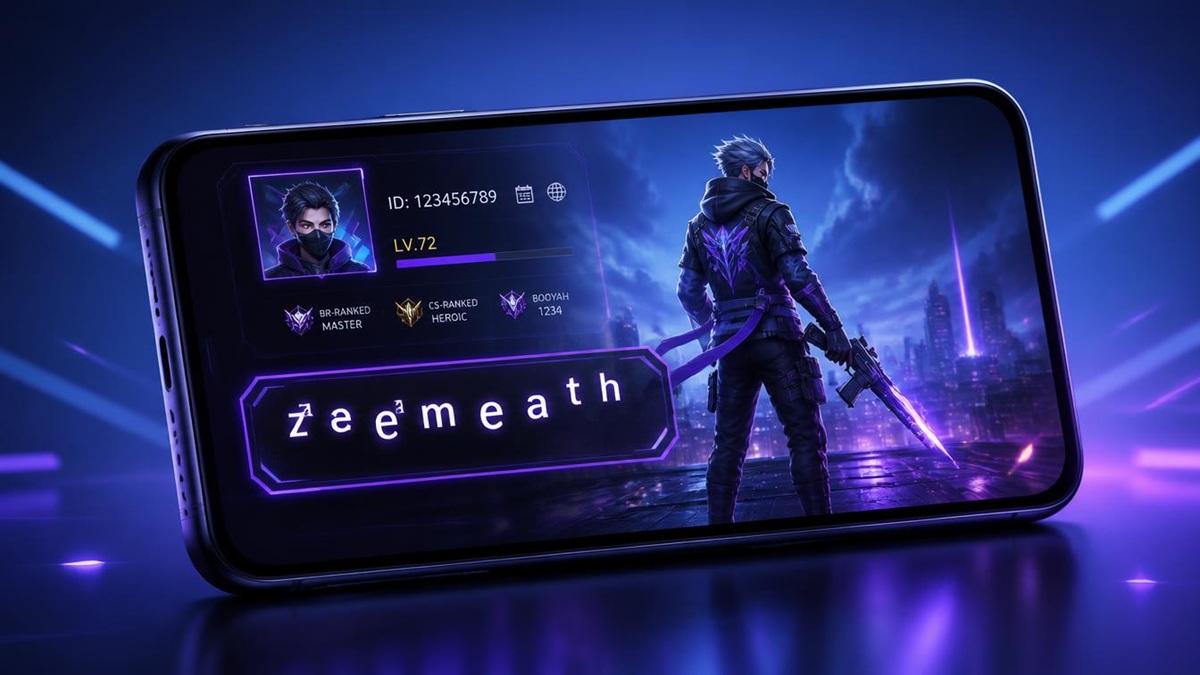
You can use Fancy Keyboards To create lowercase letters without having to type each character individually, here are the steps:
- Download the Fancy Keyboard app from Google Play Store.
- Open the app, then enable Fancy Keyboard and set it as the primary keyboard on your device.
- Run Free Fire and go to the nickname creation or change menu.
- Tap the F icon available on the Fancy Keyboard keyboard to display various font options.
- Select the girls only category or the lowercase style above (superscript).
- Type your desired name using the font. For example, the word zaemeath can be displayed as ᶻᵃᵉᵐᵉᵃᵗʰ.
- Copy or use the written results in the Free Fire nickname column, then check the appearance before saving it.
This method can also be used to try out different name combinations. You can combine the lowercase letters above with certain symbols, as long as the characters are acceptable to the game system.
Tips for Creating a Superscript Nickname
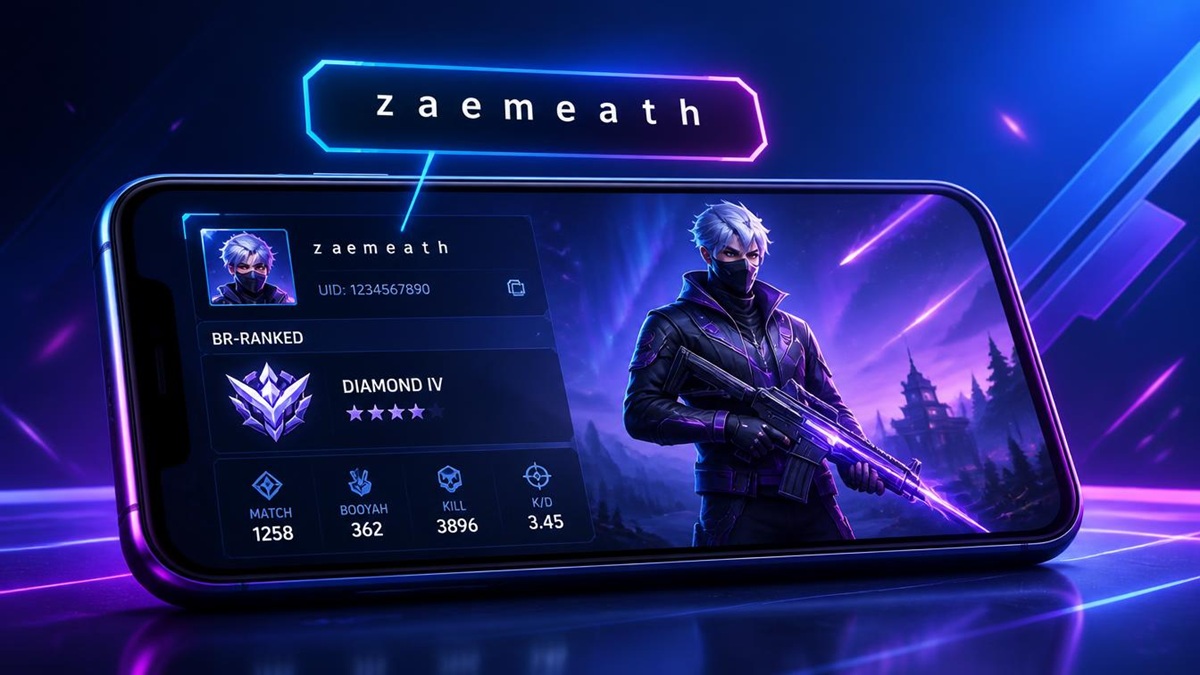
Before creating a name, you need to pay attention to the tips below so you don't regret it in the end.
Choose a name that is easy to read
Unique fonts are certainly appealing, but don't make your nickname too difficult to recognize. Short names are usually easier for friends and other players to remember.
Don't use too many symbols
Overusing symbols can make a name look cluttered. Add only one or two characters if necessary to keep it neat.
Check character compatibility
Not all special characters can be used in-game. Before changing your nickname, make sure all characters appear correctly and don't turn into boxes or strange symbols.
Create variations of your favorite names
If the name you want is already taken by another player, try combining it with numbers, symbols, or a specific letter arrangement. This way, your nickname will retain its uniqueness without seeming too complicated.
Also read:
- 50 Unused FF Guild Names
- 75 Unused FF Names for Girls
- 300+ Cool and Complicated FF Name Recommendations
With style superscript, you can create a more unique Free Fire nickname without having to use too many symbols. One example is ᶻᵃᵉᵐᵉᵃᵗʰ, which could be an option for those of you who like names with a modern gaming feel.

FAQs
Text with higher character positions and smaller sizes than regular text.
Not all letters have characters superscript which is available.
Yes, the app provides a wide selection of fonts and special characters.
Some characters may not be supported by the game system.
Free Fire Product Recommendations

 TopMurTopMur
 RudyStorez
 TopMurTopMur
 TopMur
 RudyStorez
 RudyStorez
 Donquixoteshop
 RudyStorez



 News
News




