
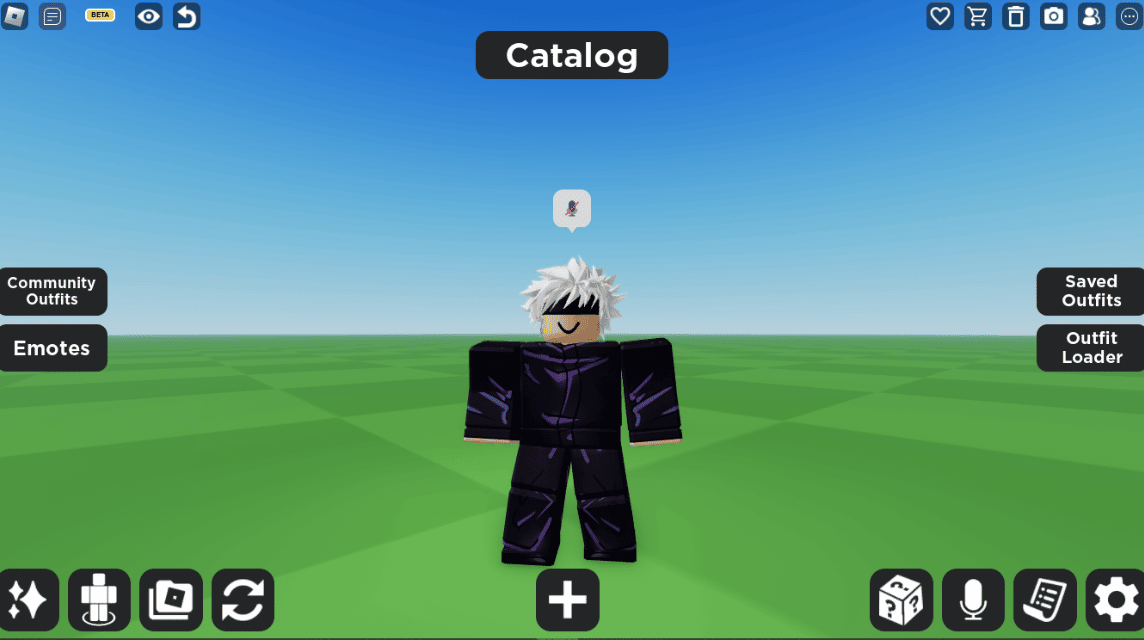
- Use Catalog of Avatar Creators to find and try free hair with special filters without the need for Robux.
- Select and combine two hairs at once for the best results. avatars more proportional, or redeem the hair code via the menu Avatars.
How To Get Free Roblox Hair 2025
Roblox players are often looking for free hair that doesn't require Robux. As a very important accessory, the hair available in the Avatar Shop is often quite expensive.
This time, VCGamers will discuss how to get Roblox hair for free, without having to spend it Robux. Curious how? Come on, see the discussion below!
Also read:
How To Get Free Roblox Hair
Accessories in Roblox games are one of the factors that make an avatar more unique. Roblox players want a variety of accessories, one of which is hair.
Hair available at Avatars Shops often require Robux to get them. Here's how to get free hair through the Avatar Creator Catalog.
Use Catalog Avatar Creator
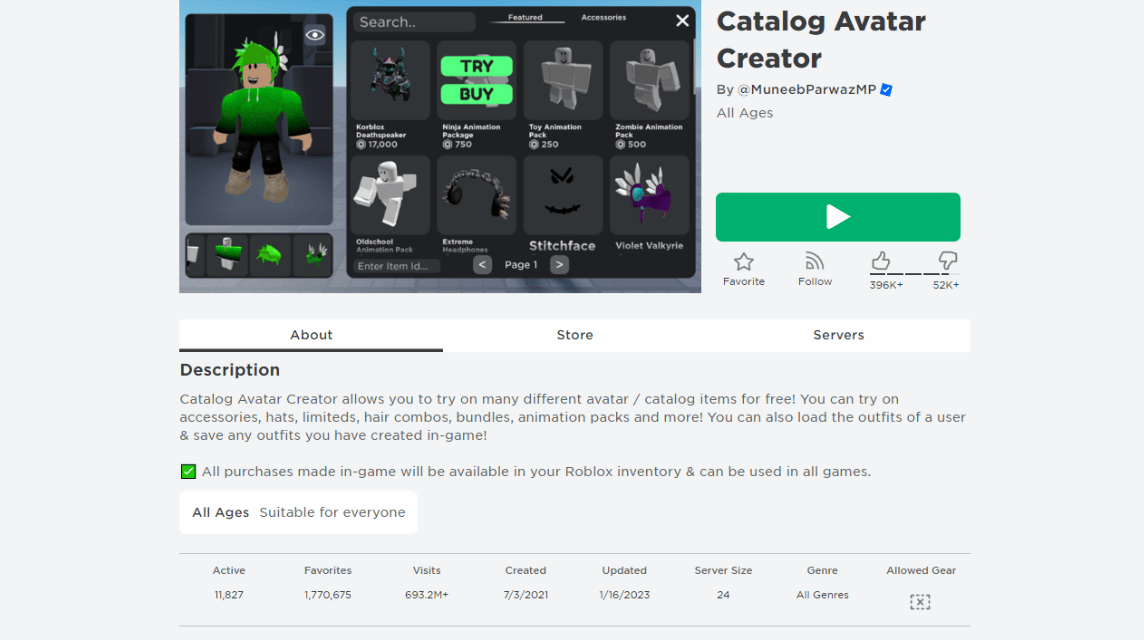
Catalog of Avatar Creators is a very popular game because it makes it easy if you want to find and buy new accessories.
Created in 2021, this game is already very popular with 1.7 million users adding this game to their Favorites list.
Currently, the number of active players in the Avatar Creator Catalog is 11 thousand players.
This very high number is also evidenced by the visits given by Roblox players for this game which has reached more than 690 million vitis.
Using this game to find new accessories is very easy because there is a menu that applies filters according to your needs.
If you use the menu Avatar Shop from Roblox, it will most likely take longer to try and is not as accurate.
Meanwhile, using the Avatar Cerator Catalog will be more efficient and the accessory trials will be more accurate because they are directly tested in the game.
When you want to find free hair, you can use the filter feature which will be discussed below.
Order of Hair Category According to Price
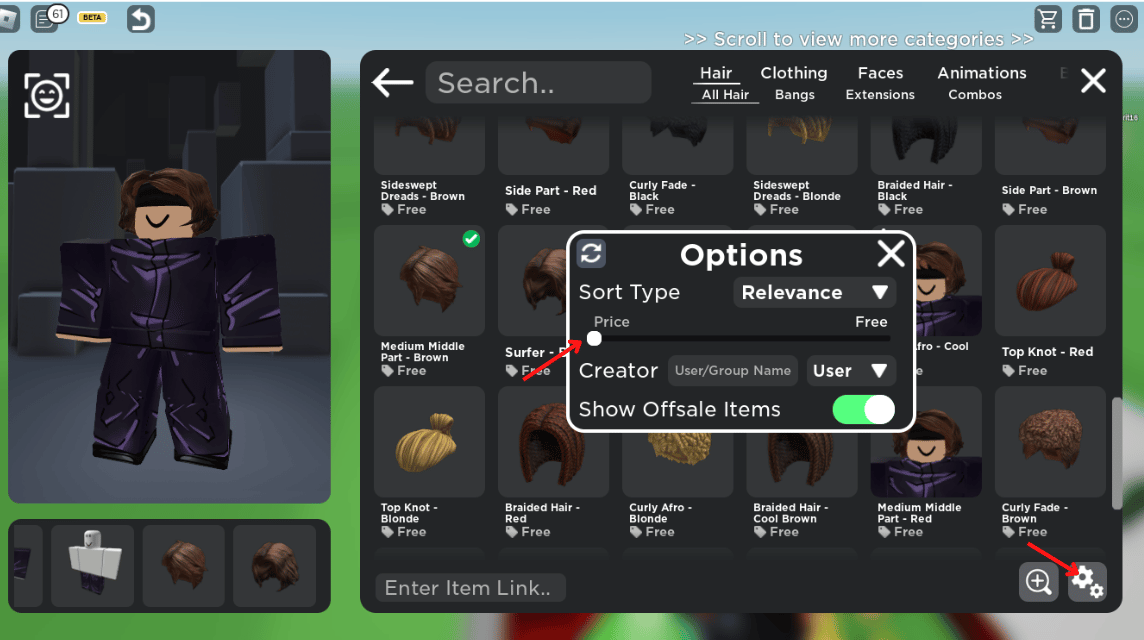
Using the features in the game Catalog of Avatar Creators it will be very helpful when want to get hair for free.
When you select the filter option like the image above, there will be a full selection of free hair that you can get without having to pay for Robux.
Besides being able to see free hair, you can also try it right away like the picture above.
To try on the selected hair, you can point the cursor at the hair you want to try and select "Try".
When selecting Try, the hair will be automatically attached to the left. Next, you can immediately buy the hair.
Choose Free Hair According to Your Taste
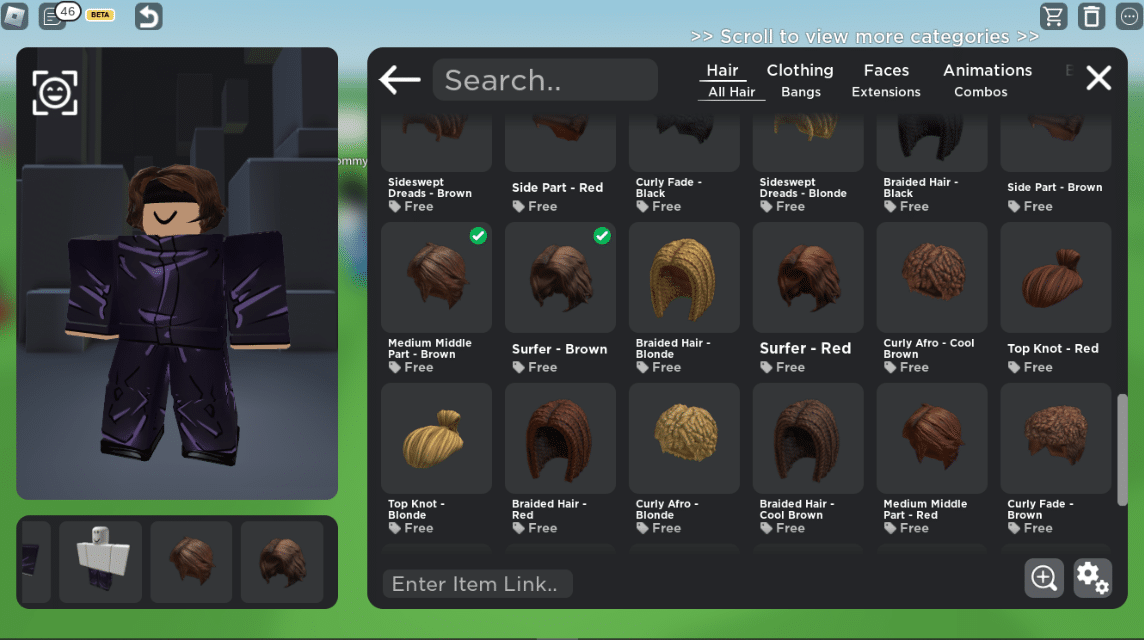
How to use hair on Roblox a bit more different than other games. In this game, you can use up to two hairs at a time.
Using two hairs at a time can create a better combination than using just one hair.
Like the picture above, you can use two hairs at a time so as to create hair with the right volume.
If you only use one hair, the avatar will look strange because the proportions of the hair and face don't really match.
How to Redeem Roblox Hair Codes
For new players, redeeming free Roblox hair codes can be a bit confusing.

In fact, the process is quite easy and can immediately add free hair to your avatar collection as long as the ID you entered is correct.
Furthermore, you can follow the free Roblox hair exchange procedure below:
- Roblox account login
- Click the character icon in the top left corner
- Then click the gear logo next to the username
- Select the Avatar menu
- Go to Clothing and scroll down until you find “Hair Accessories”
- Enter the Roblox hair code you have
- Next, open the “Head Accessories” menu then press “Apply”
- The avatar's hair will automatically change according to the ID you entered.
If your hair isn't showing up or your avatar hasn't changed, try checking your internet connection or logging in again. This way, you can make your Roblox avatar look even cooler.
How to Remove Hair from Roblox?
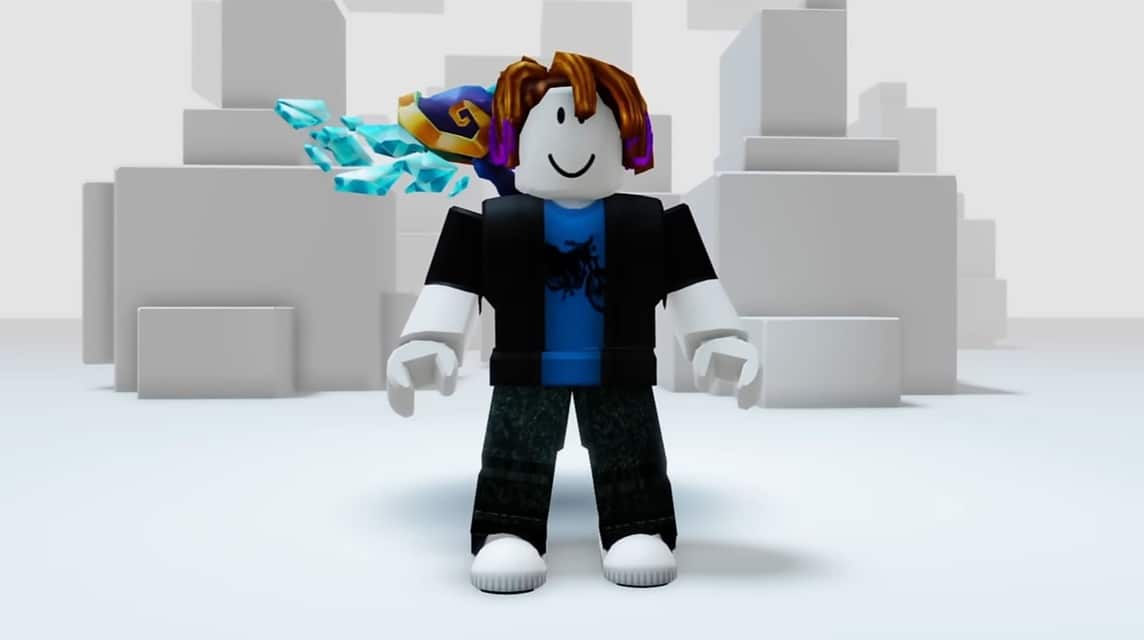
If you've successfully obtained free Roblox hair but are starting to get bored with the design and want to change it, you can follow the steps below to replace it with a new one:
- Open the Roblox game then go to your Avatar page;
- In the editor menu, select the Hair category;
- Find the hair currently in use, usually highlighted or appearing at the top of the item list;
- If it is successful, you can click on the hair item to delete it;
- Once successful, you can appear hairless or bald.
Also read:
That's how to get free hair on Roblox by using the Avatar Creator Catalog, hope this is useful!
Roblox Product Recommendations

 Hero AliveHero Alive
 Kumay10shop
 Hero AliveHero AliveHero Alive
 MONSTORE
 Hero AliveMONSTORE


 News
News




