
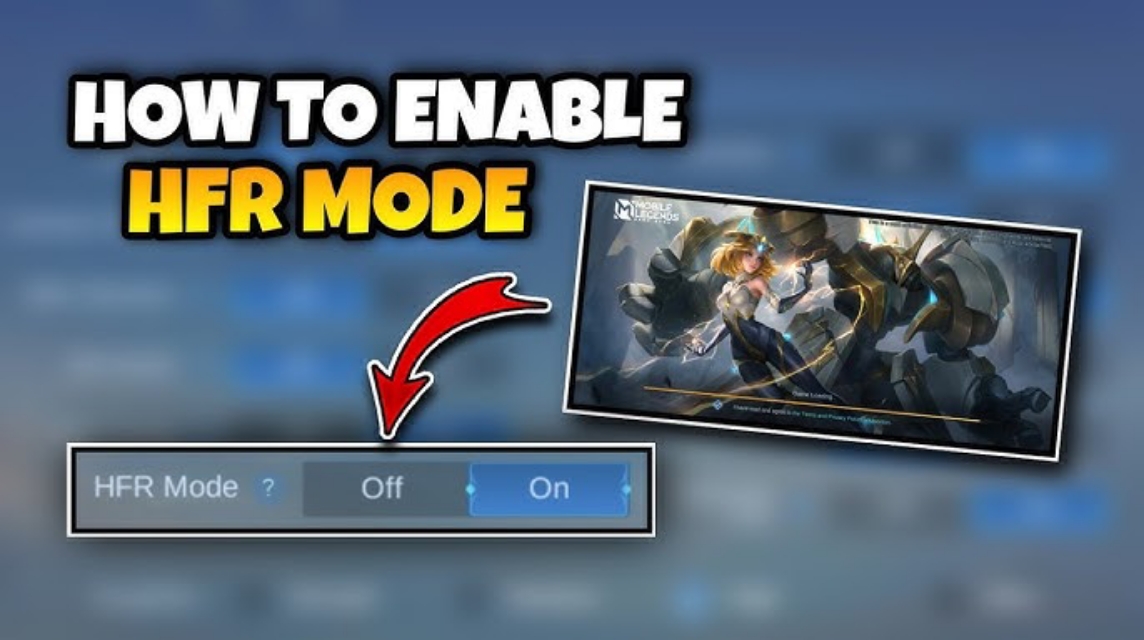
- Disable HFR: Go to Settings → Graphics → turn off HFR Mode to reduce heat, frame drops, and battery consumption.
- Save & restart (optional): Save settings, restart the game if necessary for HFR changes to take effect and gameplay to become more stable.
How to Disable HFR Mode in ML
If you are a player Mobile LegendsYou're probably already familiar with the graphics feature called HFR Mode. This feature is often used to smoother gameplay, but on some phones, it actually reduces performance or drains battery life. Therefore, many players are looking for ways to disable HFR mode in Mobile Legends (ML) to maintain game stability.
So, so you don't get confused, below is a complete explanation starting from what HFR is, how to turn it off, to how to deactivate chat on... ML if you want to focus on pushing rank.
MLBB Product Recommendations


 BV2SHOP
 BANGJEFFBV2SHOPBV2SHOP
 TopMurBV2SHOP
 RudyStorezBV2SHOPRudyStorezTopMur
Also read:
- How to Check ML Winstreak, Know Your Winning Record!
- ML Hero Order from First Release to Latest
- How to Leave ML Squad, Free from Drama
What is HFR in Mobile Legends?

HFR (High Frame Rate) is a graphics feature that allows games to run at higher frame rates, typically up to 60 FPS or higher. With HFR enabled, animations are smoother, navigation is smoother, and gameplay feels more responsive.
But unfortunately:
- Not all phones are compatible with HFR
- Can make battery sold out quickly
- Can make the cellphone hotter
- Sometimes it triggers frame drops if the chipset is not strong enough
So, if your phone starts to lag frequently, overheats quickly, or the battery drains quickly, turning off HFR could be a helpful solution.
How to Disable HFR Mode in ML

If you want to turn off HFR mode, it's really easy. Follow these steps:
Enter the Mobile Legends Game
Open the Mobile Legends app as usual. Make sure you're logged in to your account.
Go to the Settings Menu
Once in the main lobby, look for the gear icon. (⚙️) in the top right corner.
Select the “Graphics” menu
In the settings menu, you'll see many options. Select the Graphics section to adjust the game's display.
Disable HFR Mode
Look for the HFR Mode or High Frame Rate Mode option.
Usually there is an On/Off toggle.
- If active → slide to Off position
- If it is inactive → it means it is dead
Save and Restart Game (Optional)
Sometimes some phones need to restart the game so that the settings are applied perfectly, especially if there are quite a lot of graphic changes.
If you still want good but stable graphics, try setting the graphics quality to Medium. Make sure your phone doesn't overheat while playing. Close other applications to free up RAM.
By turning off HFR, gameplay is usually much more stable, battery life is better, and the phone doesn't heat up as quickly.
How to Turn Off Chat in Mobile Legends
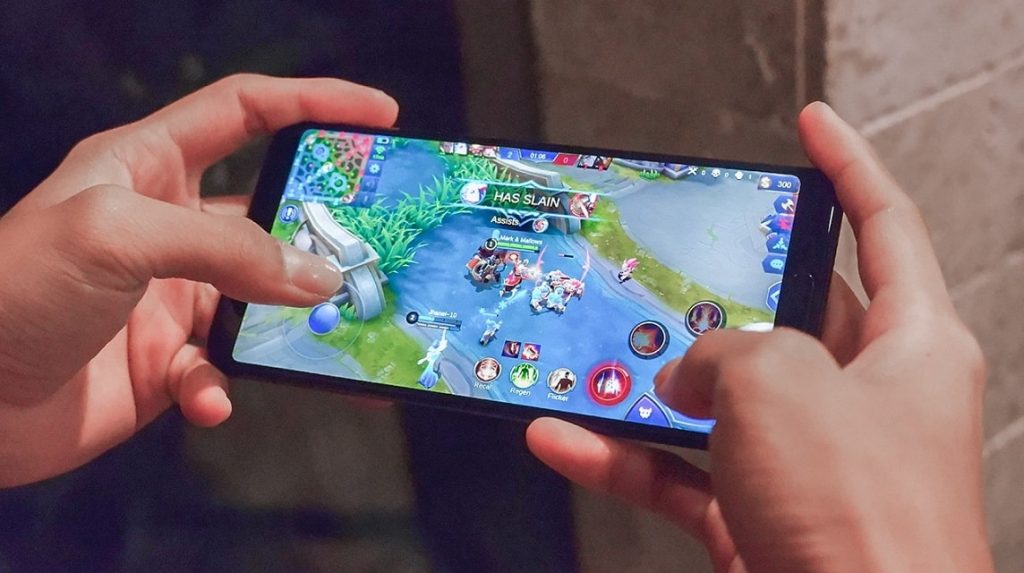
Besides graphics issues, many players are also looking for ways to disable chat in ML. Sometimes public chat can be distracting or even... toxic.
So, if you want to play more calmly, you can turn off or minimize chat in the following way:
Go to Settings
Just like the previous step, go to the settings menu on the gear icon.
Go to the “Control” or “Quick Chat” Tab
In this section you can manage in-game communication.
Disable Chat All
In some versions of Mobile Legends, global chat can be turned off by:
- Turn off the All Chat option
- Leave only team chat active
If you want to completely eliminate chat, select the option to minimize the chat display.
Disable Quick Chat
If you don't want to hear or send quick chat:

- Delete your quick chat format
- Or turn off the quick chat feature
This is really helpful if you want to play without the distraction of unnecessary information.
Mute Players While In-Game
During the match, you can also:
- Press the player avatar
- Select Mute to turn off their chat and voice.
This method is effective if there are players who are toxic or spam chat.
Disabling HFR in Mobile Legends is easy and very useful if your phone starts to overheat, your FPS drops, or your battery drains quickly. With the steps above, you can instantly disable HFR in just a matter of seconds.
Also read:
- What does Defeat ML mean and how can you avoid losing all the time?
- What is Scrim in Mobile Legends? Find Out the Answer Here
- Explanation of Chastise Pauldron, Replacement for Twilight Armor
Additionally, if you find chat distracting, you can also turn off the chat feature to focus on pushing rank without drama.




 News
News




