

- Account name is the first identity that other players see; choose the one that nice, unique, and cool.
- The guide contains 200+ name examples ready to use as inspiration according to your style and character.
- To change your username, follow the steps in Settings and pay 1,000 Robux; make sure the name is final before confirming.
200+ Good, Unique, and Cool Roblox Account Names
play Roblox It's not just about fun games and cool avatars, but also about identity. Your account name is the first thing other players see.
If you use a random name, it will seem less attractive. But if you use a name Roblox account something that is good, unique, and cool will definitely be easier to remember.
Roblox Product Recommendations

 Hero Alive
 Hero AliveHero AliveHero Alive
 Kumay10shop
 Center Cegel Seal
 MONSTOREHero AliveCenter Cegel SealHero Alive
Many players are looking for name inspiration because their old names feel ordinary, cheesy, or no longer relevant to their playing style.
Well, in this article, you'll find 200 great Roblox account names that you can use right away (as long as they aren't already taken). Plus, there's a clear and easy way to change your Roblox name.
Also read:
- Roblox Mod Menu: Functions, How to Install, and Dangers of Use
- What is a Roblox Script? How to Create One
- Recommended Free Roblox Games That You Must Play
Good Roblox Account Names

Here is a list of names that you can use as a reference:
- ShadowBlaze
- SkyVortex
- DarkNova
- PixelHunter
- StormBreaker
- FrostByte
- NeonRider
- LunarStrike
- SolarDash
- VoidWalker
- MysticFlare
- CrimsonEdge
- ThunderZ
- BlazeFury
- NightPhantom
- AlphaSpark
- CyberKnight
- Ice Reaper
- FireSpecter
- RapidFalcon
- QuantumRush
- VenomStrike
- GhostOrbit
- TurboRogue
- SilentPulse
- InfernoDash
- GalaxyFrost
- SteelPhantom
- SavageNova
- Drift King
- AstroSniper
- DarkOrbit
- ShadowCraze
- FrostNova
- LavaStorm
- HyperGlitch
- SkyPhantom
- Night Glider
- BlazeOrbit
- StormNova
- ZeroGravityX
- MysticDash
- VenomBlitz
- AlphaVortex
- FrostWing
- DarkFalcon
- PixelStorm
- ThunderDash
- Lunar Fury
- SolarVibe
- EchoBlaze
- RogueFrost
- NovaRift
- IceVortex
- PhantomRush
- AstroBlaze
- ShadowWing
- TurboFrost
- NeonShadow
- BlazeRift
- StormPulse
- DarkVelocity
- QuantumEdge
- SkyRogue
- MysticNova
- FireOrbit
- RapidNova
- VenomEdge
- FrostStrike
- GalaxyDash
- Silent Blaze
- ShadowDrift
- IcePhantom
- SolarStorm
- Night Vortex
- CrimsonNova
- ThunderWing
- Dark Glitch
- PixelNova
- Storm Rider
- BlazeStorm
- . FrostDash
- LunarKnight
- . VoidRogue
- InfernoWing
- MysticStorm
- AstroKnight
- GhostFrost
- SteelNova
- SavageEdge
- HyperBlaze
- Sky Inferno
- NeonKnight
- . Shadow Fury
- . RapidStorm
- . QuantumFrost
- . DarkPulse
- VenomNova
- SolarEdge
- IceBlitz
- AlphaStorm
- FrostRider
- BlazeKnight
- PhantomEdge
- GalaxyWing
- ShadowBlitz
- . MysticRogue
- . ThunderNova
- . SkyBlaze
- . IceOrbit
- . SolarRush
- . DarkKnightX
- . VenomRider
- QuantumNova
- NightBlaze
- AstroDash
- StormKnight
- BlazePulse
- FrostWingX
- ShadowOrbit
- NeonBlaze
- MysticFury
- . GalaxyStorm
- . RapidKnight
- . IceNovaX
- . ThunderEdge
- . DarkStormX
- . SolarKnight
- VenomBlitzX
- SkyNova
- BlazeRider
- Frost Glitch
- . ShadowNovaX
- . AstroStorm
- . Phantom Blaze
- QuantumDash
- NightNova
- . IceKnight
- . SolarBlazeX
- . DarkRift
- . VenomDash
- StormBlaze
- MysticEdge
- GalaxyKnight
- RapidBlaze
- FrostNovaX
- Shadow Knight
- NeonStorm
- ThunderBlaze
- DarkBlitz
- SolarNovaX
- VenomStorm
- AstroNovaX
- IceStormX
- Phantom Knight
- BlazeGlitch
- FrostEdge
- Shadow Rogue
- Galaxy Blitz
- NightStormX
- QuantumKnight
- SkyStorm
- Mystic Knight
- DarkNovaX
- ThunderRogue
- SolarStormX
- VenomKnight
- IceDashX
- BlazeNovaX
- FrostKnightX
- ShadowStormX
- AstroKnightX
- Galaxy NovaX
- PhantomStorm
- QuantumStormX
- DarkKnightZ
- SolarKnightX
- VenomNovaX
- IceBlazeX
- MysticNovaX
- ThunderStormX
- SkyKnightX
- RapidNovaX
- FrostRogue
- BlazeStormX
- ShadowEdgeX
- GalaxyRogue
- PhantomNovaX
- QuantumBlazeX
- DarkStormZ
- SolarEdgeX
- VenomStormX
- IceNovaZ
- MysticStormX
- ThunderKnightX
- SkyNovaX
- RapidStormX
- FrostBlazeX
- BlazeKnightX
- ShadowNovaZ
How to Change Name in Roblox
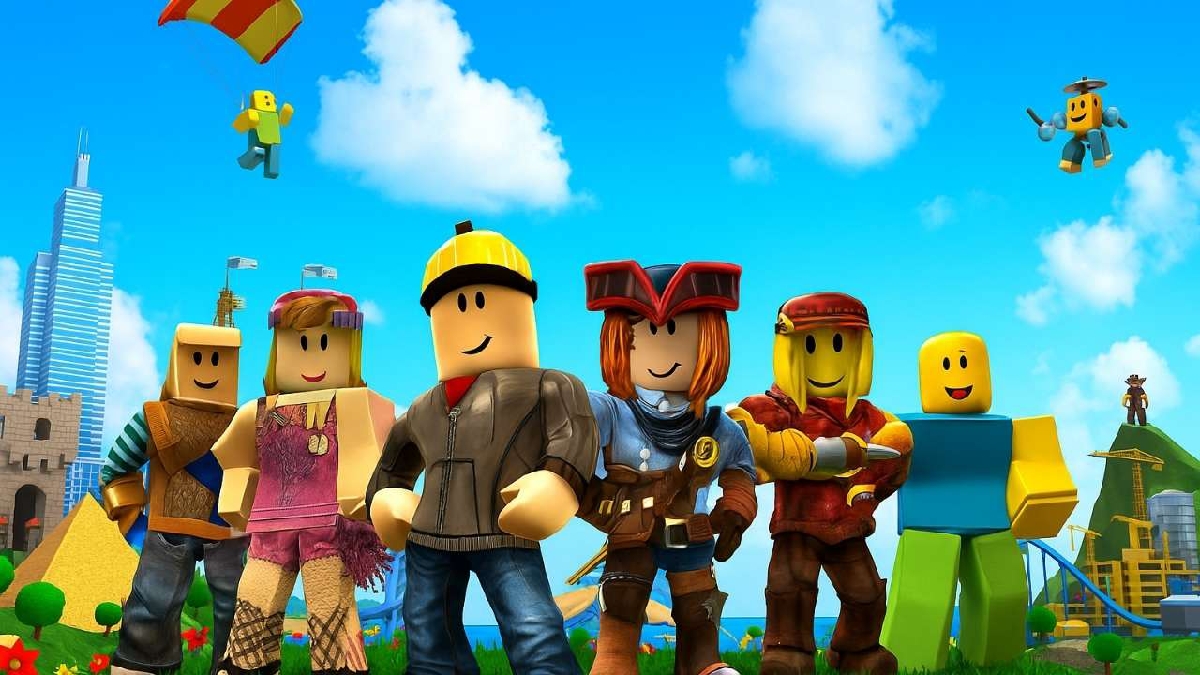
If you feel that your old name is no longer suitable, you can change your Roblox username in the following way:
- Log in to your Roblox account.
- Click the Settings icon).
- Go to the Account Info section.
- Click the edit icon next to the username.
- Enter the new name you want.
- Pay the name change fee (usually 1,000 Robux).
- Confirm changes.
Please note that Roblox does require a Robux payment to change your name. So, make sure your new name is completely fixed so you don't have to change it again.
Also read:

- Roblox Coloring Pages: Fun Activities for Kids & How to Download Them
- How to Get and Make Pal Face Roblox
- Functions and How to Get Free Skins on Roblox
By choosing a good Roblox account name, you can appear more confident and look professional in the eyes of other players.
Don't just choose anything, but adapt it to your character, playing style, or the vibe you want to convey.


 News
News




