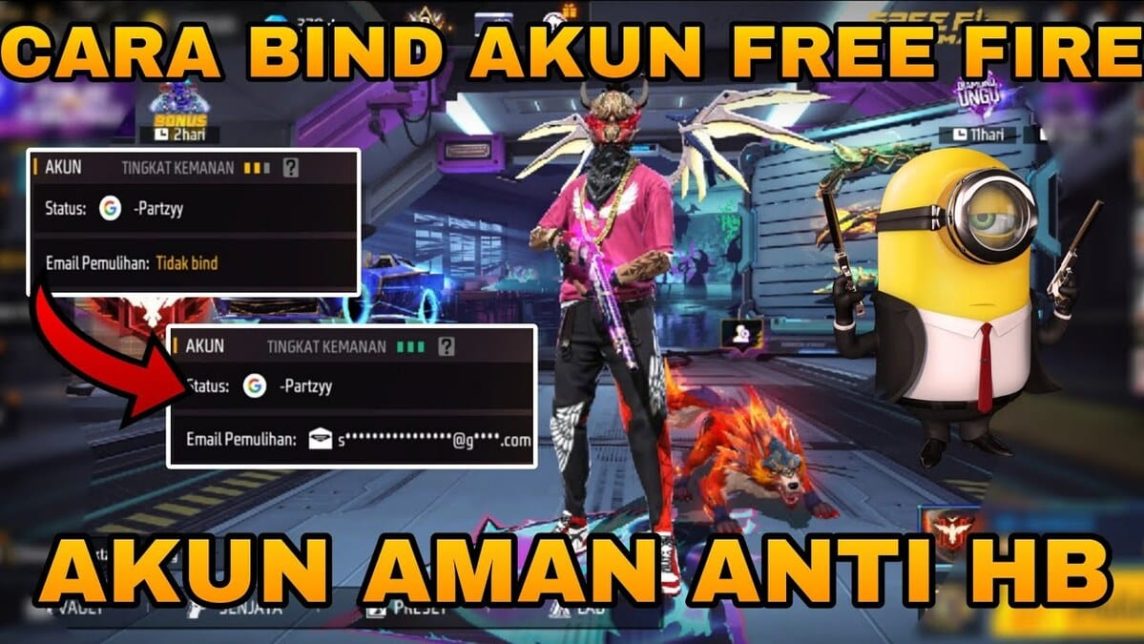
- Bind FF account connect your Free Fire account with third-party platforms, such as Facebook or Google.
- Bind helps securing data and progress, especially when changing devices or using a guest account.
- Linked accounts make it easier to log in on other devices and can support buying and selling accounts.
- To bind, open account settings, select a platform, follow the login instructions, then wait for the linking notification to complete.
Functions and How to Bind FF Accounts Easily
bind FF account is one of the important things that every player must know because its function is related to account security.
In general, binding or connecting a game account to another platform will help players reduce the risk of losing data and progress in the game.
If you're unfamiliar with this term, don't worry. We'll discuss the function of binding an FF account and how to do it in the following article.
Also read:
- Garena is making an anime, Free Fire Daybreak is currently in production!
- The Most Complete FF Color Codes, Make Your Profile Full of Color
- 6 Cool FF Characters for Push Rank
What is Bind FF Account?
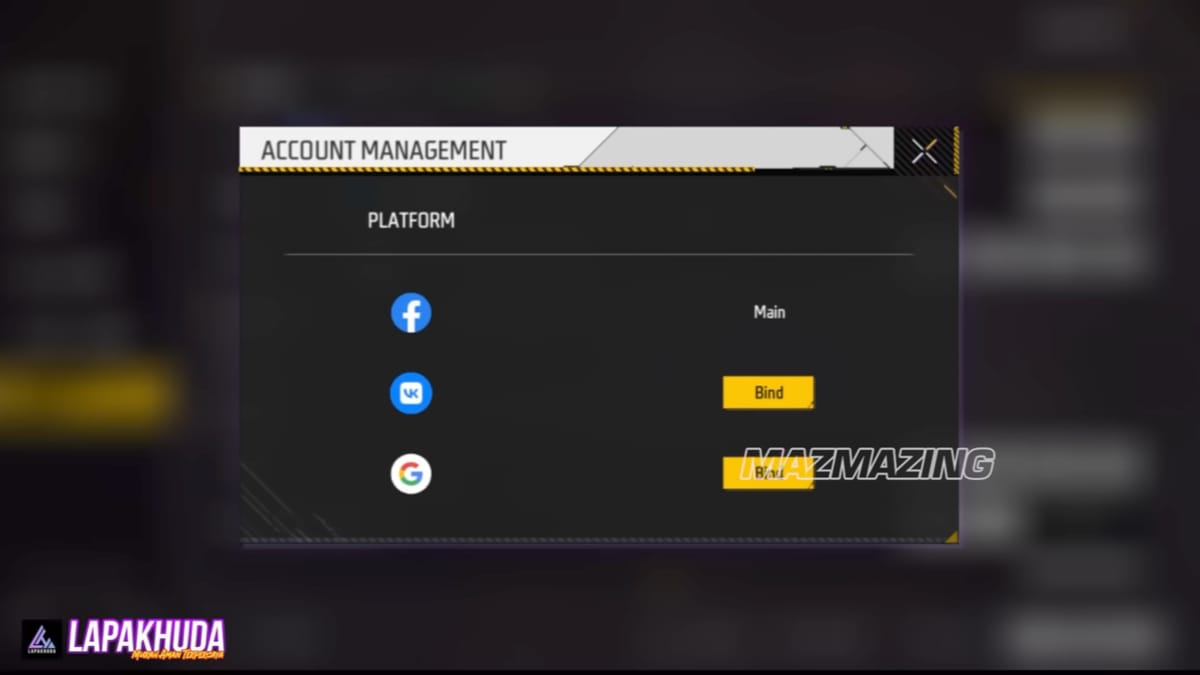
Bind account is a process to connect game accounts Free Fire with third-party platforms, usually social media like Facebook and Google.
This feature has the main function of maintaining data and progress in the game so that it will not be deleted when changing devices.
If you are still using a guest account, then this is the right time to bind your account.
Of course, you don't want all your achievements, character collections, and skins to disappear. Therefore, before any problems arise with your account, don't forget to bind it immediately.
FF Account Bind Function

There are several bind functions Free Fire account What you need to know. By understanding its use, you'll better appreciate the importance of this process. Here are its functions:
Securing Your Free Fire Account
The main function of binding an account is to help protect your Free Fire account from the risk of losing access.
If you are still playing using a guest account, the data and progress saved in the game will be vulnerable to being lost when you later change devices.
By binding your account, you can log back into your Free Fire account more easily and quickly because it only requires a short verification.
Makes it Easy to Login on Other Devices
Binding accounts also has a function to make it easier for players to switch devices smoothly and without obstacles.
If you have linked your game account to a third party, you can also log in to Free Fire with the third party account and the system will recognize you automatically.
Account Buying and Selling Requirements
Buying and selling game accounts is certainly nothing new. Many players offer their accounts on various platforms, from Facebook to the dedicated Free Fire Discord community.
Prices also vary, usually depending on the completeness of your collection of characters, skins, and items.
For example, the price of a Free Fire account that has many collaboration skins such as Naruto Shippuden and Gintama definitely has high selling value.
How to Bind FF Account
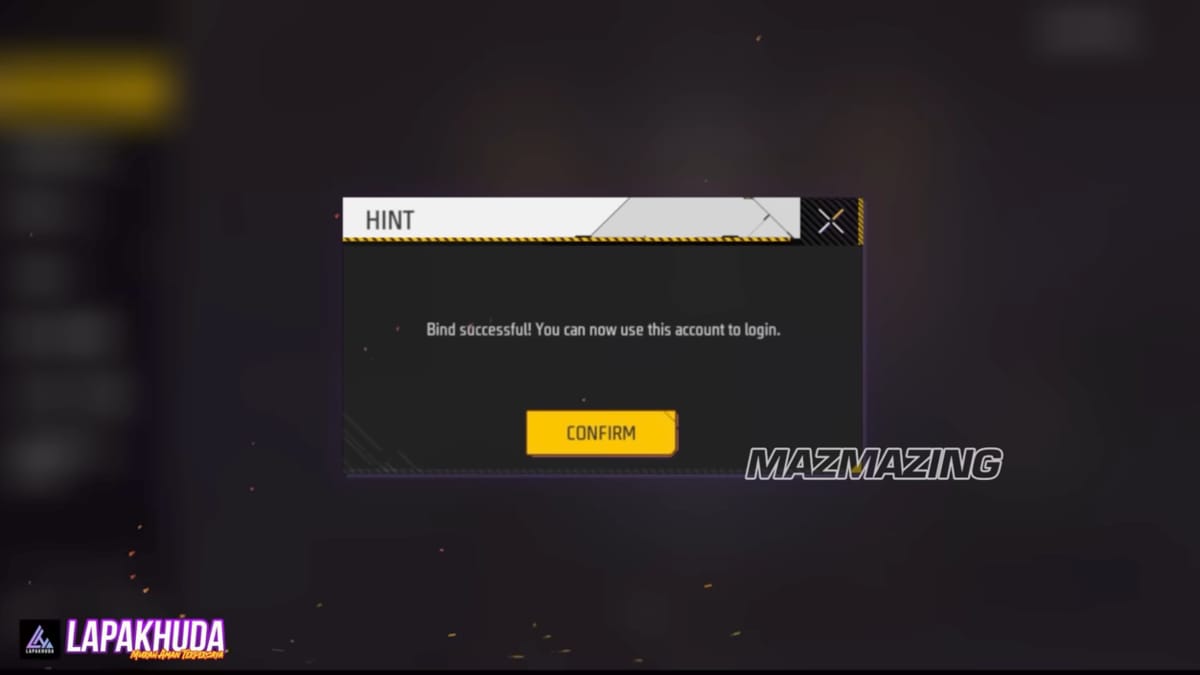
After learning about its functions, how do you bind a Free Fire account? You can follow these steps.

- Open the Free Fire game on your device
- Go to the settings menu and look for the account settings submenu.
- Select the third-party platform you want to connect your Free Fire account to.
- Follow the login instructions and grant permission for the required access.
- Wait until the account linking process is complete
Once the process is complete, you will receive a notification on your screen indicating that the account has been connected.
If your Free Fire account isn't linked, try updating the game to the latest version. Then, exit the game and try logging back in using the account you want to link.
Also read:
- How to Create a Cool Free Fire Logo and How to Change It
- The Easiest Way to Download Free Fire on a Laptop
- SG Mamba Free Fire: Advantages and How to Get It
So, that concludes our discussion of the function and guide for binding a Free Fire account. It was easy, wasn't it? We hope this was helpful!
Rekomendasi Produk Free Fire

 TopMurTopMur
 RudyStorez
 TopMurTopMur
 TopMur
 RudyStorez
 RudyStorez
 Donquixoteshop
 RudyStorez


 News