
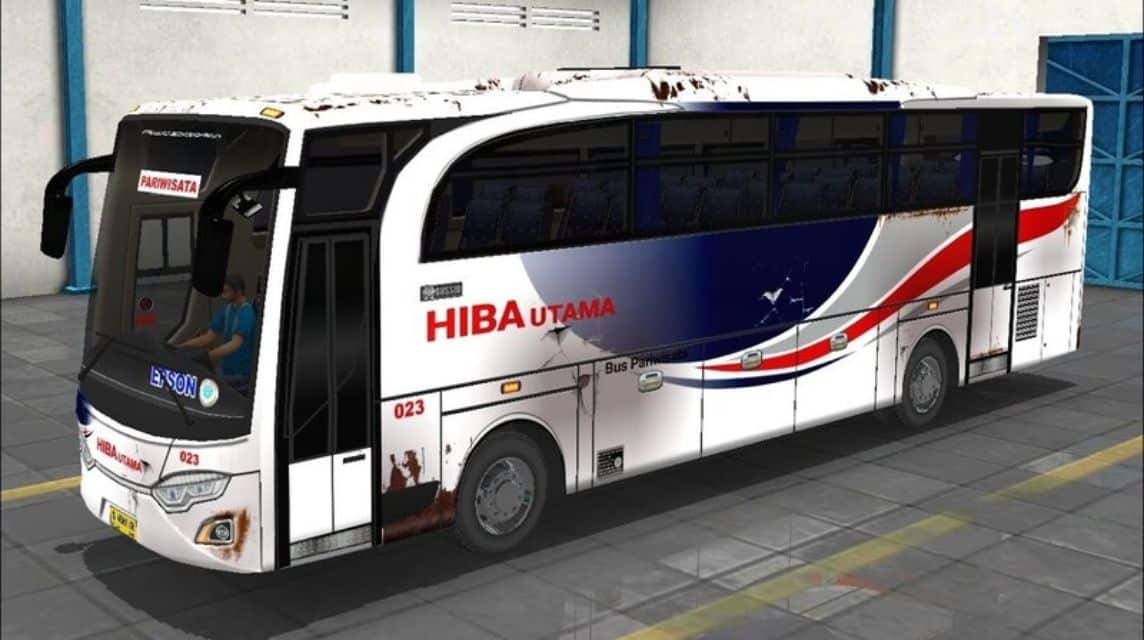
- The first bus BUSSID livery is Yudhisthira HD, available free and has blue, black, white colors.
- Livery inspired by characters puppet which symbolizes good manners and wisdom.
- Download livery in format PNGs then open Indonesian Bus Simulator to install.
- Installation is possible free (watch ads) or paid (Rp 15,000), select and confirm high resolution.
Download Livery BUSSID First Bus PNG Format
As a game player Indonesian Bus Simulator (BUSSID) surely you have wondered about the first bus livery.
It turns out that the first bus livery BUSSID was Yudhisthira HD (High Deck) which you can get for free.
This bus features a simple blue, black, and white color scheme, inspired by wayang characters who symbolize politeness and wisdom.
So, for those of you who want to reminisce or want to try because you have never used the BUSSID livery of the first bus, in this article we have provided it.
Let's see the explanation below to get the livery collection.
Also read:
- 70+ Download Links for the Latest Cool Hino Truck BUSSID Mod
- 45 Cool BUSSID Truck Fuso MOD Download Links
- 17 Latest Extreme BUSSID Mod Maps with Severely Damaged Roads
First BUSSID Livery Collection
Here is the first BUSSID livery that you can use:
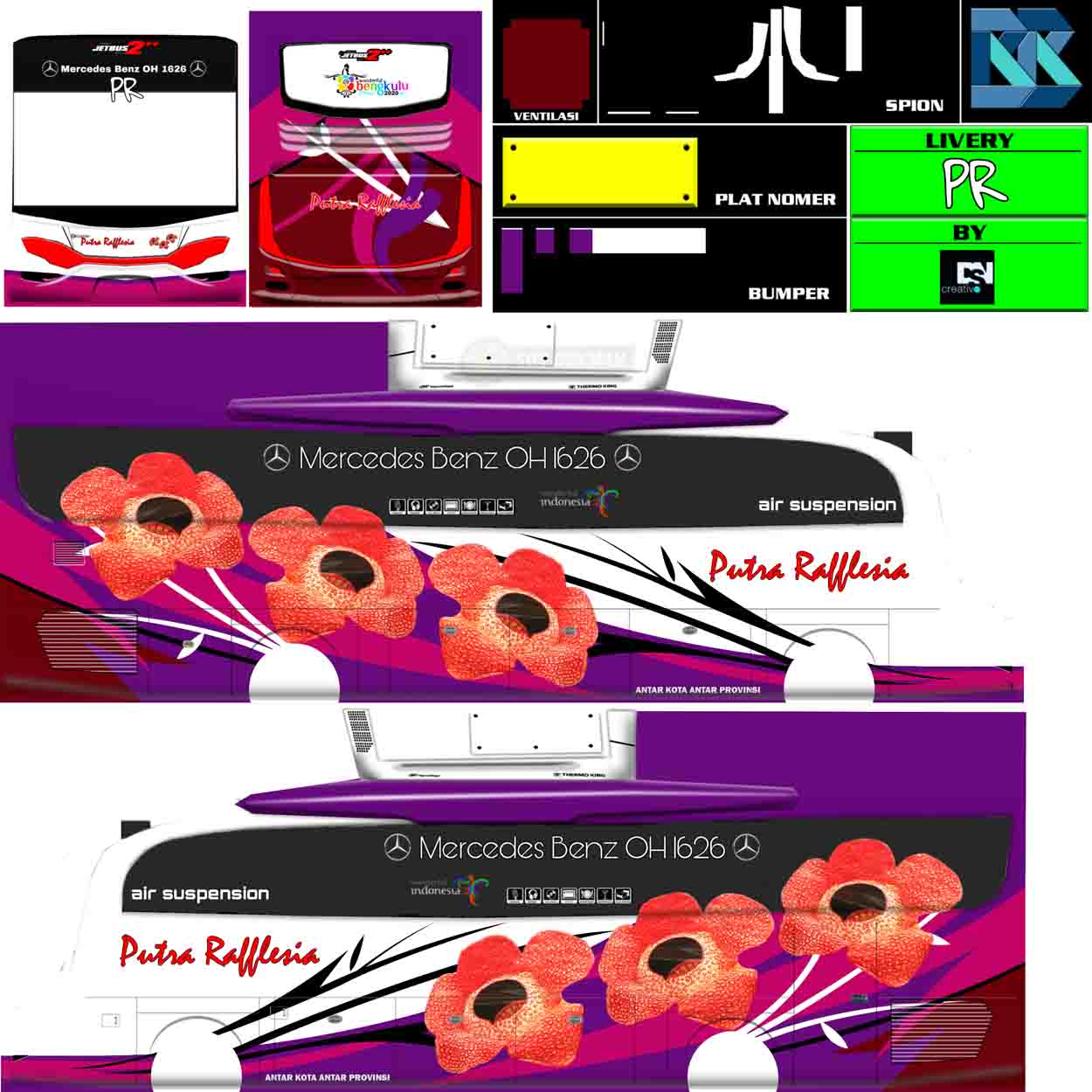


Image Link (Downloads)
How to Install the BUSSID Livery
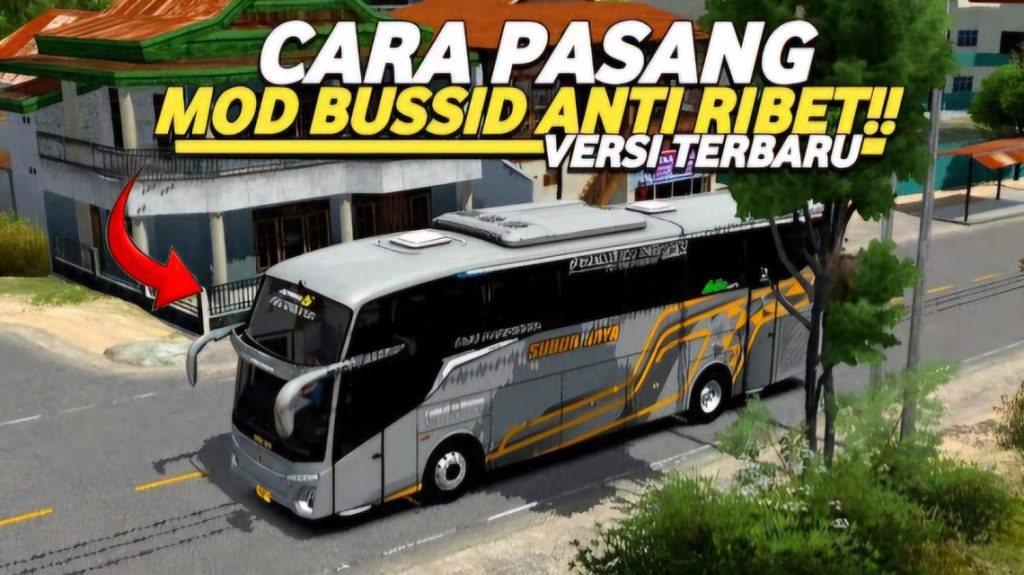
If you have finished downloading some of the Livery Bus options above, then you can install them immediately.
If you still can't install the BUSSID Livery, don't worry because we will share several ways to install the livery.
However, it's important to note that there are two options for applying the bus theme. First, you can apply it for free, but you'll have to go through an advertisement first. The paid version costs Rp 15,000.
Here are some steps to install the Bus Livery that you can follow:
- The first step is to download the BUSSID livery in png format above.
- After that, open Bus Simulator Indonesia using a stable internet connection so that the process can run smoothly without any problems.
- Login first to the BUSSID account.
- Next, please select Garage.
- Afterward, select the type of bus you want to install the livery on. Or, choose a bus type that suits the livery you downloaded earlier.
- Please select the Palette icon next to Speaker and tap “Select Livery File”.
- Select one to access files between Device Gallery or File Manager.
- Check High Resolution and click Install.
- Here please choose one, Pay or Watch Advertisement.
- And done, the Livery has been installed on the bus.
Also read
- Download BUSSID Mountain Road Map Mod, Climbing is Even More Exciting!
- 30 Download MOD BUSSID The Most Wanted Luxury Bus
- Download the Most Complete BUSSID Heavy Load Truck Mod
Well, that's our discussion this time. Good luck and hopefully it works!
FAQ About BUSSID Livery
A livery is a theme or visual texture applied to a vehicle's body, containing colors, logos, and text. In Bus Simulator Indonesia (BUSSID), this feature allows players to customize the appearance of standard buses with designs from various favorite bus companies, such as Sudiro Tungga Jaya, Haryanto, Sinar Jaya, and more.
The main cause is unadjusted in-game graphics settings. Make sure you go to the Garage menu and check the High Resolution option to ensure clear textures. Furthermore, the final quality depends heavily on the image dimensions and resolution (high-quality PNG format is recommended).
There are plenty of free download sources online, such as YouTube or the BUSSID mod provider's website. You can also download the official template and create your own design using your device's image editing app.

This usually occurs due to a file name issue or an unsupported file format. Make sure the livery file uses the . .png and the resolution isn't corrupted. If you're using the manual method via the data folder, make sure the new filename matches the game's original template.
Of course. You can create your own livery design using a photo editing app (like PicsArt or Photoshop) on your phone or PC. The game developers provide official templates that can be downloaded directly from the official Bus Simulator Indonesia website.
BUSSID Mod: Additional files to add new types or models of vehicles to the game (e.g., specific truck, private car, or bus types that are not already present by default).
BUSSID Livery: It is only a picture or visual display pattern (color, sticker, bus company logo) that is attached to an existing vehicle model.
The incompatibility occurs because you installed the wrong livery file on a specific bus type. Each bus model (such as HD, SHD, XHD, or specific types like Yudistira HD, Nakula, Sadewa, and Arjuna) has its own pattern and template Different body sizes. Make sure the livery type matches the bus model you're using.
MLBB Product Recommendations


 BV2SHOP
 DEMPET STOREBV2SHOPBV2SHOP
 RudyStorez
 TopMurBV2SHOPBV2SHOP
 AM08SHOPTopMur


 News
News




