

- Set ADS Gyroscope according to mode: 300%–350% No Scope, 200%–250% for 3x scope, adjust for recoil stability.
- Set ADS Sensitivity low for long scope: 10%–20% (8x), 18%–28% (6x) for stable aiming.
- Camera Sensitivity Calibration for comfortable rotation: TPP 120%–130%, FPP 110%–120%, 8x 30%–40%.
- Use the Gyroscope with high values for close combat: 300%–350% No Scope, lower it for large scopes.
Learn How to Easily Set PUBG Mobile Sensitivity
Control settings are one of the factors that significantly impact player performance in PUBG Mobile. Many close-quarters duels and long-range gunfights end not because of the weapon used, but because of a lack of precise aiming response. This is where players need to understand PUBG Mobile's sensitivity settings.
With the right settings, recoil control and aiming speed can be adjusted to suit your hand and the device you're using. So, how do you adjust the sensitivity settings? PUBG games the easiest mobile?
This article will discuss PUBG Mobile sensitivity settings in detail to ensure a more comfortable, stable, and effective gaming experience in various combat situations. Stay tuned for the full explanation.
Also read:
PUBG MOBILE Sensitivity Settings
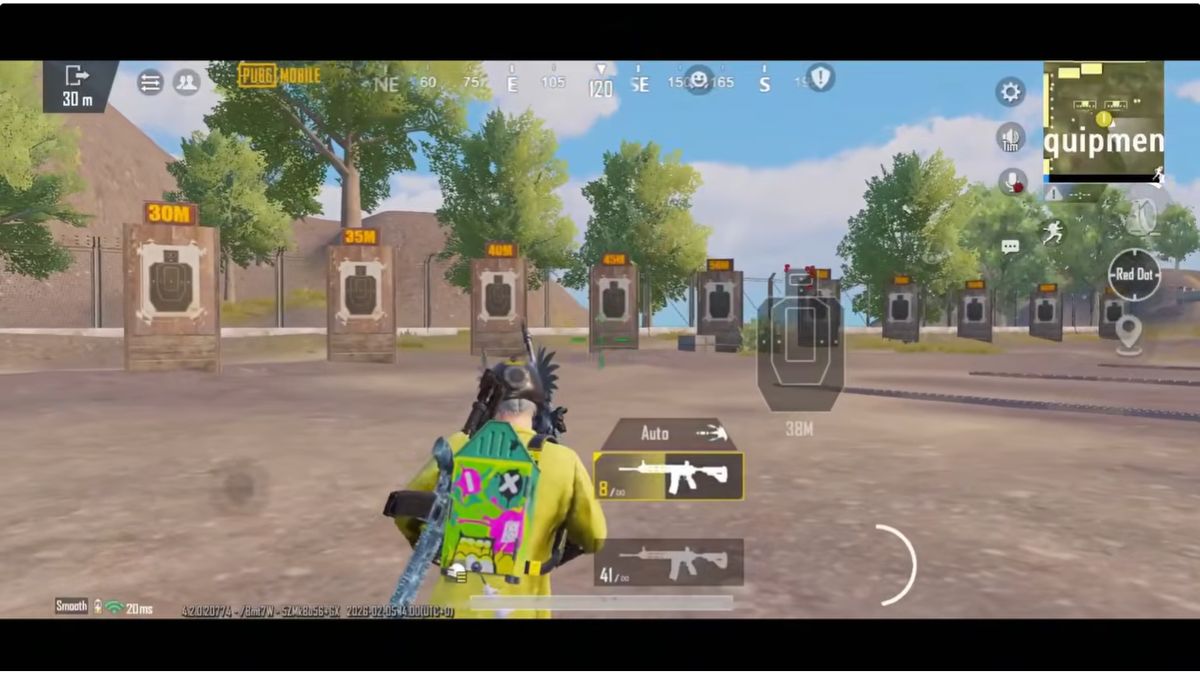
There are several things that need to be done to make the game more exciting, including:
ADS Gyroscope Sensitivity
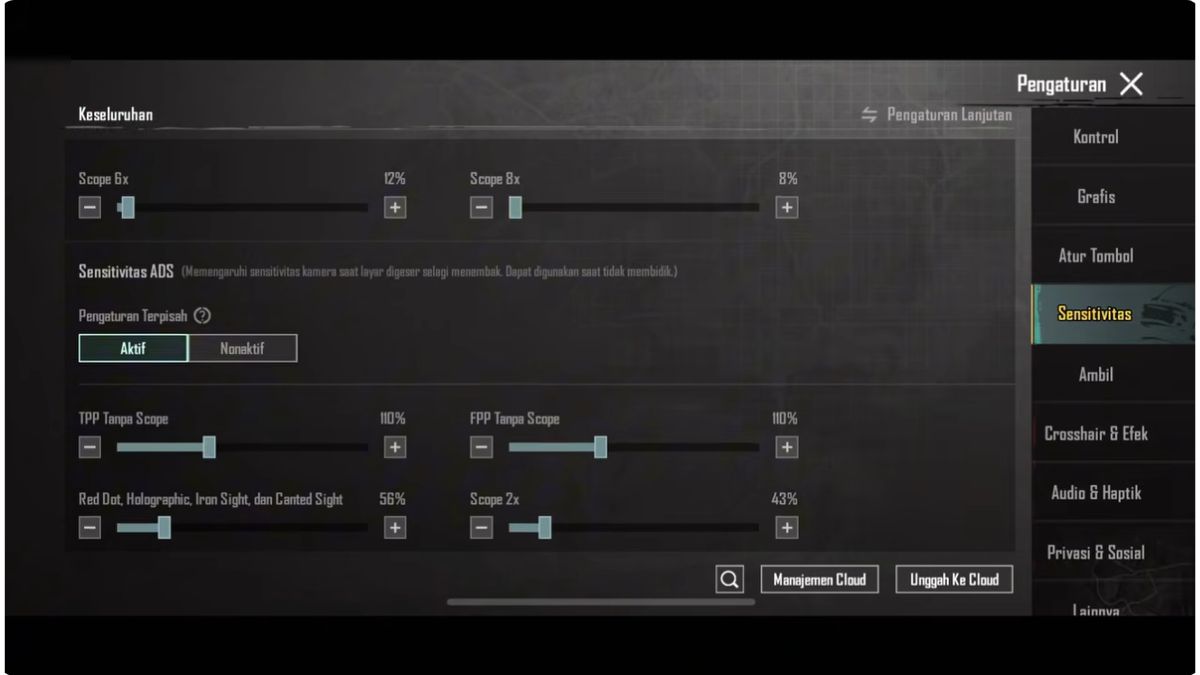
Here's how to set the ideal ADS Gyroscope and you can try it.
- TPP No Scope: It is recommended to set it at 300% – 350% to keep the gyro control responsive during close combat;
- FPP No Scope: The ideal range is 300% – 350% so that the aiming direction is more precise when in first person mode;
- Red Dot, Holographic, Iron Sight: fits in the numbers 280% – 330% to maintain recoil stability when spraying;
- 2x Scopes: It is recommended on 250% – 300% so that the gyro movement feels smooth when aiming at medium enemies;
- 3x Scope, Win94: Comfortable to use on 200% – 250% so that the screen swing is not too aggressive;
- 4x Scopes, VSS: Optimal on 180% – 230% to help consistently control vertical recoil;
- 6x Scopes: It is best to be at 100% – 150% to keep the shot stable at long distances;
- 8x Scopes: It is recommended to be at 80% – 120% to maintain sniper shooting accuracy.
ADS Sensitivity
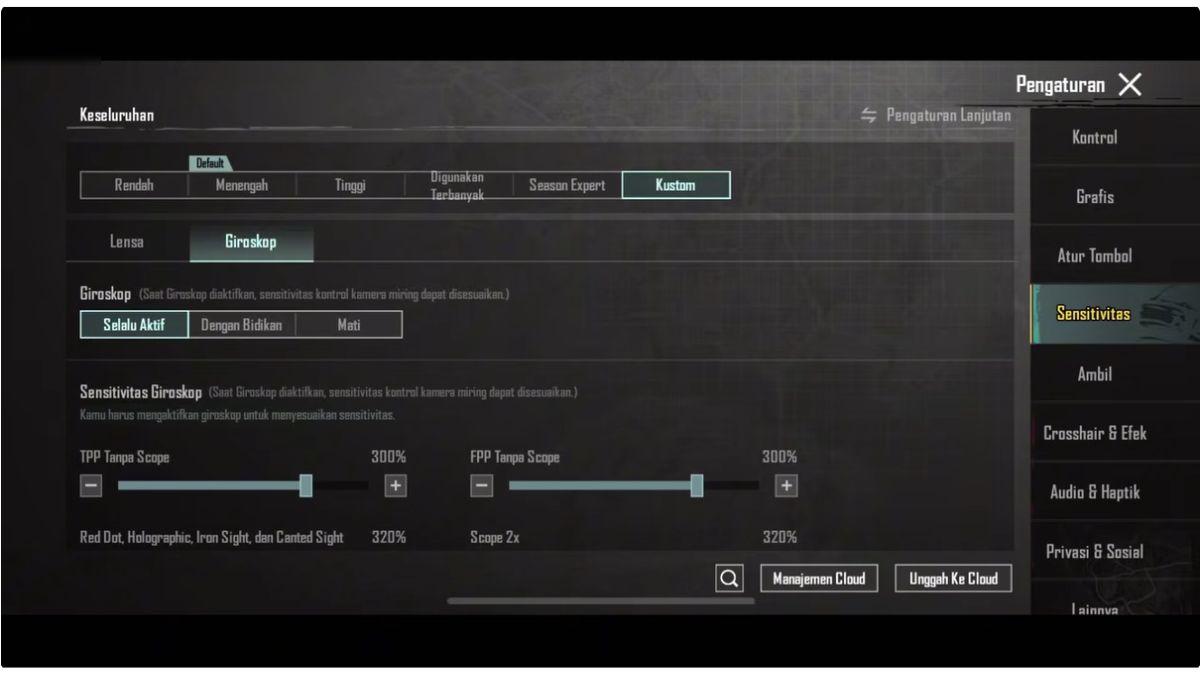
Here's how to set ADS sensitivity and make the game less boring.
- TPP No Scope: It is recommended to be at 55% – 65% so that recoil control remains stable during close range duels.
- FPP No Scope: Ideal around 47% – 57% so that the movement of the shot feels smoother;
- Red Dot, Holographic, Iron Sight: Works optimally on 27% – 37% to maintain rapid fire accuracy;
- 2x Scopes: You can set it at 30% – 40% to keep enemy tracking precise;
- 3x Scope, Win94: Convenient to use on 24% – 34% so recoil is easier to control;
- 4x Scopes, VSS: Suitable in the range of 26% – 36% to maintain spray stability;
- 6x Scopes: It is best to be at 18% – 28% so that the shot is not too sensitive;
- 8x Scopes: Recommended on 10% – 20% to keep scope movement under control.
Camera Sensitivity
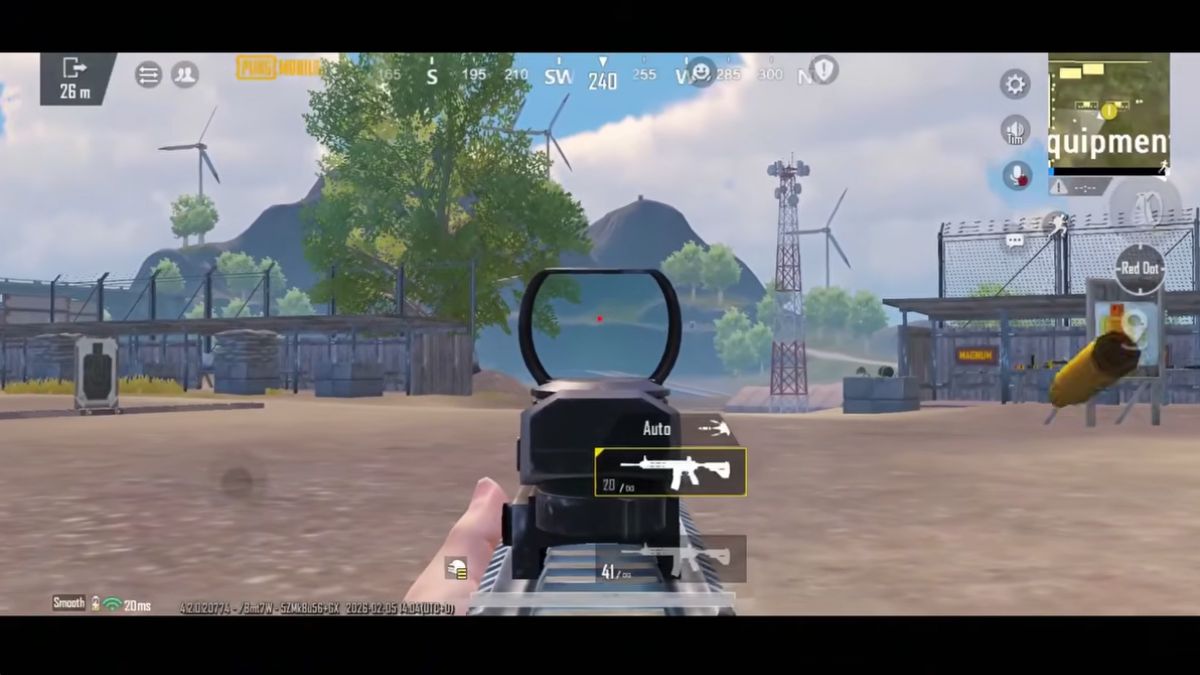
Don't forget to set up the camera in PUBG mobile, follow the steps below.
- TPP No Scope: Ideal at 120% – 130% so that camera rotation feels fast but still comfortable;
- FPP No Scope: It is best to be in the range of 110% – 120% to help with response when scanning the area;
- Red Dot, Holographic, Iron Sight: optimal at 90% – 100% so that camera movement is not excessive;
- 2x Scopes: Fits in the 80% – 90% range for easy target tracking;
- 3x Scope, Win94: The comfort of the 70% – 80% makes the shot transition feel smooth;
- 4x Scopes, VSS: It is recommended to have a number 60% – 70% for mid-range camera control;
- 6x Scopes: It is best at 40% – 50% to keep the view stable;
- 8x Scopes: Optimal on 30% – 40% to avoid excessive camera movement.
Gyroscope Sensitivity
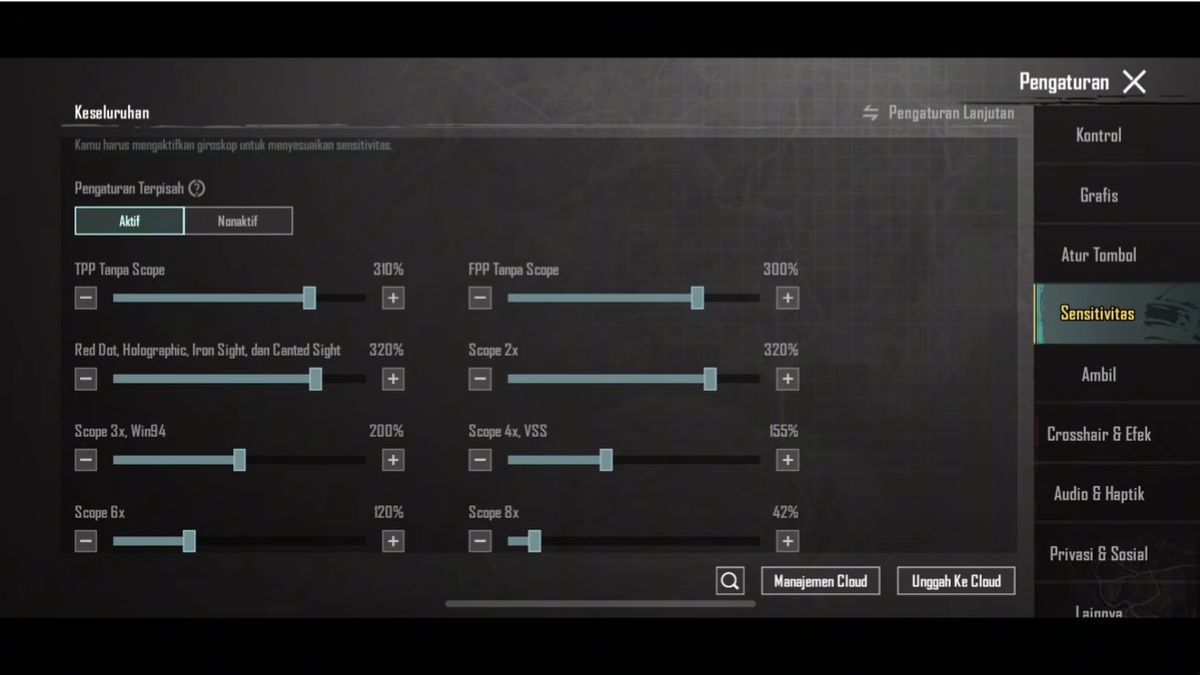
Here's how to set the Gyroscope in the game PUBG Mobile.

- TPP No Scope: It is best to be in the range of 300% – 350% so that the gyro response feels fast and accurate;
- FPP No Scope: Ideal on 300% – 350% so that the shot follows hand movements with precision;
- Red Dot, Holographic, Iron Sight: Comfortable on 280% – 330% for consistent recoil control;
- 2x Scopes: Suitable in the range of 250% – 300% for a more stable shooting direction;
- 3x Scope, Win94: Optimal on 200% – 250% to maintain shooting accuracy;
- 4x Scopes, VSS: It is better to set it to 180% – 230% so that the gyro is not too sensitive;
- 6x Scopes: It is best to be in the range of 100% – 150% so that control remains smooth;
- 8x Scopes: Ideal on 80% – 120% for stable long range sniping.
Free Look Camera
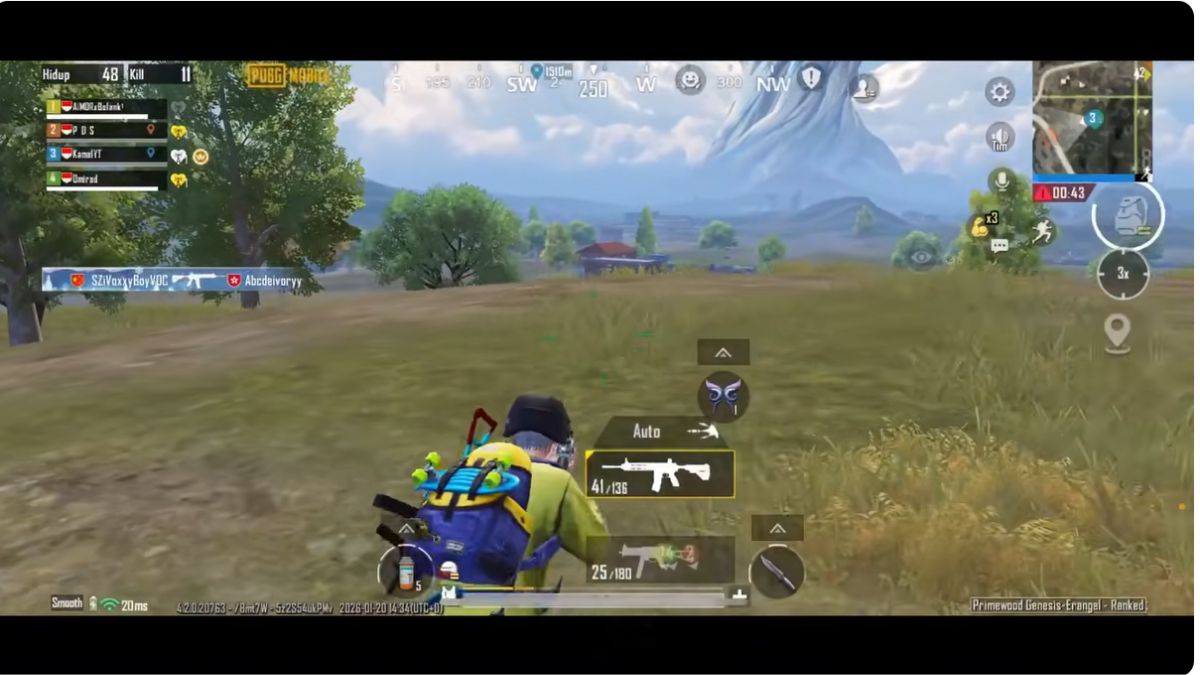
Here are the steps to set up Free Look Camera for the PUBG Mobile game.
- TPP Character: Comfort is around 120% – 130% so that the movement of the view feels free;
- FPP Character: Around 120% – 130% to facilitate observation of the surroundings;
- Camera Parachuting: Optimal at 100% – 110% so that it is easy to see when descending.
Also read:
That explains how to easily set PUBG Mobile sensitivity settings to make your gaming experience even more exciting.
PUBG Product Recommendations


 RudyStorezRudyStorez
 TopMurTopMurRudyStorezRudyStorez
 BANGJEFFRudyStorezBANGJEFFBANGJEFF



 News
News




