

- Main functions: Epson L120 Resetter return waste ink counter to 0% and remove the “Service Required” error.
- How to use it briefly: Downloads, extract, run as Administrator, select model, click Check then Initialization.
- Important warning: Resetter is not a hardware repair; clean or replace it. ink pad so that the ink doesn't overflow.
How to Reset the Epson L120 Printer
Printers Epson The L120 is known for its durability and is suitable for home and small office printing needs. However, as time goes by, one classic issue often causes panic: the printer suddenly crashes and stops printing altogether.
Usually the indicator light flashes and a “waste ink pad counter” warning appears. This is where software This is the most sought after solution.
MLBB Product Recommendations


 BANGJEFF
 BV2SHOPBV2SHOPBV2SHOP
 TopMur
 RudyStorezBV2SHOPBV2SHOPRudyStorezTopMur
Not without reason, this keyword has high search intent because many users need a quick way to get their printer back to normal without having to go to a repairman.
So, to avoid any mistakes, let's discuss everything from the resetter's function, how to use it, to the reasons why a printer needs to be reset.
Also read:
- How to print via Android and iOS cellphones to all printer models!
- Output Device: Definition, Types, and Examples
- How to Reset Epson L120 Easily
Epson L120 Resetter Function
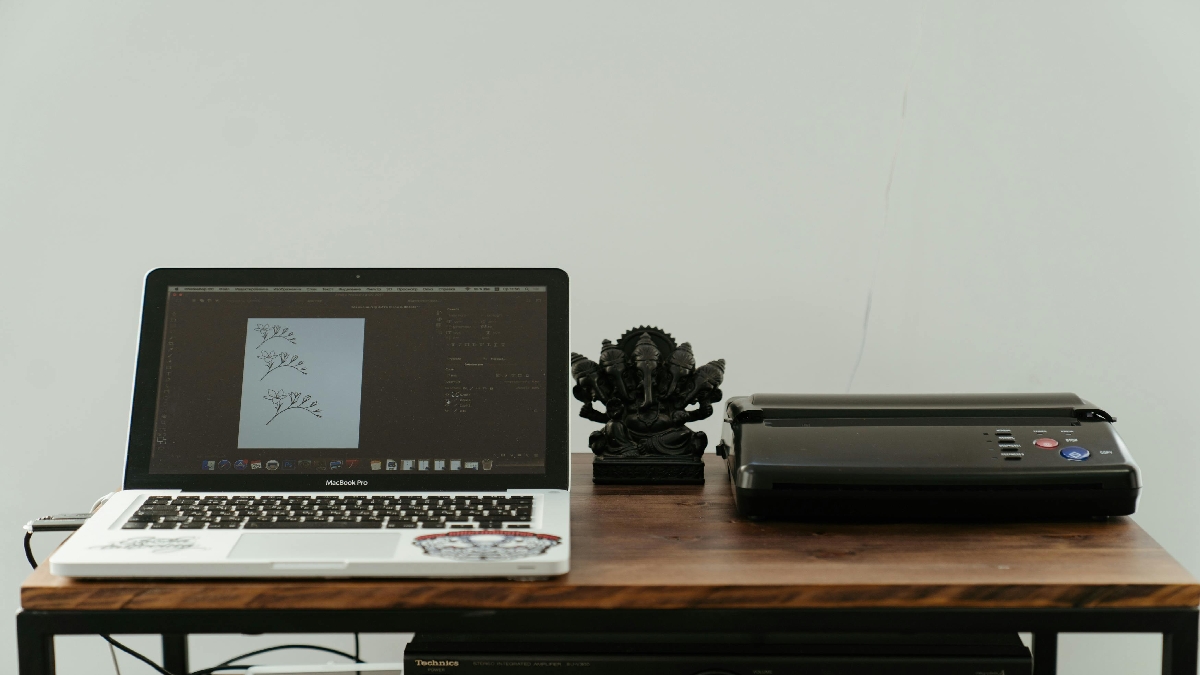
Epson L120 Resetter is a special software used to restore the printer's internal settings to normal conditions, especially in the waste ink counter section.
Technically, Epson printers have a waste ink counter system. When the printer is used for printing and head cleaning, the remaining ink is collected in a special pad (ink pad). When this counter reaches a certain limit, the printer automatically locks the system to prevent damage.
The main functions of this software include:
- Remove “Service Required” error”
- Returning the waste ink counter to 0%
- Making the printer reusable
- Saves on service costs because it can be done yourself
- Quick solution without dismantling the printer
Please note, the resetter does not repair damage. hardware, but very effective for system error problems due to usage limits.
How to Use the Epson L120 Resetter
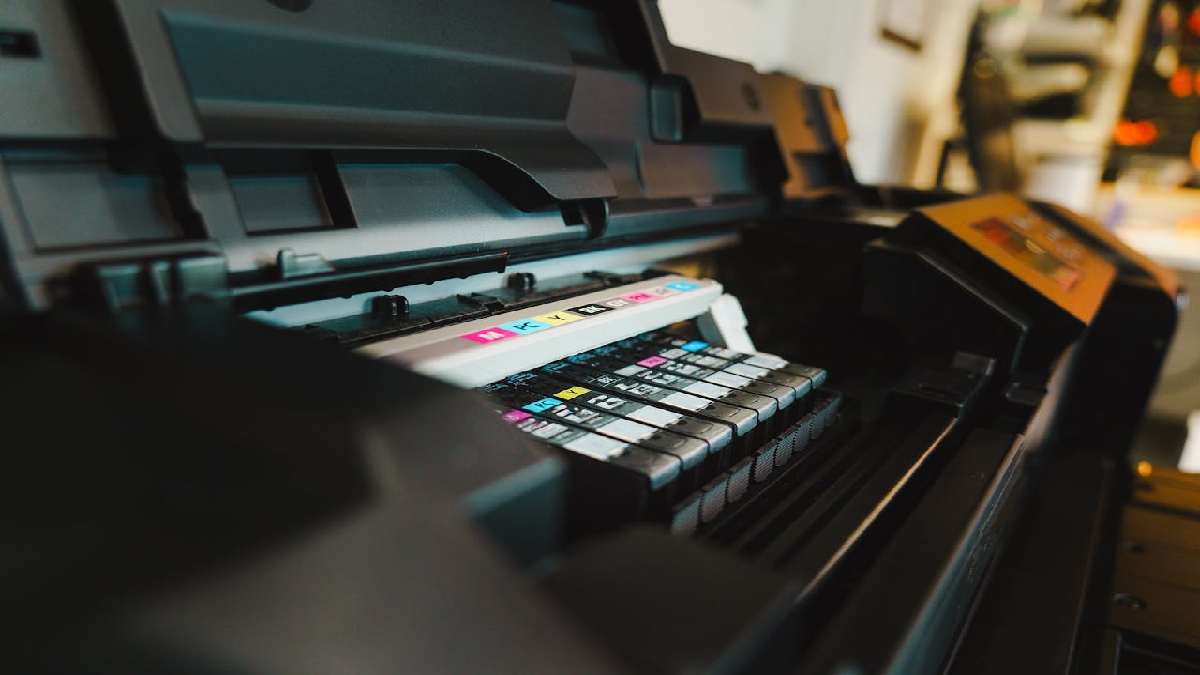
Many people hesitate to use a resetter because they're afraid it's complicated. In fact, using the Epson L120 resetter is quite easy as long as you follow the steps correctly.
Here are the general steps you can follow:
- Download Epson L120 resetter
Make sure you download the appropriate and virus-free resetter. - Extract the resetter file
Usually the file is in ZIP or RAR format. Extract it first. - Run as Administrator
Right click on the resetter file and select Run as Administrator so that the process runs smoothly. - Select the Epson L120 model
In the software, make sure the printer model selected is correct. - Click "Check" then "Initialization"“
This button is used to check and reset the waste ink counter. - Turn off the printer when prompted.
Once the process is complete, turn off the printer and then turn it back on.
If all steps are done correctly, your Epson L120 printer can be used again without errors.
Why Should the Printer Be Reset?

This question often arises, especially from users experiencing the error for the first time. The answer is simple: the printer needs to be reset because its security system is activated.
Some of the main reasons why a printer needs to be reset:
- Waste ink counter is full
- Printers are often used for large volume printing.
- Do head cleaning frequently
- The printer system locks to prevent damage.
- Printer refuses to print even though the ink tank is full
If reset is not done, printer will continue to refuse print commands. Even changing the ink or USB cable will not solve the problem.

However, it's important to remember that a resetter is a software solution. Ideally, the ink pad should also be cleaned or replaced to prevent ink from overflowing inside the printer.
The Epson L120 resetter is a practical and effective solution when the printer experiences errors due to usage limits. By understanding the resetter's function, how to use it, and why you need to reset your printer, you can resolve this issue yourself without incurring significant costs.
Also read:
- Various Types of Hardware in Computers
- Hardware is: Definition, Function and Examples
- 5 Ways to Create a Free Digital Signature
When used correctly, the resetter can significantly extend the life of your Epson L120 printer. So, you don't need to panic if your printer suddenly malfunctions and won't print.




 News
News




