- Webcam Toy is a free online photo site from Neave Interactive with over 80 effects; use via browser without installation.
- Access only through official address, allow camera if necessary, revoke the permit after completion, avoid APKs or clone sites for privacy.
What is a Webcam Toy? Learn how to use it
Before selfie filters became popular on mobile apps, many people played around with photo effects on online camera sites. One of the most memorable, to this day, is Webcam Toy with dozens of unique and entertaining effects.
This nostalgia has led many users to revisit the service, whether on their laptops or their everyday phones. New users are also intrigued because the service is free and doesn't require the installation of any additional apps.
However, because many imitations are circulating online, users need to understand how to access it correctly and stay safe. This article will cover the definition, how to use it on various devices, and tips for optimal results.
Also read:
- Recommended Smartphones with Ultrawide Cameras Under 2 Million Rupiah
- Recommended Cellphones with Cameras Similar to the iPhone
- 9 Best Gaming Webcam Recommendations! – Part 2
What is a Webcam Toy?
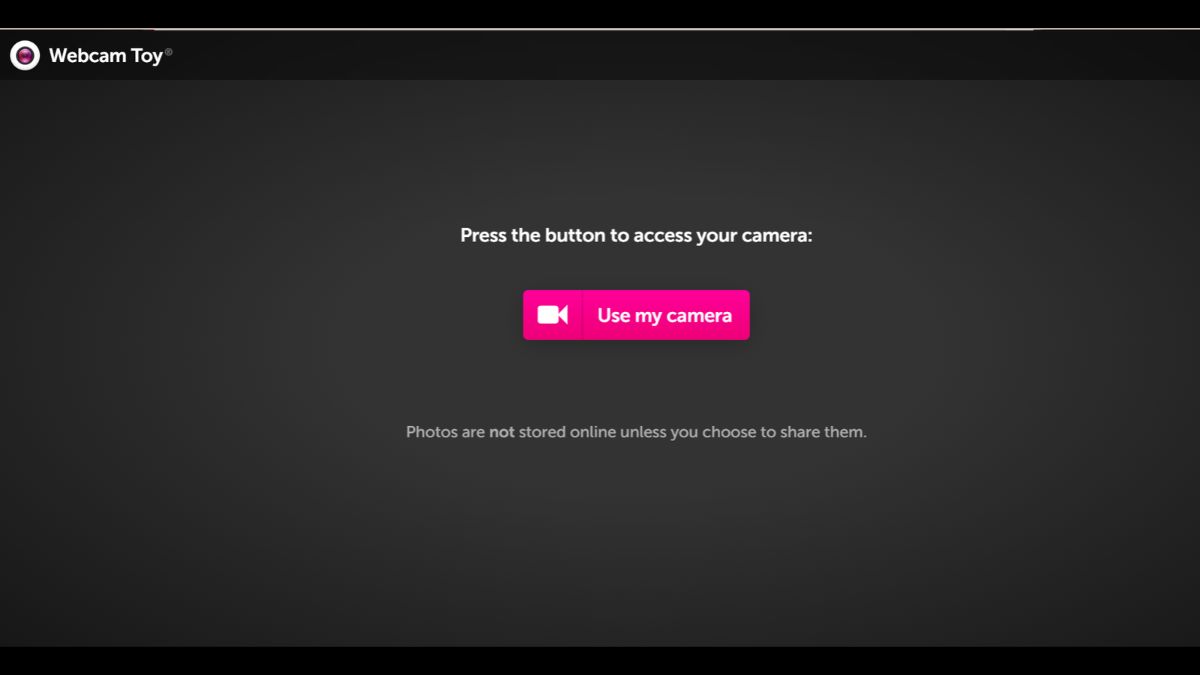
Webcam Toy is a free online photo service that utilizes the webcams on laptops and mobile phones. It offers over 80 digital effects and filters that can be used instantly.
The developer is Neave Interactive, and the site is designed to be as simple as possible for anyone to use. Users simply open the site, allow camera access, select an effect, and then take a selfie.
Results online photos It can be downloaded or shared on social media, and the service is available through a browser or Chrome extension. The app is not available on the Play Store or App Store, so accessing it through the official website is the primary option.
How to Use a Webcam Toy
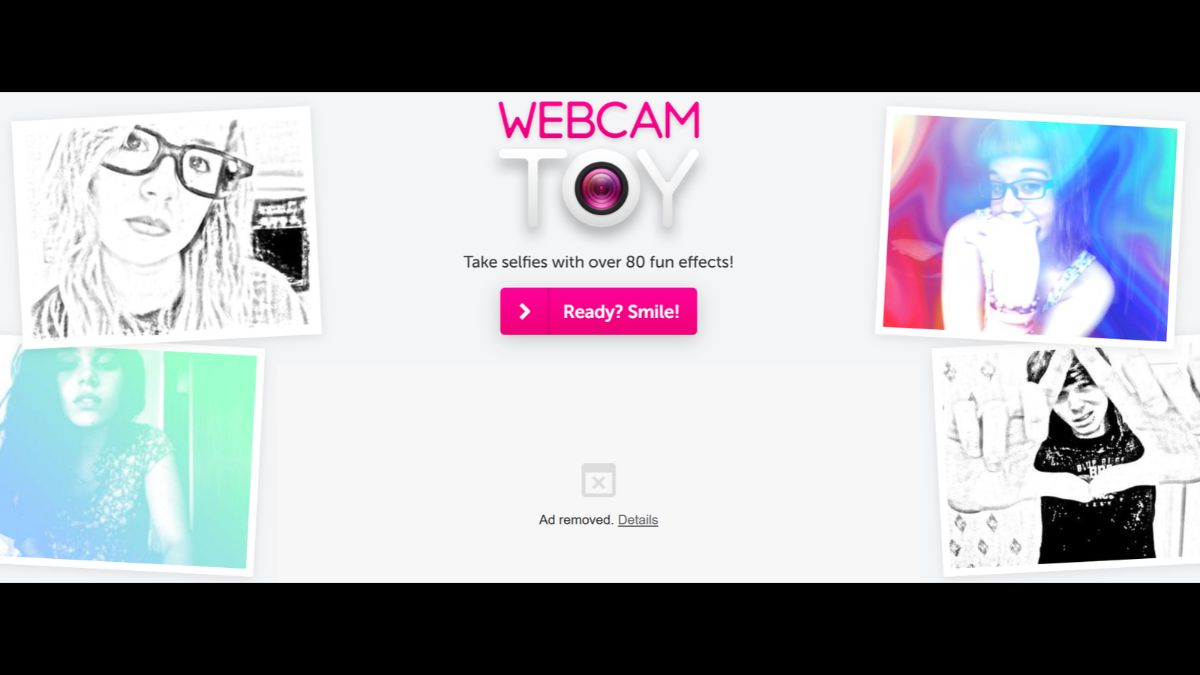
Webcam Toy can be accessed through a browser on various devices without installing an app. You can choose the method that best suits your device.
How to Use Webcam Toy on a Laptop or PC
- Open the browser on your laptop or computer, then visit the official Webcam Toy website via the correct address;
- Click the Ready Smile button on the home page, then select Allow when the browser asks for permission to use the camera;
- Once the camera is on, select the effect you want via the Normal menu or the existing effects panel;
- Set a pose, click the camera icon to take a photo, then save the result via the Save to device button.
How to Use Webcam Toy on Android Phones and iPhones
- Open the browser on your phone, type in the official address of Webcam Toy because this service is not available as an application;
- Tap Ready Smile, select Use my camera, then tap Allow to allow the phone's front camera to be used;
- Tap the plus icon to select an effect, then slide the arrows to move from one effect to another;
- Tap the camera icon to take a photo, then select Save so that the photo is saved in the download folder on your phone.
Tips for Maximizing Toy Webcam Photos
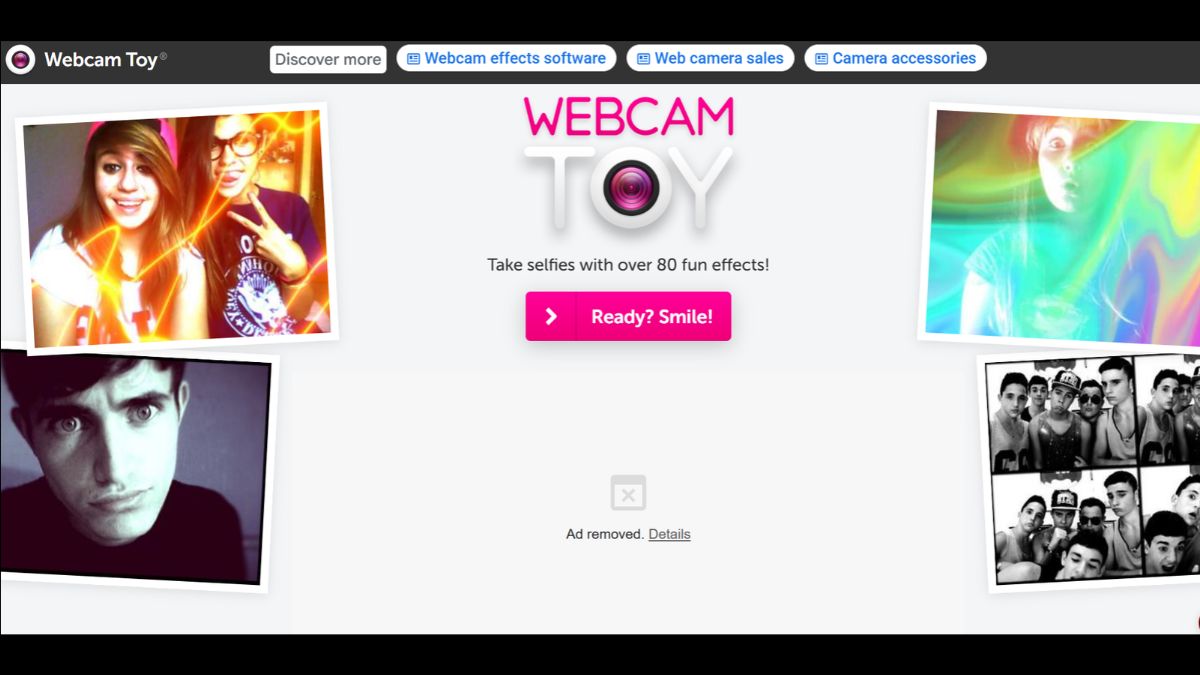
Use a room with sufficient lighting to ensure the face is clearly visible and the effects work more smoothly. Avoid overly busy backgrounds, as they can make the photo look cluttered and distracting.
Position the camera parallel to your face and ensure a stable internet connection to ensure the effect displays smoothly. Keep in mind that on mobile phones, the app only uses the front camera, so photos from the back cannot be taken.
Security Matters to Note
Access Webcam Toy only through official addresses, as many fake sites disguise themselves with similar appearances. Only grant camera permission to trusted sites, and revoke it when no longer needed.

Avoid downloading APK files from unknown sources, as they may contain malicious software for your phone. Also, consider privacy before sharing photos on social media, especially if they involve other people.
Also read:
- 9 Cheap Cellphones with Good Cameras Starting from 2 Million Suitable for Photography
- How to Record Screen on Laptop
- Features and How to Use Pixect Camera
That concludes our discussion of the Webcam Toy website, from its definition to tips for getting great photos. Now that you know this, are you interested in using the online photo app?
Rekomendasi Produk MLBB


 BV2SHOP
 DEMPET STOREBV2SHOPBV2SHOP
 AM08SHOP
 RudyStorez
 BANGJEFF
 TopMurBV2SHOPAM08SHOP




 News