
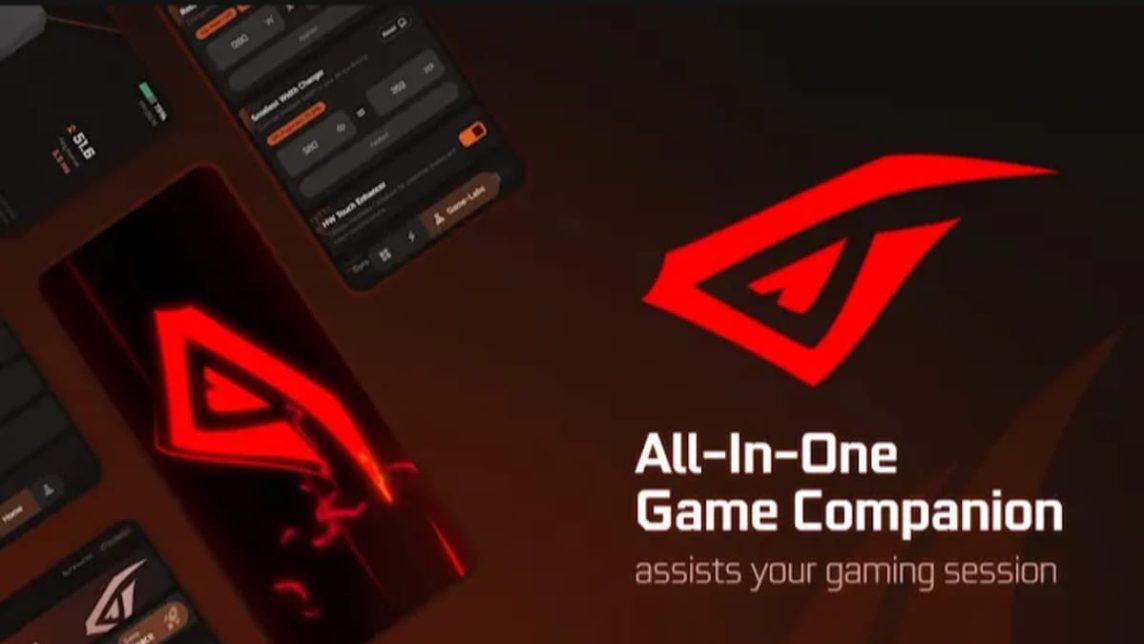
- Red Corner is an application Game Space which brings all games together and offers optimization features for a more practical gaming experience.
- Displays real-time performance indicators such as CPUs, GPUs, RAM, FPS, battery, temperature, plus control panel for Don't disturb and ping optimization.
- Free apps on Playstore with subscription options Premium For ad-free and additional features, check prices in the app.
Get to Know Red Corner Game Space, a Gaming Support Application
Game space is a term used to refer to software on smartphones that functions to support playing games.
Some brands smartphones Some already have built-in game space, so users don't need to download additional apps to enhance their gaming experience.
For those who don't have it yet, you can download Red Corner, one of the game space applications with many features available on Playstore.
Before downloading, let's take a look at a brief discussion about the Red Corner application and its features in the following article!
Also read:
- 12 Official Money Making Applications and Games from the Government
- How to Download Snack Videos Without Watermarks Without Additional Applications"”
- 10 Best Free Laptop Video Editing Apps for Beginners
What is Red Corner Game Space?
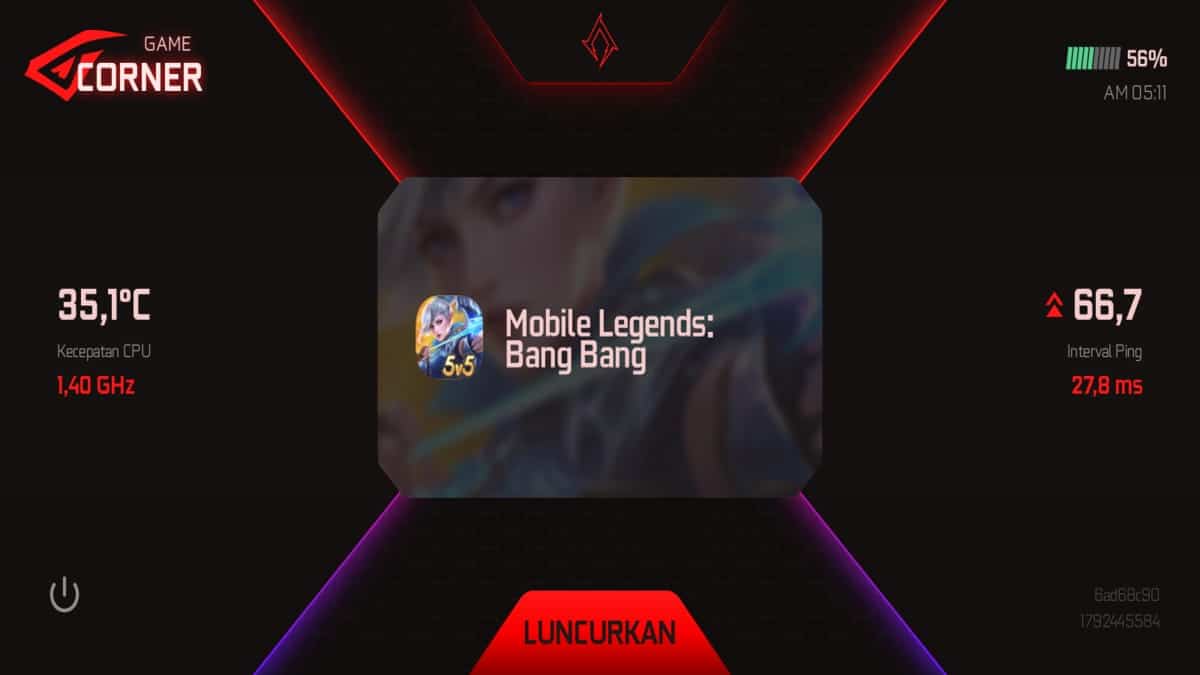
Red Corner is an application that provides various features to support its users' gaming experience.
This application allows you to access and run all the games on your smartphone in one place.
So, you can save time because you don't have to bother looking for the game by scrolling through the application menu.
Red Corner doesn't just function as a "library" that holds all your games in one place. This application also offers many features that can improve your gaming experience.
Features in Red Corner
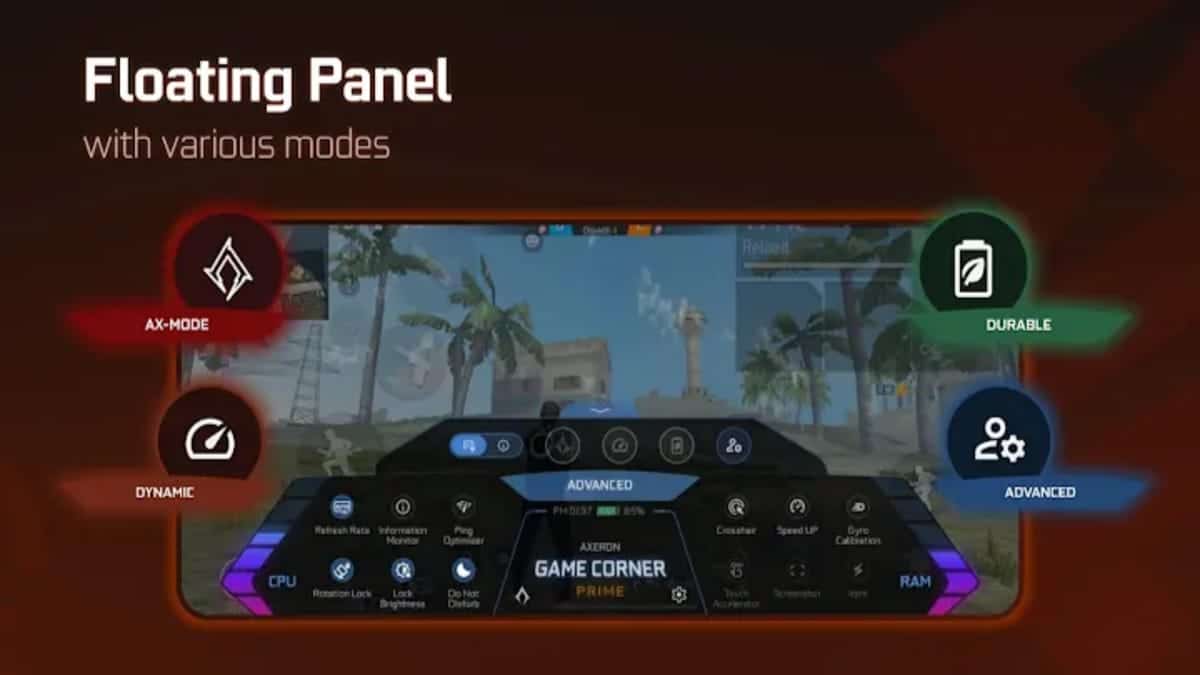
What features does Red Corner offer? This app can help you check your device's performance when running games.
You can activate the session monitor feature through the Game-Labs menu and choose which indicators you want to display while playing. There are seven indicators to choose from:
- CPUs
- GPUs
- RAM
- Remaining battery
- Temperature
- FPS
- Time
If enabled, information about these indicators will be displayed at the bottom of the screen according to the options you select.
In addition, you can also monitor several additional indicators in the Profile menu which shows real-time monitoring of usage. RAM, device storage, CPU speed, and network ping.
This menu will also show information about the smartphone type, including the Android version installed on the device.
Several users have reported experiencing a Loosening feature in the settings. This feature is believed to optimize device performance while gaming. However, it's best to check the app directly to ensure its availability.
Additionally, you can access various other features while gaming through a single panel, from optimizing ping and activating Do Not Disturb mode to adjusting screen brightness.
Is Red Corner Free?
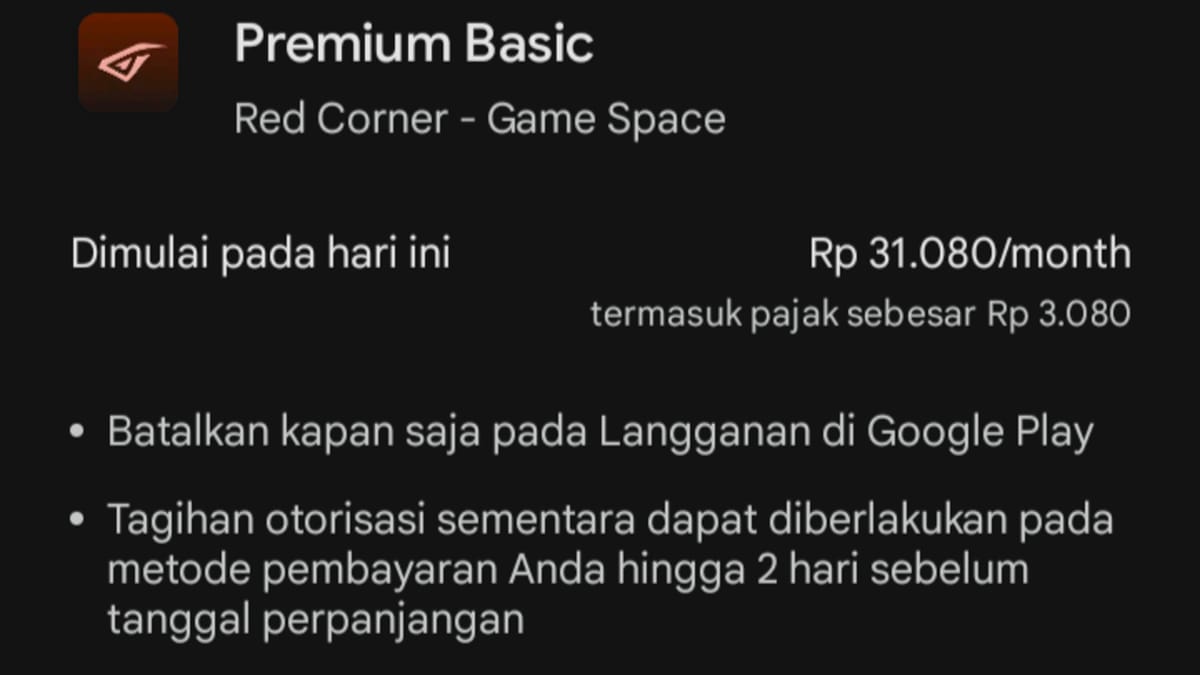
This question might come to your mind after reading the features that Red Corner offers for gamers.
Is Red Corner free? The good news is, you can download it for free on the Play Store for Android.
However, for those of you who want to experience more complete access, this application also provides a paid premium account feature.
You can access the application without ads, get unlimited energy to run game space, and several other additional configuration features.
For users who want to enjoy ad-free features or gain additional access, there's a Premium subscription option. The latest pricing and benefits can be found directly within the app, as prices are subject to change.
How Important is the Game Space App for Playing Games?
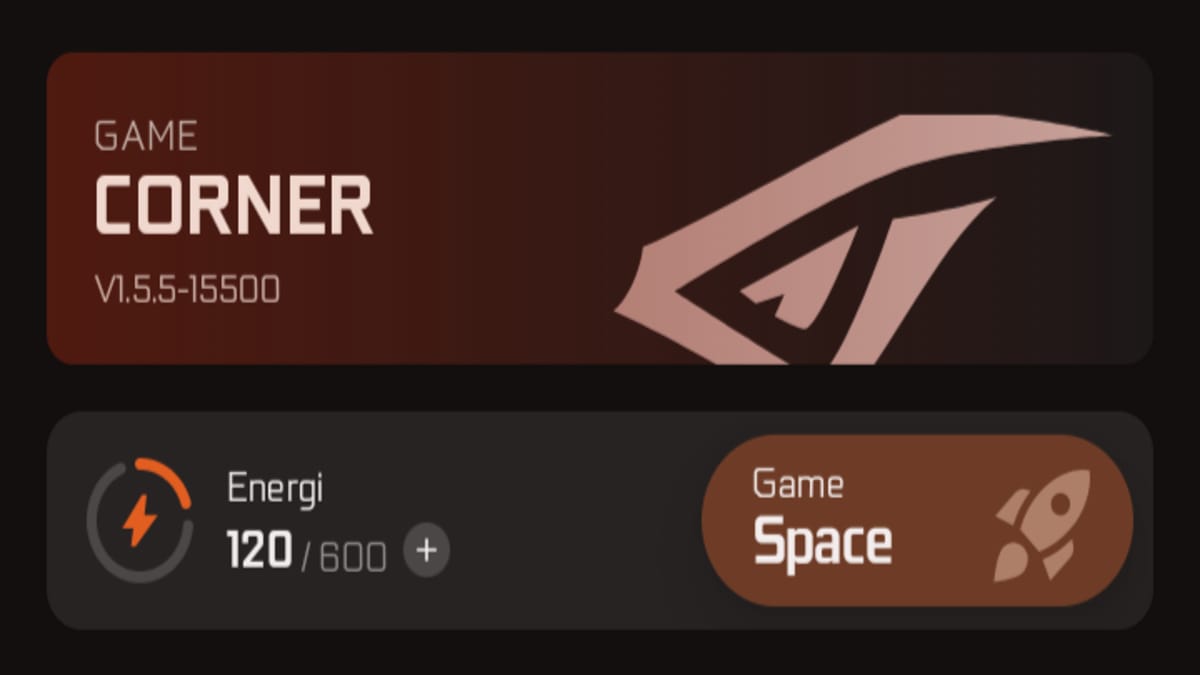
Is the Game Space app a must-have? The answer depends on the potential user's needs.

If you are a gamer who has a lot of games on your smartphone and wants to get a more optimal gaming experience, Game Space can be a very helpful application.
With various features that users can access in one panel without having to leave the game, this application makes the gaming experience more practical and less disruptive.
You also don't need to worry about being disturbed by notifications from other applications that usually appear while playing.
Red Corner has a special setting that allows you to minimize notification interruptions while playing. However, be sure to enable it directly from the in-app control panel for this feature to work.
Also read:
- Recommendations for the Best Game Booster Apps Besides Game Turbo
- What is the Game Guardian App? Here's the Explanation!
- How to Make Money from Facebook Gaming
So, that's a brief review of Red Corner Game Space, an application that provides a variety of quite complete game support features.
MLBB Product Recommendations


 BV2SHOP
 DEMPET STOREBV2SHOPBV2SHOP
 TopMur
 RudyStorezBV2SHOPBV2SHOPTopMur
 AM08SHOP


 News
News




